How Often Should a Security System Be Replaced
Hey there! Let's chat about your home security system. It’s one of those things we often set up and then just… forget about.
But just like your car or your phone, security systems have a lifespan and can become outdated. So, the big question is: how often should you be thinking about a replacement?
Honestly, there's no single, simple answer. It’s not like a lightbulb that burns out at a predictable time. Instead, it’s a mix of factors that all play a role.
We're talking about the technology itself, how well you've been taking care of it, and even what’s new and better out there.
Quick Answer
You should consider replacing your security system when components fail, technology becomes outdated, or manufacturer support ends. For wireless systems, this might be every 5-10 years, while wired systems can last 10-15 years. Regular maintenance can extend lifespan.
Why Your Security System Isn't Forever
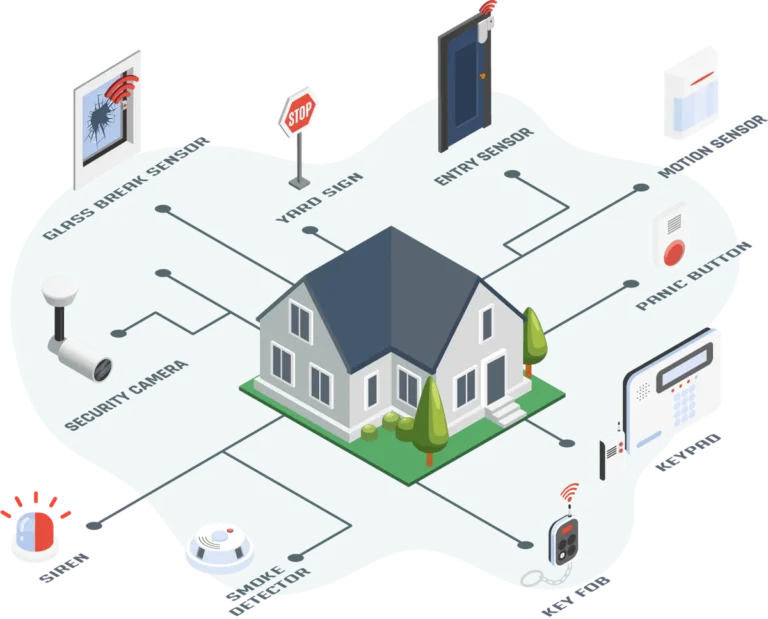
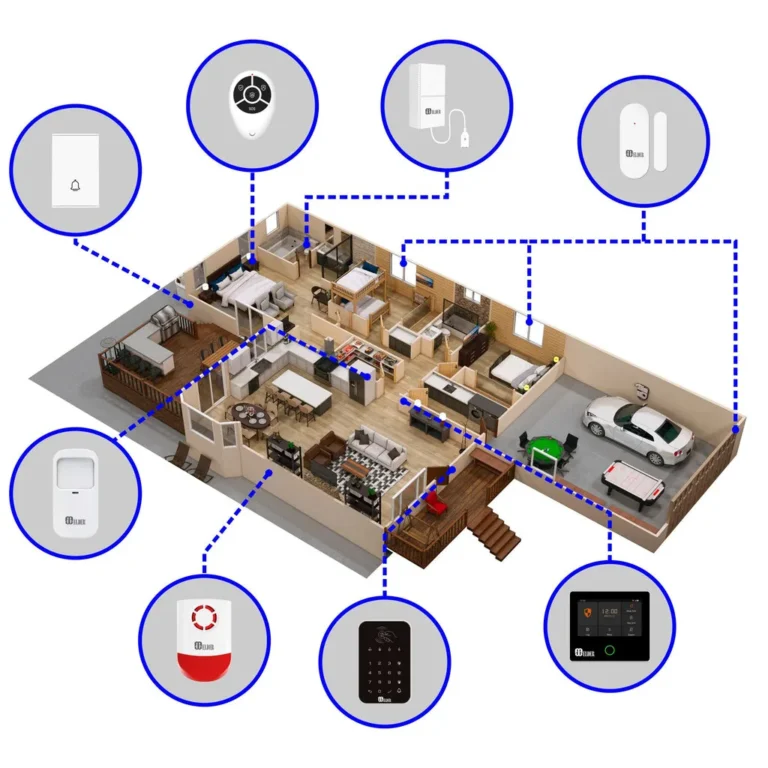
Think of it like this: a security system is made up of a few key parts. You've got your main control panel, your sensors (for doors, windows, motion), and maybe cameras. Each of these can age differently and have different reasons for needing an upgrade or replacement.
Here's a quick rundown of what we’re looking at:
- Technology Evolution: Security tech moves fast. What was cutting-edge five or ten years ago might not offer the same level of protection or convenience today. Think about features like smart home integration, better video quality, or more advanced detection methods.
- Component Lifespan: Even with good care, physical components wear out. Batteries die, circuit boards can fail, and lenses on cameras can degrade.
- Manufacturer Support: Companies eventually stop making parts or providing software updates for older systems. This is a big one because unsupported systems can become vulnerable.
- Your Needs: Maybe your lifestyle has changed. You've expanded your home, you travel more, or you’ve got new concerns. Your old system might just not cut it anymore.
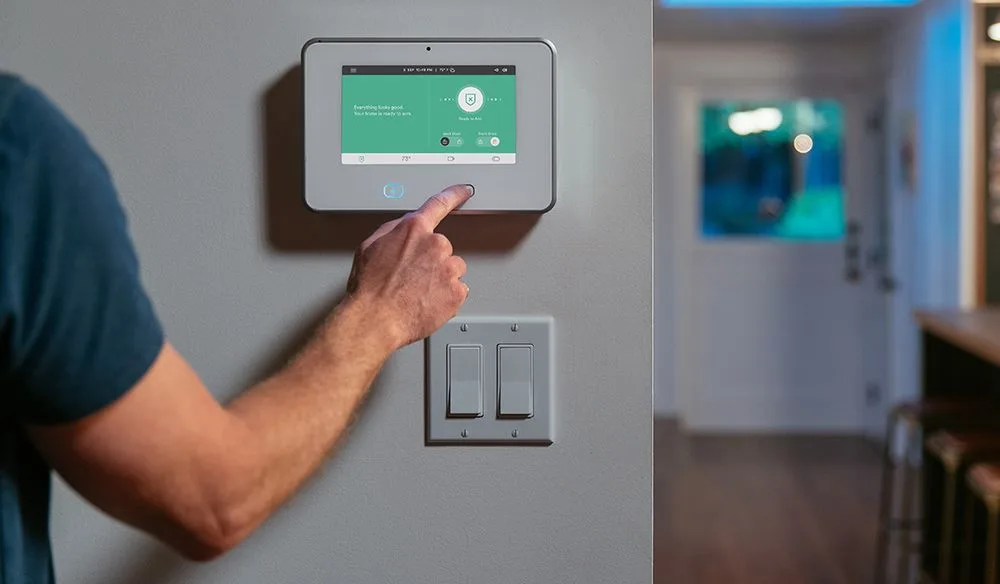
Image source: Bing (Web (fair-use with source credit))
Key Factors That Determine Security System Lifespan
Several elements influence how long a security system remains effective and relevant. It’s not just about age; it’s about performance, support, and staying current with technological advancements.
Technology Evolution
The pace of technological change in security is rapid. What was considered state-of-the-art in 2015 might be basic by today's standards. For instance, newer systems often boast advanced analytics in their cameras, better encryption for wireless signals, and seamless integration with a wider range of smart home devices.
Relying on older technology can mean missing out on enhanced detection capabilities and more user-friendly interfaces. Per NIST guidelines, cybersecurity protocols are constantly updated to counter emerging threats, and older systems may not receive these crucial patches.
Component Aging
Like any electronic device, the physical components of a security system have a finite lifespan. Batteries in wireless sensors and control panels will eventually degrade and fail, requiring replacement. Circuit boards can suffer from wear and tear or power surges.
The optical components in cameras, such as lenses and image sensors, can also degrade over time, leading to reduced image quality, especially in challenging lighting conditions.
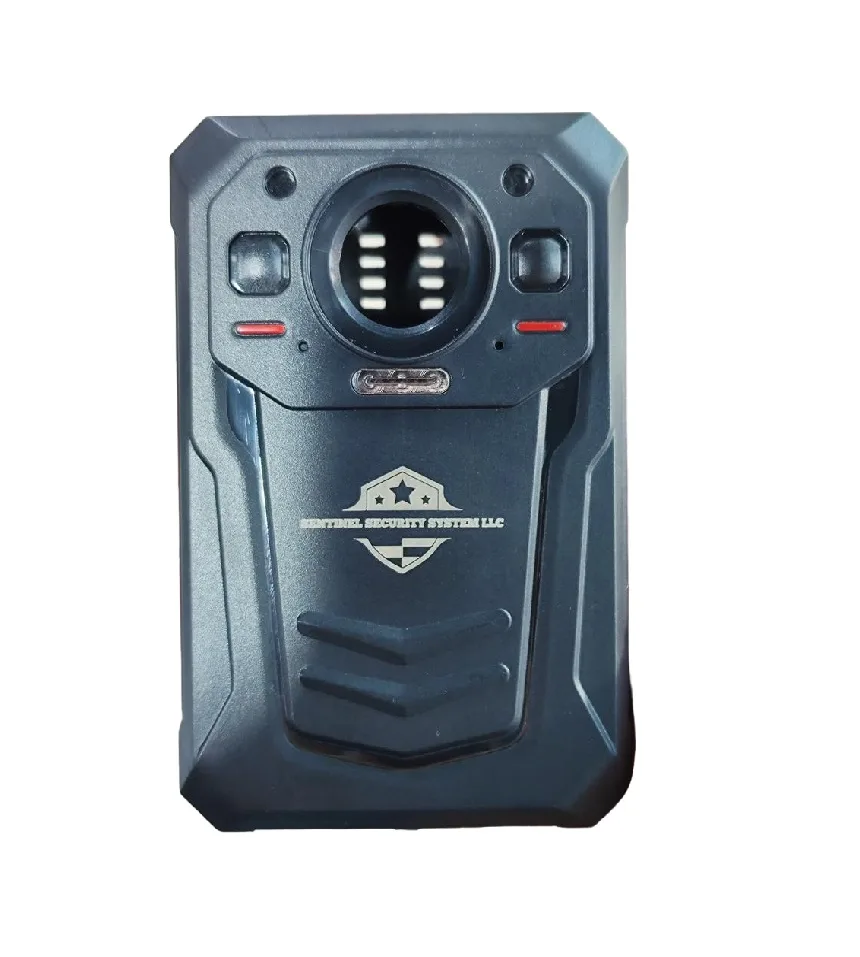
Image source: Web (Bing) / sentinelsystemllc.com (Web image (fair-use with source credit))
Manufacturer Support Status
A critical, often overlooked factor is manufacturer support. Companies typically provide software updates, firmware patches, and sometimes even hardware replacement programs for a set period. Once a system reaches its end-of-life (EOL) support phase, it may no longer receive security updates.
This leaves it vulnerable to new cyber threats and can render certain features unreliable or non-functional. According to manufacturer documentation for many smart home devices, support lifecycles are often around 5-7 years, after which vulnerabilities might not be addressed.
When to Consider Replacing Your Security System: Signs and Symptoms
Knowing when to upgrade or replace your system involves recognizing specific red flags. These indicators suggest that your current setup might not be offering the best protection or is on the verge of failure.
Performance Issues: False Alarms & Unreliability
Frequent false alarms are a significant indicator that something is wrong. This can stem from several causes, including aging sensors that have become overly sensitive or are misinterpreting environmental changes (like pets, drafts, or even insect activity). Motion detectors, for example, might become less discriminatory over time.
If your system frequently triggers alarms without a genuine threat, it erodes reliability and can lead to complacency, or costly false alarm fines from local authorities.
Missing Modern Features & Connectivity
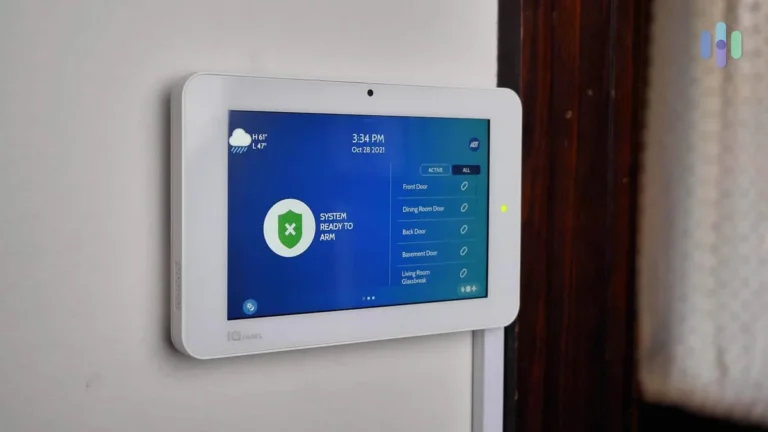
If your security system can't integrate with your other smart home devices or doesn't offer a user-friendly mobile app for remote access and control, you're likely behind the curve. Modern systems allow for features like geofencing (arming/disarming based on your location), remote video viewing with two-way audio, and integration with smart locks or lighting. If your system feels clunky, lacks app support, or doesn't connect to your Wi-Fi network seamlessly, it's a strong sign it's time for an upgrade.
End-of-Life Support: What It Means for You
When a manufacturer officially ends support for a product line, it marks a critical point. For security systems, this often means no more software updates to patch security vulnerabilities, no more access to dedicated customer support for that model, and potentially no more availability of replacement parts. Systems that no longer receive security patches are at a much higher risk of being compromised by hackers.
This lack of support can render the system unreliable and, more importantly, insecure.
Image source: Web (Bing) / template.net (Web image (fair-use with source credit))
System Types and Their Lifespans
The type of security system you have plays a significant role in its expected lifespan and the considerations for replacement. Different technologies have different wear patterns and obsolescence rates.
Wired vs. Wireless Systems
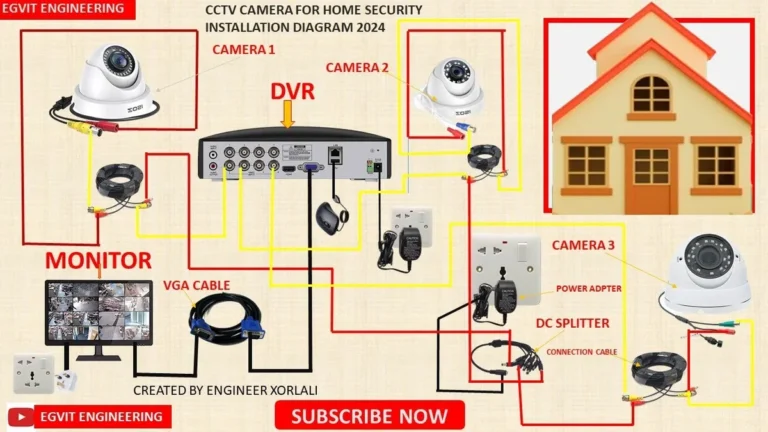
Wired Security Systems typically have a longer operational life, often ranging from 10 to 15 years, sometimes even longer. This is because they don't rely on batteries that degrade, and the components are generally more robust. However, replacing a wired system can be more labor-intensive if significant rewiring is needed.
The main reasons for replacement tend to be failure of the central control panel or the obsolescence of the system's communication protocols, making it incompatible with newer network standards.
Wireless Security Systems, on the other hand, generally have a shorter lifespan, often between 5 to 10 years. This is primarily due to the reliance on batteries for sensors and sometimes the control panel. Batteries need regular replacement, and their degradation can affect sensor performance.
Furthermore, wireless communication technologies evolve rapidly; older systems might use older Wi-Fi standards or cellular frequencies that become less efficient or supported. Wireless systems offer easier installation and upgrades but require more frequent attention to battery life and potential signal interference.
Smart Home & DIY Systems
Systems that are part of a broader smart home ecosystem or designed for DIY installation often have a different lifecycle. Their lifespan can vary significantly, typically falling in the 3 to 7 year range. This shorter duration is largely due to the extremely fast pace of innovation in smart technology.
Manufacturers may discontinue support for older models to push consumers toward newer, more feature-rich versions. These systems are often modular, making component replacement easier, but the overall system's compatibility with future smart home platforms can become a limiting factor.
Maintenance Matters: How to Extend Your System's Life
Regular upkeep is key to getting the most out of your security system and delaying costly replacements. Think of it like servicing your car; proactive attention can prevent major breakdowns. This involves a few consistent tasks that don't take much time but make a big difference in reliability and longevity.
Battery Management and Replacement
For wireless systems, batteries are your most frequent maintenance item. Most systems will provide a low-battery alert through the control panel or a mobile app. Don't ignore these warnings; they're a signal that a sensor is about to go offline.
For critical entry point sensors, consider replacing batteries proactively every 1-2 years, even if you haven't received an alert, to ensure continuous protection. Keep a small stock of the correct battery types on hand for quick replacements.
Keeping Software and Firmware Updated
Manufacturers release software and firmware updates for security systems to improve performance, add new features, and patch security vulnerabilities. It's crucial to install these updates as soon as they become available. For smart systems connected to your home network, this often happens automatically or with a simple prompt.
If your system has a manual update process, make it a habit to check for new versions quarterly. Neglecting updates can leave your system exposed to cyber threats, potentially compromising your home's security.
Basic System Checks
Beyond batteries and software, perform simple visual and functional checks periodically. Dust or debris can sometimes obstruct sensors, leading to false alarms or missed detections. Wipe down cameras and sensors gently with a soft, dry cloth.
Test your system regularly, perhaps once a month, by arming it and triggering a sensor (like opening a door) to ensure it responds correctly and signals the control panel. This helps catch minor issues before they become major problems.
Making the Decision: Replace Components or the Whole System?
Deciding whether to replace just a faulty component or the entire security system depends on a few key factors. If a single sensor fails and the rest of your system is modern and well-supported, replacing just that sensor is usually the most cost-effective approach. However, if multiple components are failing, or if the main control panel is outdated, it's often more practical and secure to upgrade the entire system.
Consider the age of your system; if it's nearing the 7-10 year mark for wireless or 10-15 years for wired, a full replacement might offer better long-term value and enhanced security.
Can I Upgrade Just Cameras or Sensors?
Yes, in many cases, you can upgrade individual components of your security system. For example, if your primary concern is better video surveillance, you might be able to swap out older cameras for newer high-definition models, provided your existing control panel or hub supports them. Similarly, if a specific door sensor starts malfunctioning, replacing just that one is often feasible.
This strategy is particularly viable for systems that have modular designs.
However, compatibility is key. Older control panels may not support the communication protocols or data streams of newer, advanced sensors and cameras. If your system is more than 5-7 years old, especially a wireless model, you might find that new components aren't backward-compatible.
In such scenarios, a full system replacement becomes a more sensible, though more expensive, option.
When a Full System Replacement is Wiser
A full system replacement makes sense when the core of your security infrastructure is outdated or unreliable. This often includes the main control panel, which manages communication between all devices. If the panel is no longer receiving firmware updates from the manufacturer, it can pose a significant security risk.
Additionally, if several key components (like multiple sensors, the main keypad, or the central hub) are failing or showing signs of age, the cost and hassle of replacing them individually can quickly add up.
Choosing a full replacement allows you to adopt the latest technology, improving overall security, reliability, and user experience. It ensures all components are designed to work together seamlessly and are supported by the manufacturer. As of 2026, many new systems offer advanced features like AI-driven threat detection, improved encryption, and greater integration with smart home ecosystems, providing a significant upgrade over older setups.
Frequently Asked Questions About Security System Replacement
How long do security system batteries typically last?
Battery life for wireless security system components varies, but generally ranges from 1 to 5 years depending on the device type and manufacturer. Sensors like door/window contacts often last longer than motion detectors. Some advanced systems will alert you when batteries are running low, usually a few weeks before they fail completely.
What happens if I don't update my system's software?
If you don't update your system's software or firmware, you risk exposing it to security vulnerabilities. Updates often include critical patches for cybersecurity threats, preventing unauthorized access or data breaches. Older, unpatched systems are easier targets for hackers.
Can I upgrade just the cameras on my old system?
You can often upgrade cameras if your existing system's control panel or hub supports the new cameras' communication protocols and resolution. However, if your system is significantly older, it may not be compatible with modern high-definition or IP cameras. Check your system's specifications or contact the manufacturer.
How do I know if my security system is still supported?
Check the manufacturer's official website for support documentation or product EOL (End-of-Life) announcements for your specific model. You can also contact their customer support directly. If a system is no longer receiving firmware updates or technical assistance, it's considered unsupported.
Is it cheaper to replace individual parts or the entire system?
Replacing individual parts is usually cheaper in the short term, especially if only one or two components are failing and the main system is still modern. However, if multiple components are aging or the control panel is outdated, a full system replacement can be more cost-effective in the long run, offering better security and avoiding repeated repair costs.