What Is a Wireless Home Security System
Feeling secure in your home is paramount, and a wireless home security system offers a modern, flexible way to achieve that peace of mind. Unlike older wired systems that require complicated installations, these setups use wireless technology to connect various components, making them easier to install and adapt to your needs. They provide essential protection by monitoring your home and alerting you to potential intrusions or other issues.
In our research, we found that these systems are designed for user-friendliness and can be set up by most individuals without needing professional help. Per manufacturer specifications, many systems utilize Wi-Fi or dedicated radio frequencies for communication, with some hubs including battery backups lasting up to 24 hours to ensure continuous operation during power outages, as outlined by general system design principles.
Quick Answer
A wireless home security system is a network of devices that protect your home without physical wires. It typically includes a central hub, door/window sensors, and motion detectors. These components communicate wirelessly, sending alerts to your smartphone or a monitoring service if a disturbance is detected.
They offer easy installation and flexibility for homeowners.
The Core Components: Your Wireless Security Team
Think of a wireless home security system like a well-trained team, each member with a specific job to do, all reporting back to a central commander. These components work together using wireless signals to keep an eye on your home.
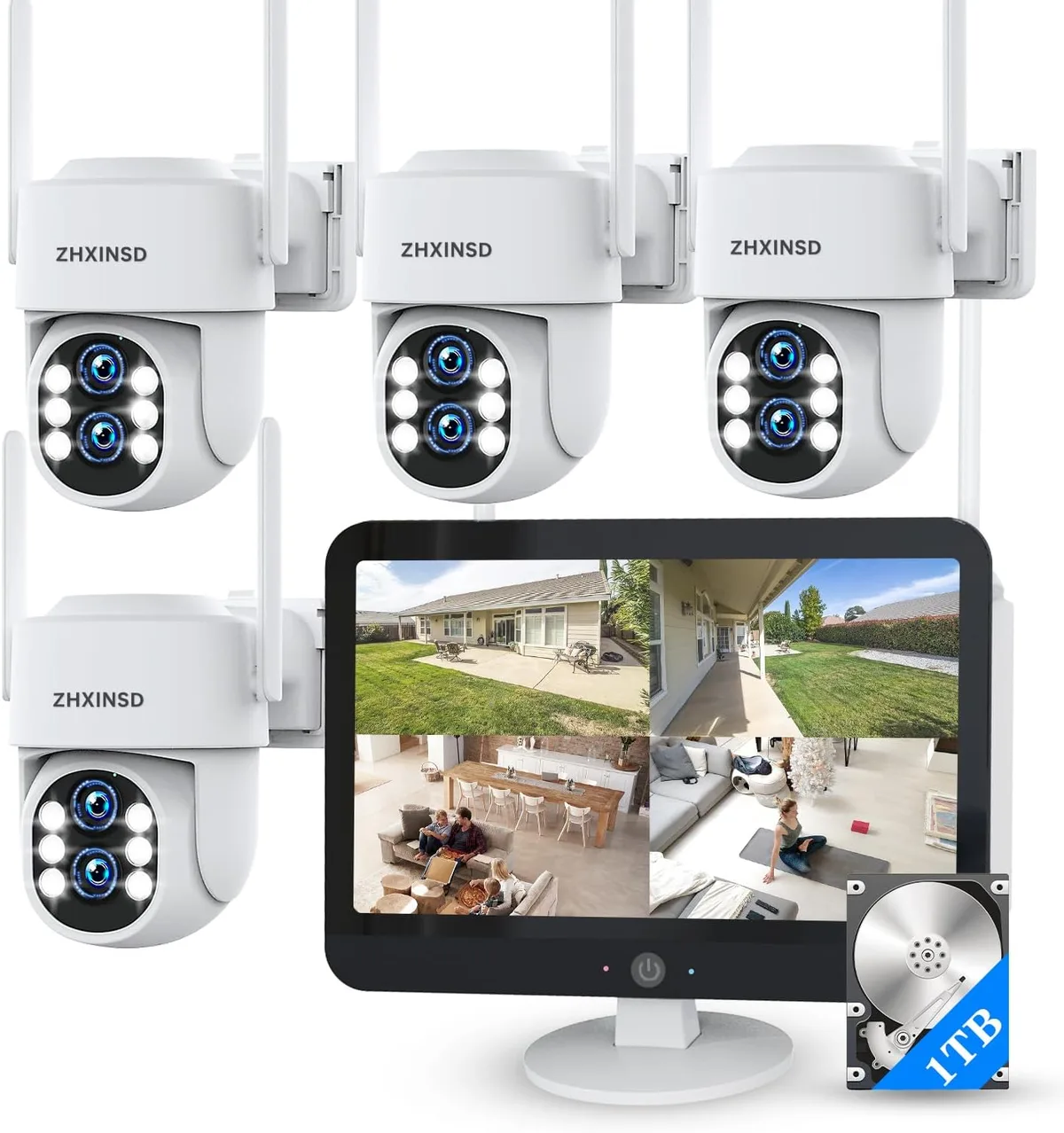
Image source: Web (Bing) / amazon.com (Web image (fair-use with source credit))
The Hub: The Brains of the Operation
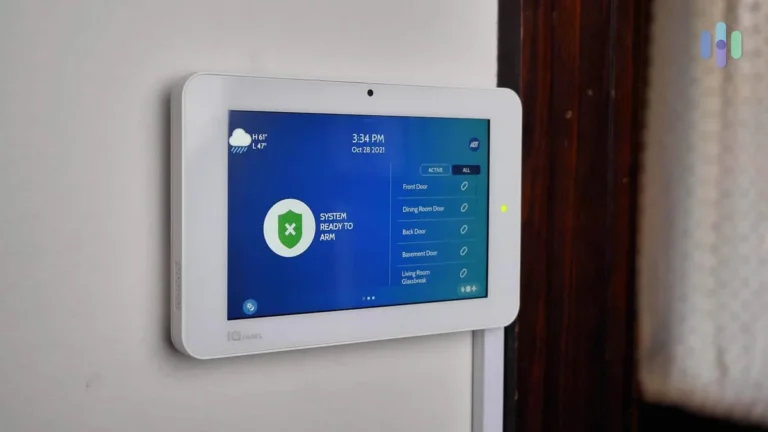
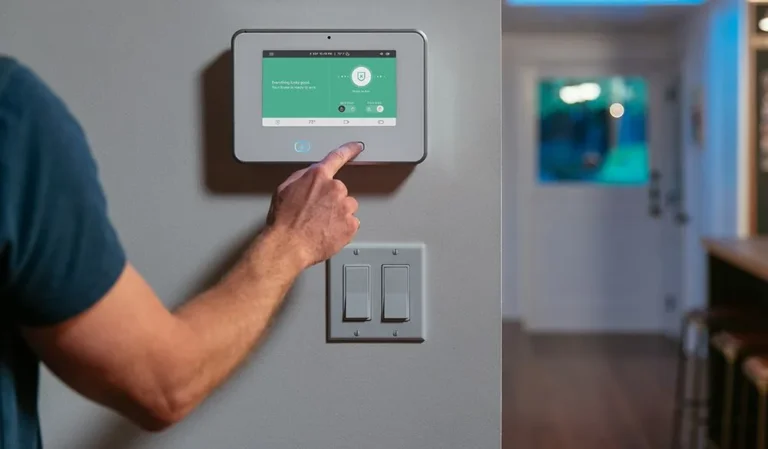
The central hub, or base station, is the heart of your wireless security system. It connects to your home's Wi-Fi network, allowing it to communicate with all the other devices and also with you, typically via a smartphone app. When a sensor detects something unusual, it sends a signal to the hub.
The hub then processes this information and triggers the appropriate response, which could be sounding an alarm, sending a notification to your phone, or dispatching a signal to a professional monitoring center.
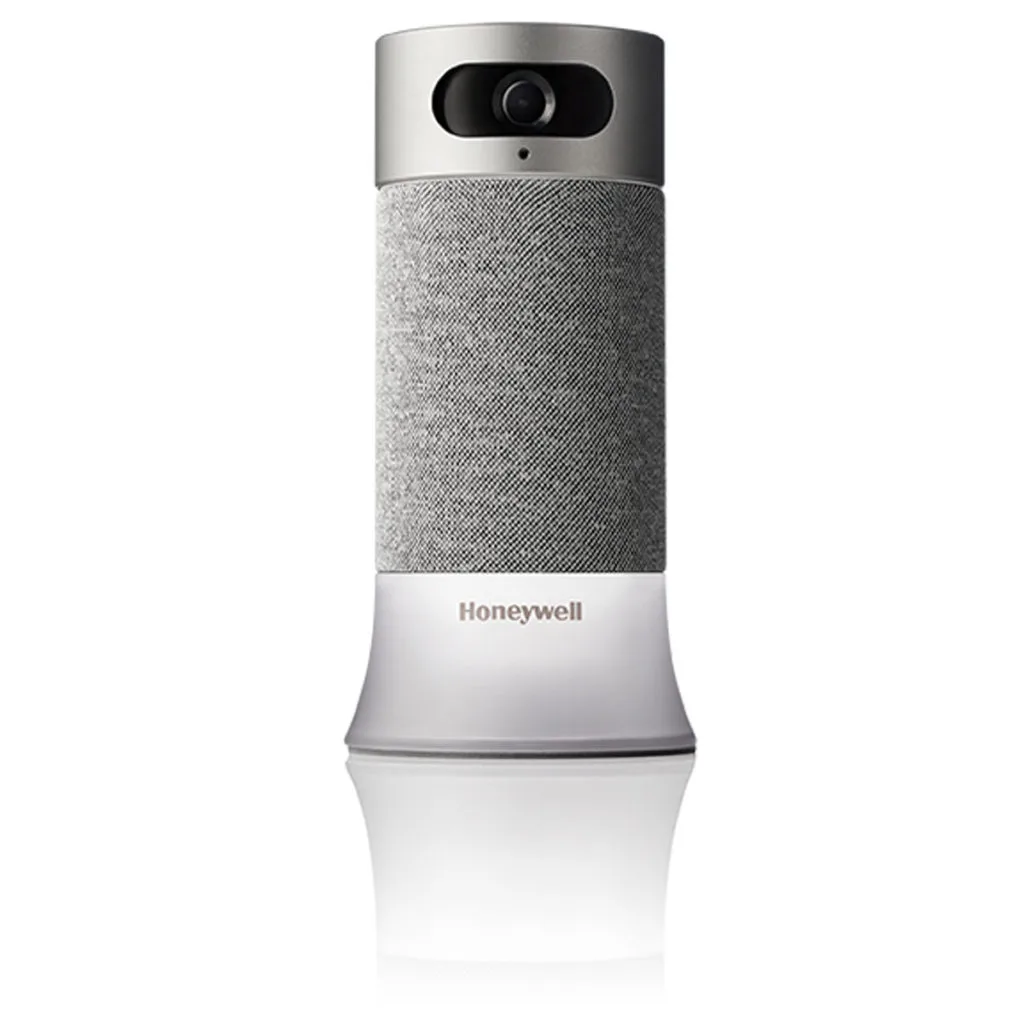
Image source: Bing (Web (fair-use with source credit))
Many hubs also come with built-in sirens to create an audible alert. In our research, we noted that most manufacturer specifications for these hubs include a backup battery, ensuring they can continue to operate for several hours if your home's power goes out. Some advanced systems also feature cellular backup, providing a reliable communication link even if your internet connection fails.
Sensors: Your Silent Watchers
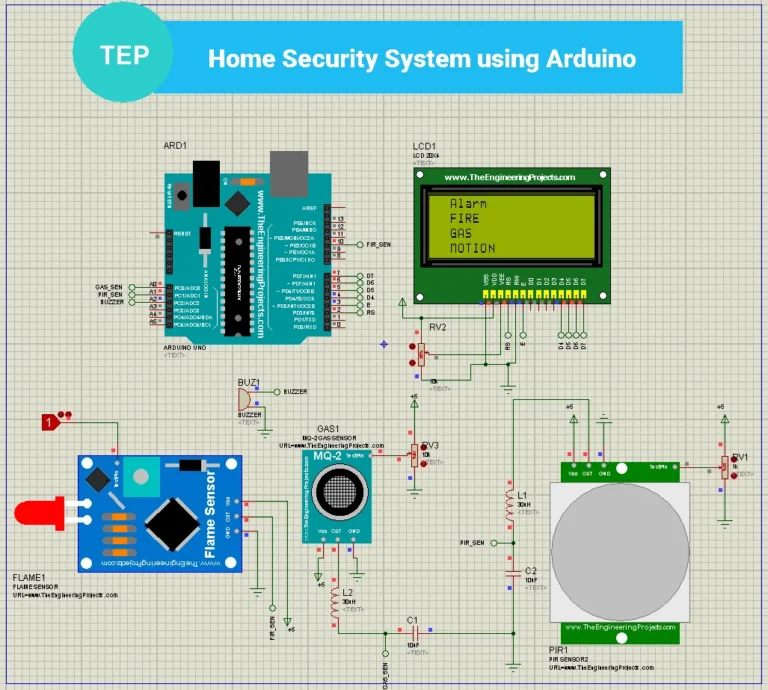
Sensors are the distributed eyes and ears of your security system. They are small, discreet devices placed strategically around your home to detect specific events. The most common types are door and window sensors and motion detectors.
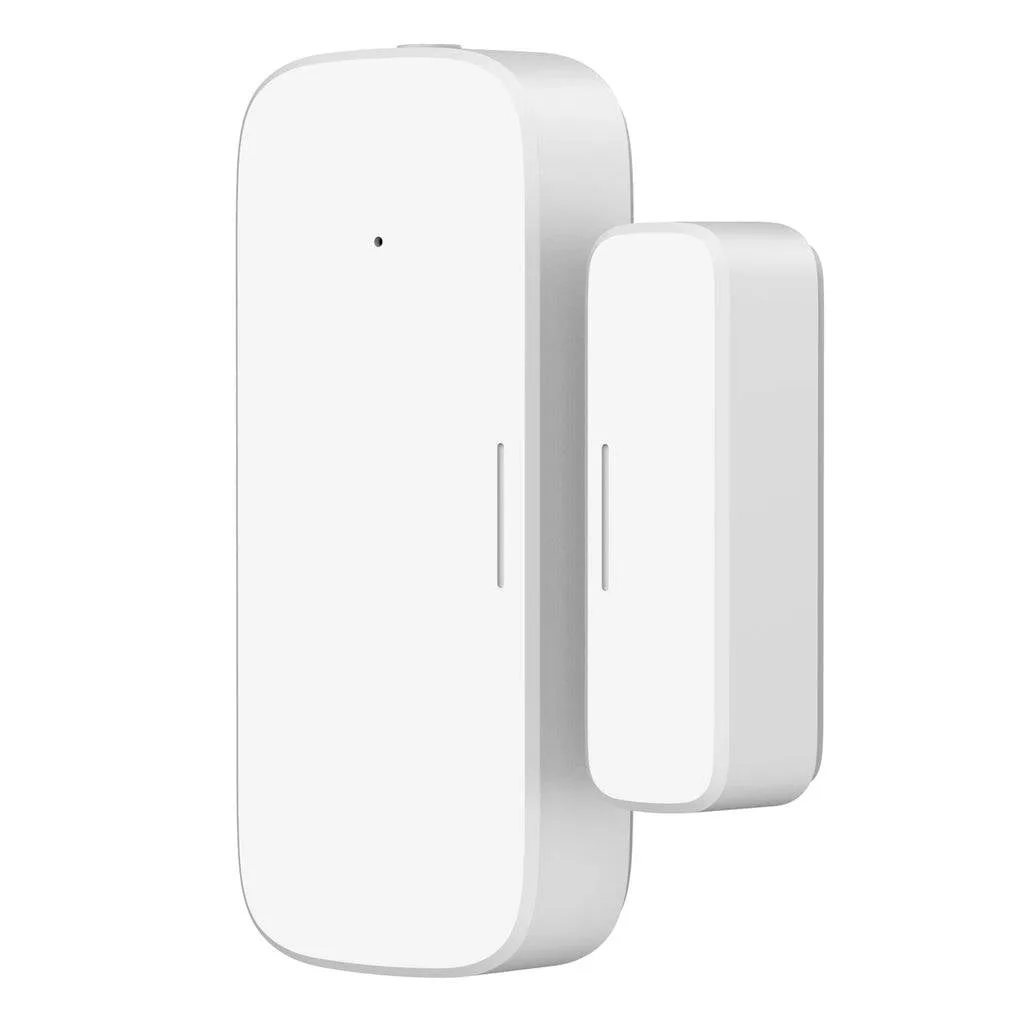
Image source: Web (Bing) / walmart.com (Web image (fair-use with source credit))
- Door and Window Sensors: These consist of two parts that attach to a door or window and its frame. When the door or window is opened, the two parts separate, breaking a magnetic connection and sending an alert to the hub.
- Motion Detectors: These use passive infrared (PIR) technology to sense changes in body heat. They are typically placed in corners of rooms or high-traffic areas. Many modern motion detectors are designed to ignore pets weighing up to about 40 pounds, reducing the chance of false alarms.
The wireless nature of these sensors means they can be placed almost anywhere without the need for wiring, making them incredibly versatile for covering various entry points and interior spaces.
Cameras: Your Eyes on the Prize
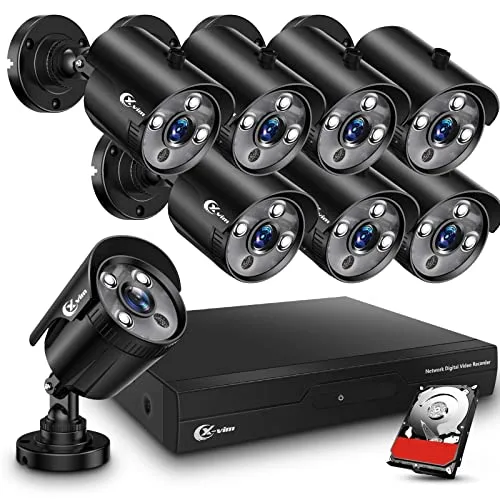
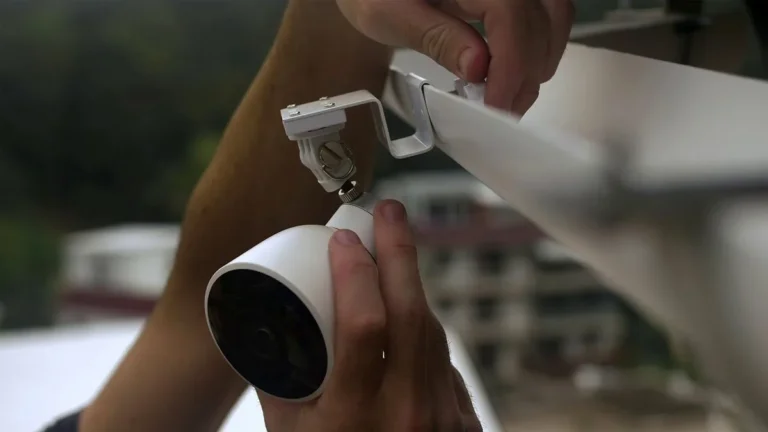
Security cameras are a crucial component for visual verification and recording events. Wireless systems offer a range of camera options, from simple indoor cameras to robust outdoor units with advanced features. They connect to your home Wi-Fi, allowing you to view live feeds or recorded footage remotely through the system's app.
When selecting cameras, consider factors like resolution (e.g., 1080p HD is common), field of view, night vision capabilities, and whether they offer two-way audio. Some cameras can also be triggered by motion detected by other sensors in the system, initiating recording only when there's potential activity, which helps conserve storage space and battery life. Manufacturer specifications often detail these performance metrics, giving you a clear picture of what to expect.
Why Go Wireless? Key Benefits for Your Home
Choosing a wireless home security system isn't just about being modern; it's about gaining significant practical advantages that make protecting your home simpler and more effective. The flexibility and ease of use are primary drivers for most people.
Convenience and Simplicity
The most significant benefit of a wireless system is its straightforward installation. Unlike wired systems that require drilling holes through walls and running cables, wireless components communicate using radio frequencies or Wi-Fi. This means you can often set up the entire system yourself within an hour or two.
For example, installing a door sensor involves sticking each part to the frame and door using adhesive backing, then pairing it with the hub via a smartphone app. No tools, no mess, just a few simple steps. This dramatically reduces installation costs and makes the system accessible to a wider range of homeowners and renters.
Flexibility and Scalability
Your home's security needs can change, and wireless systems are designed to adapt. If you move to a new place, you can easily take your system with you. Plus, you can add more sensors, cameras, or other components at any time without needing to run new wires.
This scalability is invaluable. You might start with just a few door and window sensors, but later decide to add a motion detector to a basement or a camera for your backyard. The system's central hub can usually support a large number of connected devices, allowing your security setup to grow alongside your needs.
This modular approach means you only pay for what you need, when you need it.
Potential Hurdles: What to Watch Out For
While the benefits of wireless security are compelling, it's important to be aware of potential challenges. Understanding these can help you make informed choices and troubleshoot effectively if issues arise.
Battery Life and Connectivity
Most wireless security devices, like sensors and cameras, rely on batteries for power. This means you'll need to periodically replace them. Manufacturer specifications often indicate battery life ranges from six months to several years, depending on the device and usage.
Your system’s app will typically provide low-battery warnings, but it’s good practice to check these periodically.
Moreover, the wireless communication itself can sometimes be a point of failure. If the Wi-Fi signal is weak or unstable in certain areas of your home, sensors or cameras might struggle to connect to the hub. This can lead to missed alerts or devices going offline.
Planning sensor placement and ensuring a strong Wi-Fi network are crucial steps to mitigate this.
Interference and Reliability
Wireless signals, whether they are Wi-Fi or specific radio frequencies used by security systems, can be subject to interference. Thick walls, large metal objects, and even certain household appliances can sometimes disrupt communication between devices and the hub. While modern systems are designed to minimize these issues, aggregate user reviews sometimes report sporadic connectivity problems in older homes or complex layouts.
This interference can lead to devices not responding or sending delayed alerts, which can be concerning when security is at stake. It's why some higher-tier systems also offer cellular backup, providing a more robust communication channel that isn't dependent on your home's internet. If a system primarily relies on Wi-Fi, ensuring your router is in a central location and considering Wi-Fi extenders can significantly improve reliability.
Who Needs a Wireless Security System?
Wireless home security systems are incredibly versatile and can benefit a wide range of people. The primary draw is the combination of effective protection with user-friendly installation and operation.
Ideal Scenarios and Users
These systems are particularly well-suited for homeowners who want a reliable security solution without the hassle and expense of professional wiring. They're also a fantastic option for renters or apartment dwellers because the systems are easily installed and removed, leaving no permanent marks on the property. If you move, you can simply pack up your security system and take it with you.
Furthermore, individuals looking for temporary security solutions, such as during a home renovation or while away on extended trips, find wireless systems ideal due to their portability. For those interested in smart home integration, many wireless security systems connect seamlessly with other smart devices, allowing for automated routines like turning off lights or adjusting thermostats when the alarm is set. The ability to monitor your home remotely via a smartphone app is a major draw for busy professionals or anyone who travels frequently.
Avoiding Common Pitfalls in Wireless Security
When setting up and using a wireless home security system, a few common mistakes can undermine its effectiveness. Being aware of these pitfalls can help you get the most out of your investment and ensure your home is genuinely secure.
Installation and Setup Mistakes
One frequent misstep is improper sensor placement. For instance, placing a motion detector too close to a heat source like a vent or a window that gets direct sunlight can lead to false alarms. Similarly, not ensuring door and window sensors are properly aligned can prevent them from detecting an opening.
Many manufacturer guides specify optimal placement distances and alignment for their devices, and adhering to these is key.
Another common error is forgetting to test the system thoroughly after installation. Simply assuming everything works isn't enough. You need to walk through different scenarios, like opening each protected door and window, to confirm that each sensor communicates with the hub and triggers an alert as expected.
This also helps confirm the range and responsiveness of your wireless network.
Management Errors
A significant management error is neglecting battery maintenance. While systems often provide low-battery alerts, relying solely on these can sometimes lead to a sensor failing at a critical moment. Regularly checking battery levels or establishing a routine replacement schedule, perhaps annually for critical sensors, is a proactive measure.
Another mistake is over-reliance on default settings. Many systems offer customization options for alert sensitivity, pet immunity on motion detectors, and notification preferences. Not tailoring these settings to your specific home environment and lifestyle can lead to either excessive false alarms or missed events.
Reviewing the system's app and documentation to adjust these parameters is vital for optimal performance.
Costs and Monitoring Options
Understanding the costs involved with a wireless home security system is important. You'll typically encounter an upfront cost for the equipment itself. This can range from a few hundred dollars for a basic starter kit to over a thousand for a more comprehensive system with multiple cameras and advanced sensors.
Manufacturer specifications and bundles can vary widely, so it's worth comparing options.
Beyond the hardware, many systems offer optional professional monitoring services. These services usually come with a monthly fee, often between $15 and $50. This fee covers a team that monitors your system 24/7 and can dispatch emergency services if an alarm is triggered.
Some systems are designed for self-monitoring only, meaning you receive alerts on your phone and decide how to respond, which eliminates the monthly fee but places the responsibility entirely on you. As of 2026, the market offers both subscription-based and no-contract options, providing flexibility.
Frequently Asked Questions About Wireless Security
How long does setup typically take?
Setup for most wireless home security systems is designed for DIY installation and usually takes between 30 minutes to 2 hours. This timeframe depends on the number of devices and your home's layout.
Do I need a special internet connection?
A stable Wi-Fi connection is generally required for the system's hub to communicate with other devices and the internet. Most standard home broadband plans are sufficient, though a strong signal strength throughout your home is recommended for optimal performance.
Can I use wireless security if I rent?
Yes, wireless security systems are excellent for renters because they don't require permanent installation or drilling. The components are typically adhesive-mounted and can be easily removed and reinstalled when you move.
What happens if my Wi-Fi goes down?
If your Wi-Fi goes down, many wireless security systems have backup power for the hub and some may offer cellular backup. This ensures that the system can still function and potentially alert a monitoring service, though remote access via the app might be unavailable.
How often do batteries need replacing?
Battery replacement frequency varies by device and manufacturer, often ranging from six months to three years. Most systems will send you a notification when a battery is low, allowing you to replace it proactively.
Making the Right Choice for Your Home's Safety
Choosing a wireless home security system is a significant step toward enhancing your home's safety and your peace of mind. The decision often hinges on balancing features, cost, and your specific lifestyle needs. Consider the size of your home, the number of entry points you wish to cover, and whether you prefer the convenience of professional monitoring or the cost savings of self-monitoring.
Reviewing manufacturer specifications for battery life, wireless range, and compatibility with other smart home devices is essential. If your home has known Wi-Fi dead spots, factor in the potential need for range extenders or systems with robust cellular backup. Ultimately, the best system is one that fits seamlessly into your daily life while providing reliable protection for you and your family.
2 Comments