Do Security Systems Have Backup Batteries
Ever worry about your home security system failing if the power goes out? It's a common concern. Fortunately, most modern security systems are designed with backup power to keep them running, ensuring your home remains protected even during an outage.
This backup power typically comes in the form of rechargeable batteries, a standard feature that manufacturers confirm is crucial for uninterrupted operation. Per specifications from major security providers, these systems are often engineered to operate for at least 24 hours on battery alone. Let's explore exactly how this works and what it means for your peace of mind.
Quick Answer
Yes, most security systems have backup batteries. These are usually rechargeable batteries located in the main control panel that kick in automatically when AC power fails. They ensure critical functions like alarms and communication continue for several hours, often up to 24 hours or more, though this varies by system.
Your Security System's Power Outage Lifeline
When the lights go out, the last thing you want is for your security system to go silent. That's exactly why backup batteries are such a fundamental part of how these systems work. Think of them as your system's emergency power supply, ready to take over the moment your primary AC power is interrupted.
This isn't a rare feature; it's a standard inclusion in professionally installed and many DIY setups. For instance, manufacturer specifications frequently highlight a minimum 24-hour battery runtime in the event of a power failure, ensuring continuity of protection.
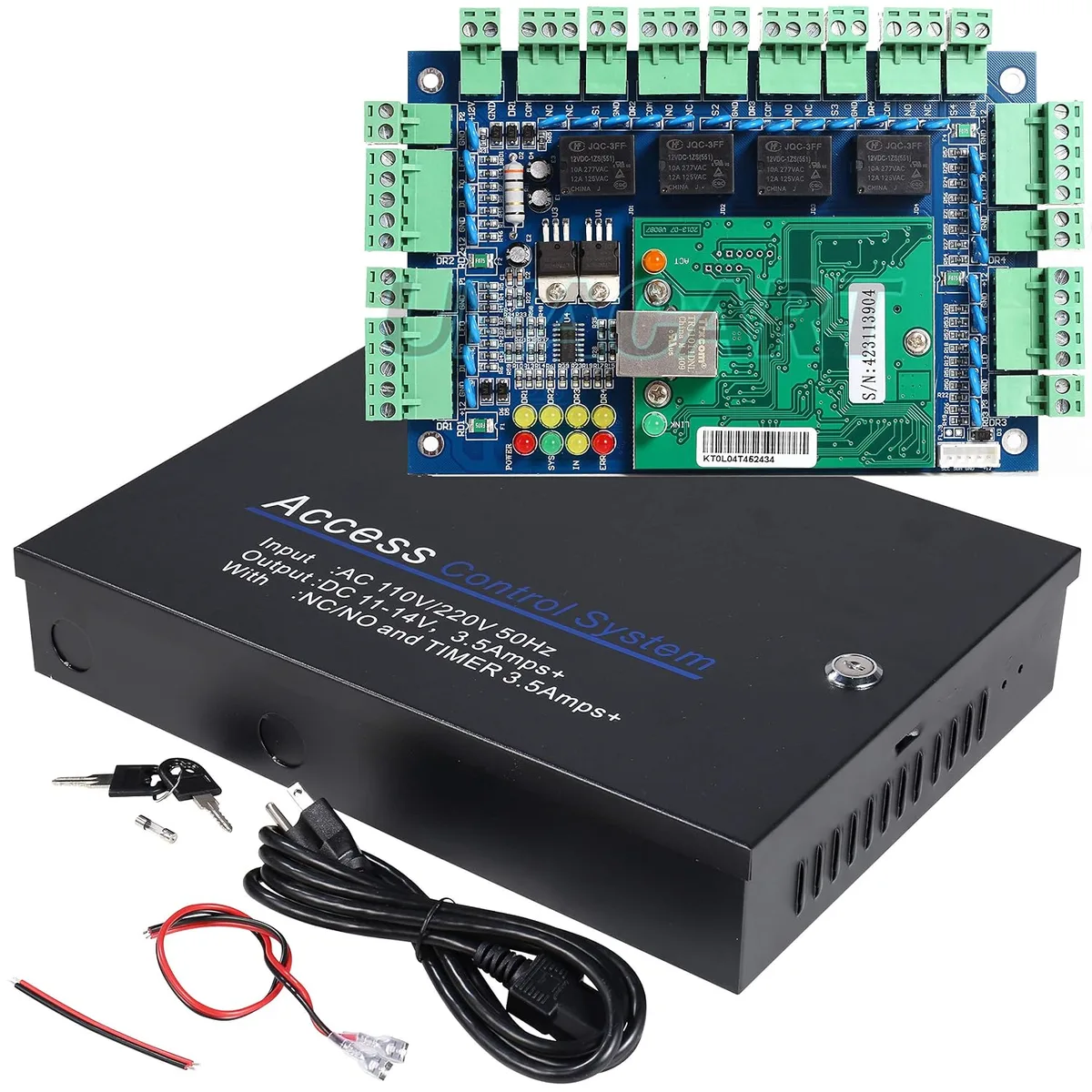
Image source: Web (Bing) / uhppote.com
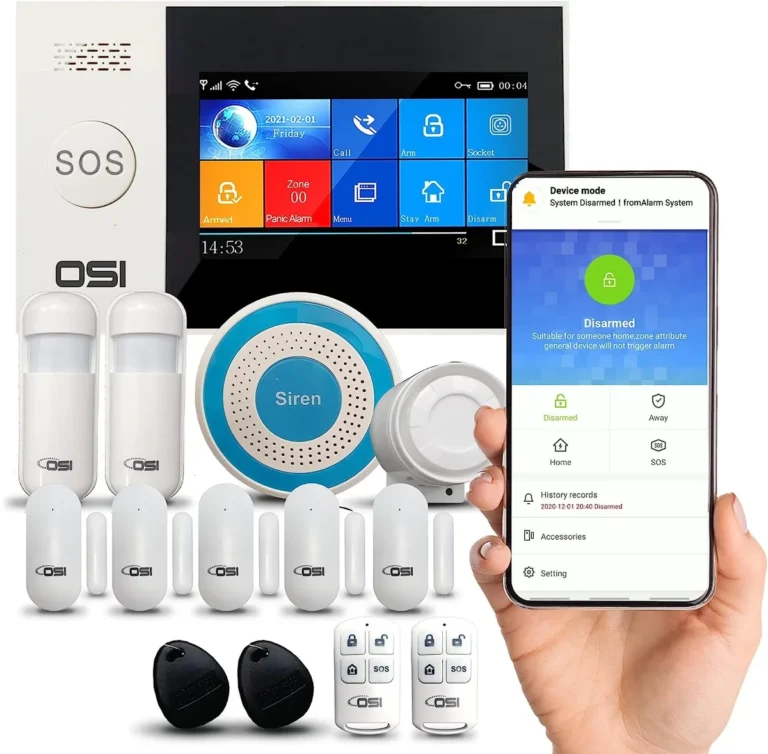
These batteries are crucial for keeping essential components operational. This includes the control panel itself, keypads for arming and disarming, and vital communication links to monitoring centers or your smartphone. Without this battery backup, a simple power flicker could render your entire security setup useless, leaving your home vulnerable.
Understanding this backup capability is key to trusting your system when you need it most.
Where Backup Batteries Are Found in Security Systems
It's not always a single, massive battery. Instead, backup power is often distributed among the key components of your security system. This layered approach helps ensure that even if one element experiences an issue, others can still function.
Control Panel Batteries
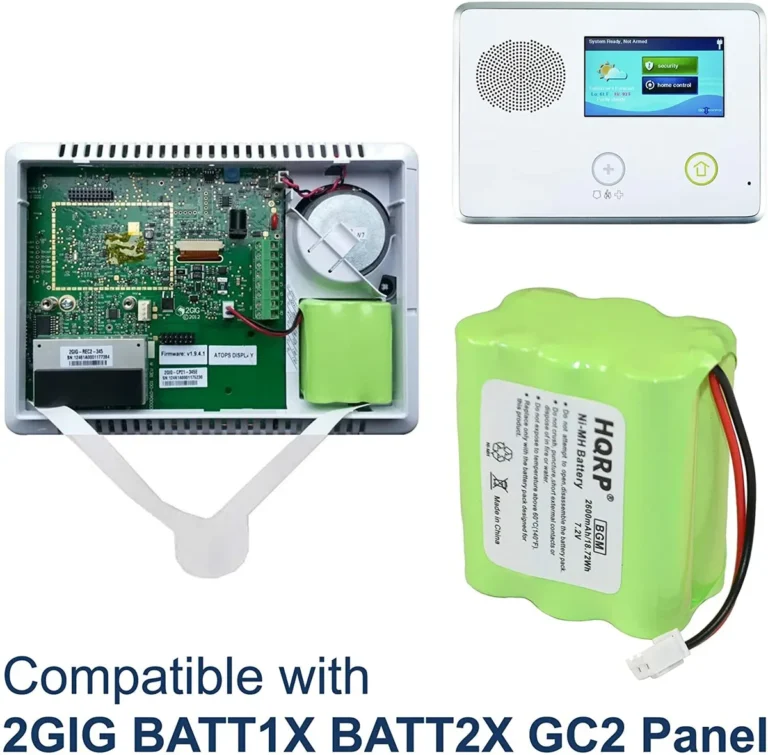
The heart of most security systems is the main control panel. This unit houses the primary backup battery for the entire system. When the main power supply fails, this rechargeable battery, often a sealed lead-acid type (common in alarm systems for its reliability), automatically takes over.
Specifications from multiple manufacturers, such as those found on Honeywell Home security documentation, indicate that these batteries are designed to provide power for the central panel and connected wired devices for extended periods. As of 2026, many systems boast a minimum 24-hour runtime on backup power.
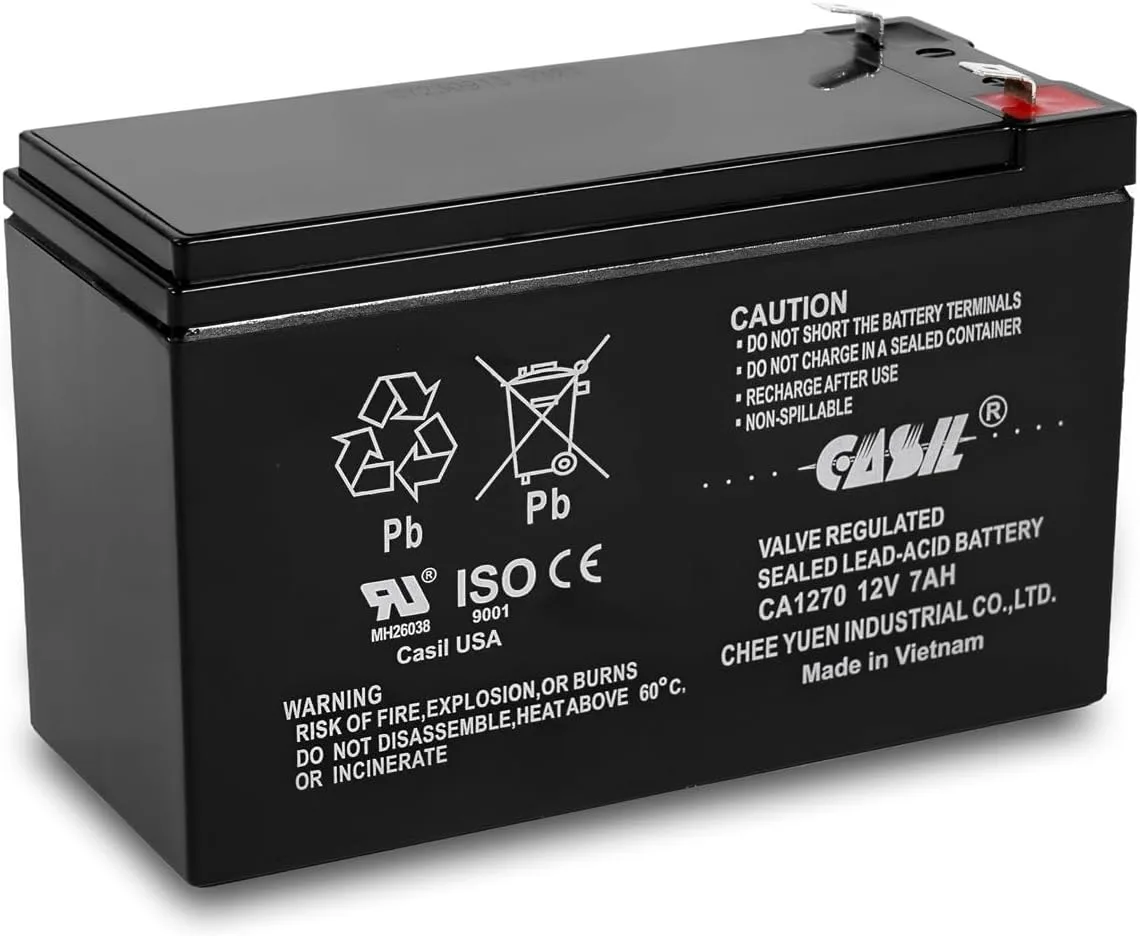
Image source: Web (Bing) / amazon.com
This central battery is responsible for powering the logic board, the keypad interface, and often communicating with wired sensors and the siren. Its capacity is critical; a larger capacity battery means the system can stay online longer, giving you more time during an outage.
Wireless Sensor Batteries
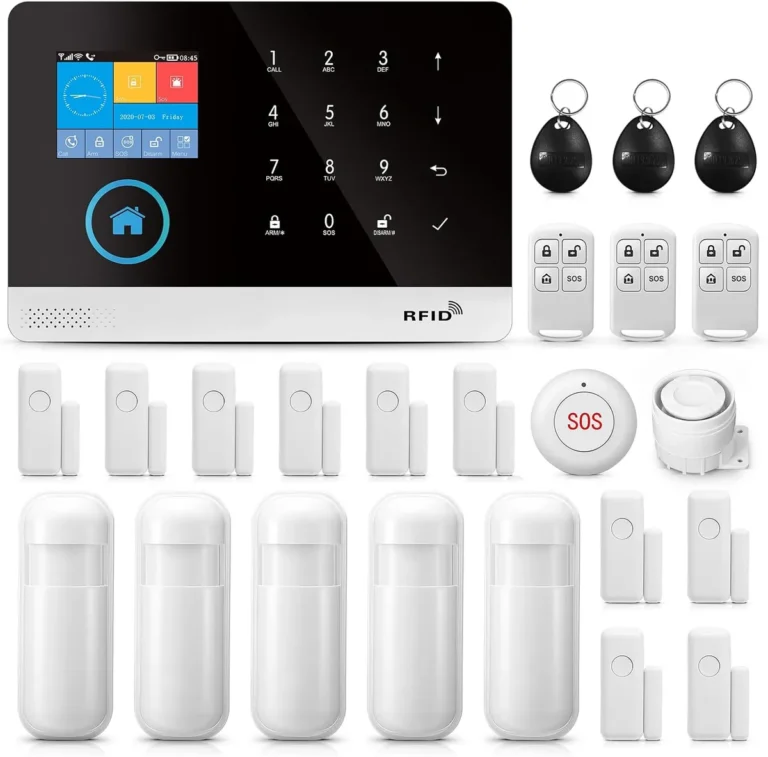
Beyond the central control panel, individual wireless sensors also need their own power. These typically run on smaller, user-replaceable batteries, such as AA, AAA, or coin cell types. Unlike the control panel's rechargeable battery, these are disposable and need regular replacement.
Their role is to ensure that sensors like door/window contacts, motion detectors, and glass break sensors can continuously monitor their designated areas.

Image source: Web (Bing) / storage.googleapis.com
While these batteries aren't "backup" in the sense of taking over from a main power failure, they are essential for the sensor's ongoing operation. If a wireless sensor's battery dies, that specific sensor will stop communicating with the control panel, creating a blind spot in your security coverage, even if the main panel has battery power. Staying on top of replacing these batteries is a key part of maintaining a fully functional wireless system.
How Long Can Your Security System Last on Battery?
The runtime of your security system on backup battery power isn't a fixed number; it's a variable that depends on several factors. Think of it like a car's fuel efficiency, it changes based on how you drive and the car's condition. For security systems, the primary influences are the battery's capacity and the total power draw from all connected devices.
Manufacturer specifications commonly state that a fully charged backup battery in the main control panel should power the system for at least 24 hours. This benchmark is often met by systems with a moderate number of sensors and no continuous video streaming. However, this can be extended or shortened significantly.
A system with more advanced features, multiple cameras actively recording, or a higher number of wired sensors will drain the battery faster. Conversely, a simpler, older wired home security system with fewer active components might run even longer than 24 hours.
Beyond the control panel's battery, the individual batteries in wireless sensors also have their own lifespans, which can range from a few months to several years, depending on the sensor type and usage. These don't contribute to the main system's overall "outage runtime" but are critical for individual sensor function.
Common Battery Backup Problems and What They Mean
Even with backup batteries, things can sometimes go wrong. Recognizing these issues is key to ensuring your system remains robust. Many of these problems are related to the battery itself or the system's ability to detect its status.
When a Sensor Just Stops Working
If a wireless door/window sensor or motion detector suddenly stops communicating, and there's no obvious external damage or interference, the most likely culprit is a dead battery. These individual sensor batteries typically don't trigger a system-wide alert until they are critically low, and sometimes they can fail completely without much warning. It’s a common issue for wireless home security systems, where each component relies on its own power source.
If this happens, the sensor will effectively become invisible to the control panel, creating a gap in your security coverage. For example, if a motion detector in your living room stops reporting, an intruder could potentially bypass it without triggering an alarm. This is why regular battery checks for wireless components are so important, even if the main system battery is fine.
The System Panel Isn't Responding
If your main control panel is completely unresponsive, or if it indicates a persistent battery fault even after a power restoration, it often points to an issue with the primary backup battery. This could be because:
- The battery is old and has reached the end of its lifespan. Sealed lead-acid batteries typically last between 3 to 5 years.
- The battery has failed prematurely. This can sometimes happen due to extreme temperatures or manufacturing defects.
- The connection between the battery and the control panel is loose or corroded.
- The charging circuit within the control panel is not functioning correctly, preventing the battery from recharging.
When the main backup battery fails, the system loses its ability to operate during power outages. This can be a significant concern, as power disruptions are often when a security system is most needed. If your system is older, you might want to consider how often a security system should be replaced to ensure all components, including batteries, are functioning optimally.
Checking Your Security System's Battery Status
Knowing the health of your security system's batteries is vital for reliable protection. Thankfully, most modern systems offer ways to check their battery status without needing to physically open them up. This proactive approach can help you address potential issues before they lead to a complete system failure during an outage.
How to Check Your Battery Status:
- Via the Control Panel Keypad: This is the most common method. Navigate through your system's menu using the keypad. Look for options like "System Status," "Device Status," "Battery," or "Trouble" codes. Many systems will display a specific code or message if a battery is low or faulty. For example, a common code might indicate a "low backup battery" or a "faulty sensor battery."
- Through a Mobile App: If you have a smart home security system, its accompanying mobile app usually provides detailed status updates on all system components, including battery levels for the main panel and individual wireless sensors. This offers a convenient way to monitor battery health remotely.
- Visual Inspection (with caution): For the main control panel's battery, you can sometimes visually check its condition by carefully opening the panel's housing. You'll typically see a distinct battery unit. Look for any signs of swelling, leakage, or corrosion. However, always ensure the system is disarmed and, if you're unsure, consult your system's manual or a professional installer before attempting this. For wireless sensors, you'll need to open each individual sensor to inspect its battery.
Keep in mind that system-specific procedures vary. Always refer to your security system's user manual for the exact steps to check battery status for your particular model. Some systems, like certain smart home security systems, offer more advanced diagnostics through their interfaces.
Should You Add or Upgrade Backup Batteries?
Deciding whether to add or upgrade backup batteries for your security system often boils down to your current setup and your comfort level with potential power disruptions. If you have a newer, professionally installed system, it's highly likely it already includes robust battery backup. However, for older systems, DIY installations, or if you're experiencing frequent power outages, it's a conversation worth having.
For example, if your current system is more than five years old, its primary backup battery might be nearing the end of its typical lifespan (3-5 years for sealed lead-acid types). In such cases, upgrading to a new battery, or even considering a system upgrade if the current one is outdated, is a wise step. For those with what is a DIY home security system or a system that lacks a dedicated backup battery for the control panel, adding one can significantly enhance reliability.
If your system primarily relies on wireless sensors, you should also factor in the cost and effort of regularly replacing those individual batteries. Some systems might allow for the installation of a more powerful backup battery for the main panel, extending its operation time. This decision often depends on the specific model and the availability of compatible accessories.
Frequently Asked Questions About Security System Batteries
How long does a security system backup battery typically last?
Most security system backup batteries are designed to last between 24 to 48 hours. This runtime can vary based on the system's power consumption, the number of active devices, and the battery's capacity and age.
What kind of batteries do security systems use?
The main control panel typically uses a rechargeable sealed lead-acid battery. Wireless sensors commonly use disposable batteries like AA, AAA, or coin cell batteries, depending on the sensor's size and power needs.
How can I tell if my security system battery needs replacing?
Many systems will alert you via the keypad or a mobile app when the battery is low or failing. You may see a "low battery" warning or a specific trouble code. Visually inspecting the battery for signs of wear, swelling, or leakage is also an indicator, though this should be done carefully.
Can I replace the backup battery myself?
Yes, for many systems, you can replace the main backup battery yourself. You'll need to identify the correct battery model compatible with your system, often found in the user manual. For wireless sensors, replacing their individual batteries is usually a straightforward process.
What happens if my security system battery dies?
If your backup battery dies, your security system will lose its ability to function during a power outage. This means alarms may not sound, notifications might not be sent, and the system could become entirely inoperable until mains power is restored and the battery is recharged or replaced.