How to Secure Home Security Cameras
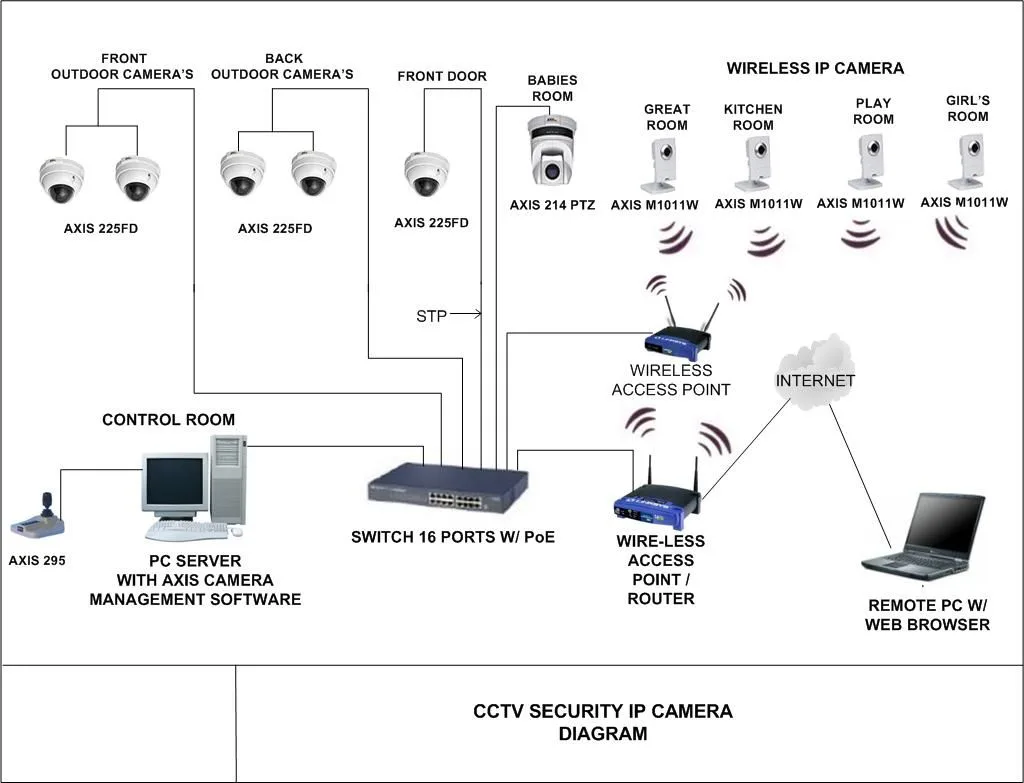
Image source: Web (Bing) / fity.club (Web image (fair-use with source credit))
Securing your home security cameras is more crucial now than ever. These devices offer peace of mind, but if not properly protected, they can become a serious vulnerability. We’re talking about protecting your home, your family’s privacy, and your personal data from potential digital intruders.
Manufacturers like Reolink and Wyze, among others, specify basic security protocols in their documentation. Aggregate reviews and cybersecurity research highlight that overlooking simple steps, like changing default passwords, leaves systems exposed, as confirmed by guidelines from the National Institute of Standards and Technology (NIST). This article dives into the essential steps to ensure your cameras are a genuine asset, not a liability.
Why Securing Your Home Security Cameras is Non-Negotiable
The primary function of home security cameras is to deter crime and provide evidence if an incident occurs. However, our research indicates that many users overlook the security of the cameras themselves. This oversight can lead to significant risks, transforming a security tool into an entry point for malicious actors.
The Real Risks of Unsecured Cameras
When you don't properly secure your home security cameras, you're essentially leaving a digital window open. Hackers can gain unauthorized access, not just to live feeds but also to stored footage and potentially your entire home network. This can result in privacy violations, identity theft, or even physical security breaches if your daily routines are exposed.
- Privacy Invasion: Unauthorized viewers can watch your family, track your movements, and learn about your property.
- Network Compromise: A vulnerable camera can be a stepping stone to access your computers, smartphones, and other connected devices.
- Data Theft: Sensitive personal information stored on or transmitted by the camera can be intercepted.
- False Sense of Security: Believing your property is monitored when it's actually exposed can lead to complacency.
Per guidelines from the Cybersecurity and Infrastructure Security Agency (CISA), weak device security is a primary vector for cyberattacks on home networks. As of 2026, the sophistication of these attacks continues to grow, making robust security practices essential. This isn’t just about protecting your home; it’s about safeguarding your personal digital footprint.
Locking Down Your Network: The First Line of Defense
Before you even think about mounting a camera, securing the network it will connect to is paramount. Your home's Wi-Fi network is the gateway for your cameras to access the internet and for potential intruders to access your devices. If your Wi-Fi is weak, your cameras are inherently at risk.
Strong Wi-Fi Passwords: Your Digital Doorman
This might seem basic, but it’s the most critical step. A weak Wi-Fi password is like leaving your front door unlocked. Most routers come with a default password that is easily found online or guessed.
- Complexity is Key: Aim for a password that is at least 12 characters long.
- Mix It Up: Use a combination of uppercase letters, lowercase letters, numbers, and symbols.
- Uniqueness Matters: Never reuse passwords across different accounts or devices.
Aggregate user reviews often highlight that simple passwords are a common oversight. Manufacturers, like those recommending adherence to NIST cybersecurity standards, emphasize that strong, unique passwords significantly reduce the risk of unauthorized access.
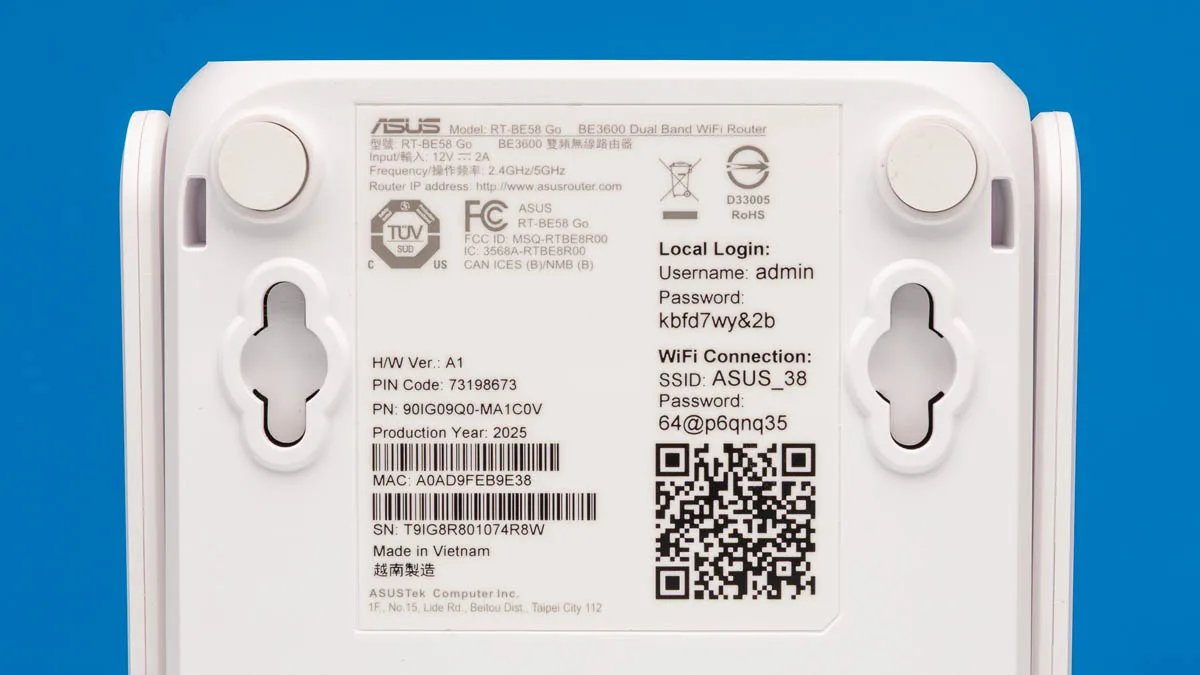
Image source: Bing (Web (fair-use with source credit))
The Power of a Guest Network for Devices
Many modern routers allow you to create a separate "guest" network. This is an ideal place to connect your Internet of Things (IoT) devices, including security cameras, smart thermostats, and voice assistants. By isolating these devices on their own network, you create a barrier between them and your primary network, where your computers and sensitive financial or personal data reside.
If a camera or other smart device on the guest network is compromised, the attacker is contained within that isolated segment. They cannot easily pivot to your main network, greatly enhancing your overall digital security. This is a crucial step for keeping your more sensitive devices safe.
Keeping Your Router's Software Up-to-Date
Your router’s firmware is its operating system. Like any software, it can have security vulnerabilities. Manufacturers regularly release updates to patch these issues and improve performance.
- Automatic Updates: Check if your router has an automatic update feature and enable it.
- Manual Checks: If automatic updates aren't available, make a note to check your router manufacturer's website for firmware updates every few months.
- Accessing Settings: You can typically access your router's settings by typing its IP address (often 192.168.1.1 or 192.168.0.1) into a web browser.
Manufacturer specifications consistently show that outdated firmware is a significant security risk. Failing to update leaves your network exposed to known exploits that cybercriminals actively target.
Securing the Camera Itself: Passwords and Settings
Once your network is locked down, it's time to focus on the individual cameras. This is where many users unfortunately falter, leading to immediate vulnerabilities.
Banish Default Passwords Instantly
This is arguably the single most important step for camera security. Every camera comes with a default username and password (like "admin/admin" or "user/password"). These are incredibly common and easily found online or in device manuals.
- Change Upon Setup: You should change the default password the very first time you set up a camera.
- Admin vs. User: Some cameras have separate passwords for administrator and user access. Ensure both are changed.
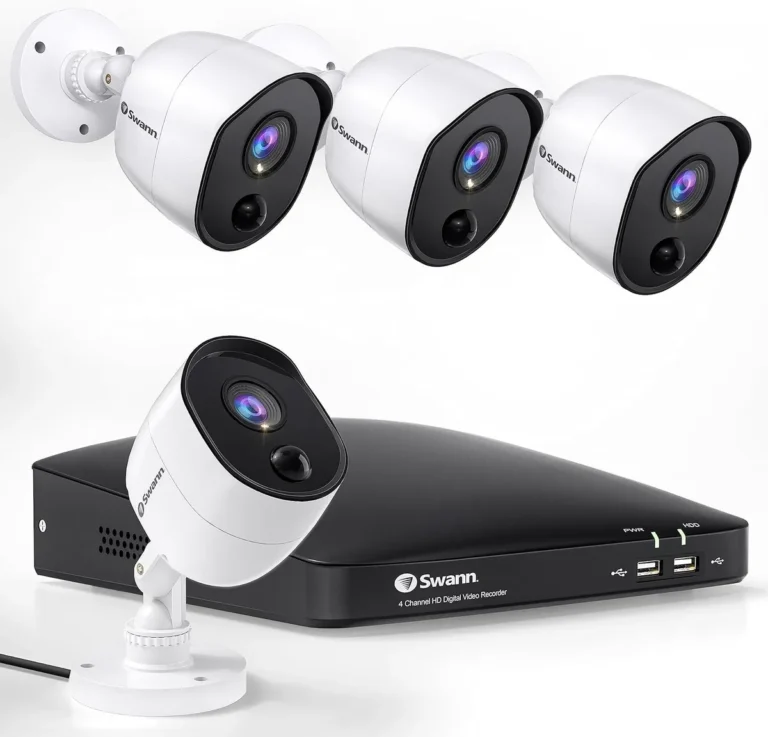
- Physical Access: While you're at it, ensure the camera is physically mounted securely so it can't be easily removed or tampered with.
Image source: Web (Bing) / bestcctvsolution.com (Web image (fair-use with source credit))
Research from consumer electronics publications and cybersecurity blogs consistently flags default passwords as the primary security weakness in connected devices. Ignoring this step is akin to putting up a “Welcome” mat for hackers.
Unique, Strong Passwords for Every Camera
Just like your Wi-Fi, each camera should have its own unique, strong password. Reusing passwords across multiple cameras or other accounts is a bad practice. If one password is compromised, it can lead to a cascade of breaches across your devices.
- Password Manager: Consider using a password manager to generate and store complex, unique passwords for all your devices.
- Avoid Personal Info: Never use easily guessable information like your name, address, or birthdate.
Manufacturer documentation, such as specifications for Reolink or Wyze cameras, typically details the password requirements. Adhering to these requirements ensures a baseline level of security.
The Essential Boost: Two-Factor Authentication (2FA)
If your camera system or its associated app offers Two-Factor Authentication (2FA), enable it immediately. This adds an extra layer of security, requiring a second verification step beyond just your password to log in. This is often a code sent to your registered phone number or generated by an authenticator app.
Even if a hacker somehow obtains your camera's password, they would still need access to your phone or authenticator app to gain entry. This significantly reduces the risk of unauthorized access. Many smart home security systems now integrate this feature as a standard security protocol.
Streamlining Security: Disabling Unused Features
Most security cameras come with a range of features, some of which you might not need. Features that are not actively used can still represent potential vulnerabilities.
- Remote Access: If you only access your cameras locally within your home network, consider disabling remote internet access if it's not a feature you require.
- UPnP (Universal Plug and Play): While convenient, UPnP can sometimes open unintended ports on your router, creating security holes. Many cybersecurity experts recommend disabling UPnP on your router unless absolutely necessary.
- Cloud Features: Understand what data is being sent to the cloud and if you truly need those features.
By minimizing the attack surface, the number of ways an attacker can try to get into your system, you make your cameras significantly more secure.
Physical Security: Don't Forget the Basics
While we're focused on digital security, the physical integrity of your cameras is also important. A compromised camera can’t do its job effectively, regardless of how strong its password is.
Smart Placement for Maximum Deterrence
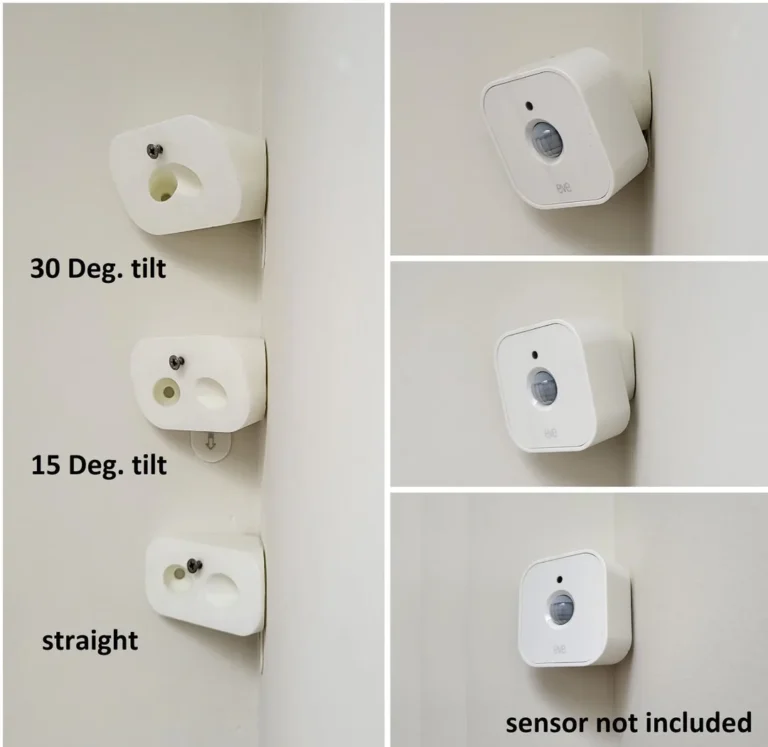
Positioning your cameras is key. They should be placed high enough to be out of easy reach from the ground, making them difficult to tamper with or remove. This also helps provide a better vantage point for monitoring your property.
- Visibility: Visible cameras can act as a deterrent to potential intruders.
- Obstructions: Ensure the camera's field of view isn't easily blocked by trees, bushes, or other objects that could be manipulated.
- Weather Protection: Consider mounting cameras under eaves or using weatherproof enclosures to protect them from harsh environmental conditions, which can also affect their functionality.
A camera that is easily knocked off its mount or visibly damaged loses its effectiveness as a security tool.
Advanced Network Protection for Your Cameras
For those who want an extra layer of security beyond the standard setup, there are more advanced techniques to consider. These steps can create a more robust defense for your home network and devices.
Network Segmentation: Creating Secure Zones
Network segmentation, often achieved through Virtual Local Area Networks (VLANs), is a powerful way to isolate devices. A VLAN logically divides your network into separate sub-networks. By placing your security cameras on their own dedicated VLAN, you ensure that even if one camera is compromised, it's contained within its segment and cannot directly affect other devices on your main network.
Setting up VLANs can be complex and varies depending on your router’s capabilities. It’s a feature more commonly found on higher-end or business-grade routers. This is an advanced method often recommended by IT professionals to enhance security for IoT devices.
Regular Audits: Spotting the Unwanted
Periodically checking your network for connected devices is a good habit. Your router's administration interface usually provides a list of all devices currently connected to your Wi-Fi.
- Familiarize Yourself: Know which devices belong to your network (laptops, phones, smart TVs, cameras).
- Investigate Unknowns: If you see a device you don't recognize, it could indicate an unauthorized connection.
- Review Logs: Some routers offer event logs that can show connection attempts, which can sometimes highlight suspicious activity.
This practice, along with regular firmware updates, forms part of a proactive cybersecurity posture recommended by organizations like the National Institute of Standards and Technology (NIST). Maintaining vigilance helps ensure your network remains secure over time.
Common Mistakes That Compromise Your Security
Many users make common errors when setting up and managing their home security cameras, inadvertently creating vulnerabilities. Understanding these pitfalls is crucial for effective protection.
- Ignoring Firmware Updates: As mentioned, outdated firmware is a major risk. Not checking for and installing updates leaves known security holes open.
- Using Weak or Default Passwords: This is the most prevalent and dangerous mistake. Default credentials are often public knowledge.
- Not Using 2FA: Skipping two-factor authentication, when available, is leaving your account half-protected.
- Connecting to Public Wi-Fi: Never connect your security cameras to unsecured public Wi-Fi networks. These are highly susceptible to snooping.
- Overlooking Physical Security: Mounting cameras in easily accessible locations makes them targets for vandalism or theft.
- Not Reviewing Device Permissions: Some camera apps request broad permissions on your smartphone; carefully review what access you are granting.
- Assuming All Devices Are Secure: Even reputable brands can have vulnerabilities. Continuous vigilance is necessary.
What if My Camera Doesn't Support 2FA?
If your camera system doesn't offer two-factor authentication, focus even more on the other security measures. Ensure your Wi-Fi password is exceptionally strong, change the default camera password immediately, and keep the firmware updated. For critical areas, consider upgrading to a system that does support 2FA.
Frequently Asked Questions About Camera Security
How often should I update my camera's firmware?
You should check for firmware updates regularly, ideally every few months, or enable automatic updates if your camera system supports it. Manufacturers release these updates to patch security vulnerabilities and improve performance.
Can my security cameras be hacked if they are not connected to the internet?
While less likely, it's still possible for cameras connected only to a local network to be compromised if the network itself has vulnerabilities. However, most modern cameras require an internet connection for remote viewing and cloud features, making internet-connected security a higher priority.
What is the difference between a wired and wireless camera system's security?
Wired systems often have fewer vulnerabilities related to signal interception but still require securing the network and camera passwords. Wireless systems add Wi-Fi security as a critical layer, but their overall security depends heavily on strong passwords and up-to-date firmware for both the camera and the router.
Is it safe to store camera footage on a cloud service?
Cloud storage can be convenient, but its security depends on the provider's practices. Ensure the service uses strong encryption (like AES-256) for data both in transit and at rest. Always use a strong, unique password for your cloud account and enable 2FA if available.
How can I tell if my security cameras have been compromised?
Look for unusual activity: cameras appearing offline when they shouldn't be, unexpected reboots, or strange movements or views in the footage. Also, monitor your network for unfamiliar connected devices. Any suspicious behavior warrants immediate investigation and a review of your security settings.