What Happens If the Power Goes Out With a Security System
What happens if the power goes out with a security system? It’s a question that pops into mind when you’re thinking about reliability, especially during storms or unexpected grid failures. You want to know if your home remains protected when the main power source flickers off.
Most modern security systems are designed with backup power in mind, ensuring continuous protection. Manufacturer specifications often indicate that a typical system can operate on battery for at least 24 hours, a crucial feature for maintaining security during disruptions.
Quick Answer
If the power goes out, your security system will likely switch to battery backup automatically. This backup power keeps sensors active and the control panel functional for a limited time, often 24 hours or more. Cellular backup ensures communication with monitoring services, but Wi-Fi devices may go offline.
Your Security System's Backup Plan: How It Works
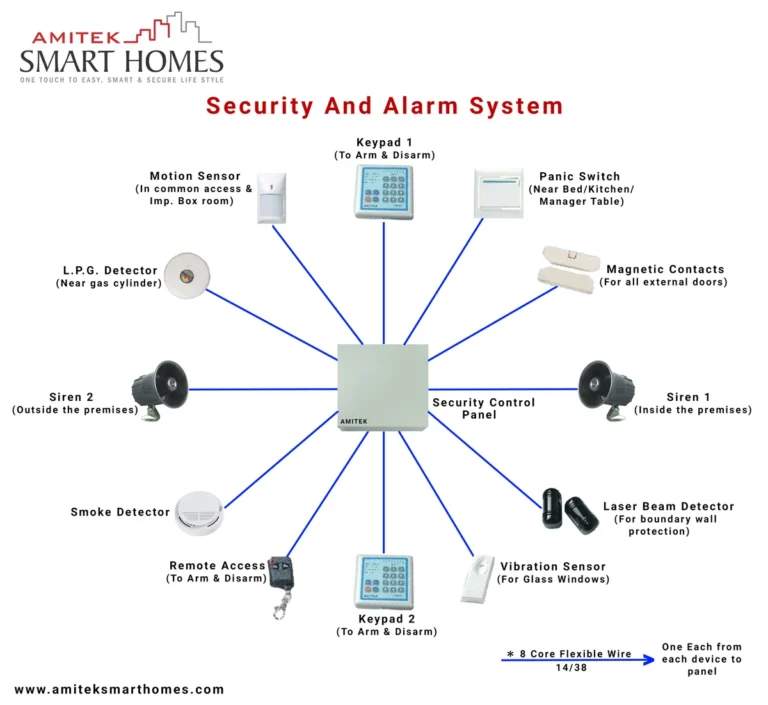
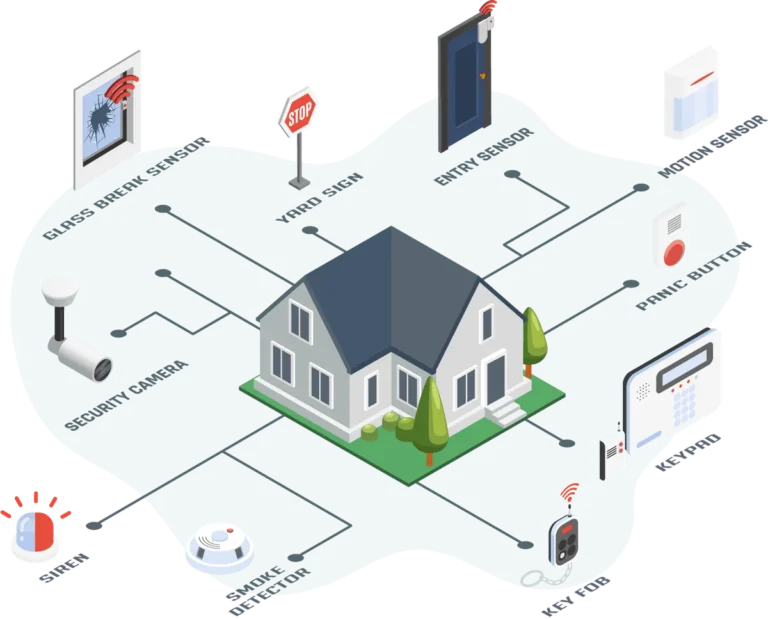
When the main electricity in your home cuts out, your security system doesn't just shut down. It has a built-in resilience plan to keep your property secured. The primary component of this plan is the backup power source, usually a rechargeable battery integrated into the control panel.
This battery is constantly topped up when the main power is on, so it's ready to go the moment an outage occurs. Think of it as a reserve tank that kicks in seamlessly.
This automatic transition means your system can continue detecting intrusions, monitoring entry points, and maintaining basic functionality even when your lights are off. The duration and capabilities during an outage, however, depend heavily on the specific system's design and its components.
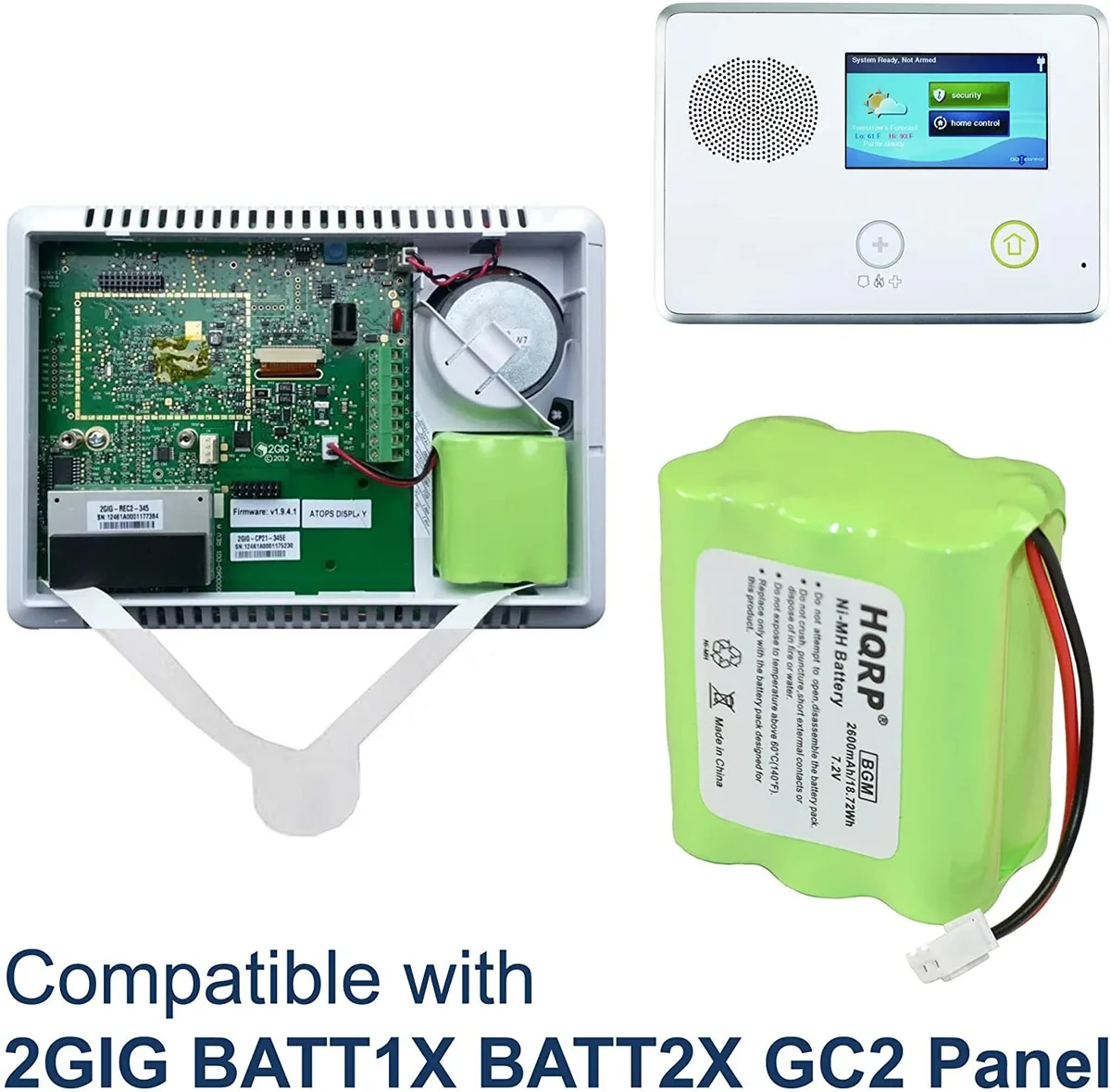
Image source: Bing (Web (fair-use with source credit))
The Role of Battery Backup
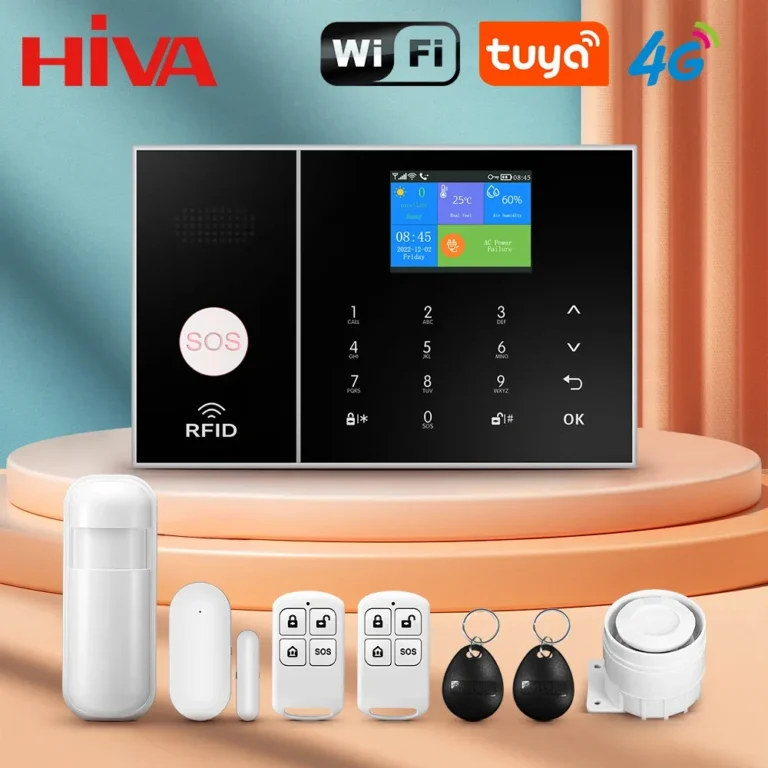
The heart of your security system's outage protection is its battery backup. This isn't a temporary fix; it's a designed feature to ensure continuity of service. When the primary AC power fails, the system automatically draws power from this internal battery.
The battery's capacity dictates how long the system can operate independently. For instance, according to common manufacturer specifications as of 2026, many home security systems are designed to run for at least 24 hours on a fully charged backup battery. This allows ample time for power restoration or for you to take alternative measures.
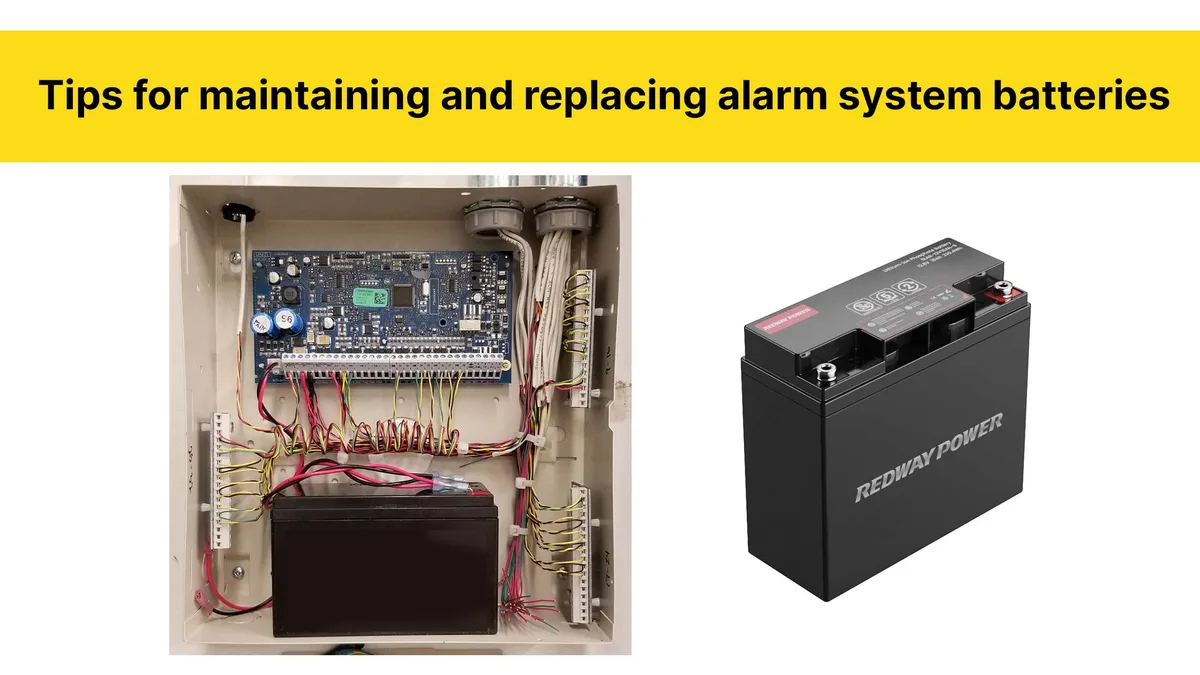
Image source: Bing (Web (fair-use with source credit))
Cellular and Internet Communication
Beyond just keeping the lights on for your alarm, communication is vital. If your system uses your home internet for monitoring, a power outage will likely disable that connection, as your router also needs power. This is where cellular backup comes into play.
Many modern systems include a cellular module that uses a wireless network, similar to a cell phone, to communicate with the monitoring center. This ensures that even if your home internet is down, alarms can still be reported. If your system lacks cellular backup and your internet is out, communication will cease until power is restored to your router.
Image source: Bing (Web (fair-use with source credit))
What to Expect During an Outage
When the power goes out, your security system will initiate a specific sequence of events to maintain its protective functions. The immediate switch to battery power is designed to be so seamless that you might not even notice it unless the system provides an audible alert. The critical aspect is understanding what remains operational and what might be affected.
The system's ability to keep functioning is paramount for security. For example, if a break-in occurs during an outage, the sensors must still detect the event and, if possible, transmit that information. This is why understanding the backup capabilities is so important for homeowners.
System Status: On, Alerted, or Offline?
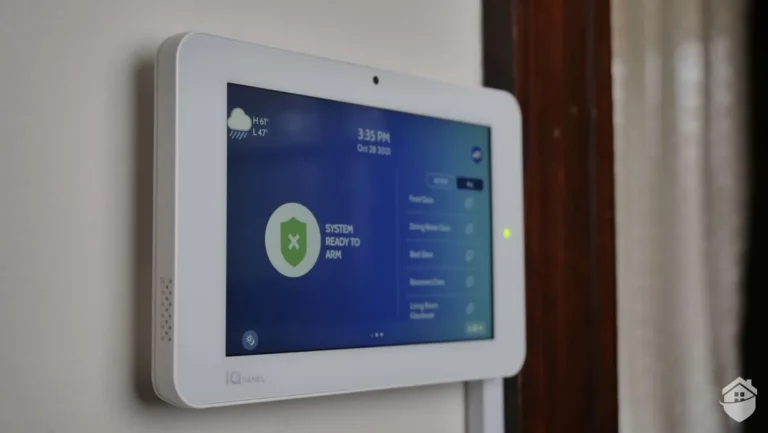
In most scenarios, your security system's control panel and connected sensors will remain active when the main power fails, thanks to the battery backup. You'll likely hear a distinct chirp or tone indicating a power loss, a common alert. However, the system's intelligence during an outage depends on its features.
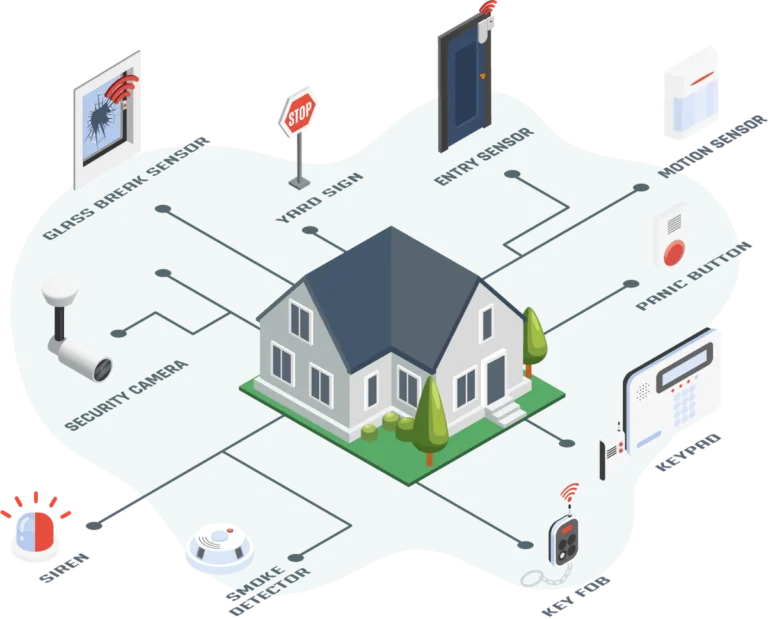
Basic functions like door and window sensors and motion detectors will typically continue to operate. If your system has a cellular backup, it can still report alarms to the monitoring service. Systems heavily reliant on Wi-Fi, such as some smart cameras, may go offline because your home network router has also lost power.
Communication Capabilities
The ability of your security system to communicate during a power outage is one of its most critical features. If you have a professionally monitored system, its primary job during an outage is to continue signaling for help if an alarm is triggered. This is achieved through its backup communication method.
Systems equipped with cellular backup modules can transmit alarm signals wirelessly, bypassing your home's defunct internet connection. This ensures that, as of 2026, emergency services can still be notified. Without cellular backup, or if you have a self-monitored system relying solely on home Wi-Fi, communication might be entirely lost until mains power is restored to both your system and your internet router.
This is a key differentiator when considering what features should a home security system have.
How Long Will Your Backup Power Last?
The duration your security system can operate on battery power during an outage is a key concern for many homeowners. This isn't a fixed number; it varies significantly based on the system's design, the battery's capacity, and how many components are actively drawing power. Understanding these factors helps you gauge your home's security level during extended blackouts.
The duration your security system can operate on battery power during an outage is a key concern for many homeowners. This isn't a fixed number; it varies significantly based on the system's design, the battery's capacity, and how many components are actively drawing power. Understanding these factors helps you gauge your home's security level during extended blackouts.
Standard Battery Lifespans
Most residential security systems are equipped with rechargeable backup batteries designed to provide power for a minimum of 24 hours. This duration is a common benchmark set by manufacturers and often aligns with the typical time it takes for power restoration in many areas after a storm or grid issue. Some higher-end systems or those with larger batteries might offer backup power for 48 hours or even longer.
For example, research indicates that some professional-grade systems can maintain operation for up to 72 hours on battery alone, though this is less common for standard DIY setups. It’s crucial to check your specific system’s manual for its rated battery life.
Factors Affecting Battery Performance
Several factors influence how long your security system's battery backup will truly last. The age of the battery is significant; like all rechargeable batteries, they degrade over time and will hold less charge. A battery that is several years old might not perform as well as a new one.
The number and type of devices connected to the system also play a role. More sensors, cameras, and active components draw more power, reducing the overall runtime. For instance, continuous Wi-Fi camera streaming, if it were to function on battery, would drain power much faster than simple door sensors.
Additionally, frequent alarm events, such as false alarms or multiple sensor triggers during an outage, can rapidly deplete the battery's charge.
Potential Problems When Power Fails
While backup batteries are a lifesaver, they aren't an infinite solution. Their limitations can lead to critical security gaps if power outages are prolonged or if the system isn't properly maintained. Recognizing these potential issues is the first step in mitigating risks and ensuring your home remains as secure as possible.
These problems often stem from either the inherent limitations of battery technology or from neglect in maintaining the system's components. Understanding these weak points allows for proactive measures.
When Backup Batteries Run Low
The most significant risk is the battery backup itself running out of power. If a power outage lasts longer than the battery's capacity, the system will eventually shut down. This leaves your home completely unprotected until mains power is restored.
You might receive low-battery alerts from your system before complete failure, but if you're away or unable to act quickly, this warning might not be enough. This scenario underscores the importance of knowing your system's rated battery life and regularly checking its status, which is part of how often a security system should be replaced.
Impact on Wi-Fi Dependent Devices
Many modern smart home devices, including some security cameras, smart locks, and sensors, rely on your home's Wi-Fi network for their operation. When the power goes out, your Wi-Fi router and modem also lose power, rendering these devices useless. Even if your security system's control panel has battery backup, it cannot power your entire home network.
This means that features relying on a stable internet connection will likely be unavailable. This limitation is a key reason to consider systems with integrated cellular backup, which can circumvent the home network entirely, ensuring that critical alerts can still be transmitted.
Preparing Your Security System for Power Outages
Being prepared is key to ensuring your home security isn't compromised when the lights go out. It involves understanding your system's specific capabilities and taking proactive steps to maintain its readiness. This isn't a complex process, but it requires attention to detail and regular checks.
Your preparation should focus on understanding the technology you have and ensuring its components are in top working order. This is where proactive maintenance meets the realities of potential disruptions.
Understanding Your System's Specifics
The first step in preparing for a power outage is to know your security system inside and out. What kind of backup power does it have? Is it just a battery, or does it include cellular backup?
What is the manufacturer's stated battery life? For example, a system like the one described in what does a home security system include might have different backup features than a simpler alarm. Knowing these details helps you understand what functions will remain operational and for how long.
This knowledge is crucial for setting realistic expectations and planning accordingly, especially if you have a wired vs wireless home security system.
Regular Maintenance and Checks
Consistent maintenance is non-negotiable for ensuring your security system's reliability during an outage. Backup batteries, like all batteries, have a finite lifespan and degrade over time. Most systems will provide a low-battery warning, but it's good practice to check your system's health status regularly, often through its app or control panel.
Batteries typically need replacement every 3 to 5 years, depending on usage and environmental factors. Beyond batteries, ensure that all sensors and the main control panel are clean and free from obstructions. A well-maintained system is more likely to function as intended when you need it most.
Common Mistakes to Avoid During an Outage
When the unexpected happens and your power cuts out, it's easy to overlook crucial aspects of your home security. Making a few common mistakes can leave your home vulnerable when you least expect it. Understanding these pitfalls can help you avoid them.
Forgetting about your security system's specific needs during a power disruption is a primary concern. Here are some frequent errors homeowners make:
- Ignoring Low Battery Alerts: Many systems will signal a low backup battery. Dismissing these alerts can lead to a complete system failure if an outage occurs before you can replace the battery.
- Assuming Wi-Fi Devices Still Work: Relying on smart cameras or other Wi-Fi dependent devices without realizing your home network is down can create a false sense of security.
- Not Verifying Communication: If you have a professionally monitored system, a power outage can sometimes disrupt communication. It’s wise to ensure your monitoring service has your current contact information and that their system is functioning.
- Neglecting Battery Maintenance: Failing to replace an old, degraded backup battery is akin to not having one at all. It's a key component that needs regular attention.
Frequently Asked Questions About Power Outages and Security Systems
How long does a security system's battery backup typically last?
Manufacturer specifications commonly indicate that a security system's backup battery can last between 24 to 48 hours. This duration can vary based on the system's age, the battery's condition, and the number of active components drawing power.
Will my Wi-Fi security cameras work during a power outage?
No, most Wi-Fi security cameras will not work during a power outage because they rely on your home's internet router, which also needs power. Systems with cellular backup might still send alerts, but camera feeds usually require a functioning home network.
How do I know if my security system is running on battery power?
Your security system will typically alert you with a audible chirp or a notification on its control panel or your smartphone app when the main power is out and it has switched to battery backup.
What should I do if my security system's backup battery dies?
If your backup battery dies and the power is still out, your system will shut down and offer no protection. Your immediate action should be to restore main power or replace the battery as soon as power is available to bring the system back online.
Is it better to have a wired or wireless system during a power outage?
Both wired and wireless systems rely on backup power. The critical factor for outages isn't the wired vs. wireless nature of sensors, but rather the presence and reliability of the control panel's battery backup and, importantly, cellular communication capabilities.