What Is a Smart Home Security System
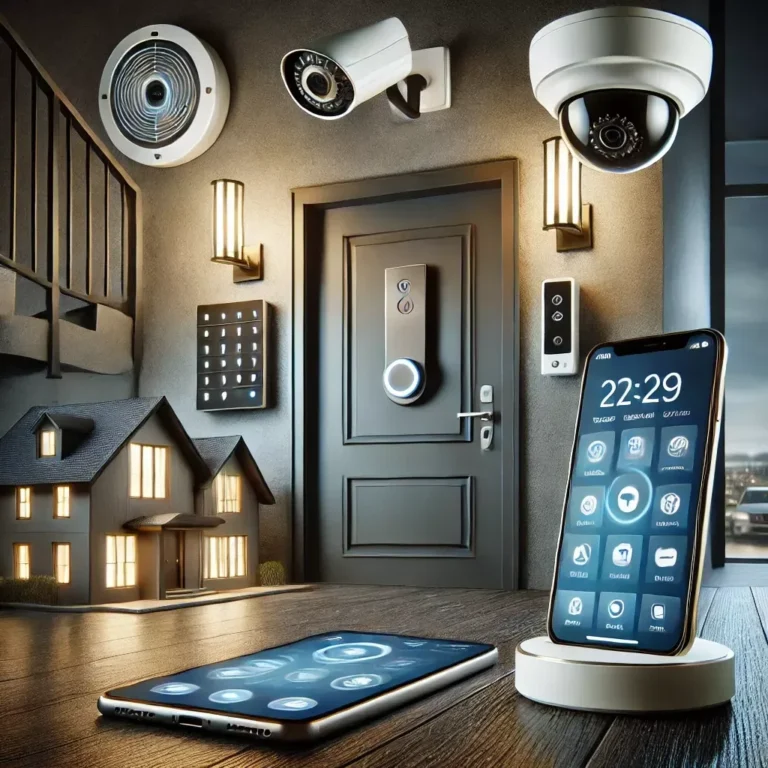
Worried about your home's safety when you're away? A smart home security system offers a connected approach to keeping your property and loved ones protected. These systems go beyond traditional alarms, using technology to give you greater control and awareness.
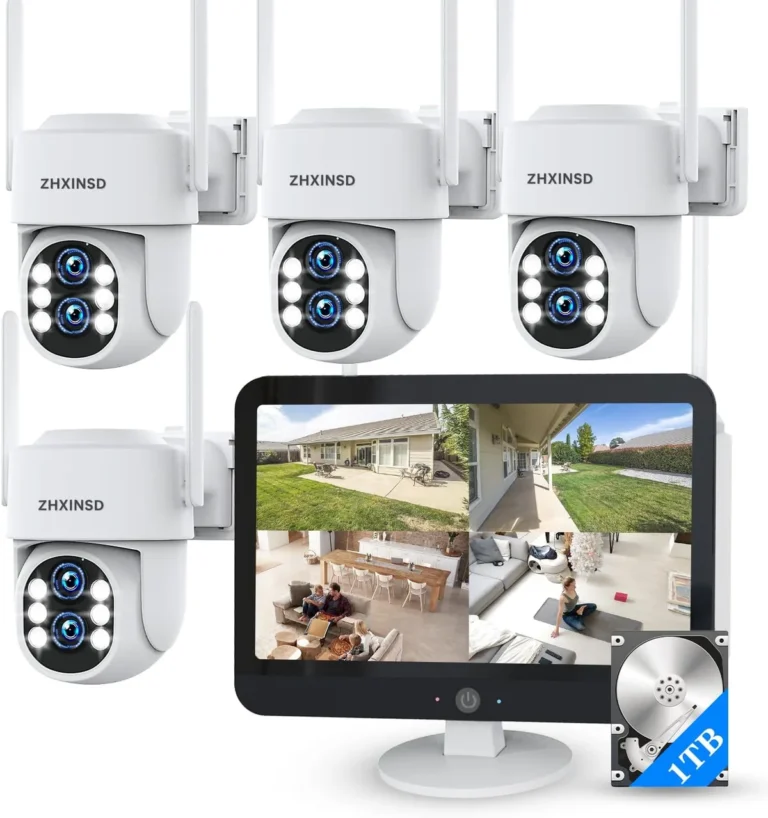
Essentially, it's a network of devices designed to detect threats and alert you, often integrating with your home's other smart devices. For instance, many systems offer real-time video feeds that can stream at resolutions up to 1080p, allowing you to see exactly what's happening. Let's break down what makes these systems tick and how they can work for you.
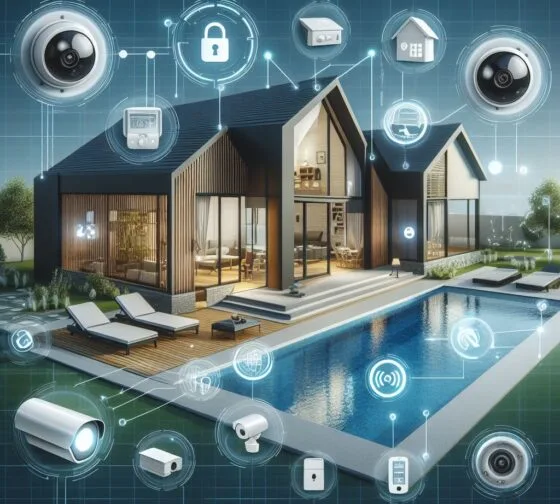
Image source: Bing (Web (fair-use with source credit))
Quick Answer
A smart home security system is a network of internet-connected devices that monitor your home for threats. It includes components like cameras, sensors, and smart locks that communicate wirelessly. You can control and monitor the system remotely via a smartphone app, receiving real-time alerts.
This setup offers enhanced safety and convenience compared to traditional alarms.
How Smart Home Security Works: The Core Idea
At its heart, a smart home security system is about connectivity and communication. Unlike older systems that might just sound a siren, these modern setups link various security devices together and to the internet. This allows them to send information, like alerts, video footage, or status updates, directly to your smartphone or a professional monitoring center.
The whole setup is designed to be more proactive, giving you eyes and ears on your home no matter where you are. This connectivity also opens the door for automation, making your security work in sync with your daily life.
The Brains of the Operation: Hubs and Apps
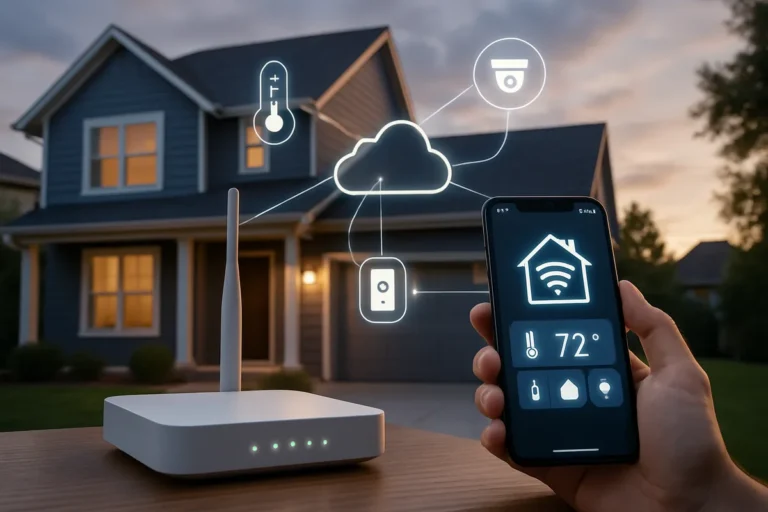
Every smart security system needs a central point to manage everything. This is usually a hub or base station. It's the device that talks to all your sensors, cameras, and other components, and it's also the gateway that connects your system to your home Wi-Fi network.
From there, the system beams information to your smartphone through a dedicated mobile app. This app is your command center. It lets you arm or disarm the system, view live camera feeds, check sensor statuses, and receive instant notifications if something is detected.
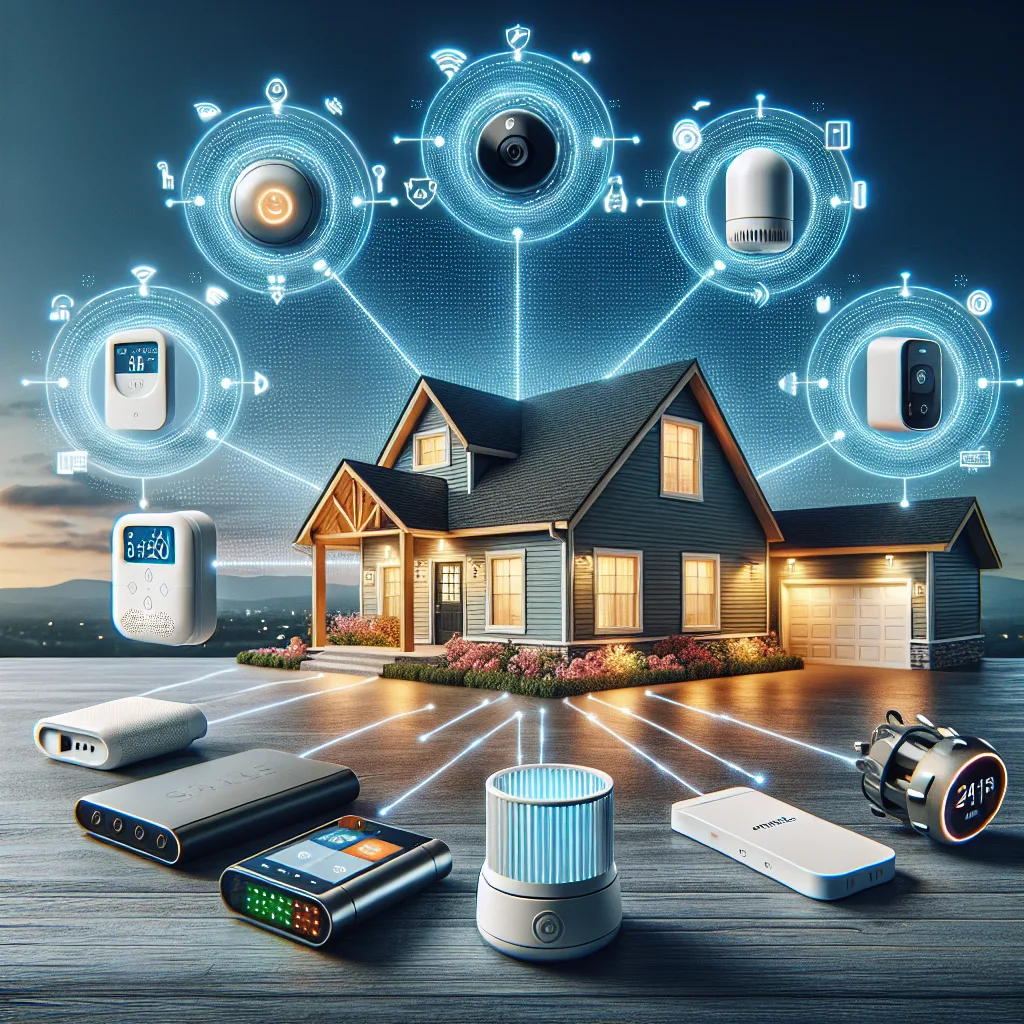
Image source: Web (Bing) / pinterest.com (Web image (fair-use with source credit))
Think of it like this: your sensors are the eyes and ears, the hub is the brain, and the app is your remote control, letting you see and react from anywhere. Many systems also support integrations with popular voice assistants like Amazon Alexa or Google Assistant, adding another layer of convenience for controlling your security with just your voice.
What's Actually Inside: Key Components and Features
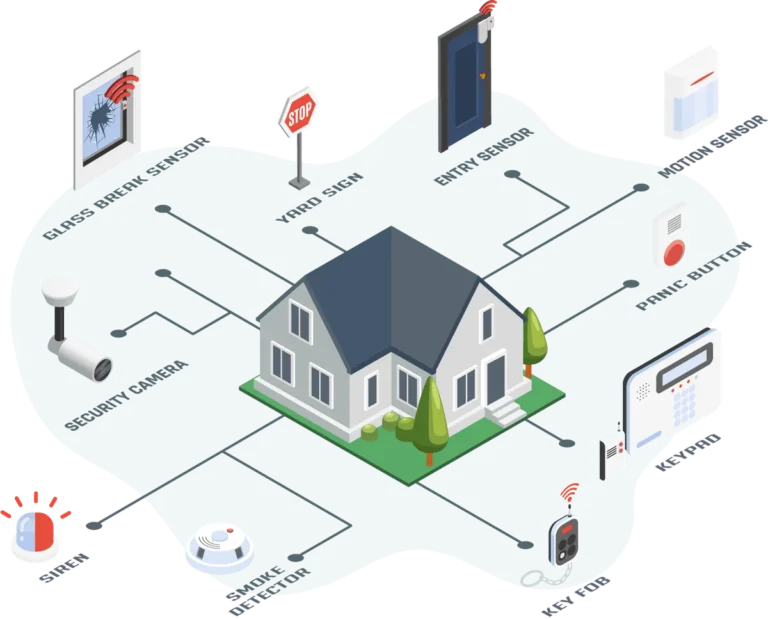
A smart home security system is built from several key pieces working together. At minimum, you'll typically find a central hub and a few types of sensors.
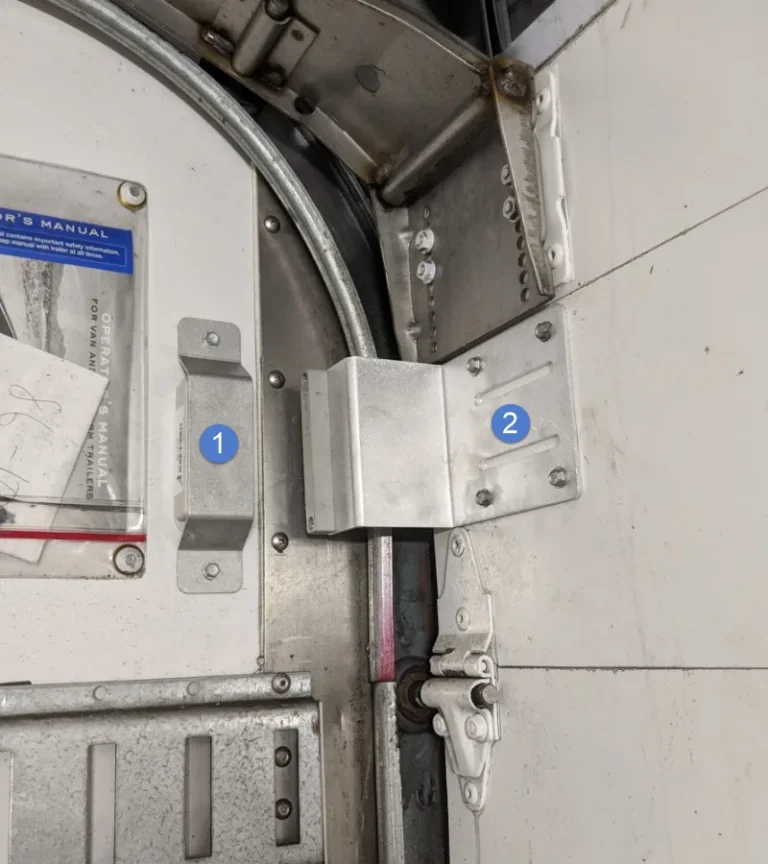
- Door and Window Sensors: These are small, two-part devices. When a door or window is opened, the magnetic connection is broken, triggering an alert.
- Motion Sensors: Placed strategically indoors, these detect movement within a certain range. Advanced versions can distinguish between pets and people.
- Smart Cameras: These are crucial for visual verification. You can get indoor cameras for monitoring activity inside, outdoor cameras for perimeter security, and video doorbells that let you see and speak to visitors at your front door. Many offer features like night vision and two-way audio.
- Smart Locks: These allow you to lock and unlock your doors remotely via the app. Some can even be programmed with temporary access codes for guests or service providers.
- Environmental Sensors: Beyond intrusion, some systems include detectors for smoke, carbon monoxide (CO), or water leaks, adding an extra layer of home protection.
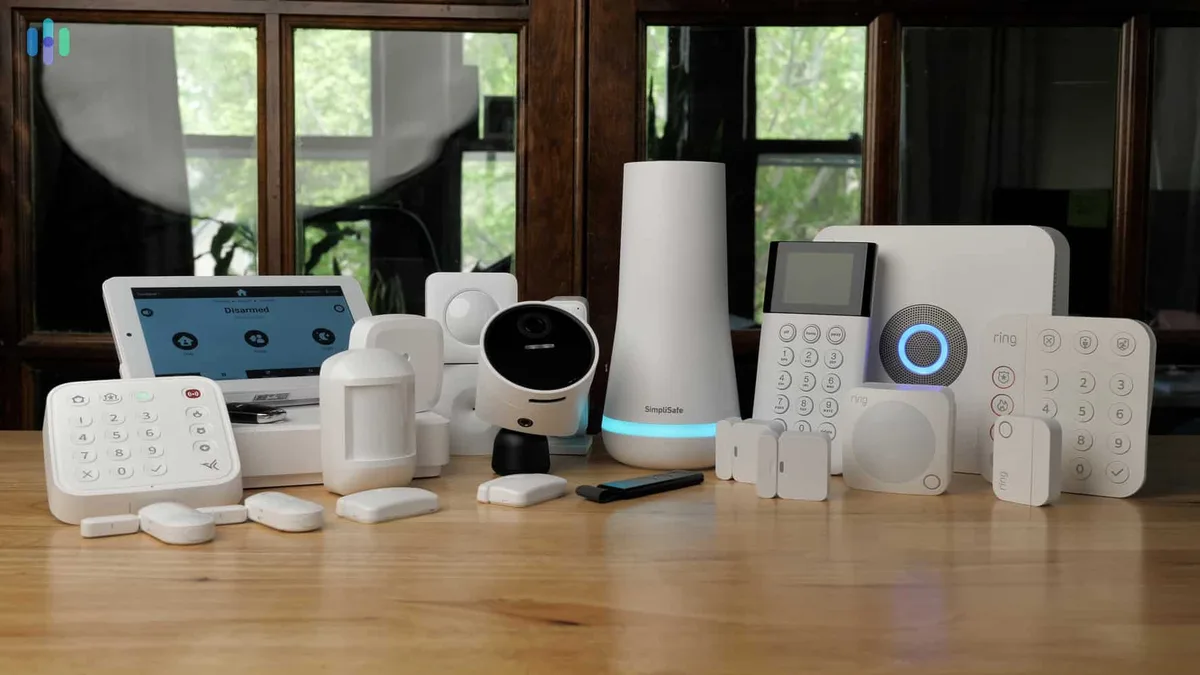
Image source: Web (Bing) / exclusiveblueprint.com (Web image (fair-use with source credit))
The features you choose depend on your specific needs and budget, but these core components form the backbone of most smart security setups.
Why Go Smart? Benefits vs. Real-World Drawbacks
Making the switch to smart home security isn't just about new gadgets; it's about a different approach to safety. Our research indicates a significant shift towards these connected systems for their advanced capabilities, but it's important to weigh the advantages against potential downsides.
The Upside: Peace of Mind and Convenience
The biggest draw for smart security systems is the unparalleled peace of mind they offer. Knowing you can check on your home from anywhere via your smartphone provides a huge comfort. You get instant alerts if a sensor is triggered, allowing you to react quickly, whether that's calling the police or just checking to see if your pet accidentally set off a motion detector.
Many systems offer features like geofencing, which can automatically arm or disarm your system based on your phone's location, making daily use incredibly convenient. Some insurance companies even offer discounts on homeowner's policies for homes equipped with professionally monitored smart security systems.
The Downsides: What to Watch Out For
While the benefits are clear, smart systems aren't without their challenges. False alarms can be a significant frustration; these can happen if motion sensors aren't calibrated correctly or if pets are prone to triggering them. Connectivity is another area where issues can arise.
If your home Wi-Fi is unstable or goes down, your system's ability to send alerts or stream video can be compromised. Many systems rely on subscriptions for advanced features like cloud video storage or professional monitoring, which adds an ongoing cost. Manufacturer specifications, like those from NIST concerning cybersecurity, highlight the importance of securing your home network to prevent unauthorized access.
Power outages can also be a concern, though most systems include battery backup for the hub and sometimes cellular backup for critical alerts.
Choosing Your System: Options and What Fits You
Deciding on a smart home security system can feel overwhelming because there are so many ways to go. It's not just about picking a brand; it's about understanding how these systems fit your life and what alternatives exist. We'll look at how they stack up against older tech and who benefits most from a smart setup.
Comparing Smart Systems to Traditional Alarms
Traditional alarm systems often rely on hardwired sensors and a main panel that sounds a siren locally. They might have a phone line connection for a monitoring service, but they lack the internet connectivity and app-based control of smart systems. Smart systems, on the other hand, are primarily wireless, making installation simpler and often more adaptable, especially for renters.
The key difference lies in remote access and integration. With a traditional system, you're often limited to arming/disarming at the panel, whereas a smart system lets you do that, view cameras, and manage settings from your phone anywhere in the world. While traditional systems are reliable, smart systems offer a much richer, more interactive security experience.
Who's It Really For? Different Needs, Different Setups
Smart home security systems can be a great fit for a wide range of people, but they shine brightest for certain users.
- Tech-Savvy Homeowners: Those comfortable with apps and smart home devices will find these systems intuitive and powerful, allowing for deep customization and integration.
- Renters: Because most components are wireless and easy to install or remove, smart systems are ideal for those who can't permanently alter their living space.
- Frequent Travelers or Those Away Often: The ability to monitor your home remotely, receive instant alerts, and even speak to visitors via a video doorbell is invaluable.
- Families with Children or Pets: You can check in on your family or pets remotely, get alerts if doors are opened unexpectedly, and potentially use smart locks for easier entry for authorized individuals.
Essentially, if you value remote access, real-time notifications, and the ability to integrate security with other smart devices, a smart system is likely a good match. For those who prefer extreme simplicity and only need a local siren, a traditional system might suffice, but the benefits of smart technology are hard to ignore.
Avoiding Common Pitfalls: Mistakes People Make
Even with advanced technology, it's easy to run into trouble with smart home security if you're not careful. Our research highlights a few key mistakes that can lead to frustration or undermine your system's effectiveness. Avoiding these can save you a lot of headaches down the line.
False Alarms and Connectivity Woes
One of the most common issues people face is dealing with false alarms. This often happens because motion sensors are placed in high-traffic areas without proper pet sensitivity settings, or sometimes due to environmental factors like curtains moving in a draft. It's crucial to properly calibrate sensors during setup and understand their limitations.
Equally frustrating are connectivity problems. If your Wi-Fi signal is weak or your internet connection is unreliable, your system won't be able to send alerts or stream video effectively. Some systems offer cellular backup, which can be a lifesaver when your Wi-Fi goes down, but this often comes with an extra monthly fee.
Regularly checking your Wi-Fi strength in the areas where your devices are located is a good preventative measure.
Privacy and Setup Headaches
Privacy is a big concern with any connected device. Camera placement is key; avoid pointing outdoor cameras into neighbors' yards or windows. Understanding your system's data security protocols is also important, as noted by guidance from organizations like the National Institute of Standards and Technology (NIST) concerning home network security.
Another common pitfall is a complicated setup process. While many systems are designed for DIY installation, some can be technically challenging, especially when integrating multiple components or connecting to various smart home platforms. Taking the time to read instructions carefully, utilize setup guides (often available through the manufacturer's website), and understand your home's Wi-Fi capabilities beforehand can prevent a lot of setup-related stress.
What It Costs and What to Expect: Pricing and Specs
The upfront investment for a smart home security system can vary quite a bit. Basic DIY kits with a hub and a couple of sensors might start around $150 to $300. Adding more advanced components like multiple cameras, video doorbells, or smart locks can easily push the total cost to $500 or even well over $1,000.
Manufacturer specifications often detail the camera resolution, field of view (typically between 110 to 180 degrees), and battery life for wireless sensors, which can last anywhere from a few months to several years depending on usage.
Beyond the initial hardware cost, many systems require a monthly subscription fee. These fees can range from $10 to $50 or more per month. This often covers services like professional monitoring, cloud storage for video footage, and extended warranties.
Cellular backup for your internet connection typically adds another $5 to $10 per month to the subscription cost. When budgeting, it’s essential to consider both the equipment purchase price and these ongoing service fees to get a true picture of the total ownership cost.
Hardware Investment vs. Subscription Services
When looking at pricing, you'll find two main models. One involves purchasing all your hardware upfront, with optional, often lower-cost, monthly fees for cloud storage or self-monitoring via the app. The other model bundles the equipment cost into a longer-term contract, usually with professional monitoring included.
For instance, some providers offer starter kits with a hub, two door sensors, and a motion detector for a $0 upfront cost, but require a 2-3 year contract at $30-$50 per month. Verified buyer feedback reports indicate that the upfront cost model generally offers more flexibility but can have higher initial expenses, while contract models spread the cost but can be less adaptable.
Key Specifications to Compare
When comparing different smart security systems, pay attention to these technical details.
| Specification | What it means | Typical Range/Notes |
|---|---|---|
| Camera Resolution | Clarity of video footage | 1080p (Full HD) is common; 2K and 4K available for higher end |
| Field of View (FOV) | How wide an area the camera can see | 110° to 180° |
| Battery Life | How long wireless sensors last before needing replacement | 6 months to 5+ years for sensors; cameras typically wired |
| Connectivity | How devices communicate with the hub | Wi-Fi (2.4GHz, 5GHz), Z-Wave, Zigbee |
| Storage Options | Where video footage is saved | Cloud (subscription), Local (SD card) |
| Operating Temperature | Environmental limits for devices | Varies by device; crucial for outdoor equipment |
Expert Tips for a Smarter, Safer Home
To get the most out of your smart home security system and ensure it's truly effective, consider these expert-backed tips. They're designed to help you maximize convenience, enhance security, and avoid common operational issues.
- Strategic Sensor Placement: Don't just scatter sensors randomly. Place door/window sensors on all accessible entry points, including basement windows. Position motion sensors in high-traffic areas or entryways, but consider placing them to avoid overlooking blind spots. For outdoor cameras, think about covering main approaches to your home, driveways, and backyards where potential threats might occur.
- Leverage Geofencing: If your system supports it, set up geofencing. This feature uses your smartphone's GPS to automatically arm your system when you leave home and disarm it when you return. It's a seamless way to ensure your home is protected without you having to remember to arm it manually.
- Integrate with Other Smart Devices: Connect your security system to other smart home devices for a more robust setup. For example, have lights turn on when motion is detected outside, or have your smart lock automatically disarm the system when you unlock the door. This interconnectedness enhances both security and convenience.
- Regularly Test and Update: Treat your security system like any other piece of technology. Regularly test your sensors, cameras, and alarm functions to ensure they're working correctly. Keep the system's firmware and your mobile app updated, as these updates often include crucial security patches and performance improvements.
- Use Strong, Unique Passwords: For both your Wi-Fi network and your smart security system's app and account, use strong, unique passwords. Enable two-factor authentication (2FA) if available. This is a fundamental step in protecting your system from unauthorized access, a point emphasized by cybersecurity guidance from NIST.
Frequently Asked Questions About Smart Security
How long does setup typically take?
Setup time can vary from 30 minutes for a very basic system to several hours for a more complex installation involving multiple cameras and sensors. Most DIY-friendly systems aim for a straightforward process that can often be completed within an afternoon.
Can I monitor my system myself, or do I need professional monitoring?
You can usually choose. Many systems offer self-monitoring through their mobile app, meaning you receive alerts directly and decide how to respond. Professional monitoring services offer 24/7 oversight by a team that can dispatch emergency services for you, often for a monthly fee.
What happens if my power goes out?
Most smart security hubs are equipped with a battery backup, typically lasting several hours. If your system also has cellular backup, it can continue to send critical alerts even if your home internet is down. Some cameras may stop working if they rely solely on wired power without a backup source.
Are smart home security systems vulnerable to hacking?
Yes, like any internet-connected device, they can be vulnerable if not properly secured. Using strong, unique passwords, enabling two-factor authentication, keeping firmware updated, and securing your home Wi-Fi network are essential steps to mitigate risks.