How to Secure a Smart Home Security System
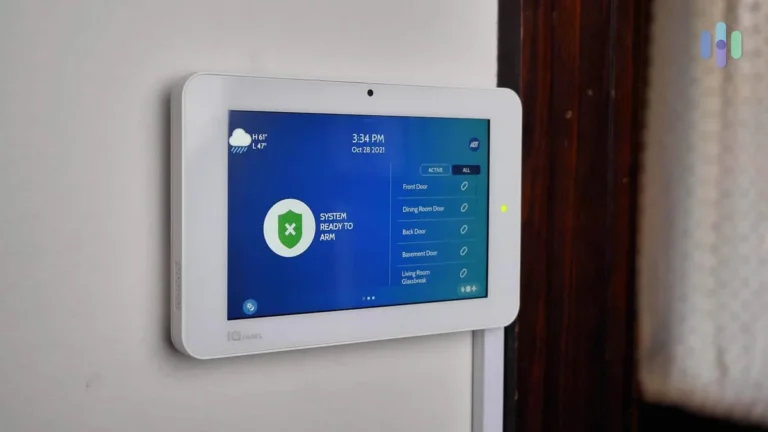
You've probably invested in a smart home security system to gain peace of mind and convenience. However, protecting your digital connections is just as vital as securing your physical doors and windows. Understanding how to secure a smart home security system effectively prevents unauthorized access and safeguards your personal data from cyber threats.
Our research shows that many users overlook critical security steps, leaving their systems vulnerable. For instance, industry best practices, such as implementing WPA3 encryption on your Wi-Fi network, significantly enhance your home's digital defenses. Let's break down how to build a truly robust security posture for your connected home.
Quick Answer
To secure a smart home security system, fortify your Wi-Fi with strong passwords and WPA3 encryption. Use unique, complex passwords for each device and enable two-factor authentication. Regularly update firmware and apps.
Review connected devices often and grant access sparingly.
Why Securing Your Smart Home System is Non-Negotiable
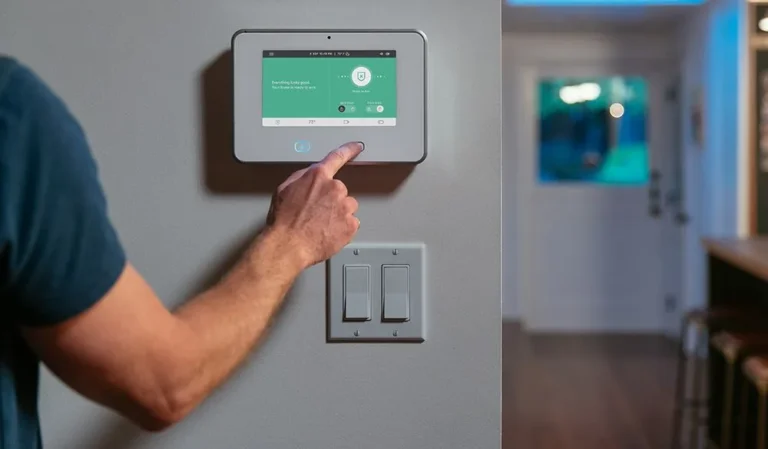
When you think about home security, you likely picture locks on doors and maybe a monitored alarm system. But with the rise of smart technology, there's a whole new layer of security to consider: your digital one. How to secure a smart home security system isn't just about keeping intruders out of your house; it's about keeping unauthorized people out of your network and your personal information.
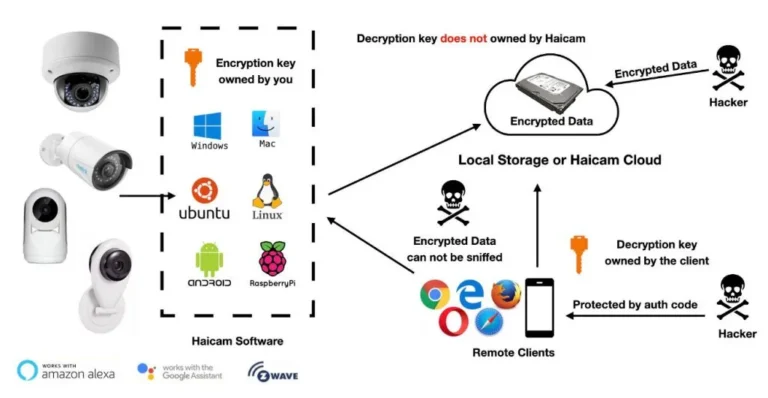
A smart home security system is a network of connected devices, and each one is a potential entry point. Manufacturer specifications often highlight the convenience, but proactive security measures are what truly protect your privacy. As of 2026, the sophistication of cyber threats targeting home networks means that neglecting these digital defenses can have serious consequences, ranging from privacy breaches to the compromise of your physical home security.
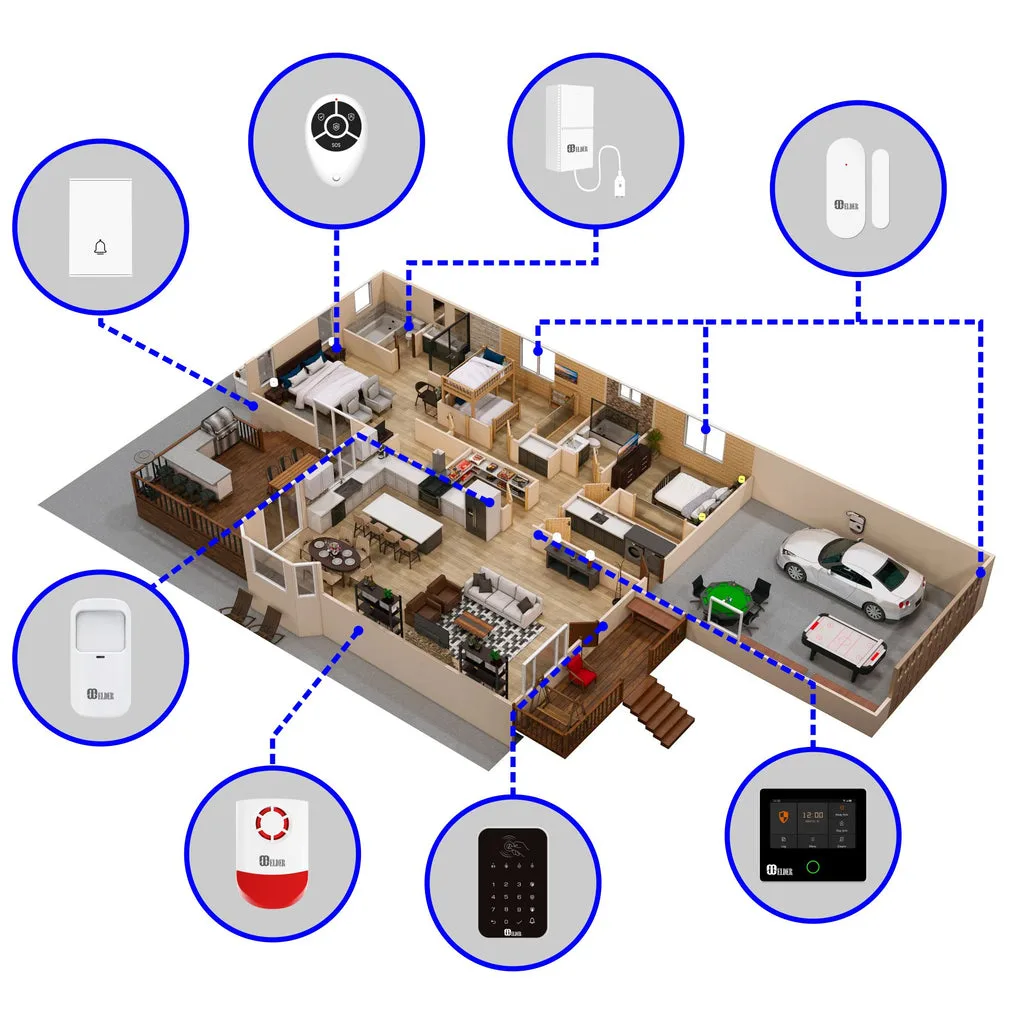
Image source: Web (Bing) / secomart.com (Web image (fair-use with source credit))
Your Wi-Fi Network: The Digital Front Door
Think of your home Wi-Fi network as the main gateway to all your connected devices. If this gateway is weak, everything behind it is at risk. Securing your Wi-Fi is the foundational step in protecting your smart home.
Fortifying Your Router's Defenses
Your Wi-Fi router is the central hub. If its defenses are weak, your entire smart home security system is compromised. This means setting it up correctly from the start and maintaining it diligently.
- Change Default Router Credentials: Every router comes with a default username and password (like "admin"/"password"). These are widely known and an easy target. Always change these to a strong, unique combination immediately after setup.
- Enable Strong Wi-Fi Encryption: This scrambles the data transmitted over your network, making it unreadable to outsiders.
- WPA3: This is the latest standard, offering the most robust security. If your router supports it, enable it.
- WPA2: If WPA3 isn't an option, WPA2 (preferably with AES encryption) is the next best thing. Avoid older protocols like WEP, which are easily cracked.
- Firmware Updates: Router manufacturers regularly release firmware updates to patch security vulnerabilities. Our research indicates that many users neglect this crucial step. Set up automatic updates if available, or check manually at least quarterly. You can often find the latest firmware on your router manufacturer's official website.
Setting Up a Guest Network
Many modern routers allow you to create a separate guest network. This is incredibly useful for visitors or for devices that don't require direct access to your sensitive smart home devices.
- Isolation: A guest network keeps devices connected to it separate from your main home network. This means that if a guest's device or a less secure "smart" gadget connected to the guest network gets compromised, your smart locks, security cameras, and personal data remain protected on your primary network.
- Custom Password: You can give your guest network a different, perhaps simpler, password than your main network, making it easy for visitors without compromising your core security.
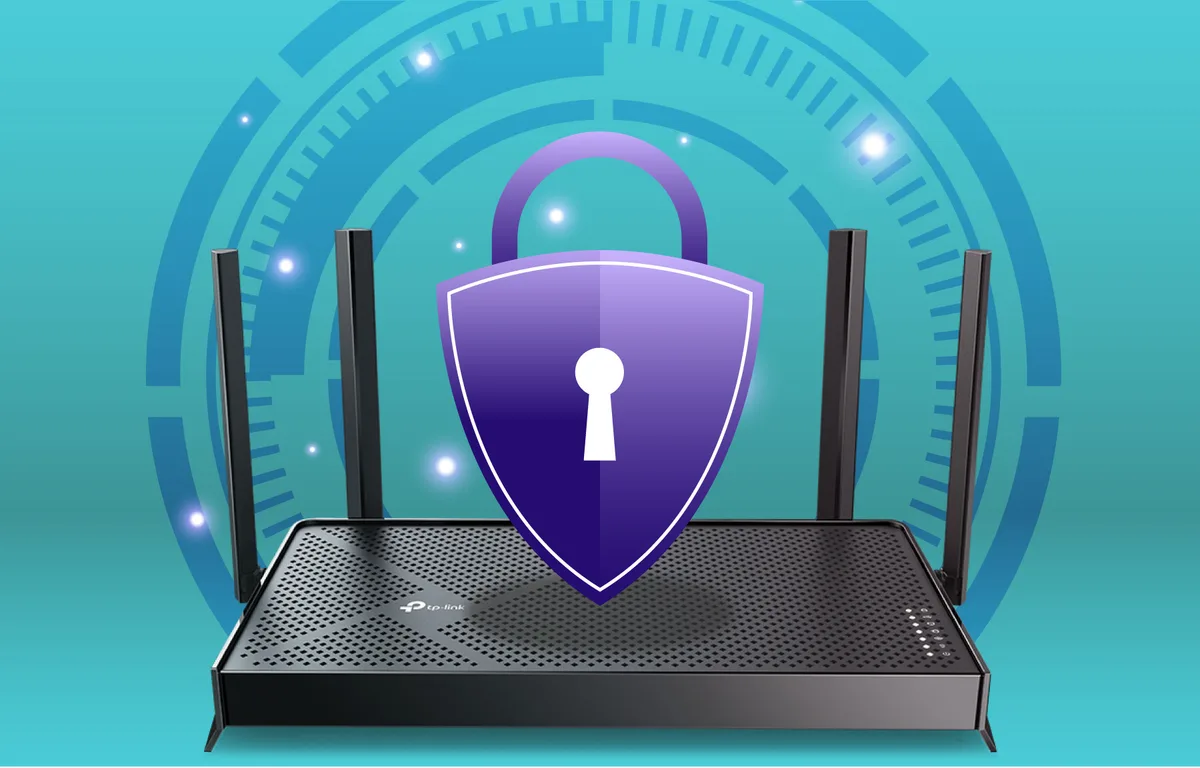
Image source: Web (Bing) / tp-link.com (Web image (fair-use with source credit))
Smart Device Security: Every Gadget Counts
Beyond your router, each individual smart device in your home is a potential weak link. From your smart lock to your thermostat, each needs its own security considerations.
Crafting Strong, Unique Passwords
This bears repeating: password hygiene is paramount. Many smart devices, especially older or less reputable ones, come with weak default passwords or prompt users to set simple ones.
- Uniqueness: Never reuse passwords across different devices or services. If one account is compromised, hackers won't be able to access your others.
- Complexity: A strong password typically includes a mix of uppercase and lowercase letters, numbers, and symbols. Aim for at least 12-15 characters. Consider using a password manager to generate and store these complex passwords securely.
The Power of Two-Factor Authentication (2FA)
Two-factor authentication adds a critical extra layer of security. It requires not only your password but also a second form of verification, usually a code sent to your phone or a biometric scan.
- How It Works: When you or someone else tries to log in, after entering the password, the system prompts for a second piece of information. This could be a code from an authenticator app, a text message, or a physical security key.
- Impact: Even if a hacker gets your password, they still can't access your account without this second factor. Aggregate reviews from cybersecurity professionals consistently highlight 2FA as one of the most effective security measures available for preventing unauthorized access.
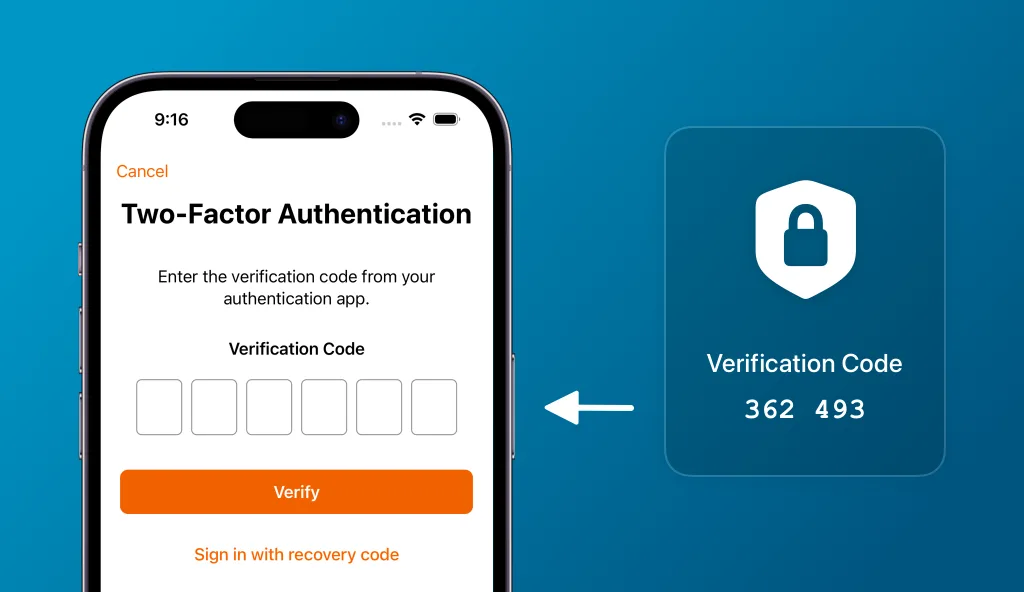
Image source: Web (Bing) / fity.club (Web image (fair-use with source credit))
Keeping Device Software Up-to-Date
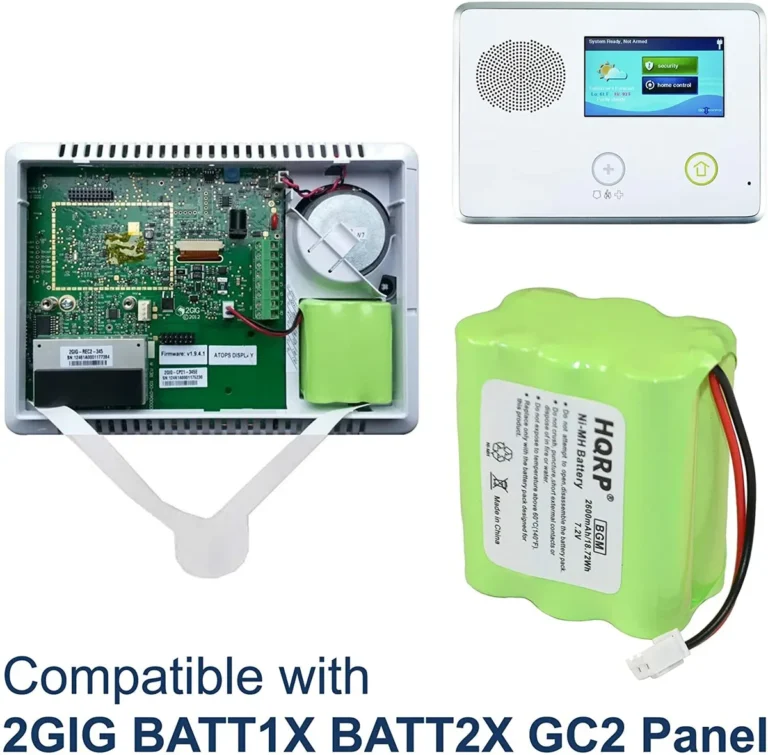
Smart devices, much like your router and phone, run on software that can have bugs or security vulnerabilities. Manufacturers release updates to fix these issues.
- Automatic Updates: If your device offers automatic updates, enable them. This ensures you're always running the most secure version of the software without manual intervention.
- Manual Checks: For devices that don't offer auto-updates, make it a habit to check the manufacturer's app or website regularly for new firmware or software releases. This is a vital step in the ongoing maintenance of your smart home security. If a device no longer receives security updates, it may be time to consider replacing it, as detailed in guidance on how often a security system should be replaced.
Access Management: Who Gets In?
Granting access to your smart home system, whether for family members, guests, or service providers, requires careful consideration. You need to control who has control and what they can do.
Granting Limited Permissions
Most smart home systems and their associated apps allow you to grant different levels of access to different users. This is a powerful tool for maintaining security.
- Role-Based Access: For example, you might give a family member full administrative access, while a pet sitter only gets temporary access to control the smart lock for a specific period. This prevents accidental or intentional misuse of higher-level controls.
- Temporary Access: Use features that allow temporary access codes for smart locks or limited-time camera viewing for contractors. This ensures access is only granted when needed and automatically revoked afterward.
Regularly Reviewing Connected Devices
It's easy to add devices over time, but sometimes devices might be forgotten or even added without your full knowledge (e.g., if a neighbor's Wi-Fi is unsecured and your device connects to it). Regularly checking your network and device list is a smart practice.
- Network Scan: Many routers have a feature to show a list of all connected devices. Periodically review this list to identify any unfamiliar devices.
- Device Apps: Likewise, check the apps for your individual smart devices. Ensure only authorized users and devices are listed or have active connections. This proactive check helps catch potential security issues early.
Common Pitfalls: What to Actively Avoid
Even with the best intentions, it's easy to fall into common traps that compromise your smart home security. Being aware of these pitfalls is half the battle.
The Danger of Default Credentials
We've touched on this, but it's so critical it's worth emphasizing as a major pitfall. Many smart devices ship with default usernames and passwords that are easily found online. For example, a quick search for "[device name] default password" can reveal this information.
- Easy Exploitation: Hackers actively scan networks for devices using these well-known default credentials. They can then take control of your device, access your network, or even use it as a stepping stone for further attacks.
- Immediate Action: Always change the default login information for your router and every smart device immediately after setup. If a device doesn't allow you to change its default password, seriously consider not using it or isolating it on a guest network.
Falling for Phishing Scams
Phishing is a social engineering tactic where attackers impersonate legitimate entities to trick you into revealing sensitive information. This is a primary method used to gain access to smart home accounts.
- Recognizing Phishing: Be suspicious of emails or messages that ask for your login credentials, financial information, or other personal data. Look for poor grammar, generic greetings (like "Dear Customer"), and urgent calls to action.
- Verification: If you receive a suspicious message that appears to be from your smart home provider or another service, do not click any links or download attachments. Instead, go directly to the official website or app by typing the address yourself, or call their customer support using a number you know is legitimate, to verify the request. This helps prevent malicious actors from gaining access to your smart home security system.
Frequently Asked Questions About Smart Home Security
How long does it typically take to secure a smart home system?
Securing your smart home isn't a one-time task, but the initial setup of your router and primary devices can take anywhere from 30 minutes to a couple of hours, depending on your comfort level with technology. Ongoing maintenance, like firmware checks, is much faster.
Can I use a VPN to secure my smart home devices?
While a VPN encrypts your internet traffic, it primarily protects your connection from your ISP or public Wi-Fi snoops. It doesn't directly secure the individual smart devices on your home network. However, running your router through a VPN service can add an extra layer of privacy for all devices on your network.
What are the biggest risks of an unsecured smart home system?
The biggest risks include unauthorized access to your network and devices, privacy breaches (like camera feeds being accessed), identity theft, and potential physical security compromises if critical systems like smart locks are controlled remotely by an attacker.
Are there specific smart home security standards I should look for?
While there isn't one single overarching certification for "smart home security," look for devices that support robust encryption standards like WPA3 for Wi-Fi, and manufacturers that clearly state their commitment to security updates and privacy. Organizations like the Wi-Fi Alliance certify Wi-Fi security protocols.
How do I know if a smart device is collecting too much data?
Check the device's privacy policy. Reputable manufacturers are transparent about data collection. If a device requests access to data that seems unnecessary for its function (e.g., a smart light bulb asking for your location), it's a red flag.
Expert Tips for Ongoing Protection
Maintaining a secure smart home requires a proactive approach. It's not something you set up once and forget about. Regularly revisiting your security practices ensures your defenses stay strong against evolving threats.
- Create a Device Inventory: Keep a simple list of all smart devices connected to your network. Note their approximate age and when they were last updated. This helps you identify potentially vulnerable or outdated devices.
- Secure Your Mobile Devices: The apps you use to control your smart home are also gateways. Ensure your smartphones and tablets have strong passcodes or biometric locks, and keep their operating systems and apps updated. Consider using a separate, dedicated device for managing smart home controls if you have highly sensitive systems.
- Stay Informed: Cyber threats evolve rapidly. Follow reputable cybersecurity news sources or alerts from your smart device manufacturers. Awareness is your first line of defense.
- Consider Network Segmentation: For advanced users, setting up a separate VLAN (Virtual Local Area Network) for your smart devices can provide an even stronger barrier between your critical data and less secure IoT gadgets. This requires more technical knowledge but offers significant security benefits.