How Do Smart Lights Work With Security Systems
Ever wonder if your smart lights can do more than just set a mood or follow a schedule? Many homeowners are looking to make their lighting part of their home's security net, and understanding how they work with security systems is the first step. It’s about making your home look occupied, deterring potential intruders, and getting immediate alerts when something’s amiss.
Integrating smart lights with your security system unlocks a powerful layer of home protection, often using simple automation rules. For instance, per the Connectivity Standards Alliance’s Matter standard, devices are designed for better interoperability, meaning your lights from one brand might communicate with sensors from another. This integration can turn ordinary lights into active participants in your home’s safety.
Quick Answer
Smart lights work with security systems by linking through smart home hubs or apps. When a security sensor, like a door contact or motion detector, triggers an alert, it can initiate a pre-set automation rule. This rule might turn on specific lights, flash them, or change their color, creating a visual deterrent or drawing attention to a potential intrusion.
Connecting Smart Lights and Security: The Basics
At its heart, making smart lights work with your security system is all about automation and communication. Think of your security sensors, like a door/window contact or a motion detector, as the "eyes and ears" of your system. When one of these sensors detects something unusual, like a door opening when it shouldn't, it sends a signal.
This signal then triggers an action within your smart home ecosystem.
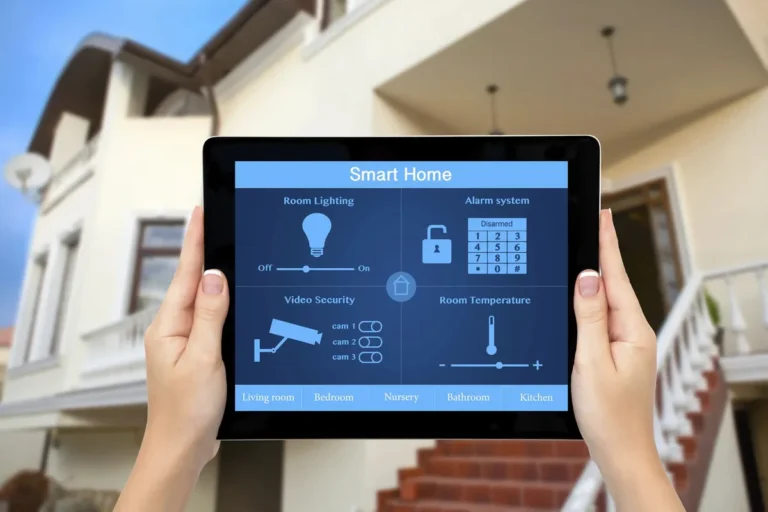
This action is usually a pre-programmed automation rule. You set this up using your smart home hub's app or a dedicated integration platform. For example, you might tell your system, "If the front door sensor is triggered between 10 PM and 6 AM, then turn on the porch light and the hallway light to 100% brightness." The smart lights themselves, like Philips Hue or LIFX bulbs, are designed to receive these commands wirelessly via your home network, often over Wi-Fi or through a hub using protocols like Zigbee or Z-Wave.
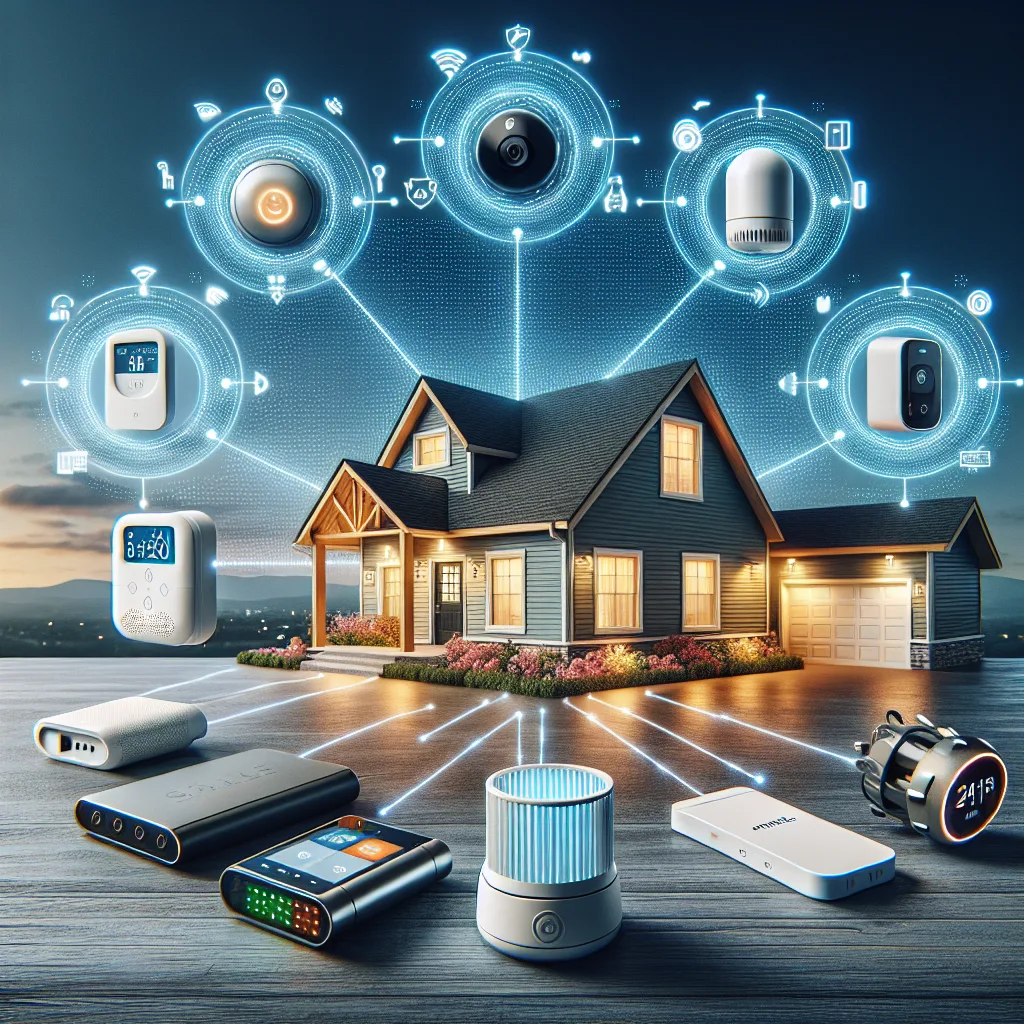
Image source: Web (Bing) / pinterest.com (Web image (fair-use with source credit))
This interconnectedness means your lights can actively respond to security events, rather than just being controlled manually or on a timer. It’s a simple concept with a significant impact on home security, making your lights an active deterrent.
What Triggers the Lights? Common Sensors and Events
The "trigger" for your smart lights to activate as part of a security setup comes from various sensors and events within your home security system. These are the devices that detect anomalies and send a signal to your smart home hub, which in turn tells your lights what to do.
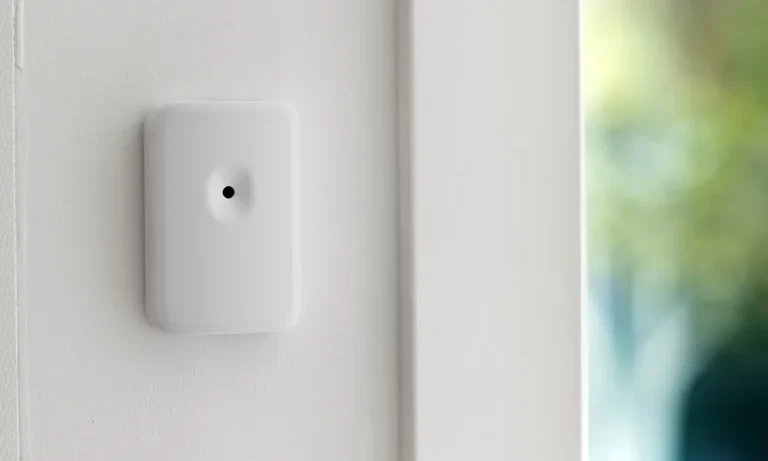
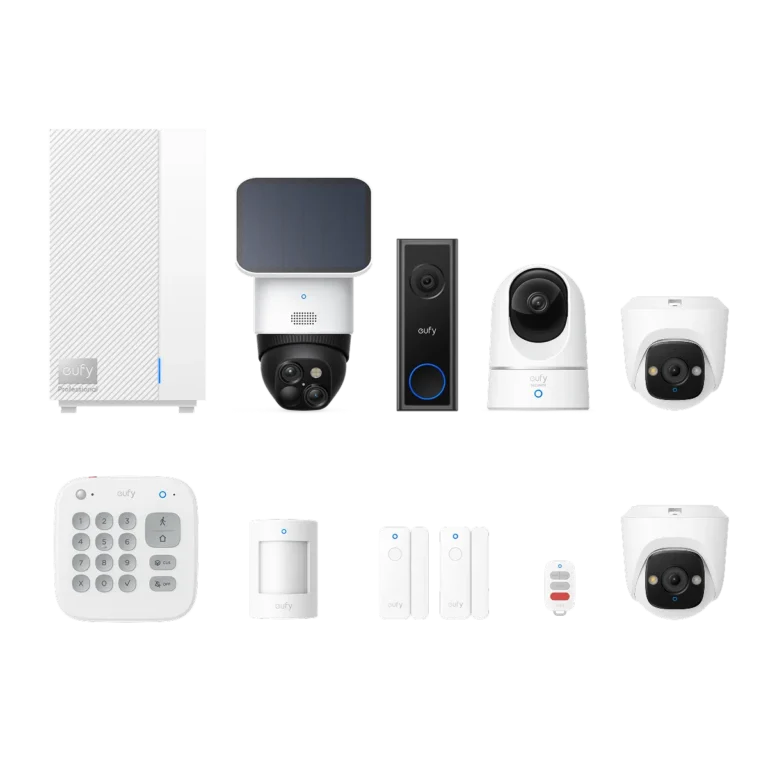
- Motion Sensors: These detect movement within a specific area. If a motion sensor in your hallway or backyard picks up unexpected activity, it can be programmed to turn on nearby lights.
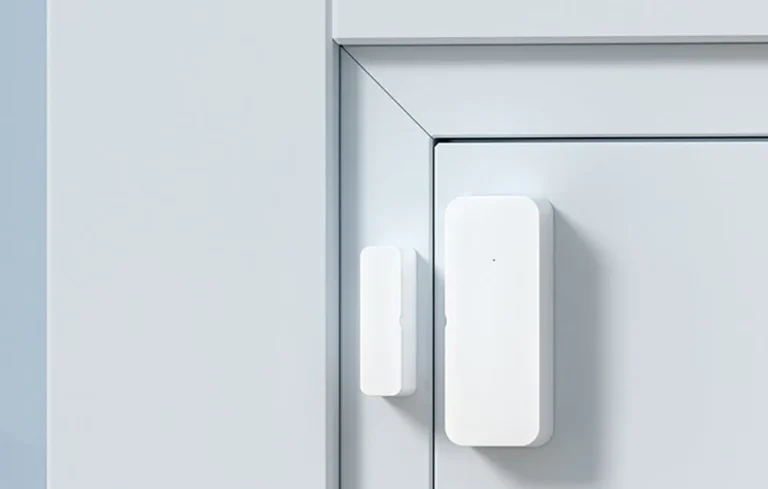
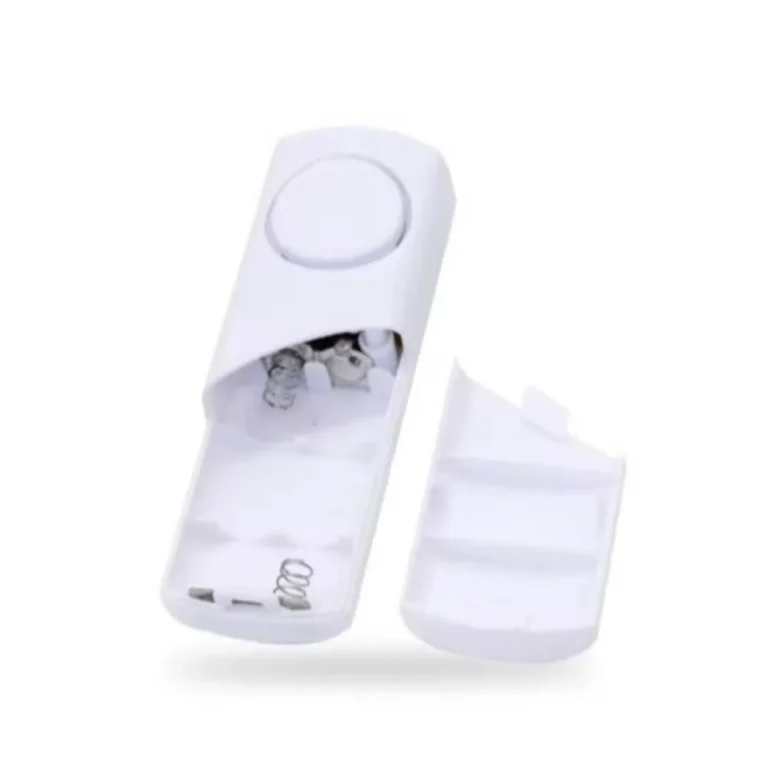
- Door/Window Contact Sensors: These consist of two parts, usually attached to a door or window and its frame. When the door or window is opened, the connection between the two parts is broken, triggering an alert. This is ideal for detecting unauthorized entry.
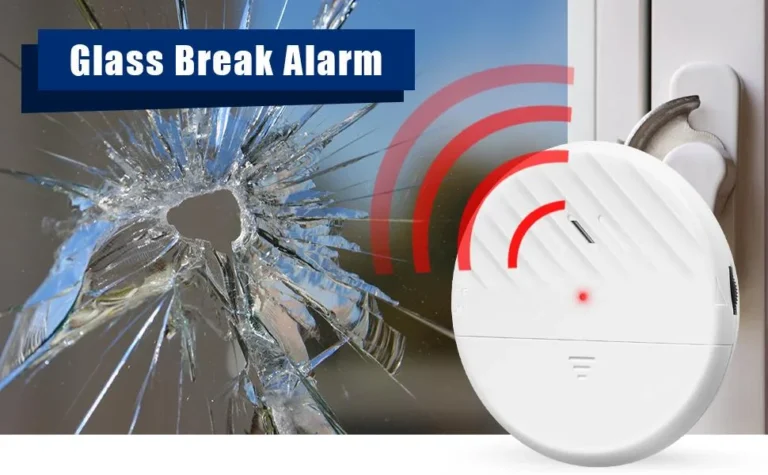
- Glass Break Sensors: These specialized sensors listen for the specific frequency of breaking glass. If detected, they can trigger lights to turn on, alerting occupants or deterring a burglar who might otherwise operate unseen.
- Security System Arm/Disarm Events: You can also create rules based on the status of your main security system. For instance, you might program all exterior lights to turn on automatically when the system is armed in "Away" mode, giving the impression of occupancy.
- Smart Lock Status: Some systems can integrate with smart locks. If a lock is manually overridden or unlocked unexpectedly, this event can also trigger lighting changes.
- Camera Alerts: While not a direct trigger for lights to turn on due to an event, many systems allow lights to be activated when a security camera detects motion, especially if that motion occurs outside your normal activity patterns.
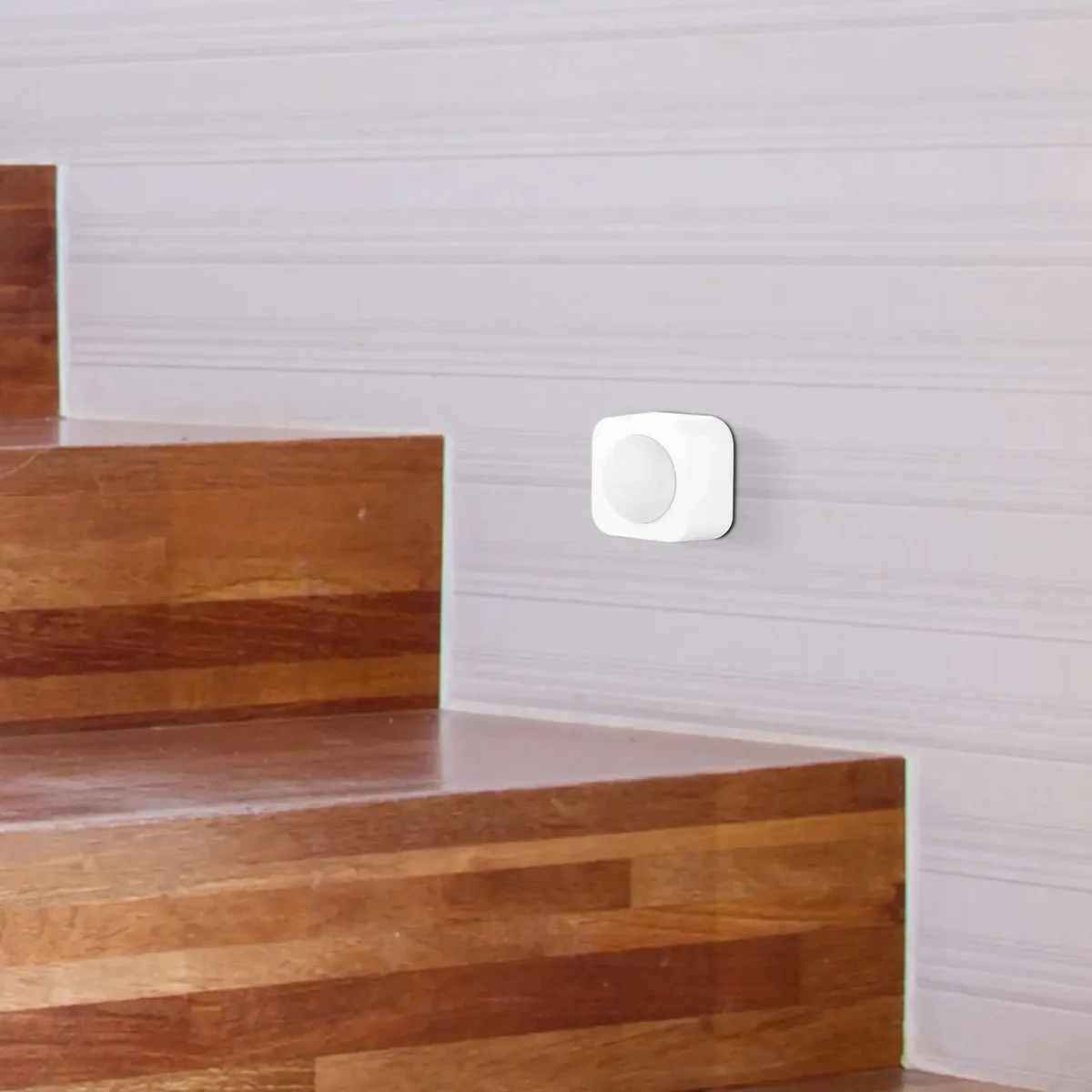
Image source: Web (Bing) / arlec.com.au (Web image (fair-use with source credit))
These sensors are key to turning your smart lighting into a responsive security feature. Without them, your lights are just smart; with them, they become a proactive part of your home's defense.
Setting the Scene: Creating Automation Rules for Security
Creating automation rules is where the magic happens, allowing your smart lights to actively participate in your home security. These rules are essentially "if this, then that" (IFTTT) commands that you set up through your smart home hub or a compatible app, like the one for Google Home, Amazon Alexa, or Apple HomeKit. You're defining how your lights should behave in response to specific security events.
Here's how it generally works:
- Choose Your Trigger: This is the security event that initiates the action. As we discussed, this could be motion detection, a door opening, or your alarm system being armed.
- Define the Action: This is what you want your smart lights to do. Common actions include:
- Turn On: A simple on command, often to a specific brightness.
- Flash: Lights blink rapidly or rhythmically to draw attention or startle an intruder.
- Change Color: Lights can be set to turn red or another alert color.
- Turn Off: In some scenarios, turning lights off might be part of a sophisticated deterrent strategy.
- Add Conditions (Optional but Recommended): To avoid nuisance alerts, you can add conditions to your rules. This ensures the action only happens when it's supposed to.
- Time of Day: The rule only runs during specific hours (e.g., only at night).
- System Status: The rule only runs if the security system is armed in "Away" or "Night" mode.
- Occupancy: Some advanced systems can detect if you're home or away using geofencing or other sensors, so lights only activate when you're not there.
Example Automation Rules:
- "Deterrent Mode": IF motion is detected in the backyard between 11 PM and 5 AM AND the security system is armed in Away mode, THEN turn on the backyard floodlights to 100% and flash them every 10 seconds.
- "Entry Alert": IF the front door contact sensor opens between 10 PM and 6 AM, THEN turn on the foyer light and hallway light to 75% brightness.
- "Simulated Occupancy": IF the security system is armed in Away mode for more than 2 hours, THEN turn on and off the living room lamp and kitchen overhead light at random intervals between 7 PM and 10 PM.
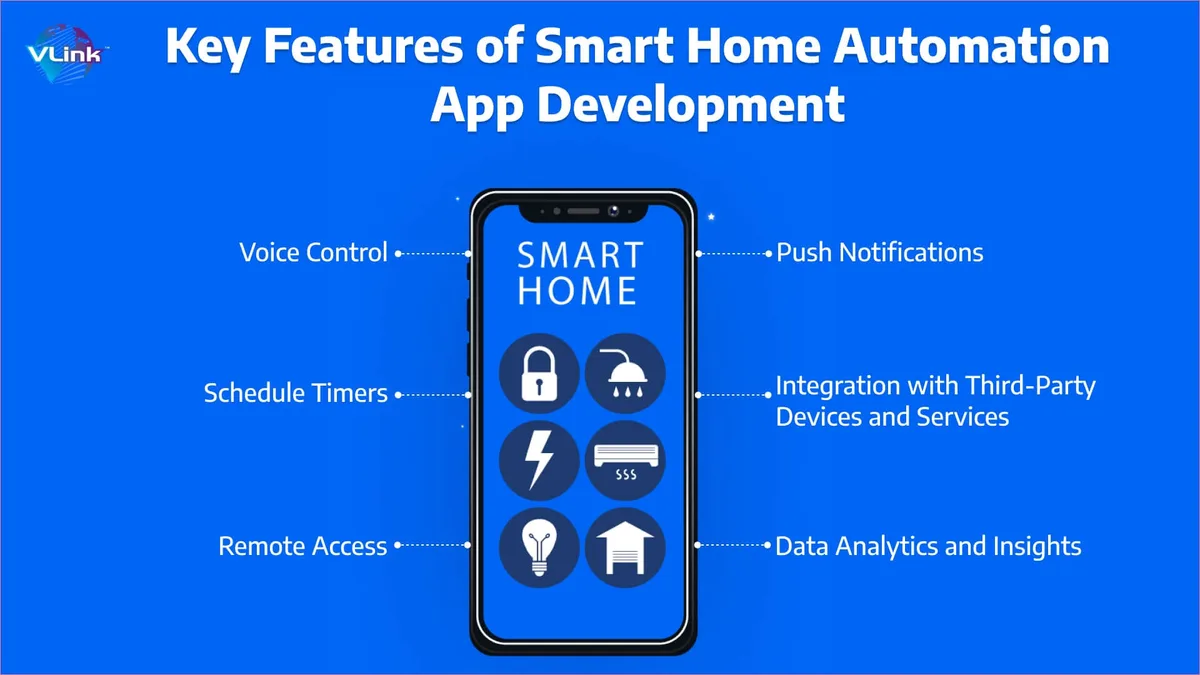
Image source: Web (Bing) / vlinkinfo.com (Web image (fair-use with source credit))
Setting these up might seem technical, but most smart home apps guide you through the process with intuitive interfaces. It's about translating your security concerns into logical commands your smart devices can follow.
Building Your Integrated System: Key Components and Choices
To get your smart lights and security system working together seamlessly, you'll need a few key components and make some important choices about how they'll connect. It’s not just about buying the smartest lights; it’s about ensuring they can talk to your security hardware effectively.
Here’s a breakdown of what you typically need and what to consider:
Smart Lights and Bulbs
- Types: These include smart bulbs that screw into existing fixtures, smart light strips, and smart plugs that turn ordinary lamps into smart devices.
- Connectivity: Look for lights that use common protocols like Wi-Fi, Zigbee, or Z-Wave. Wi-Fi lights connect directly to your router, while Zigbee and Z-Wave devices often require a compatible hub.
- Compatibility: Ensure the lights are compatible with your chosen smart home platform (e.g., Amazon Alexa, Google Assistant, Apple HomeKit).
Smart Home Hub or Ecosystem
- Purpose: This acts as the central brain for your smart home devices. It allows different brands and types of devices to communicate with each other.
- Examples: Amazon Echo (with built-in hub for some models), Google Nest Hub, Apple HomePod, Samsung SmartThings Hub, or dedicated security system hubs that support smart home integrations.
- Protocol Support: The hub should support the connectivity protocols used by your smart lights and security sensors (Zigbee, Z-Wave, Wi-Fi, Thread).
Security Sensors
- Types: Motion sensors, door/window contact sensors, glass break sensors.
- Connectivity: These also need to connect to your smart home ecosystem, either directly via Wi-Fi or through a hub that supports their protocol (often Zigbee or Z-Wave).
- Integration: Ensure your security sensors are designed to integrate with smart home platforms or work with your chosen hub. Some security systems are standalone and may not offer easy integration with third-party smart lights.
Smart Home App or Platform
- Function: This is where you'll create and manage your automation rules, set schedules, and control your devices.
- Choices: Apple Home app, Google Home app, Amazon Alexa app, Samsung SmartThings app, or third-party platforms like IFTTT.
Key Integration Choices
- All-in-One Security Systems with Smart Home Features: Some dedicated security systems offer smart home capabilities, allowing their own sensors to trigger compatible smart lights. This can simplify setup if you're starting from scratch.
- Dedicated Smart Home Hubs: Platforms like Samsung SmartThings or Hubitat offer broad compatibility with a wide range of smart lights and security sensors from different manufacturers. This provides more flexibility but can involve more complex setup.
- Using IFTTT (If This Then That): For devices that don't directly integrate, IFTTT can act as a bridge. For example, "If my Ring alarm detects motion, then turn on my Philips Hue lights."
When selecting components, always check the product packaging or specifications for compatibility logos or statements, such as "Works with Alexa," "Works with Google Home," or "Supports Matter." This ensures your chosen devices will speak the same digital language.
When Things Go Wrong: Troubleshooting Common Issues
Even with the best intentions and carefully chosen devices, you might run into snags when trying to integrate smart lights with your security system. Most issues boil down to connectivity, compatibility, or configuration errors. Here’s how to tackle the most common problems.
Connectivity Problems
- Issue: Lights aren't responding to triggers, or sensors aren't sending signals.
- Fix: Check your Wi-Fi network and restart your router. Ensure devices are within range. For Zigbee/Z-Wave devices, check or replace sensor batteries. Re-pairing devices to your hub or app can also resolve connection issues.
Compatibility Conflicts
- Issue: Devices that should work together simply don't.
- Fix: Verify compatibility lists before buying. Ensure devices use common protocols like Wi-Fi, Zigbee, Z-Wave, or Matter. Update all devices and your hub to the latest firmware, as updates often improve compatibility.
Automation Rule Errors
- Issue: Lights are turning on/off at the wrong times, or not at all.
- Fix: Review your automation rule logic step-by-step. Check if triggers, conditions, and actions are set correctly. Simplify complex rules or check for conflicting rules that might be overriding your desired automation. Ensure your security system is armed as expected if that's a condition.
False Alarms or Nuisance Triggers
- Issue: Lights activating when there's no actual security threat.
- Fix: Adjust motion sensor sensitivity settings. Position sensors carefully to avoid heat sources or direct sunlight. Consider using multiple sensor types (e.g., door contact and motion) for redundancy. Limiting rules to specific times or when you're away significantly reduces these triggers.
Is This Integration Right for You? Weighing the Pros and Cons
Deciding whether to integrate your smart lights with your security system is a personal choice based on your needs, budget, and technical comfort level. It offers some significant advantages, but it's not a perfect fit for everyone. Let's break down the good and the not-so-good.
Benefits and Advantages
- Enhanced Security Deterrence: This is the primary win. Flashing lights or lights suddenly turning on can startle intruders, making them think someone is home or aware of their presence, often causing them to flee. This is a powerful, low-tech deterrent.
- Immediate Alerting: When lights flash or change color in response to a security event, it provides an instant visual cue to anyone in the house that something is wrong, allowing for a quicker response.
- Simulated Occupancy: Lights can be programmed to turn on and off randomly during specific hours when you're away, making it look like someone is home and deterring burglars who scout for empty houses.
- Convenience and Automation: Beyond security, this integration adds another layer of smart home convenience. Lights can act as an indicator, for instance, turning red when the alarm is armed.
- Peace of Mind: Knowing your home has an extra layer of automated visual defense can offer significant peace of mind, especially when you're traveling or during nighttime hours.
- Energy Efficiency (Potential): While not the main goal, smart lights can be scheduled to turn off automatically when no security event is happening, preventing lights from being left on unnecessarily.
Drawbacks and Limitations
- Complexity of Setup: Getting different brands and types of devices to communicate can sometimes be tricky. It requires understanding protocols (Wi-Fi, Zigbee, Z-Wave), smart home hubs, and how to set up automation rules.
- Compatibility Issues: Not all smart lights and security systems play well together. You might find that your existing security system doesn't support third-party smart lights, or vice versa. Checking compatibility lists is crucial but can be a hurdle.
- False Alarms: As discussed in troubleshooting, sensors can be triggered by non-threatening events (pets, drafts, sunlight changes), leading to lights turning on when unnecessary. This can be annoying and may desensitize you to real alerts over time.
- Dependence on Network and Power: The entire system relies on a stable home network (Wi-Fi) and consistent power. If your Wi-Fi goes down or the power is cut, your integrated lighting and security response may fail.
- Cost: While you might already own smart lights or a security system, adding compatible components to create a robust integrated setup can increase your initial investment. Some advanced features might also require subscription fees.
- Security Vulnerabilities: Like any connected device, smart home systems can be targets for hackers. While manufacturers work to secure their devices, poorly secured networks or devices could be exploited.
Ultimately, the value of integrating smart lights with your security system depends on your specific home setup, your technical comfort, and whether the added benefits of deterrence and alerts outweigh the potential complexity and cost.
Frequently Asked Questions (FAQs)
Can I use any smart bulb with my security system?
Generally, no. While many smart bulbs can be controlled by popular smart home platforms like Alexa or Google Home, they need to be compatible with your specific security system's hub or app for integrated automation. Always check the compatibility list of both your security system and your smart lights before purchasing.
How do I prevent my smart lights from triggering false alarms?
To reduce false alarms, carefully position motion sensors away from heat sources, vents, or direct sunlight. Adjust sensor sensitivity settings if available, and consider using door/window contact sensors in conjunction with motion sensors for more reliable entry detection. Limiting automation rules to specific times or when you're away also helps.
Will my smart lights work if my internet is down?
It depends on the system. Wi-Fi-based smart lights and hubs typically require an active internet connection to function fully. However, some systems using Zigbee or Z-Wave, especially those with a local processing hub (like Hubitat), can still run basic automations, including security triggers, even if your internet connection is temporarily lost.
What's the difference between a smart home hub and a security system hub?
A smart home hub is designed to connect and control a wide variety of smart devices (lights, thermostats, locks, etc.) from different manufacturers. A security system hub is primarily focused on managing security sensors (door/window contacts, motion detectors) and alarms, though many modern security hubs now incorporate smart home capabilities to bridge this gap.
Do I need a subscription for smart lights to work with security?
Typically, basic integration between smart lights and security sensors to trigger lighting actions does not require a subscription. However, if your security system offers advanced features like cloud storage for camera footage, professional monitoring, or remote access beyond basic control, those services often come with a monthly fee.
Your Decision Guide: Making Smart Lights Work for Security
So, you've explored how smart lights can team up with your security system, understanding the triggers, rules, components, and potential hiccups. Now, it's time to decide if this integration is the right move for your home.
Consider these points:
- Assess Your Current Setup: Do you already have a smart home hub or a security system with smart capabilities? If so, check their compatibility with popular smart lights. This can often be the easiest and most cost-effective starting point.
- Identify Your Primary Goal: Are you mainly looking to deter intruders with flashing lights, simulate occupancy when you're away, or simply want a visual alert within the home? Your main goal will influence which sensors and automation rules you prioritize.
- Evaluate Your Technical Comfort: Are you comfortable troubleshooting network issues, setting up app-based rules, and potentially learning about protocols like Zigbee or Z-Wave? If not, look for systems known for simpler, plug-and-play integrations.
- Budget Considerations: Factor in the cost of compatible smart lights, sensors, and potentially a new hub if your existing devices aren't integrated. While some basic integrations can be done affordably, a comprehensive setup can add up.
- Prioritize Compatibility: This cannot be stressed enough. Before buying anything new, verify that your chosen smart lights, security sensors, and smart home hub or system are designed to work together. Look for clear "Works With" statements.
If you have a compatible ecosystem, are comfortable with some initial setup, and want that extra layer of visual security and deterrence, then integrating your smart lights with your security system is likely a worthwhile upgrade. Start with a simple automation, like turning on a porch light when the front door sensor is triggered at night, and build from there as you gain confidence and see the benefits.