What Is a Door Sensor
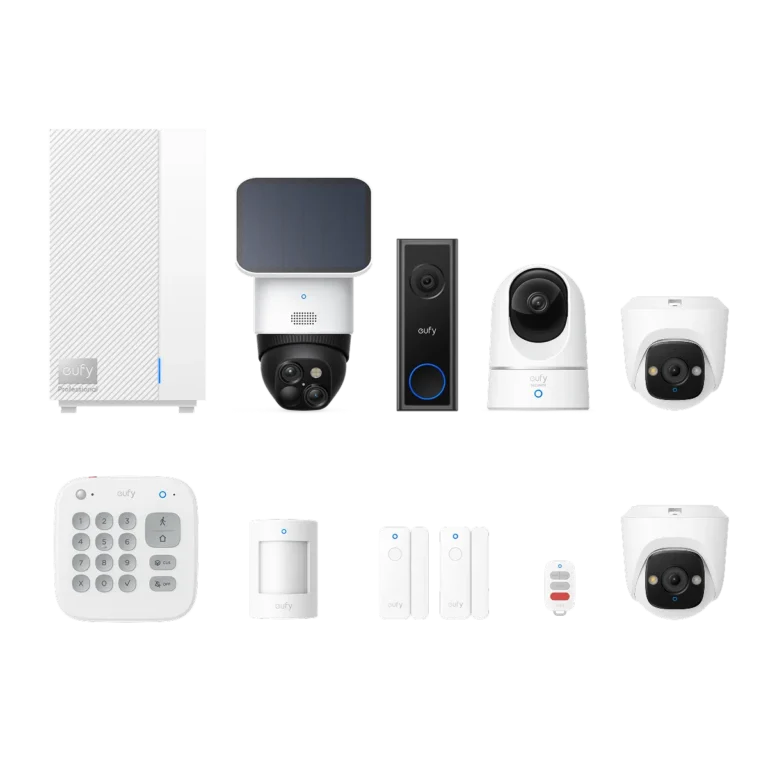
You're probably looking at your doors and wondering, "What exactly is a door sensor, and do I really need one?" It's a fair question, especially with all the smart home tech out there. These little gadgets are a cornerstone of modern security and convenience, offering a simple way to know what's happening at your entry points.
They're more than just a basic alert system; they integrate into your life to provide real peace of mind. For instance, according to security system manufacturer specifications, many wireless door sensors operate on a 900 MHz frequency for reliable communication, a standard that ensures robust performance even through walls.
Quick Answer
A door sensor is a security device made of two parts, a magnet and a switch, that detects when a door or window is opened. When the two parts separate, it sends a signal to a security panel or smart home hub, triggering an alarm or an automated action. These devices are crucial for home security and smart home convenience.
How Door Sensors Work: The Magnet & Switch Trick
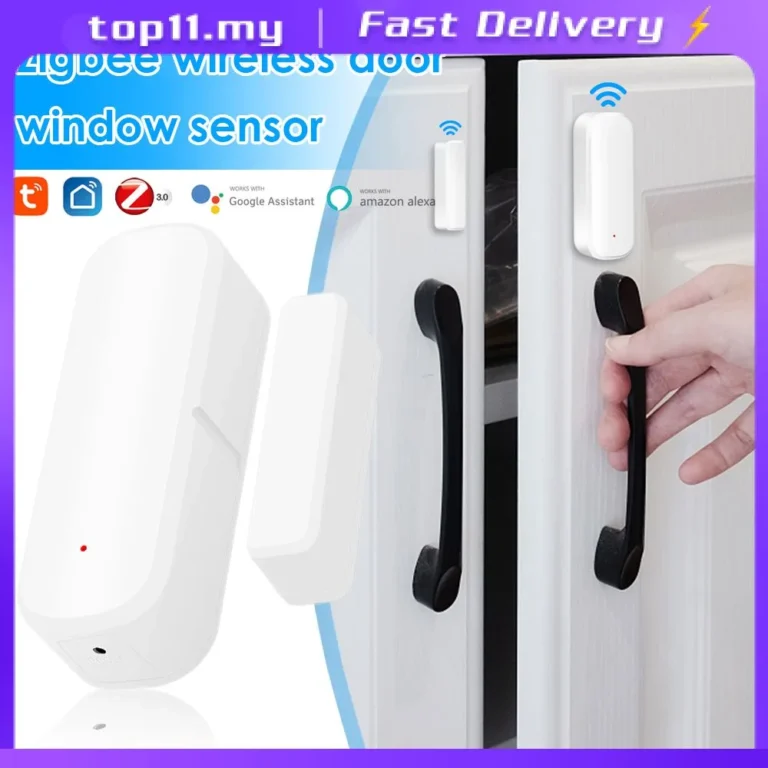
The magic behind a door sensor lies in its straightforward, reliable mechanism. It's all about magnetism. You'll typically receive a small kit with two main pieces: a larger part that contains the reed switch and a smaller, powerful magnet.
The Two Key Parts Explained
- The Magnet: This is usually a small, strong magnet. It's designed to be mounted on the moving part of the door or window.
- The Sensor (Reed Switch): This is the slightly larger piece, which houses a tiny, magnetically sensitive switch called a reed switch. This part is mounted on the stationary frame of the door or window.
When the door is closed, the magnet is positioned very close to the reed switch. The magnetic field keeps the switch in a specific state, usually closed. Manufacturer specifications confirm this close proximity is key for reliable operation.
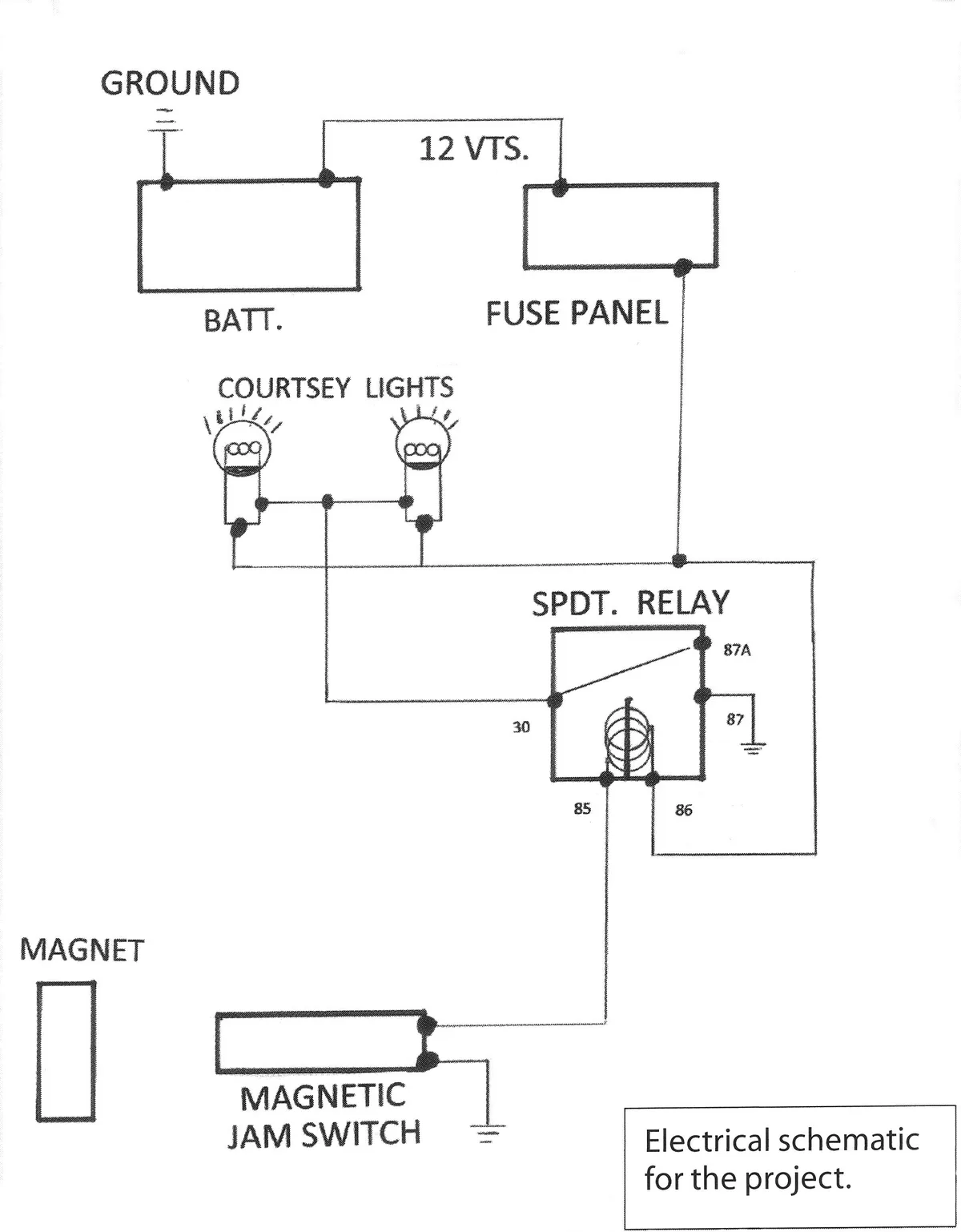
Image source: Web (Bing) / distintayfree.blogspot.com (Web image (fair-use with source credit))
What Happens When the Door Opens?
The moment the door or window is opened, the magnet moves away from the reed switch. This separation breaks the magnetic field. When the magnetic field weakens below a certain threshold, the reed switch changes its state.
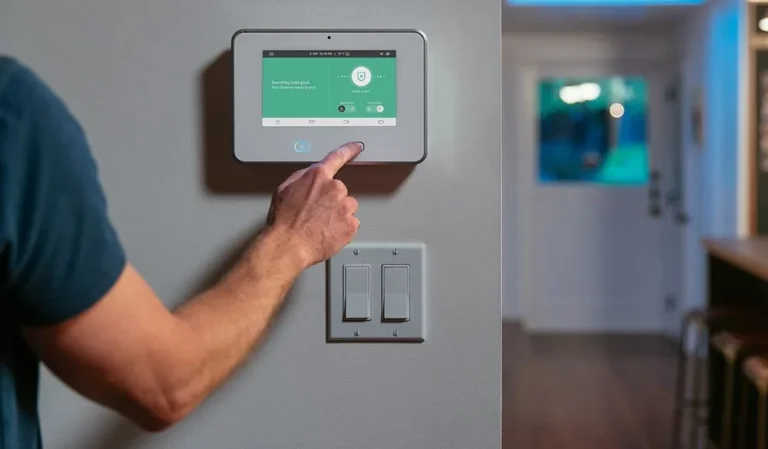
This change is what the sensor uses to signal that the door has been opened. This signal is then sent wirelessly or wired to a central security system or a smart home hub. The system interprets this signal and takes the programmed action, whether that's sounding an alarm, sending a notification to your smartphone, or turning on lights.
Essential Features of a Door Sensor
When you're looking at door sensors, they might seem simple, but they come with a few key features that determine how they work and how well they integrate into your home. Understanding these attributes helps you pick the right sensor for your needs.
Connectivity: Wired vs. Wireless
This is probably the biggest differentiator.
- Wireless Sensors: These are super popular because they're easy to install. They communicate with your security panel or smart home hub using radio frequencies, often on bands like 900 MHz for extended range. They are typically battery-powered and don't require drilling holes or running wires through walls, making them ideal for renters or quick setups.
- Wired Sensors: These sensors connect directly to your security system's control panel using low-voltage wires. While installation is more involved, often requiring professional help, they don't rely on batteries and can offer a slightly more robust connection, as they're not subject to signal interference.
Power Sources: Batteries and Beyond
Most wireless door sensors are powered by small, replaceable batteries. These are usually coin-cell batteries, like CR2032 or CR1632. Battery life can vary significantly depending on the sensor’s usage and the type of battery, but many are designed to last for several years before needing replacement.
Some wired systems might also incorporate a battery backup for the entire system, ensuring sensors continue to function during power outages.
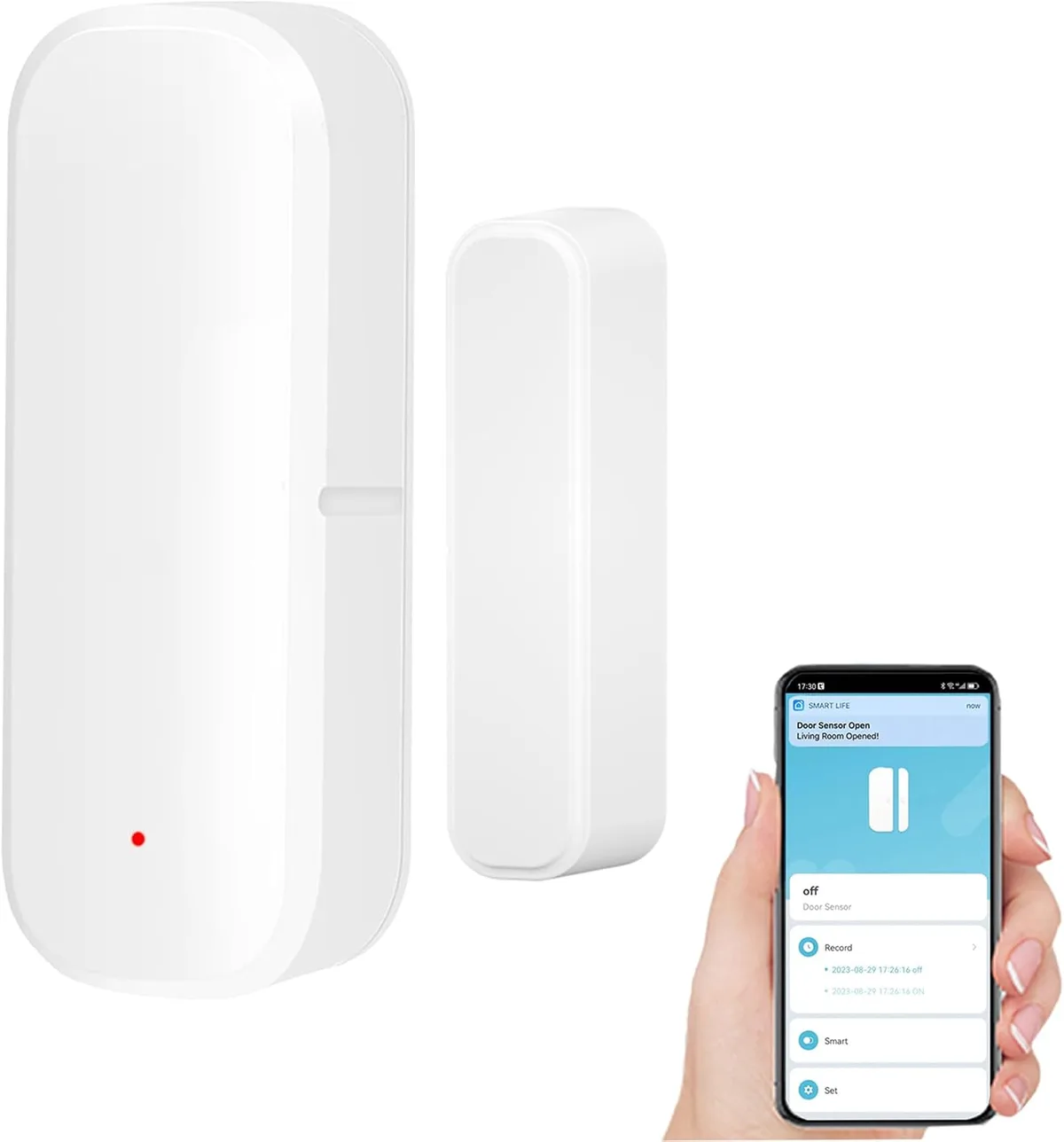
Image source: Web (Bing) / tiendamia.cr (Web image (fair-use with source credit))
Smart Features and Integrations
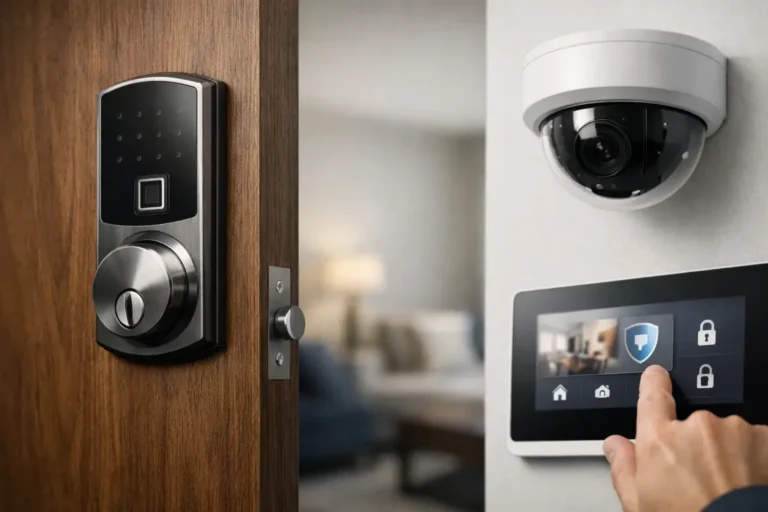
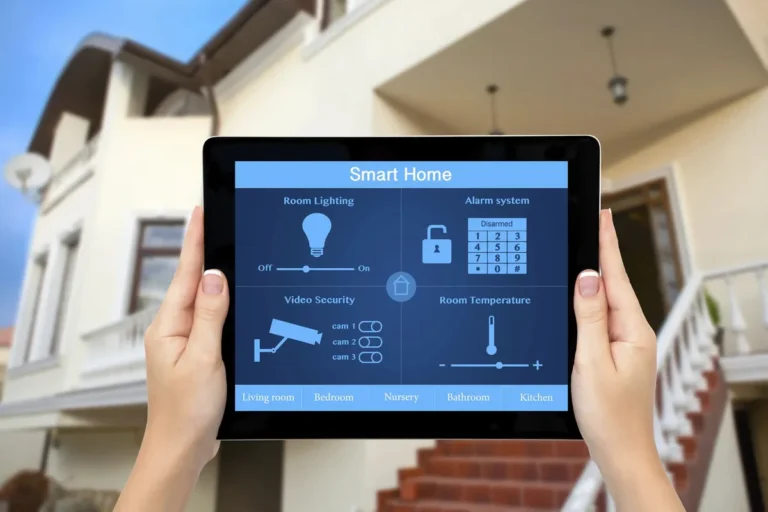
Modern door sensors go beyond just triggering an alarm. Many are designed to be part of a larger smart home ecosystem. This means they can communicate with other smart devices.
- Smart Home Hub Compatibility: Sensors often work with hubs like Samsung SmartThings, Amazon Alexa, or Google Home, allowing you to create custom routines.
- Notifications: You can receive alerts directly on your smartphone or tablet whenever a door is opened or closed, no matter where you are.
- Automation: You could set up a routine where opening the front door automatically turns on your smart lights, or when the garage door opens, your smart thermostat adjusts.
Why You'd Want a Door Sensor: The Big Benefits
Adding door sensors to your home or business is about more than just security; it's about gaining control, convenience, and valuable insights into your property's activity. These small devices offer a significant return on investment for a relatively low cost.
Boosting Home Security
This is the primary reason most people get door sensors. They act as an immediate deterrent and an early warning system.
- Intrusion Detection: When integrated with an alarm system, a triggered door sensor will sound an alarm, notifying you and potentially your neighbors or a professional monitoring service. This immediate response can deter burglars and alert authorities quickly.
- Activity Awareness: Even if you're not worried about break-ins, you can use sensors to know if children have opened doors they shouldn't, or if a specific entry point has been accessed. This awareness is invaluable for keeping families safe.
Adding Smart Home Convenience
Beyond security, door sensors are fantastic enablers for smart home automation. They provide crucial data points that can trigger other devices and create seamless routines.
- Automated Lighting: Imagine your entryway lights turning on automatically as soon as you unlock and open the front door after dark. This is a simple yet highly convenient automation made possible by a door sensor.
- Climate Control: You could program your smart thermostat to adjust when a window or door is left open for an extended period, helping to save energy by preventing heating or cooling loss.
- Usage Monitoring: For businesses, they can track when doors are opened and closed, providing valuable data for operational efficiency or ensuring secure areas are only accessed during certain hours.
Where Door Sensors Shine: Common Use Cases
Door sensors are incredibly versatile and find their place in a wide range of scenarios, from basic home security to sophisticated smart home integrations. Their utility often depends on the system they're connected to.
For Home Security Systems
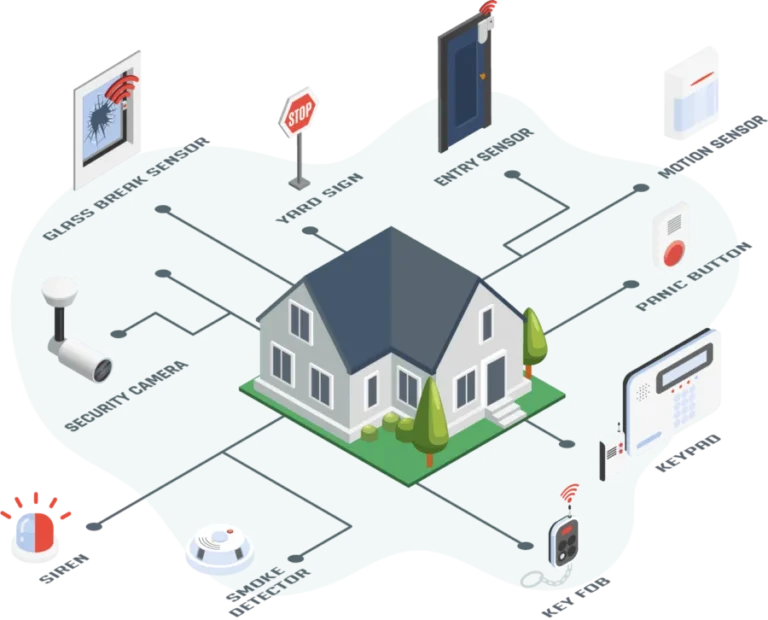
This is the most traditional and widespread use. Door sensors are a fundamental component of nearly every professionally installed or DIY home security system.
- Perimeter Protection: They provide the first line of defense by alerting you the moment an exterior door or window is breached. This is crucial for preventing unauthorized entry before an intruder can move further into the property.
- Zone Monitoring: Security systems often use multiple door and window sensors to create different zones. This allows users to arm specific areas of the house while leaving others disarmed, offering flexibility. For instance, you might arm the perimeter while you’re home at night but disarm interior motion detectors.
For Smart Home Automation
As smart home technology has advanced, door sensors have become key triggers for creating automated routines and enhancing convenience. They provide the essential "if this, then that" logic for many smart home scenarios.
- Welcome Home Scenes: When your front door sensor detects the door opening, it can trigger a "welcome home" scene that turns on specific lights, adjusts the thermostat, and perhaps even starts playing your favorite music.
- Child Safety: Parents can set up notifications to alert them if a child opens a door to a dangerous area, like a back door leading to a pool or a front door that faces a busy street.
- Energy Savings: Sensors can be programmed to turn off lights or adjust HVAC settings if doors or windows are left open for too long, preventing wasted energy. This data is critical for optimizing smart energy management.
Common Door Sensor Mistakes to Sidestep
Even with simple tech, people sometimes trip up during installation or use. Knowing these common pitfalls can save you frustration and ensure your sensor works reliably. It’s often the little things that make a big difference in how well a door sensor performs its job.
Installation Blunders
The most frequent issues stem from how the sensor is mounted. The two pieces, the magnet and the switch, need to be aligned just right.
- Misalignment: If the magnet isn't close enough to the sensor when the door is closed, the system might think the door is open. This can lead to false alarms or notifications. Manufacturer guidelines often suggest keeping the two parts within 1 inch of each other.
- Incorrect Placement: Mounting on metal surfaces can sometimes interfere with wireless signals. Likewise, if the door or frame is warped, it might prevent the proper alignment needed for the magnetic connection.
Connectivity and Power Issues
Problems with the sensor's connection or power source can also cause headaches.
- Battery Depletion: Wireless sensors rely on batteries. If these aren't changed when indicated, the sensor will simply stop sending signals. Many systems provide low-battery warnings, but it’s good practice to check them periodically.
- Signal Interference: Wireless sensors can occasionally experience interference from other devices operating on similar frequencies, though modern sensors are often designed to mitigate this.
Quick Guide to Setting Up Your Door Sensor
Getting a door sensor up and running is usually a straightforward process. Most DIY kits are designed for easy installation without needing special tools. Following these steps will help ensure your sensor is properly placed and functional.
What You'll Need
You typically won't need much. Your door sensor kit should come with everything you need for a basic setup.
- The Sensor Kit: This includes the two parts (magnet and switch), adhesive strips or screws for mounting, and the battery.
- A Small Screwdriver: If screws are included for mounting, you'll need a compatible screwdriver.
- Your Smartphone or Alarm Panel: You'll need this to pair the sensor with your system and test it.
Step-by-Step Installation
- Clean the Surfaces: Before applying any adhesive or mounting hardware, clean the areas on the door and frame where the sensor parts will go. A clean surface ensures the adhesive sticks well.
- Position the Sensor Parts: Place the larger switch part on the stationary door frame. Mount the magnet on the door itself, ensuring it will be directly opposite the switch when the door is closed.
- Align and Mount: The alignment is critical. Ensure the two pieces are close enough when the door is shut, typically no more than an inch apart. Then, secure them using the provided adhesive strips or screws. Many sensors have markings to help with alignment.
- Install the Battery: Insert the battery into the sensor unit.
- Pair the Sensor: Follow your security system or smart home hub’s instructions to pair the new sensor. This usually involves putting the hub into pairing mode and then triggering the sensor.
Testing Your New Sensor
Once installed and paired, it's crucial to test the sensor. Open and close the door several times. Your alarm panel or smart home app should register each opening and closing event accurately.
If you encounter issues, recheck the alignment and battery.
Your Door Sensor Questions, Answered (FAQs)
Let's tackle some common questions people have about door sensors.
How long does setup take?
Setup typically takes about 10 to 20 minutes per sensor, including pairing it with your system and testing.
Do I need a smart home hub?
If you want to use a door sensor for smart home automation (like turning on lights), you'll generally need a compatible smart home hub. For basic security systems, the alarm panel itself acts as the hub.
Can I use door sensors on windows?
Yes, absolutely. The same magnetic contact sensor principle works for windows, and many kits are labeled as "door and window sensors."
What happens if the battery dies?
Most wireless sensors will send a low-battery alert to your system or app. If the battery completely dies, the sensor will stop communicating, and you won't receive any further notifications or triggers.
Are wired sensors more reliable than wireless?
Wired sensors generally offer a very stable connection without battery concerns. However, modern wireless sensors are highly reliable and easier to install, with many systems offering robust communication protocols.
Can I mix brands of door sensors?
It depends on your smart home hub or security system. Some systems are proprietary and only work with their own brand of sensors, while others are designed to be compatible with multiple brands using open protocols like Z-Wave or Zigbee. Always check compatibility before purchasing.