How Do I Fix CCTV Camera Night Vision?
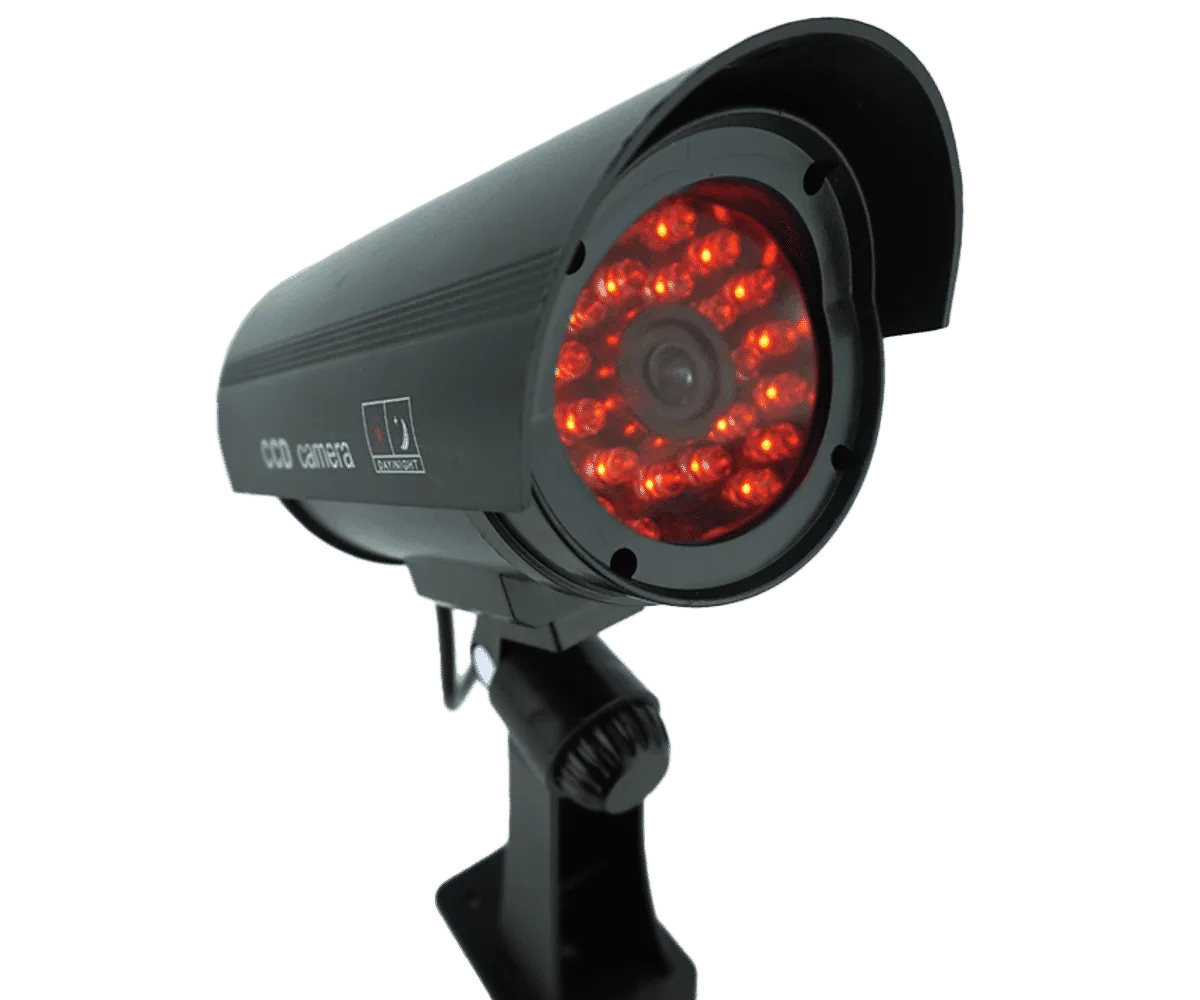
Image source: Web (Bing) / connectec.uk (Web image (fair-use with source credit))
So, your CCTV cameras aren't quite cutting it when the lights go down, right? That infrared glow that's supposed to light up the dark is either dim, non-existent, or just plain weird. It's super frustrating when you rely on those cameras for security or just to keep an eye on things.
Don't sweat it, though. This is a pretty common hiccup, and usually, it's something you can sort out without needing to call in the cavalry. We're going to walk through this together, like figuring out why your Wi-Fi suddenly dropped.
We'll start with the simple stuff and move our way up.
Quick Answer
To fix CCTV camera night vision, first check for physical obstructions on the lens and ensure the camera is truly dark enough to trigger its infrared (IR) LEDs. Then, verify the camera's "Day/Night" settings are on automatic. If issues persist, inspect the IR illuminators for power or failure.
Troubleshooting Steps: A Decision Tree for Night Vision Woes
When your CCTV camera’s night vision starts acting up, it’s rarely a single, simple cause. Instead, it’s usually a puzzle where you need to check several components and settings in a specific order. Think of it like this: you wouldn’t replace your car's engine if a fuse blew, right?
We’ll start with the easiest checks and move towards the more technical ones. This structured approach helps pinpoint the exact problem without wasting time or unnecessary parts.
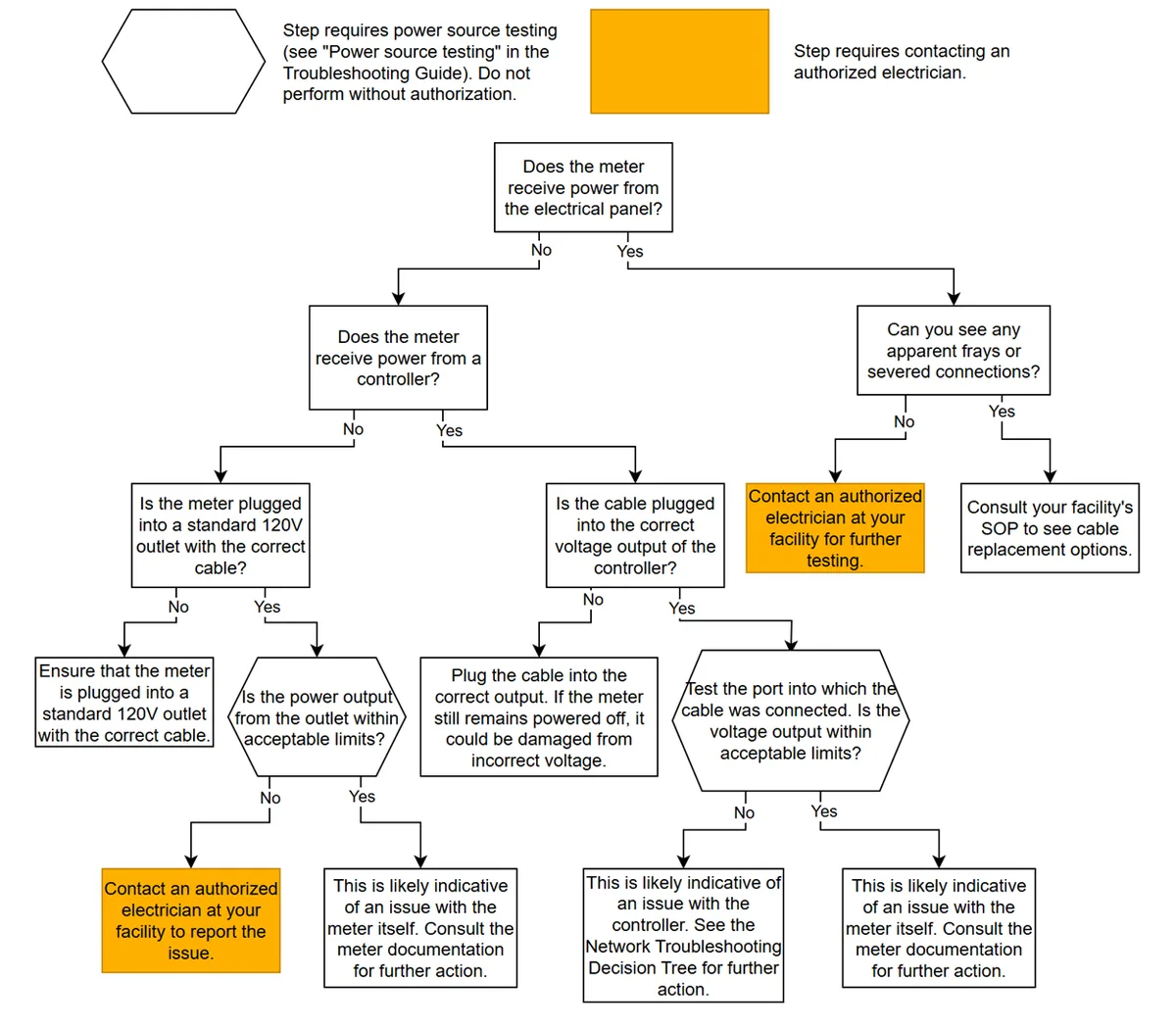
Image source: Bing (Web (fair-use with source credit))
This process typically involves a series of conditional checks. If a step reveals the problem, you fix it and you're done. If not, you move to the next logical check.
For instance, if your camera's IR LEDs are visibly off, you’d then check their power source, rather than immediately diving into firmware updates. This workflow is designed to be efficient.
Step 1: Visual Inspection & Basic Checks
Before we get our hands dirty with settings or tech jargon, let's make sure we haven't overlooked the basics. Sometimes, the simplest answer is the right one, and it’s always the quickest fix.
- Is it Actually Dark Enough? This sounds silly, I know, but some cameras have an ambient light sensor. If it's not dark enough for the sensor to trigger the infrared (IR) illuminators, they won't come on. So, give it full darkness and see what happens.
- Any Obstructions? Seriously, check the camera lens. Is there a spiderweb, some dust, or even a bit of condensation obscuring the lens or the IR LEDs around it? A quick wipe with a soft, dry cloth can do wonders. For outdoor cameras, check if any branches have grown too close and are blocking the view or the IR.
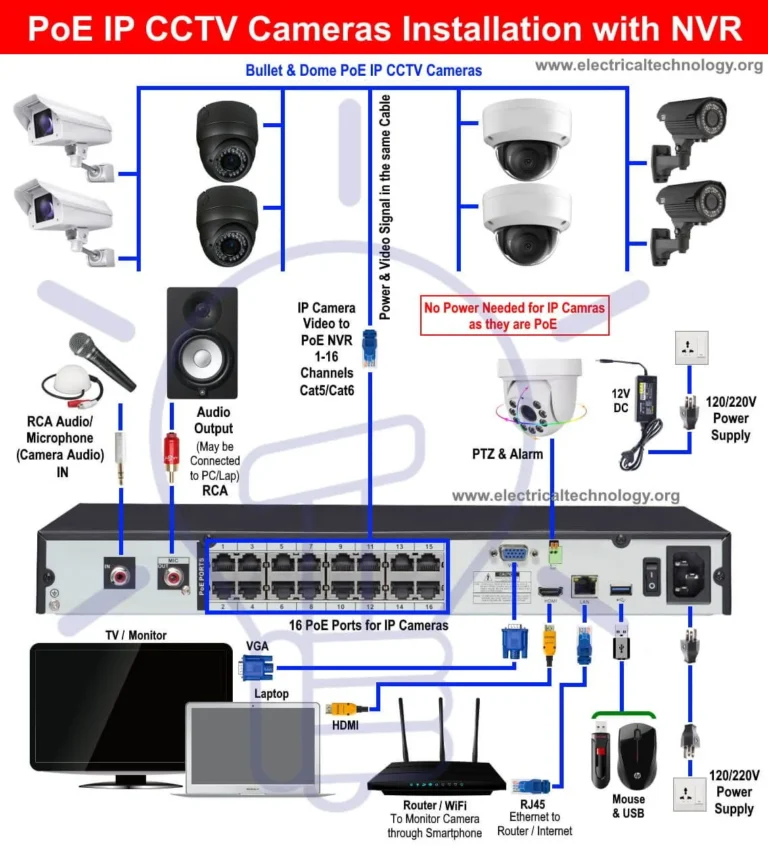
- Is the Camera Getting Power? No power, no night vision. Make sure the power adapter is securely plugged in, both at the wall and at the camera itself. If it's a Power over Ethernet (PoE) camera, check the Ethernet cable connections at both ends and the PoE injector or switch. Ensuring stable power is crucial, as fluctuating voltage can affect component performance.
Step 2: Diving into Camera Settings
If the basics check out, the next place to look is the camera's own settings. This is where you usually control how it behaves, especially in low light. You'll typically access these settings through the camera's web interface or its accompanying app.
For example, manufacturer specifications often detail access methods for popular models, and many systems require firmware to be up-to-date for optimal performance, which you can learn more about by updating security camera firmware.
Checking the "Day/Night" or "IR" Settings
Most cameras have a setting that controls when the IR illuminators turn on. It's usually on an automatic setting, but sometimes it can get switched to "Day" or "Off."
- Auto Mode: This is what you want. The camera should detect low light and automatically switch to night vision mode.
- Day Mode: The camera stays in color mode, and the IR LEDs will be off.
- Night Mode: The camera stays in black and white mode, and the IR LEDs are on. This can be useful if you want constant IR illumination, but it's not usually the default for night vision issues.
Action: Log into your camera's settings and find the "Day/Night" or "IR Control" section. Make sure it's set to "Auto" or a similar intelligent mode that switches based on light levels.
Illuminator Settings (If Available)
Some cameras give you more granular control over the IR illuminators themselves.
- IR LED On/Off: You can usually toggle the IR LEDs on or off directly.
- IR Strength/Intensity: Some higher-end cameras let you adjust how bright the IR LEDs are. If it's set too low, it might not be illuminating your scene effectively.
Action: Within the night vision settings, look for options related to the IR illuminators. Ensure they're enabled and, if there's an intensity setting, try turning it up. Incorrect motion detection settings, which can be frustratingly similar in symptom to night vision issues, can be resolved by following a guide on how to fix security camera motion detection.
Step 3: Examining the IR Illuminators
Okay, so the settings look good, but you're still not seeing that infrared glow. This might mean the IR illuminators themselves are the problem.
Built-in IR vs. External IR
Your camera might have IR LEDs built right into the casing around the lens. Or, you might have a separate, external IR illuminator that you've added to boost the range or coverage.
- If you have built-in IR:
- Are they lit up? When it's dark and the camera should be in night vision mode, look closely at the camera. Can you see any faint red/orange glow from the small LEDs? If not, they might have failed.
- Check the IR cut filter: Many cameras have a mechanical filter that moves out of the way in low light. If this filter is stuck or not moving correctly, it can prevent night vision from working. You might hear a faint click when it switches modes, if you don't, that could be a clue.
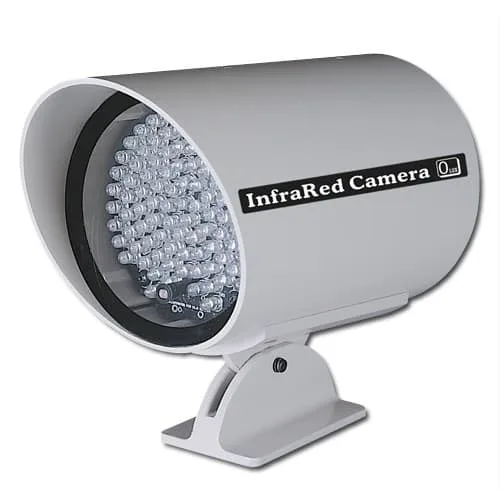
Image source: Bing (Web (fair-use with source credit))
- If you have an external IR illuminator:
- Power: Make sure the external illuminator is powered on. Most have their own power adapters.
- Darkness Sensor: Some external illuminators have their own light sensor to turn on. Check if that's working correctly.
- Connections: Ensure the cable connecting it to the power source is secure.
Why Is My Night Vision Blurry or Grainy? Fixing Image Quality
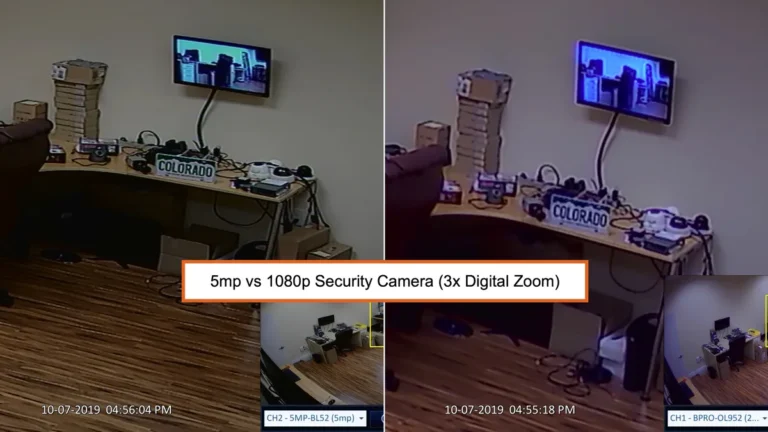
Sometimes, it's not that the night vision isn't working at all, but that the image is blurry, grainy, or just not clear enough. This is a common problem that can be due to a few factors, often related to focus or how the IR light is interacting with the environment.
- Lens Focus: This is a big one. If the focus is off, especially in low light, the image will be blurry. Some cameras have manual focus adjustments, while others are auto-focus. If it's auto, it might need recalibrating, or the lens might be dirty (go back to the "Obstructions" check!). A camera displaying a blurry image often needs attention to its why is my security camera blurry issues.
- IR Reflection: This is super common, especially with cameras mounted too close to something. The IR light bounces back into the lens from a nearby surface like a wall, a window, or even the camera housing itself. This creates a hazy, washed-out image, or bright spots that obscure detail.
- Solution: Try repositioning the camera slightly. If it's an indoor camera, try moving it further away from the wall or object it's facing. Sometimes, you can get angled IR reflective tape to put on surfaces that are causing glare.
- Low Light Sensitivity: Some cameras are just better than others in low light. If your camera is older or a more basic model, it might genuinely struggle to produce a clear image in very dark conditions, even with IR. As of 2026, many newer models boast significantly improved low-light performance, often rated by minimum lux levels, but older tech can still be an issue.
Common Mistakes That Kill CCTV Night Vision
We've covered what to do, but it's also super helpful to know what not to do. Avoiding these common blunders can save you a lot of frustration and keep your night vision system performing as it should.
- Ignoring the Basics: Skipping the visual checks for dirt, cobwebs, or obstructions is the number one mistake. It’s the easiest fix, so it should always be the first step.
- Incorrect Settings: Accidentally switching the camera from "Auto" mode to "Day" mode means the IR LEDs will never turn on, regardless of how dark it is. This is especially common after a system reset or firmware update if settings aren't reapplied correctly. If you've found your system reset unexpectedly, checking how to reset a security camera can help understand why.
- Overlooking Power Issues: A weak or unstable power supply can cause all sorts of phantom problems, including erratic night vision. Ensure your adapter or PoE connection is robust.
- Mounting Too Close: Placing a camera too near a wall, window, or other reflective surface will cause IR reflection, ruining the image quality. Give your camera some breathing room.
- Not Updating Firmware: Outdated firmware can lead to all sorts of glitches, including problems with how the camera manages its day/night switching and IR illuminators. Keeping your firmware current is crucial.
When to Upgrade or Call in a Pro
If you've gone through all these steps and you're still stuck, or if you suspect a hardware failure, it might be time to consider a few things. Sometimes, no amount of troubleshooting can fix a fundamentally limited or broken component.
- Camera Age and Capability: Technology moves fast. An older camera might simply not have the low-light capabilities of a newer model. If your camera was manufactured before 2020, its ability to capture clear images in near-total darkness might be limited by older sensor technology.
- Hardware Failure: If you can’t see any IR light at all, and you’ve checked power and settings, it’s possible the IR illuminators have failed. This is often not cost-effective to repair on the camera itself. Similarly, if the IR cut filter mechanism is broken, night vision is effectively gone.
- Professional Assessment: If you've got a complex system, multiple cameras, or you're just not comfortable digging into the settings and hardware, it's always a good idea to get a professional installer to take a look. They have diagnostic tools and the experience to pinpoint the issue quickly, especially if you suspect issues like video lag, which is detailed in guides on how to fix security camera video lag.