Do CCTV Cameras Need Wi-Fi?
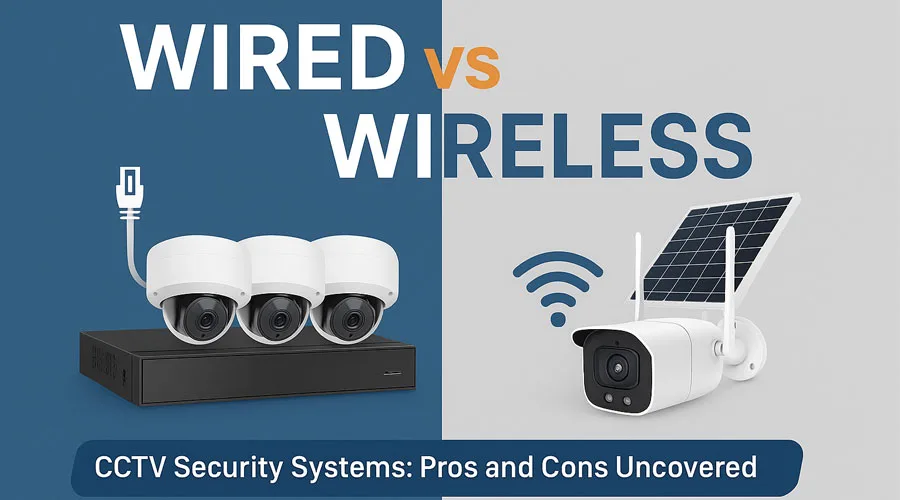
Image source: Bing (Web (fair-use with source credit))
Thinking about beefing up your security with CCTV cameras often brings up a big question: do they actually need Wi-Fi to work? The short answer is, it really depends on the type of camera and how you plan to connect it. You've got a few main options, and each has its own set of requirements.
In our research, we've found that modern security systems can be quite flexible. For example, the IEEE 802.11 standard defines the most common Wi-Fi protocols, but not all cameras adhere to it for their core function. Let's break down what you need to know to make the right choice for your setup.
Quick Answer: It Depends on the Camera Type
No, not all CCTV cameras need Wi-Fi. Some use wired connections like Ethernet or coaxial cables. Wi-Fi is required for wireless IP cameras.
Understanding Your Camera Connection Options
When you're looking at CCTV cameras, the way they connect to your network or recording device is a key factor. This connection method dictates how the video feed gets from the camera to where you can view or store it. We've seen the market offer several distinct approaches, each with its own set of pros and cons.
Wi-Fi Cameras: The Wireless Route
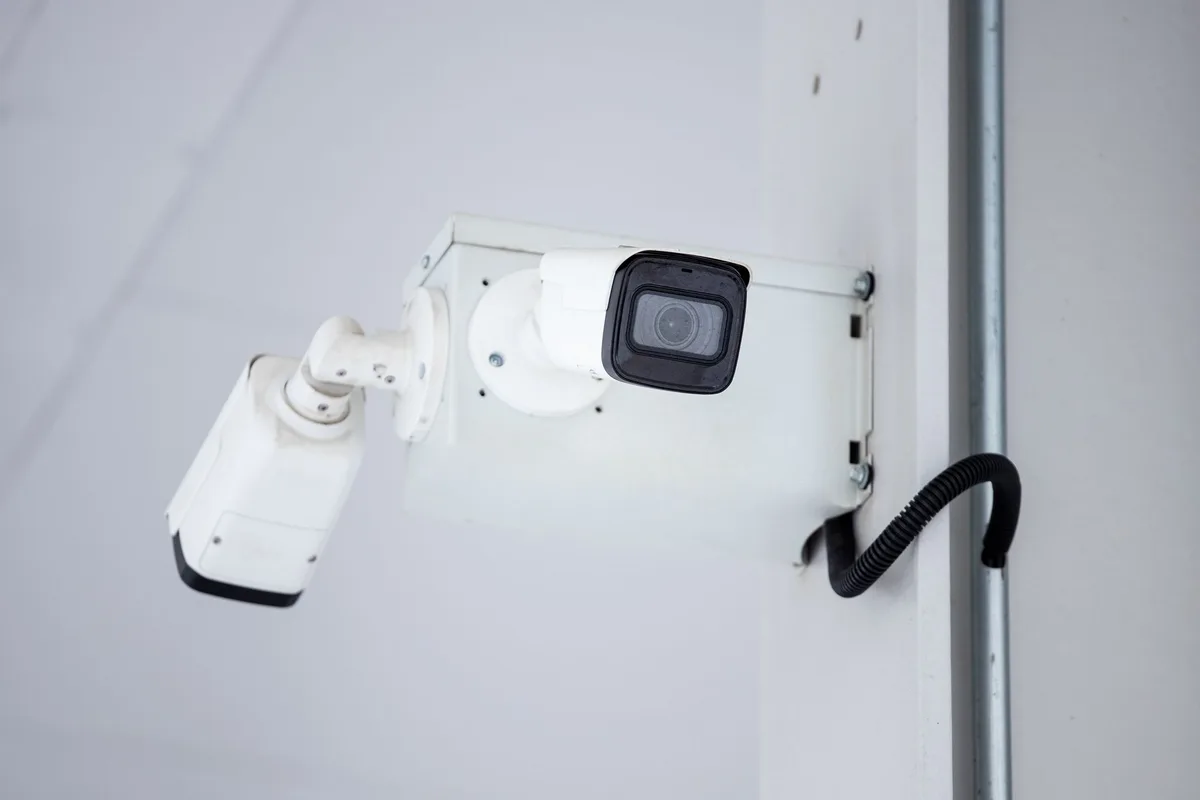
Image source: Web (Bing) / pexels.com (Web image (fair-use with source credit))
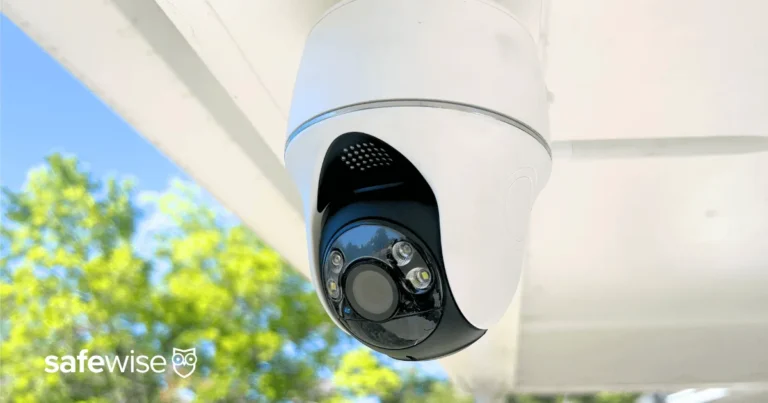
Wi-Fi cameras are what most people think of when they're considering an easy DIY security setup. These cameras connect wirelessly to your home's existing Wi-Fi network. This is super convenient because it means you don't have to run Ethernet cables through your walls or ceilings.
They still need a power source, of course, but the data signal travels through the air.
This wireless approach makes placement flexible; you can put them anywhere with a good Wi-Fi signal and a power outlet. Many modern Wi-Fi cameras are designed for simple setup via a smartphone app. You'll often see them marketed as "wireless security cameras" or "smart cameras." These typically connect to your router using your existing Wi-Fi credentials.
Aggregate reviews report that a strong, stable Wi-Fi signal is crucial for these devices to function without issues like video lag or dropped connections. If you're having trouble with a weak signal, resources on how to improve security camera WiFi signal can be very helpful.
PoE Cameras: Power and Data Over Ethernet
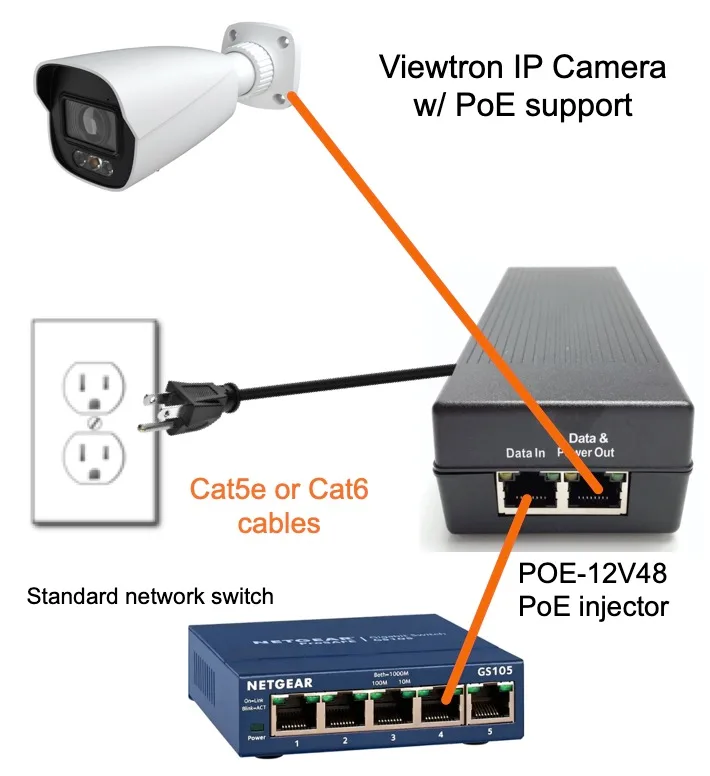
Image source: Bing (Web (fair-use with source credit))
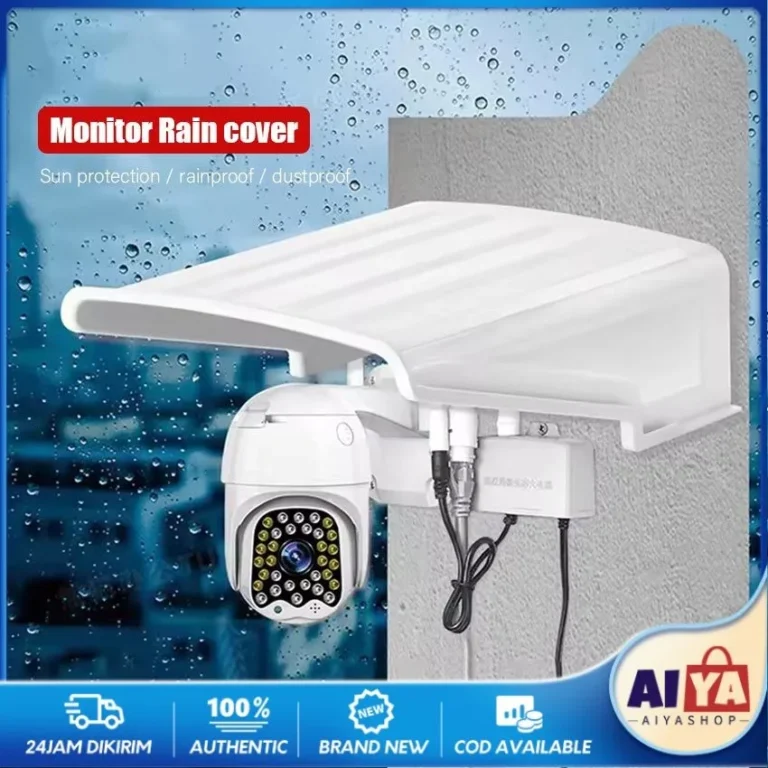
PoE cameras are a bit different. PoE stands for Power over Ethernet. This means a single Ethernet cable connects the camera to your network, and that same cable provides both the power for the camera and the data connection for the video feed.
You typically connect these cameras to a PoE-enabled network switch or directly to a Network Video Recorder (NVR) that supports PoE.
This method completely bypasses the need for Wi-Fi. It's a popular choice for professional installations because it offers a more stable and secure connection than wireless options. Ethernet cables are generally less susceptible to interference than Wi-Fi signals.
Manufacturer specifications often highlight the reliability of PoE, noting its suitability for environments where consistent performance is critical. This also means you don't need to worry about Wi-Fi password security for the camera itself, though your network security is still paramount. For those concerned about connection stability, understanding how to fix security camera video lag is still relevant, even with wired systems, as lag can be caused by other network factors.
Analog Cameras: The Wired Alternative
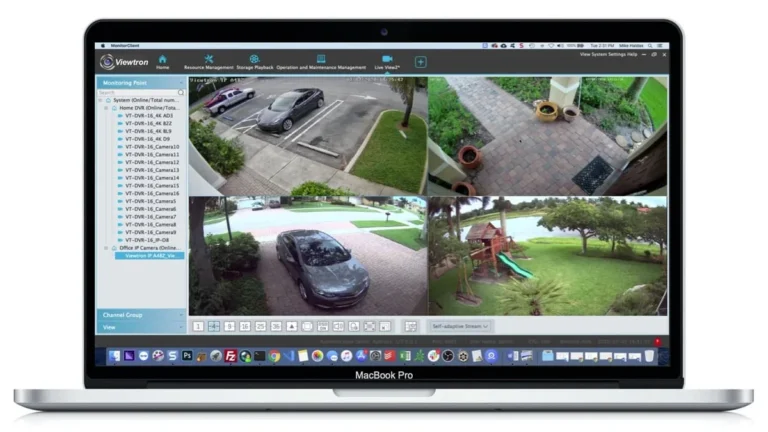
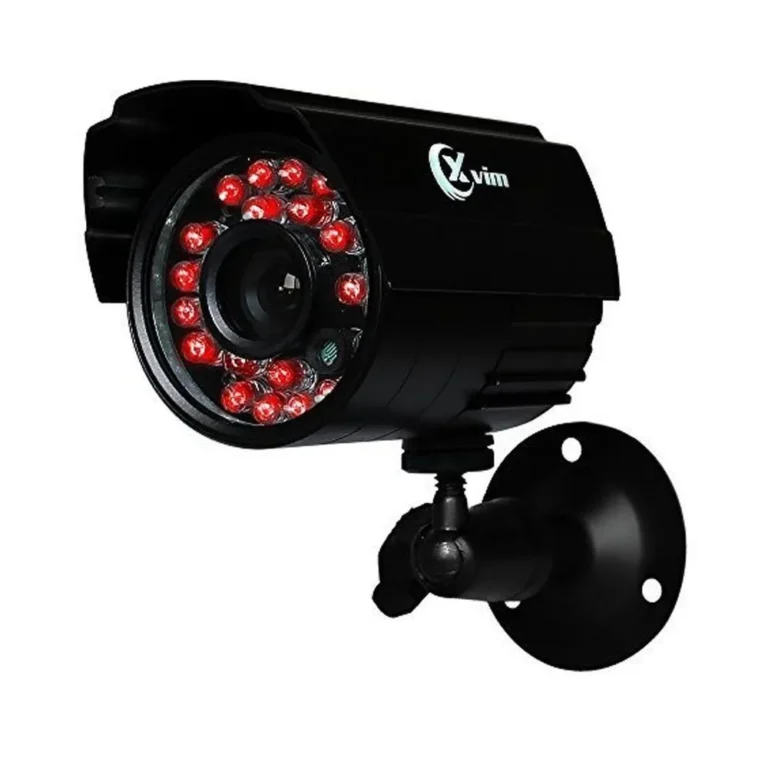
Before IP cameras (including Wi-Fi and PoE) became widespread, analog CCTV systems were the standard. These cameras use traditional coaxial cables, similar to what you might use for an antenna TV connection. The video signal travels down this cable to a Digital Video Recorder (DVR).
The camera itself doesn't need Wi-Fi. However, the DVR unit does need to be connected to your home network, usually via an Ethernet cable, if you want to access the footage remotely on your phone or computer. While analog systems are often more budget-friendly upfront, they generally offer lower resolution and fewer advanced features compared to modern IP cameras.
If you're considering an older system or looking for a basic setup, understanding the capabilities of a DVR is key. For these systems, issues like why is my security camera showing a black screen can often be traced back to cabling or the DVR itself.
How to Decide: Which Connection is Right for Your Setup?
Deciding between Wi-Fi, PoE, or an analog connection really comes down to your specific needs, your existing infrastructure, and your comfort level with installation. There's no single "best" option; it's about finding the right fit for your situation. Think about what matters most to you: ease of setup, reliability, or budget.
We’ve seen that as of 2026, the market still offers all three types, though Wi-Fi and PoE IP cameras dominate new installations. When making your choice, consider where you'll be placing the cameras and how much work you're willing to put into wiring.
Choosing Wi-Fi: When Convenience Trumps All
You should lean towards Wi-Fi cameras if your top priority is ease of installation and flexibility in placement. These are perfect for renters or homeowners who don't want to drill holes or run extensive cabling. As long as you have a robust Wi-Fi signal where you need cameras, setting them up can be as simple as plugging them in and connecting them through an app.
This makes them ideal for covering areas like a front porch, backyard gate, or interior rooms without much hassle. However, it's important to remember that the performance of Wi-Fi cameras is directly tied to the strength and stability of your Wi-Fi network. If your signal is weak in certain spots, you might experience issues like dropped connections or poor video quality.
Understanding how to improve security camera WiFi signal is a valuable skill for anyone using wireless cameras.
Opting for PoE: For Rock-Solid Reliability
PoE cameras are the go-to choice when you need the most reliable and consistent performance, and you're comfortable with running Ethernet cables. This setup is favored in professional installations because the wired connection is inherently more stable and less prone to interference than Wi-Fi. You also get the benefit of a single cable for both power and data, which simplifies wiring compared to separate power and data cables for non-PoE IP cameras.
If you're setting up cameras around a larger property, a business premises, or anywhere that requires constant, high-quality video feeds with minimal risk of interruption, PoE is often the superior option. While initial setup might involve more work, the long-term benefits in terms of connection stability and reduced troubleshooting are significant. If you're running your own network, ensuring your switch supports the PoE standard (often 802.3af or 802.3at) is a crucial first step.
For those already using IP cameras, understanding why is my security camera delayed is a good starting point, but PoE systems generally minimize this issue.
Common Mistakes to Avoid with Camera Connections
When setting up any type of CCTV camera, there are a few common pitfalls related to their connections that can lead to frustration. One of the biggest mistakes people make is underestimating the importance of signal strength for Wi-Fi cameras. If your Wi-Fi network isn't robust enough, you'll face issues.
Another frequent error, especially with PoE systems, is not ensuring the Ethernet cable is rated for outdoor use if installed externally, or using substandard cables that can degrade performance. For analog systems, poorly crimped connectors or damaged coaxial cables can lead to signal loss or complete failure. It's also crucial to understand that even with a wired setup, other network components or excessive traffic can still cause problems, and sometimes issues like how to fix security camera motion detection are mistakenly blamed on the connection type when they are software or configuration issues.
Frequently Asked Questions About CCTV Camera Connections
Do all security cameras require an internet connection?
No, not all security cameras require an internet connection. Cameras connected via PoE or analog systems with a local DVR might only need a local network connection for remote viewing. Some basic analog systems may not connect to any network at all.
Can I use my existing home Wi-Fi for security cameras?
Yes, if you're using Wi-Fi cameras, they are designed to connect to your existing home Wi-Fi network. You'll typically need to provide your Wi-Fi network name (SSID) and password during the camera's setup process.
What happens if my Wi-Fi goes down with a Wi-Fi camera?
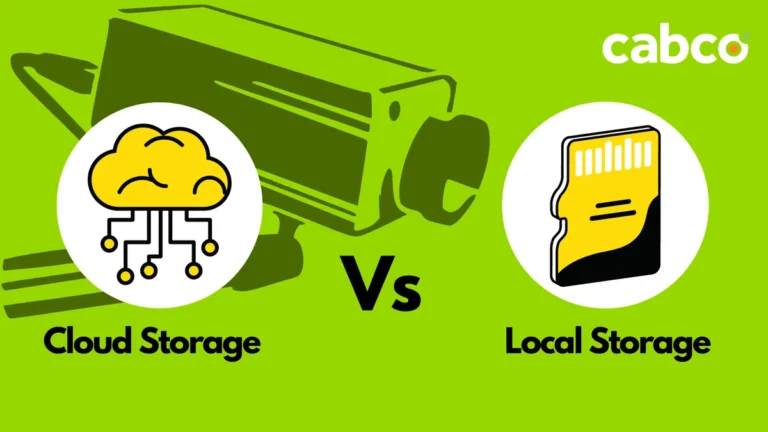
If your Wi-Fi network goes down, your Wi-Fi cameras will lose their connection to the internet and your remote viewing apps. However, many cameras can still record locally to an SD card or an NVR/DVR if they are set up to do so, even without an active internet connection.
Is a wired connection more secure than Wi-Fi for cameras?
Generally, a wired connection like PoE is considered more secure than Wi-Fi for cameras because it's less susceptible to unauthorized access and signal jamming. However, the overall security also depends on your network's security measures, such as strong passwords and up-to-date firmware. You can learn more about how to update security camera firmware.
Can I mix Wi-Fi and wired cameras in one system?
Yes, it's often possible to mix Wi-Fi and wired (PoE or analog) cameras within a single security system, especially if you are using an NVR or DVR that supports multiple input types. This allows you to leverage the strengths of each connection method in different locations.