What Is the Best Storage for CCTV Footage?
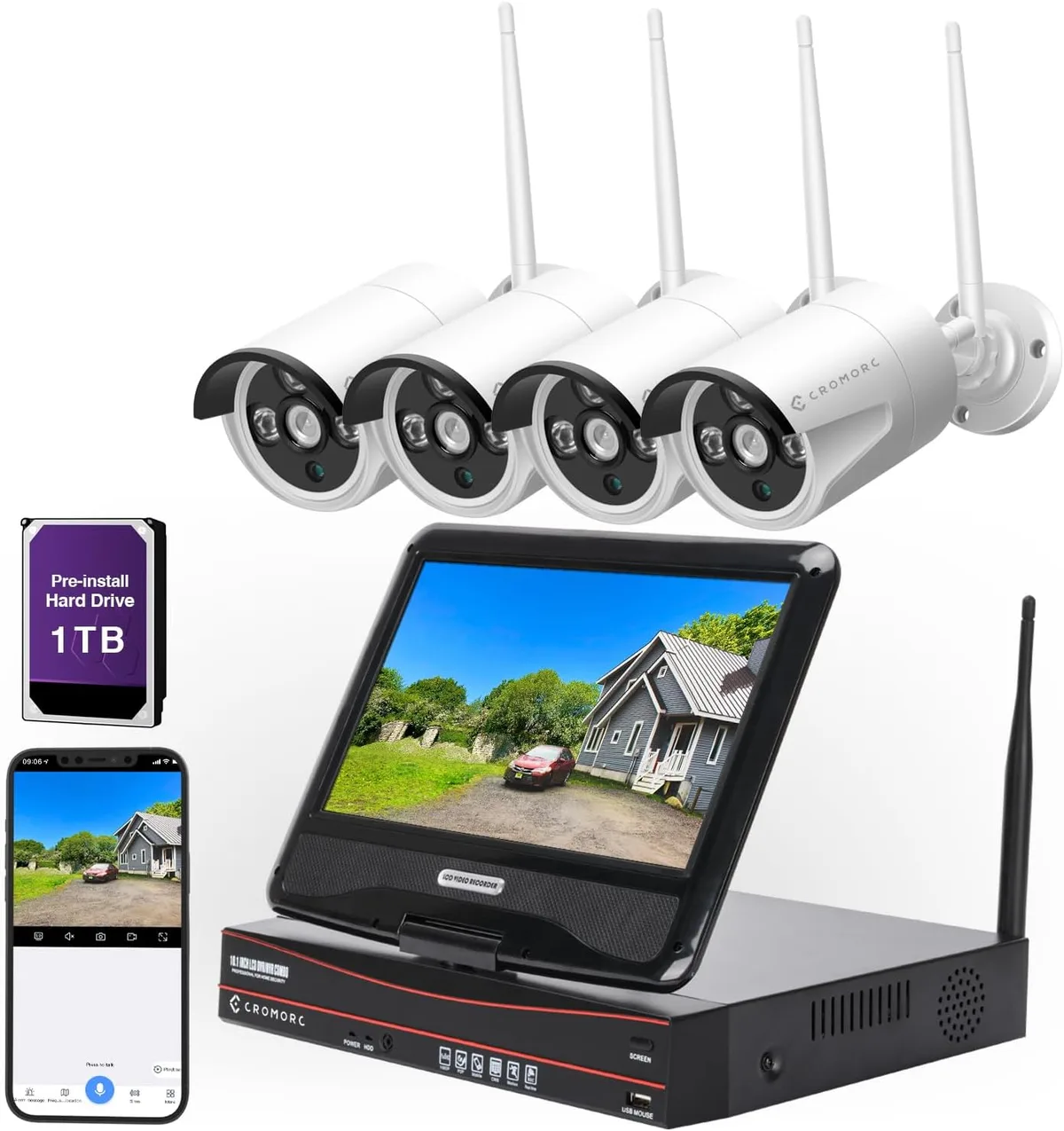
Image source: Web (Bing) / amazon.co.uk (Web image (fair-use with source credit))
Choosing how to store your CCTV footage is a critical decision that impacts your system's reliability and your peace of mind. Getting this wrong means you might miss vital evidence when you need it most. We’ve researched the common solutions to help you understand what works best.
For many, the choice boils down to keeping data local or sending it to the cloud. Different systems, like Network Video Recorders (NVRs) that support resolutions up to 4K, offer distinct advantages and disadvantages. Let’s explore these options to ensure your surveillance system's memory is secure and accessible.
Quick Answer: NVRs for Local Control, Cloud for Remote Access
For dependable local storage, Network Video Recorders (NVRs) are a top choice. Cloud storage offers unparalleled accessibility from anywhere. MicroSD cards suit single cameras as backups.
The "best" depends on your need for accessibility versus cost and control.
Breaking Down Your CCTV Storage Options
When you’re setting up a CCTV system, figuring out where all that video data goes is a big part of the puzzle. It's not just about having cameras; it’s about making sure the recordings are saved correctly and you can actually get to them later. We've looked at the main ways people store CCTV footage.
Network Video Recorders (NVRs) & Digital Video Recorders (DVRs)
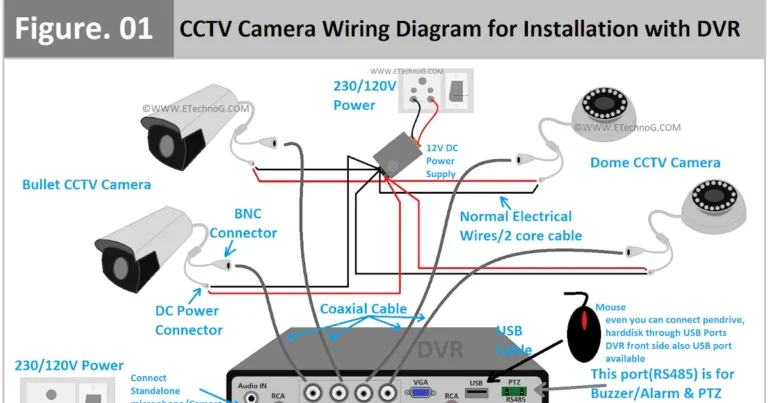
These are the workhorses for many CCTV systems, providing dedicated local storage. A Network Video Recorder (NVR) is designed for IP (Internet Protocol) cameras, which connect to your network. A Digital Video Recorder (DVR), on the other hand, is typically for older analog cameras, connecting directly to the cameras via coaxial cables.
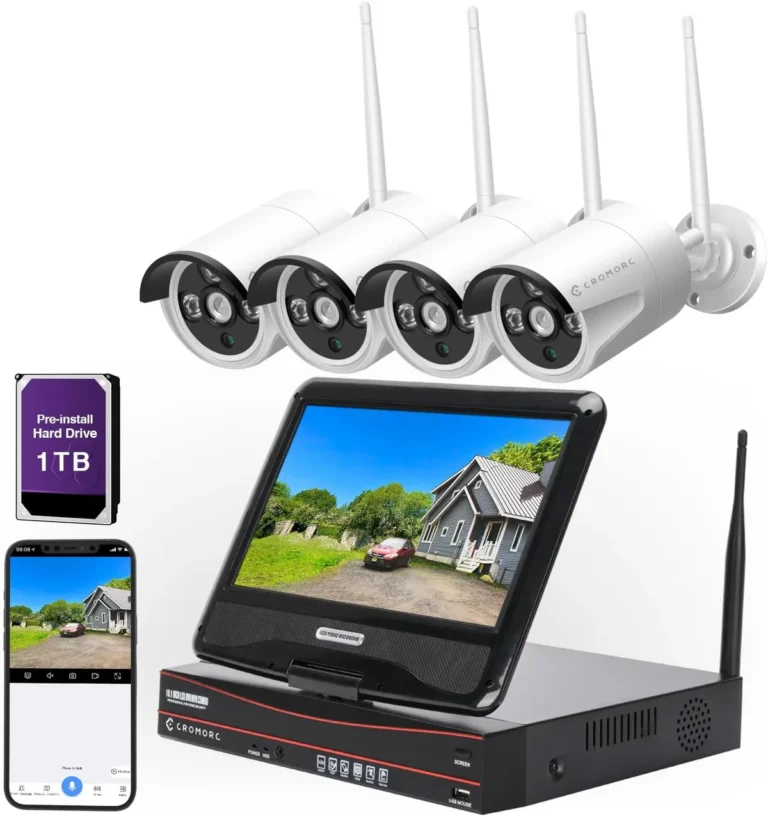
Both NVRs and DVRs record footage onto internal hard drives, essentially creating your own private video archive on-site. They are built for continuous recording, meaning they can capture video 24/7 without interruption, provided the hard drive has enough space. Manufacturer specifications often indicate recording capacities ranging from a few terabytes (TB) up to 10 TB or more, depending on the model and the number of cameras.
This makes them a robust solution for keeping a detailed history of events.
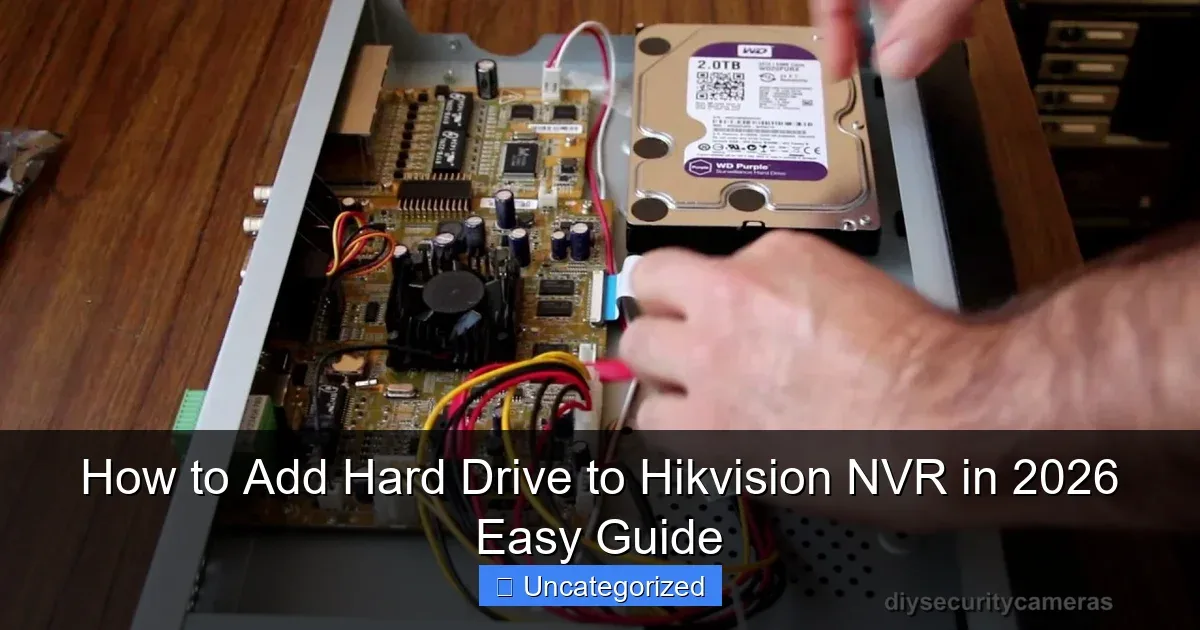
Image source: Web (Bing) / surveillanceguides.com (Web image (fair-use with source credit))
Pros:
- Ownership: You own the hardware, meaning no recurring monthly fees for storage space.
- Speed: Footage access and retrieval are generally faster because it's on your local network.
- Control: You manage your data and network security directly.
- Reliability: Designed for constant recording cycles.
Cons:
- Upfront Cost: The initial investment in the NVR/DVR and hard drives can be substantial.
- Physical Vulnerability: The recorder is on-site, making it susceptible to theft, damage, or disaster like a fire. If the device is stolen or destroyed, so is your footage.
- Maintenance: You are responsible for ensuring the device is running correctly and for replacing failing hard drives.
- Remote Access Setup: Accessing footage remotely often requires additional network configuration, which can be complex for some users.
Cloud Storage Services for Security Cameras
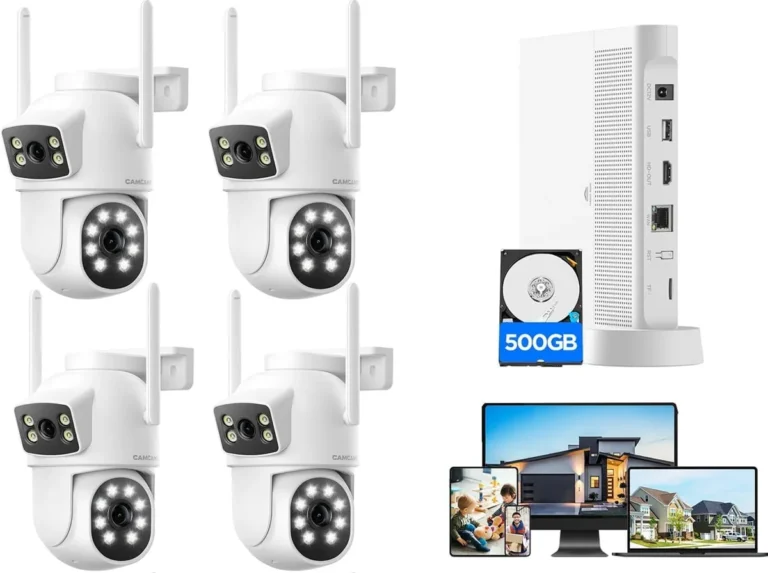
Cloud storage has become a popular alternative, especially with the rise of modern IP camera systems. Instead of recording footage to a device in your home or business, it's uploaded over the internet to secure servers managed by a third-party provider. This offers a significant advantage in terms of accessibility and off-site backup.
Services typically work on a subscription model, where you pay a monthly or annual fee based on the amount of storage you need, the number of cameras, and how long you want to retain recordings. For example, many services offer plans that retain footage for 7, 30, or even 60 days. This means your footage is stored safely away from your property.
As of 2026, these services are increasingly integrated directly into camera apps, making it simple to view live feeds or recorded events from your smartphone or computer.
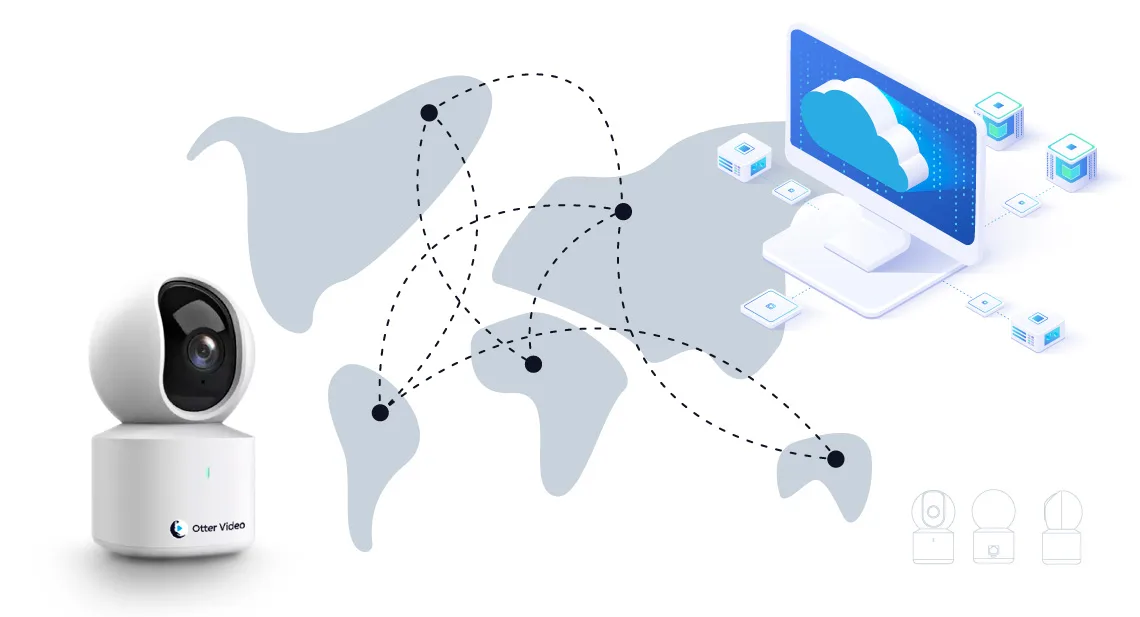
Image source: Bing (Web (fair-use with source credit))
Pros:
- Accessibility: View footage from anywhere with an internet connection.
- Off-Site Backup: Footage is safe even if your property is compromised.
- Scalability: Easy to increase storage capacity by upgrading your subscription.
- Reduced Maintenance: The provider handles server upkeep and security.
- Lower Upfront Cost: Often requires less initial hardware investment.
Cons:
- Ongoing Fees: Subscription costs can add up over the long term.
- Internet Dependence: Requires a stable internet connection for uploads and access. Bandwidth can be an issue if your internet speed is low, impacting how much data a security camera use.
- Privacy Concerns: Some users prefer not to store sensitive footage on third-party servers.
- Provider Outages: Service disruptions, though rare, can temporarily affect access.
MicroSD Cards: A Small Solution for Specific Needs
Some security cameras come with a built-in slot for a microSD card, offering a very simple, self-contained storage solution. This is essentially recording footage directly onto a small memory card inserted into the camera itself. It’s an attractive option for its simplicity and low cost for individual cameras.
These cards typically have capacities ranging from 16GB up to 512GB or even 1TB on newer models. However, their limited capacity means they can fill up quickly, often requiring you to manage recordings by either deleting old footage or setting the camera to overwrite the oldest files when the card is full. This makes them less ideal for continuous, long-term archiving but useful for short-term backups or for cameras in locations where a larger system isn't feasible.
Pros:
- Simplicity: Easy to install and use, no complex setup required.
- Cost-Effective: Relatively inexpensive for basic needs.
- Local Backup: Provides a direct recording medium for an individual camera.
Cons:
- Limited Capacity: Fills up quickly, requiring frequent management.
- Manual Retrieval: Footage must be physically accessed by removing the card, which isn't practical for a whole system.
- Durability & Security: Cards can fail, be corrupted, or easily lost or stolen if the camera is removed.
- Not for System-Wide Storage: Generally unsuitable as the primary storage for multiple cameras.
Pros and Cons: Weighing Your Storage Choices
Choosing the right storage for your CCTV footage means balancing convenience, cost, and security. Each option has its own set of advantages and disadvantages that can significantly impact your surveillance experience. For instance, keeping footage local offers direct control and speed, but it means you’re responsible for its physical safety.
Cloud storage, conversely, provides off-site security and global access, yet it comes with ongoing subscription costs and reliance on your internet connection.
Here’s a quick rundown to help you see the trade-offs clearly:
On-Premise (NVR/DVR):
- Benefits: You own the hardware, no recurring storage fees, faster local access, greater privacy control.
- Drawbacks: High upfront cost, vulnerable to theft/disaster, requires maintenance, complex remote access.
Cloud Storage:
- Benefits: Accessible anywhere, off-site backup protects against local loss, easy scalability, less hardware maintenance.
- Drawbacks: Ongoing subscription fees, dependent on internet connection and bandwidth, potential privacy concerns.
MicroSD Cards:
- Benefits: Very simple setup, low cost for individual cameras, basic local recording.
- Drawbacks: Very limited capacity, manual footage retrieval, not secure against theft of camera/card, not suitable for system-wide use.
Understanding these points helps you determine which approach aligns best with your priorities, whether that's constant, high-speed access to your data or the convenience of checking in from anywhere.
Who Needs What? Matching Storage to Your Situation
The "best" storage for CCTV footage isn't a one-size-fits-all answer. It really depends on your specific needs, your budget, and how you plan to use the recordings. Think about what's most important to you: having complete control over your data, being able to access footage from miles away, or simply getting a basic recording capability for a single camera.
For Homeowners: Balancing Security and Simplicity
For many homeowners, the goal is a reliable system that's easy to manage and provides a good level of security. This often means a balance between upfront cost and ongoing convenience. A good NVR system can be ideal here, offering robust local storage and ownership without necessarily breaking the bank on monthly fees.
You can set it up, and it just works, recording everything that happens.
However, if you travel frequently or want to check in on your property while you're at work, cloud storage offers that essential remote access. Many homeowners find a hybrid approach appealing: an NVR for continuous local recording, and a cloud subscription for critical event footage or as an off-site backup. This ensures you have access to your recordings no matter where you are or what happens to your property.
For Small Businesses: Reliability and Accessibility
Small businesses often have more demanding surveillance needs. Reliability is paramount, as footage can be crucial for security, liability, or operational analysis. An NVR system is often preferred for its continuous recording capabilities and the ability to store large amounts of footage locally, ensuring quick access to recordings for internal review or by law enforcement.
Simultaneously, the ability to access footage remotely is invaluable for business owners or managers who aren't always on-site. Cloud storage solutions, or NVR systems with robust remote access features, allow for real-time monitoring and quick retrieval of events from any location. This capability is vital for quickly responding to incidents or for overseeing operations remotely.
If you're dealing with bandwidth issues, understanding how to reduce security camera bandwidth is key.
Common CCTV Storage Mistakes to Avoid
When setting up or managing your CCTV storage, there are a few common pitfalls that can leave you frustrated or, worse, without the footage you need. One of the most frequent mistakes is simply not planning for enough storage capacity. Cameras, especially high-resolution ones recording continuously, generate a massive amount of data.
Filling up your hard drive or SD card mid-event means you lose the crucial evidence.
Another common error is neglecting the physical security of your on-premise recorder. If your NVR or DVR is easily accessible and stolen along with your cameras, its purpose is defeated. Similarly, relying solely on SD cards without a backup or a plan for retrieval is a significant oversight; these cards can fail or be lost.
It's also a mistake to underestimate the importance of internet bandwidth for cloud solutions, as why is my security camera delayed often comes down to poor network performance.
- Underestimating Storage Needs: Not accounting for camera resolution, frame rate, and retention period, leading to full drives.
- Ignoring Physical Security: Leaving NVRs/DVRs exposed to theft or damage.
- Relying Solely on SD Cards: Forgetting their limited capacity and vulnerability.
- Neglecting Internet Bandwidth: For cloud storage, not ensuring sufficient upload speed.
- Infrequent Maintenance: Not checking device health or performing updates, which can lead to failures or security risks.
Getting the Most Out of Your Footage: Expert Tips
To truly maximize the effectiveness of your CCTV system's storage, consider a few expert-level strategies. First, don't just assume maximum resolution is always best. While high definition is great, it drastically increases storage needs and bandwidth consumption.
Assess if a slightly lower resolution still captures the necessary detail for your specific cameras. For example, a camera monitoring a wide driveway might benefit from a broader view at a manageable resolution, while a doorway camera needs the highest detail.
It's also wise to understand your retention needs. How long do you actually need to keep footage? Many regulations suggest specific periods, like how long security footage should be kept, and keeping it longer than necessary just eats up space and resources.
Consider implementing intelligent recording schedules or motion-based recording (event-based recording) where possible. This records continuously but only saves motion events to a more accessible, compressed file, saving significant space and making retrieval faster. Finally, ensure your chosen storage solution is updated; checking how to update security camera firmware can resolve bugs and security vulnerabilities.
Optimizing Storage Capacity
- Adjust Resolution: Lowering resolution from 4K to 1080p can often halve storage requirements without significant loss of detail for general monitoring.
- Frame Rate Management: Recording at 30 FPS is usually more than sufficient for most security needs, whereas higher rates consume much more space.
- Smart Recording: Configure cameras or NVRs to record at a lower quality or frame rate when no motion is detected, switching to higher settings only when events occur.
Are There Legal Requirements for How Long Footage is Kept?
Storage duration is a crucial consideration, and in some cases, regulations dictate how long you must keep security footage. For instance, businesses in certain sectors might be legally required to retain recordings for a specific period to comply with industry standards or potential legal investigations. While there isn't a universal law mandating a specific retention time for all CCTV footage, many jurisdictions and industries have guidelines.
For example, some financial institutions or retail operations might be advised or required to keep footage for 30, 60, or even 90 days. This ensures that if an incident occurs, there's a sufficient historical record available. It's always best to research local regulations and any industry-specific compliance requirements that might apply to your situation.
For general home use, retention is typically driven by available storage space and personal preference, but understanding the "why" behind keeping footage helps in making informed decisions.
What About Data Security and Privacy with CCTV Footage?
Data security and privacy are paramount when dealing with CCTV footage, as it often captures sensitive personal information. If you opt for cloud storage, it's crucial to choose reputable providers that employ robust encryption protocols, both for data in transit and data at rest. Look for services that mention end-to-end encryption, meaning only you can access and decrypt your footage.
This protects against unauthorized access, even by the service provider.
For on-premise solutions like NVRs, securing your network is key. This includes using strong, unique passwords for your NVR and your home or business network, and regularly updating the device's firmware to patch any security vulnerabilities. Consider the physical security of the recording device itself; if it’s stolen, your data is compromised.
Some advanced systems also offer features like data masking for privacy-sensitive areas, ensuring specific zones within the camera's view are either blurred or not recorded.
Can I Access Footage Remotely?
Yes, accessing your CCTV footage remotely is a common and increasingly standard feature, though the ease and method vary by storage type. Cloud storage solutions are built with remote access in mind. Typically, you'll download a dedicated app for your smartphone or tablet, or access a web portal through your computer.
Once logged in, you can usually view live feeds, search for recorded events by date and time, and download footage directly to your device.
For NVR/DVR systems, remote access is possible but often requires more setup. Many modern NVRs come with built-in apps or web interfaces that support remote viewing. This usually involves connecting the NVR to your network and configuring it for remote access, which might include setting up port forwarding on your router or using a manufacturer-provided service for easier connection.
If you experience issues with lag or connectivity, it might be related to how to improve security camera WiFi signal.
Troubleshooting Remote Access
- Check Network Connection: Ensure both the recorder and your remote device have stable internet access.
- Verify NVR/DVR Settings: Confirm remote access features are enabled and correctly configured in the device’s menus.
- Router Configuration: For NVRs, ensure any necessary port forwarding rules are set up correctly.
- App/Software Updates: Make sure you are using the latest version of the mobile app or viewing software.