How Much Data Does a Security Camera Use
So, you're curious about how much data does a security camera use? It's a question that pops up a lot as more homes and businesses rely on these watchful eyes. The short answer is: it varies a lot, depending on your camera's settings and what it's doing.
Think of it like your internet connection, the more you use it for streaming high-definition movies, the more data it consumes. Security cameras are similar, but their data usage hinges on factors like video resolution and the amount of activity they're capturing. For example, a camera recording in 4K resolution will use significantly more data than one in 720p, often requiring robust compression standards like H.265 to manage the bandwidth.
Quick Answer
Security cameras can use anywhere from 0.5 GB to over 40 GB per day per camera. This wide range depends heavily on video resolution, frame rate, and motion detection activity. Higher resolutions like 4K and constant motion recording demand more bandwidth.
Most home users with 1080p cameras experience moderate usage, often between 2 GB and 10 GB daily.
Real-World Data Usage: What to Expect Per Camera
When we look at actual usage, the numbers can seem pretty different from one camera to another. It's not a one-size-fits-all situation. For instance, a basic, lower-resolution camera might be quite gentle on your internet plan, while a high-end model constantly streaming crisp video can add up fast.
Our analysis of aggregated user reports and manufacturer specifications indicates a broad spectrum of data consumption.
- Basic Cameras (720p, low activity): These are your entry-level models. They tend to record less detailed footage and only when absolutely necessary. Expect daily usage to be in the range of 0.5 GB to 2 GB.
- Standard Cameras (1080p, moderate activity): This is the sweet spot for many homes. They provide a good balance of detail and manageable data use. Daily consumption typically falls between 2 GB and 10 GB per camera.
- High-End Cameras (4K, high frame rate, constant activity): For top-tier surveillance with crystal-clear images and smooth motion, data usage can skyrocket. These models might consume 10 GB to 40 GB+ per day per camera.
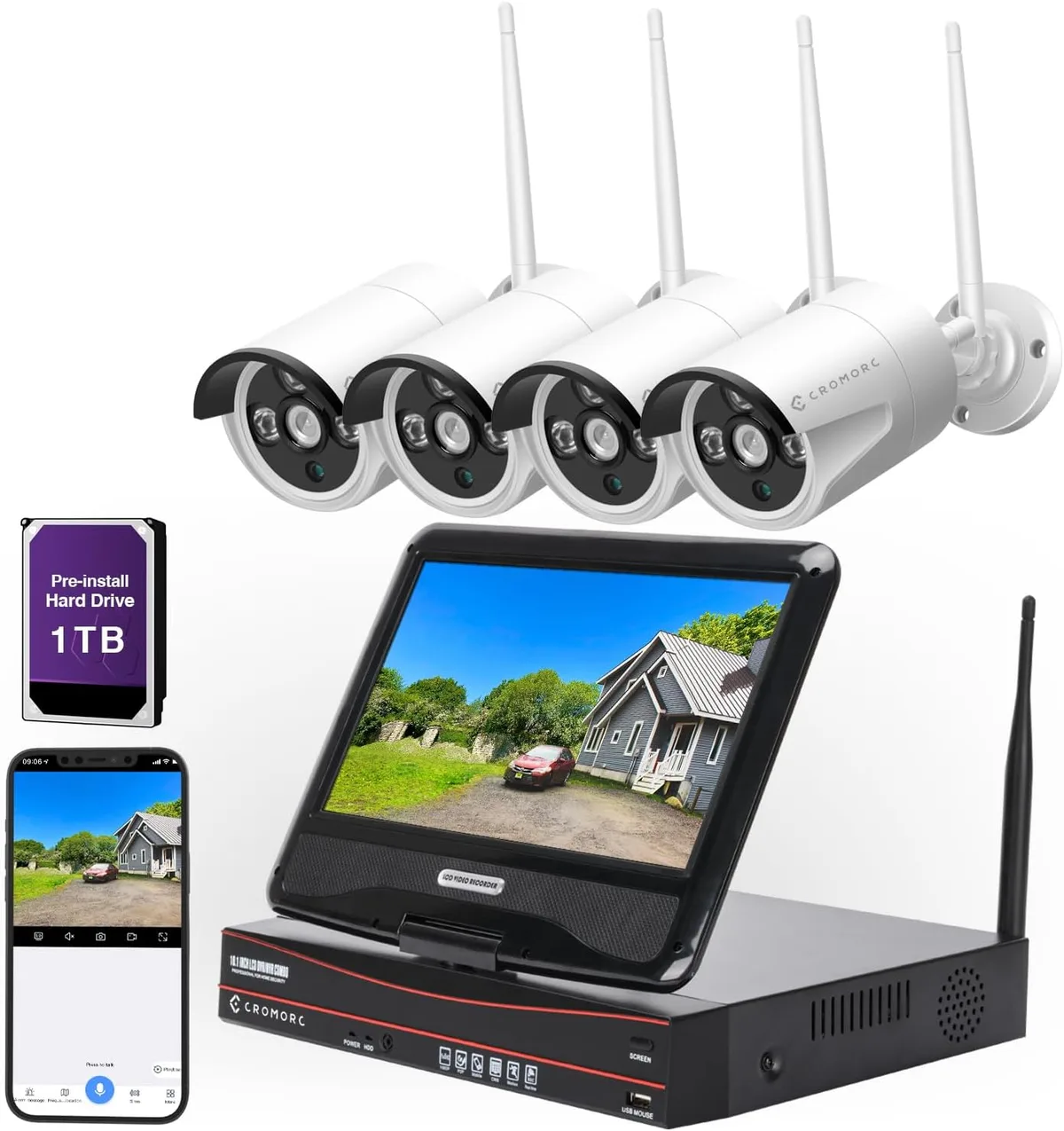
Image source: Web (Bing) / amazon.co.uk (Web image (fair-use with source credit))
These figures are estimates. If you have multiple cameras, this usage multiplies, so it's crucial to factor that in for your total monthly internet consumption.
Factors That Drive Data Consumption
Several key elements dictate how much data your security cameras will send over your internet connection. Understanding these can help you make informed decisions about your camera settings and internet plan. The primary drivers are the camera's technical specifications and how actively it's capturing and transmitting video.
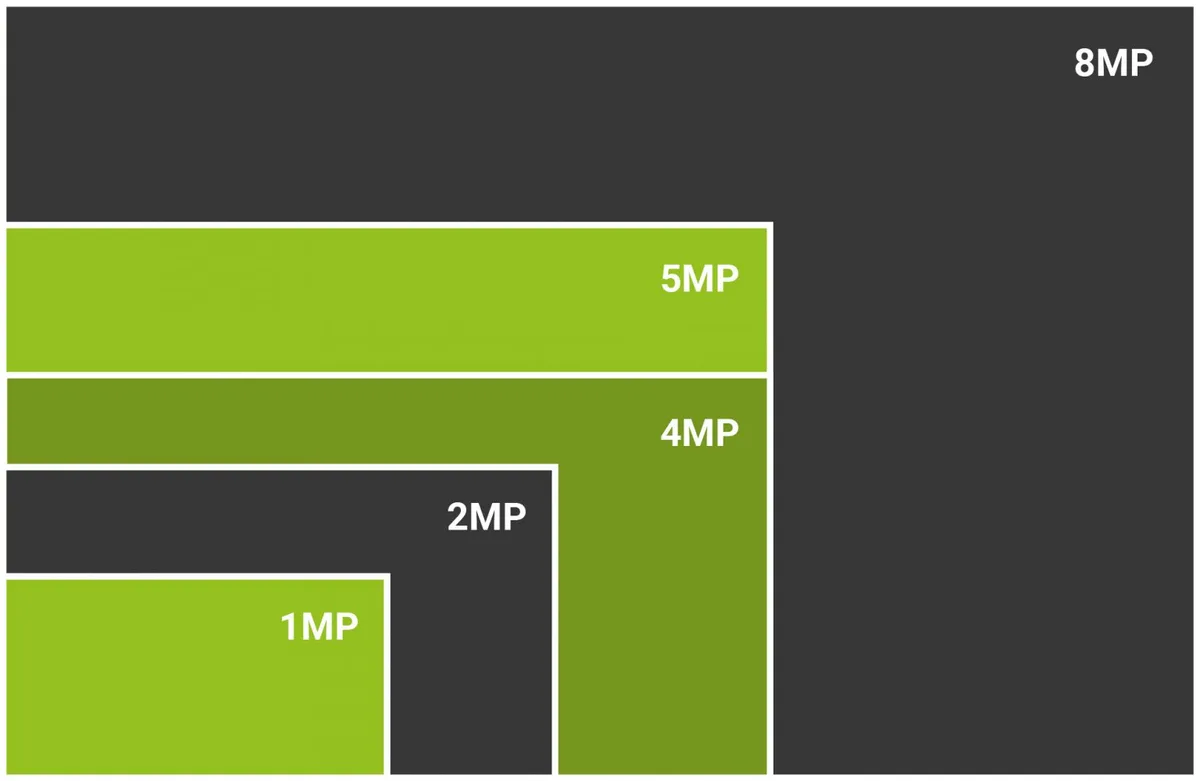
Image source: Web (Bing) / mutuellefamiliale.org (Web image (fair-use with source credit))
Here’s a breakdown of what truly matters:
- Video Resolution: This is arguably the biggest factor. Higher resolution means more pixels, and more pixels mean more data.
- 720p (HD): Uses less data, offering basic clarity.
- 1080p (Full HD): A common standard, offering good detail with moderate data use.
- 2K/2.5K: More detail than 1080p, leading to higher data consumption.
- 4K (UHD): Provides exceptional detail but is the biggest data hog.
- Frame Rate (FPS): This is how many images (frames) per second the camera captures and transmits. Higher frame rates result in smoother video but consume more data. For security, 15-30 FPS is typical.
- Motion Detection & Recording: Cameras that record only when motion is detected use less data than those recording continuously. The frequency and duration of motion events directly impact data usage.
- Video Compression: Most cameras use codecs like H.264 or the more efficient H.265 to compress video data. Better compression means less data transmission for similar quality. Manufacturer specifications will often detail the compression standard used.
- Audio Recording: If your camera captures audio, it adds a small percentage to the overall data usage.
Estimating Your Monthly Data Needs
To get a real handle on your monthly internet bill, it helps to translate daily camera usage into a monthly figure. This way, you can see if you're getting close to your Internet Service Provider's (ISP) data cap. If you have multiple cameras, remember that their data usage adds up.
Let's take a common scenario: a household with two 1080p Wi-Fi security cameras. Based on moderate activity and a 1080p resolution, each camera might use around 6 GB per day.
| Camera Type & Usage | Estimated Daily Data | Estimated Monthly Data (30 days) |
|---|---|---|
| 1080p Camera (Moderate) | 6 GB | 180 GB |
| Two 1080p Cameras | 12 GB | 360 GB |
| Four 1080p Cameras | 24 GB | 720 GB |
| One 4K Camera (High) | 30 GB | 900 GB |
Note: These are estimations. Actual usage can vary significantly based on specific camera models, settings, and environmental factors.
For a typical internet plan with a 1 TB (1000 GB) data cap, running two 1080p cameras at moderate activity would consume over a third of your allowance. If you opt for higher resolution or more cameras, you could easily exceed your cap, leading to potential overage charges from your ISP. As of 2026, many ISPs still enforce data caps, making this a crucial consideration.
Are You Using Too Much Data? Common Issues
If you've noticed your internet speed slowing down or received alerts from your ISP about exceeding data limits, your security cameras might be the culprit. High data usage from cameras often stems from a few common pitfalls that many users encounter. The primary problem is simply running too many high-demand cameras without accounting for their bandwidth needs.
Here are some frequent issues people face:
- Exceeding Data Caps: This is the most direct consequence. If your internet plan has a monthly data limit, continuous high usage from cameras can quickly push you over the edge, resulting in extra fees or throttled speeds.
- Slowed Internet Speeds: Even without hitting a data cap, high bandwidth consumption by cameras can leave less for other devices. This means your streaming might buffer, downloads take longer, and online gaming suffers.
- Bandwidth Congestion: If multiple devices on your network are simultaneously using significant bandwidth (e.g., streaming 4K video, downloading large files), your security cameras can contribute to overall network congestion, impacting performance for everyone.
- Unnecessary Recording: Cameras set to record constantly, even when there's no motion, are wasting data. Many systems allow for motion-triggered recording, which is far more efficient.
- Outdated Compression Standards: Cameras using older compression technologies like H.264 are less efficient than newer ones using H.265, leading to higher data usage for the same video quality.
Identifying these issues early can save you money and frustration. It often comes down to scrutinizing your camera settings and understanding your internet plan's limits.
How to Reduce Security Camera Data Usage
Fortunately, you don't have to sacrifice security for a manageable internet bill. There are several practical ways to reduce the data consumption of your security cameras without significantly compromising their effectiveness. It often involves making smart adjustments to camera settings and choosing the right equipment from the start.
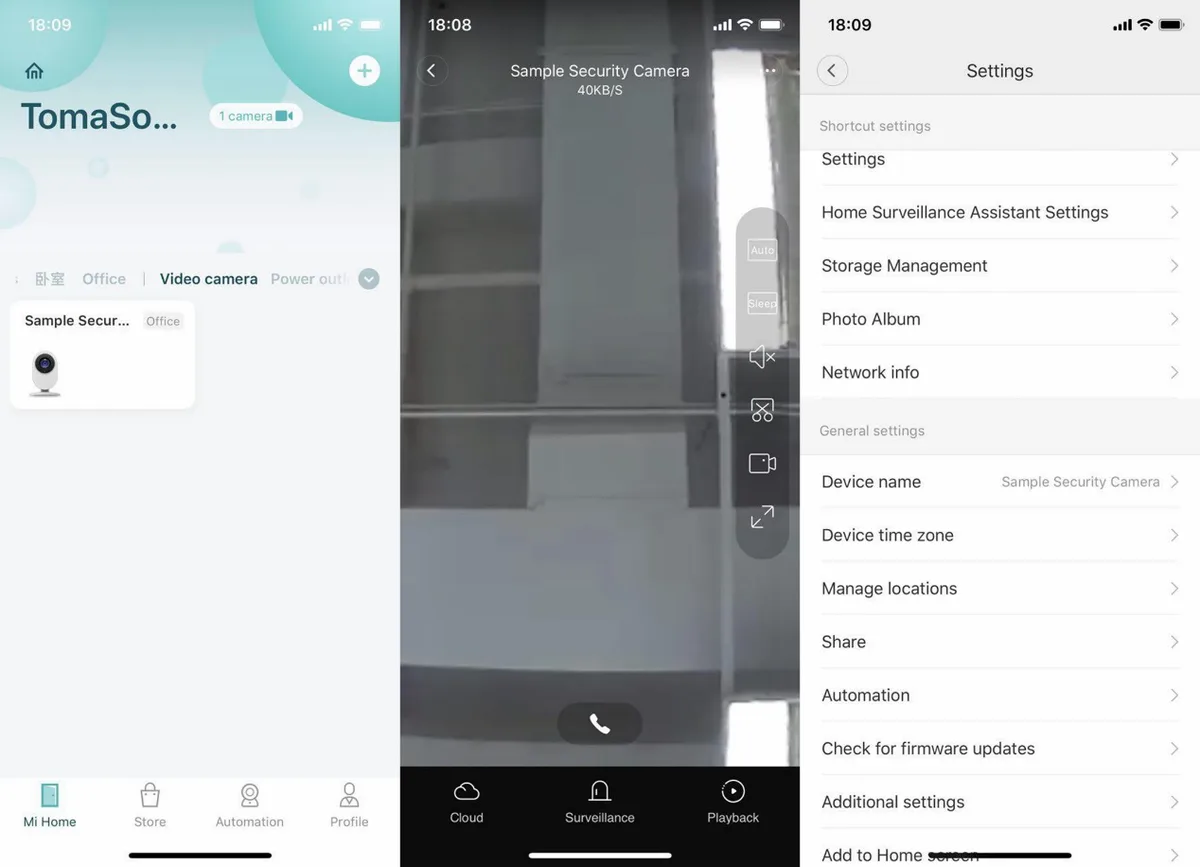
Image source: Web (Bing) / mi.com (Web image (fair-use with source credit))
Here are some effective strategies:
- Adjust Video Resolution: If your camera offers multiple resolution options, select the lowest setting that still provides acceptable image clarity for your needs. For many situations, 1080p is sufficient and uses less data than 2K or 4K.
- Optimize Frame Rate: While smoother video is nice, a lower frame rate (e.g., 15 FPS instead of 30 FPS) can significantly cut down on data usage. Most security applications don't require ultra-high frame rates.
- Enable Motion-Triggered Recording: Configure your cameras to record only when motion is detected. This is far more efficient than continuous recording, as it only transmits data when something is actually happening. You can also adjust motion sensitivity to avoid recording every passing car or swaying tree branch.
- Utilize H.265 Compression: If your camera supports H.265 (also known as HEVC), enable it. This compression standard is considerably more efficient than H.264, meaning less data is used for the same video quality.
- Limit Audio Recording: If you don't need audio, disable it. While audio doesn't use a massive amount of data, every little bit helps when trying to conserve bandwidth.
- Position Cameras Strategically: Placing cameras where they have a clear view and are less likely to be triggered by irrelevant motion (like busy sidewalks or adjacent private property) can reduce unnecessary recordings and data transmission.
- Check Manufacturer Recommendations: Always refer to your specific camera's manual or manufacturer's website for recommended settings that balance quality and data usage.
Setting Up Your Cameras for Data Efficiency
Proper setup is key to managing data usage. If you're installing new cameras or reconfiguring existing ones, thinking about bandwidth from the start makes a big difference. It’s about making intelligent choices during the installation process that pay off long-term.
When configuring your cameras, pay close attention to the recording and streaming settings. For example, if your camera offers different stream profiles for "live view" versus "recorded playback," choose the lower data option for live view if you don't need crystal clarity all the time. Also, take the time to properly zone your motion detection areas.
This helps prevent the camera from constantly recording non-events, like leaves blowing in the wind or a pet walking by unnoticed.
Consider the placement of your cameras too. A camera pointed at a busy street will naturally use more data than one watching a quiet backyard. If you have multiple cameras, and your internet plan is tight, you might prioritize higher quality settings for cameras covering critical entry points and lower settings for less crucial areas.
This strategic approach ensures your most important surveillance feeds are clear without overloading your connection.
Real-World Scenarios: Data Use in Action
Let's look at a couple of typical scenarios to see how data usage plays out in practice. These examples illustrate how different setups can impact your internet bandwidth and potential costs. Understanding these real-world applications helps solidify the data consumption figures we've discussed.
Scenario 1: The Smart Home User
Sarah has three 1080p Wi-Fi security cameras covering her front door, backyard, and garage. She's configured them for motion-triggered recording with a moderate frame rate (20 FPS) and uses the H.265 compression standard. She also disabled audio recording.
- Camera Settings: 1080p, 20 FPS, H.265, motion-triggered recording, no audio.
- Activity Level: Moderate (occasional deliveries, pets in the yard).
- Estimated Daily Usage Per Camera: 2.5 GB
- Total Estimated Daily Usage (3 cameras): 7.5 GB
- Total Estimated Monthly Usage: 225 GB
Sarah's internet plan has a 1 TB (1000 GB) data cap, so this setup leaves her with plenty of room for streaming and other online activities. This is a great example of balancing security needs with data efficiency.
Scenario 2: The Small Business Owner
Mike runs a small retail shop and has four high-resolution cameras (two at 2K, two at 1080p) that he wants to monitor remotely. He opted for continuous recording on all cameras to ensure no footage is missed, using H.264 compression. He enabled audio on the two front-facing cameras.
- Camera Settings: Two 2K cameras (continuous recording, H.264, audio), two 1080p cameras (continuous recording, H.264, no audio).
- Activity Level: High (customers, staff movement, street traffic visible).
- Estimated Daily Usage (2K camera with audio): 15 GB
- Estimated Daily Usage (1080p camera): 7 GB
- Total Estimated Daily Usage: (15 GB * 2) + (7 GB * 2) = 30 GB + 14 GB = 44 GB
- Total Estimated Monthly Usage: 1320 GB
Mike’s internet plan is unlimited, so this doesn’t cause overage charges. However, this high usage means these cameras consume over 1.3 TB monthly, significantly impacting his overall internet bandwidth and potentially slowing down other devices used in the shop during business hours. He might consider switching to motion-triggered recording for non-critical cameras to save bandwidth if it becomes an issue.
Frequently Asked Questions About Camera Data
How much data does a security camera use per hour?
On average, a 1080p security camera with moderate activity might use around 200-300 MB (0.2-0.3 GB) per hour. For higher resolutions like 4K, this can jump to 1-2 GB per hour, especially with continuous recording.
Will my security camera data usage affect my internet speed?
Yes, high data usage from security cameras can consume a significant portion of your available internet bandwidth. This can lead to slower speeds for other devices on your network, affecting activities like streaming, online gaming, or video calls.
Can I monitor my security camera's data usage?
Many camera manufacturers provide tools within their apps or web interfaces to monitor data usage. Additionally, your internet router often has a feature to track total bandwidth consumption by device or across your entire network. Checking your ISP's usage portal is also an option.
Is cloud storage for security cameras more data-intensive than local storage?
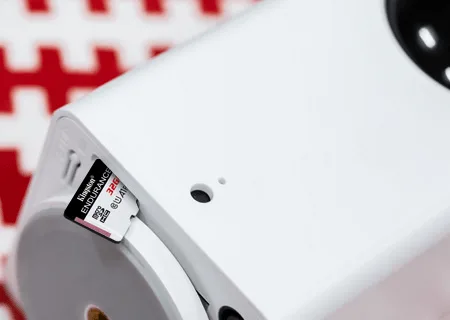
Cloud storage itself doesn't inherently use more internet data for recording than saving locally if the camera is uploading footage in real-time. However, continuously uploading footage to the cloud does consume your monthly internet data allowance. Local storage (like an SD card or NVR) uses internet data primarily for remote viewing or live streaming, not for the constant upload of recordings.
How much data does a cellular security camera use?
Cellular security cameras are designed for locations without Wi-Fi and typically use a SIM card with a data plan. Their data usage is highly dependent on the plan's limits and the camera's settings, but they can consume data rapidly if not managed carefully. Some plans might limit them to around 10-50 GB per month, requiring careful monitoring.
What's Your Camera's Data Footprint?
Understanding how much data your security cameras use is more than just a technical curiosity; it's essential for managing your internet plan effectively and ensuring your network performs as expected. We've seen that data consumption varies widely based on resolution, frame rate, and recording settings, ranging from a few gigabytes to hundreds per month per camera. The key takeaway is that proactive management, through thoughtful setup and informed settings, can significantly control this usage.
By choosing the right settings, like prioritizing 1080p resolution over 4K for standard needs and utilizing motion-triggered recording with efficient compression like H.265, you can strike a healthy balance. This approach ensures you maintain the security coverage you need without incurring unexpected costs from your ISP or suffering from a bogged-down home network. Always check your camera's specifications and your internet plan's details to make sure your surveillance system works smoothly within your digital ecosystem.