What Causes False Home Alarms
It's that heart-stopping moment, right? You're relaxing, or maybe you're already asleep, and suddenly that piercing siren screams. You jump up, expecting the worst, only to find… nothing.
No intruder, no fire, just your home alarm making a whole lot of noise for absolutely no reason. It's frustrating, a bit embarrassing, and frankly, can make you a little jumpy.
We've all been there, or at least know someone who has. False alarms are super common, and while they can be a real pain, understanding what causes them is the first step to stopping them. Think of me as your friendly guide walking you through the most likely culprits, so you can get back to peace and quiet.
Quick Answer
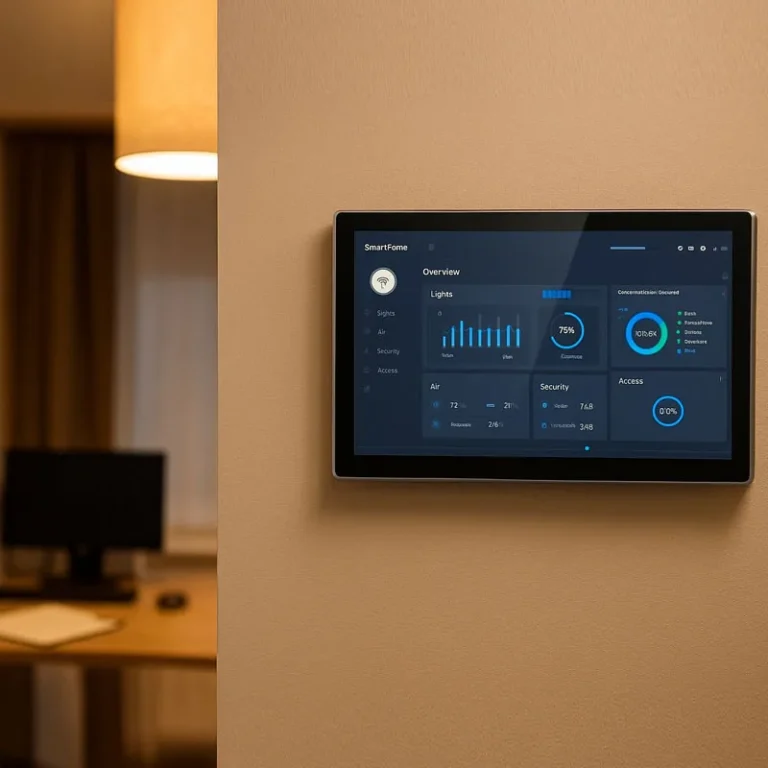
What causes false home alarms? False alarms are typically triggered by user error, faulty or improperly calibrated sensors, low backup batteries, or environmental factors like strong winds or pets. Occasionally, system glitches or wiring issues can also be responsible.
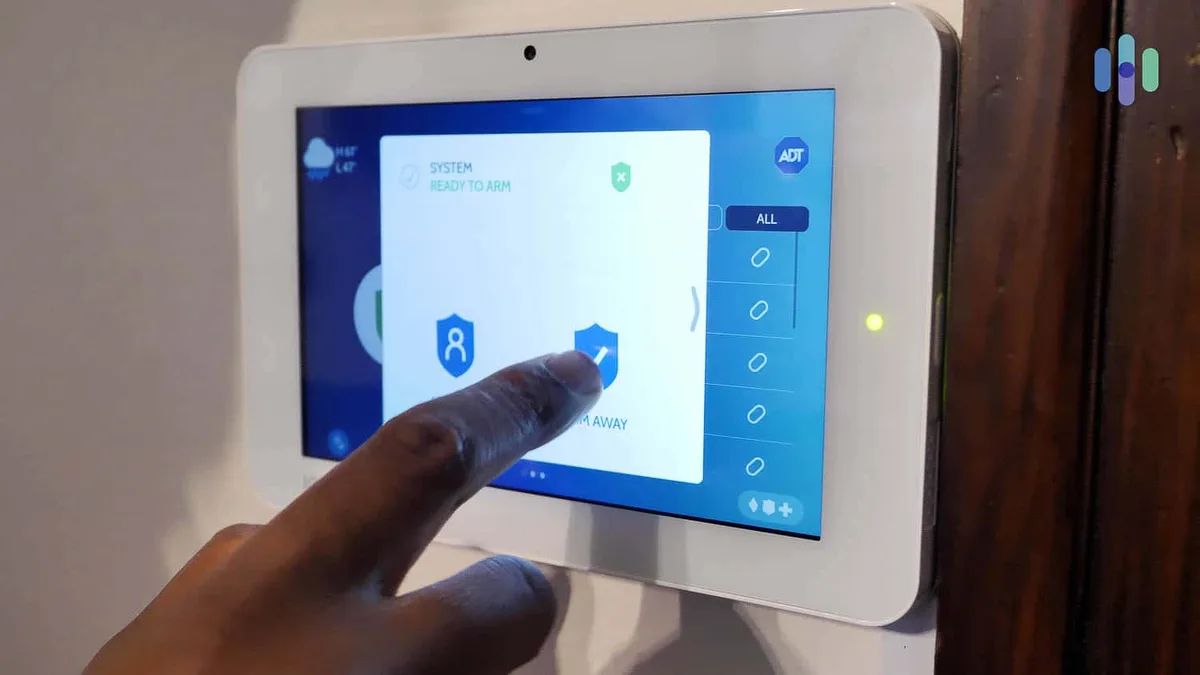
Image source: Web (Bing) / security.org (Web image (fair-use with source credit))
The Usual Suspects: What's Really Triggering Your Alarm?
Most of the time, your alarm system is doing its job, but sometimes it gets a bit overzealous. Let's break down the common reasons why it might be crying wolf.
The "Oops, I Forgot" Factor (User Error)
This is probably the most frequent offender when it comes to unwanted alarm activations. It sounds simple, but life gets busy, and simple oversights happen.
- Forgetting to disarm: If you're rushing in or out, you might forget to enter your disarm code. This is especially common if you've just arrived home with groceries or are in a hurry to leave. The system, sensing an unauthorized entry, will trigger.
- Accidentally triggering: Sometimes, a nudge of a sensor, a pet brushing against something, or even a strong gust of wind can set it off if the system isn't calibrated just right. Even closing a door too forcefully can sometimes jar a contact sensor.
- Wrong code: Entering the wrong disarm code too many times will often trigger a temporary lockout or even an alarm. Most systems have a limit on incorrect attempts to prevent unauthorized access, but it can lead to a false alarm if you’re flustered.
Sensor Shenanigans
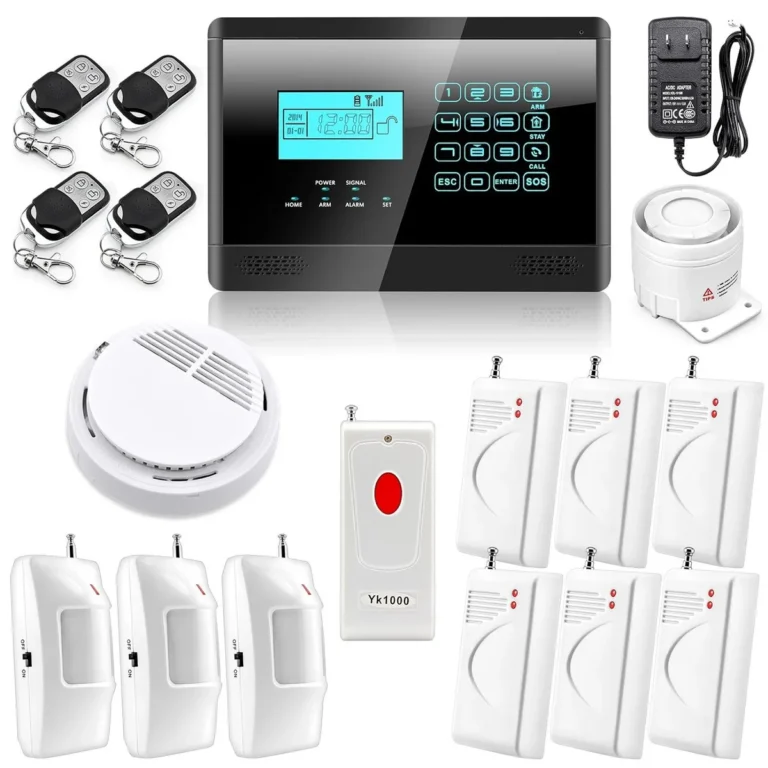
Your alarm system relies on various sensors to detect movement, open doors, or windows. If these aren't quite right, you're asking for trouble. These devices are the frontline of your security, but they can be sensitive.
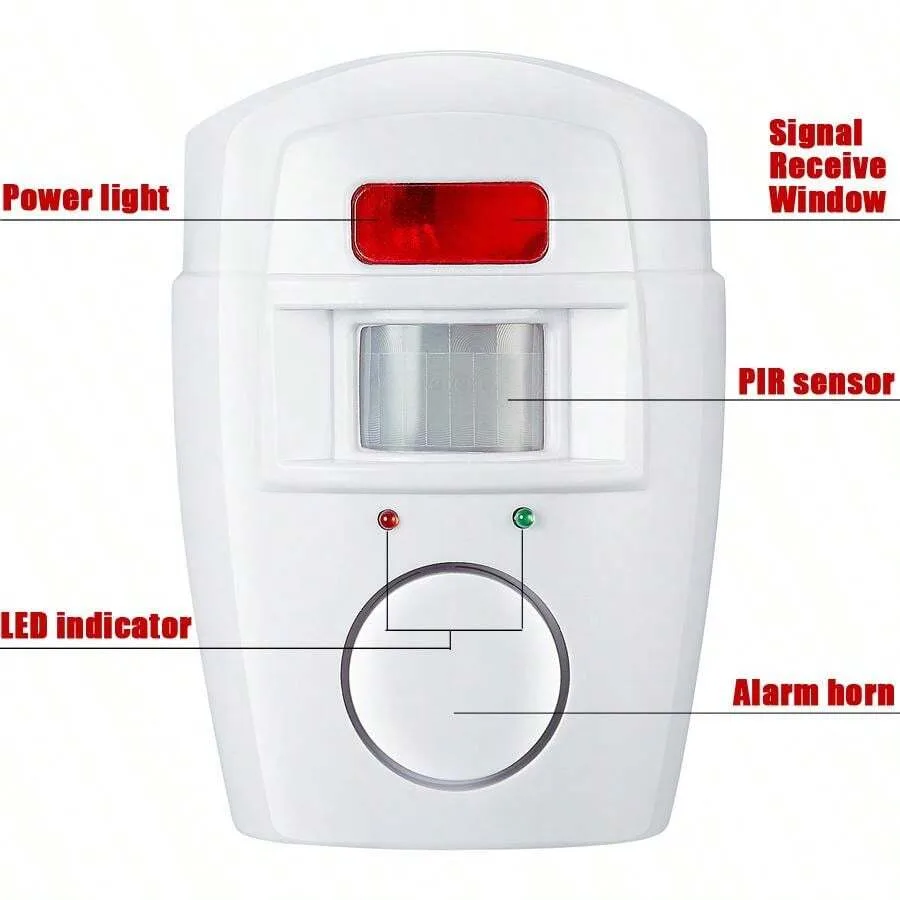
Image source: Web (Bing) / za.shein.com (Web image (fair-use with source credit))
- Loose or misaligned sensors: Over time, especially on doors and windows, these can shift. If the two parts of a magnetic contact sensor aren't meeting correctly when the door or window is closed, it will continuously signal that the entry is still open. This is a very common cause of persistent false alarms.
- Dust or debris: A bit of gunk on a motion sensor can sometimes interfere with its ability to detect properly, or conversely, make it think it's detecting something when it's not. Simple cleaning can often resolve this.
- Pets: This is a big one for many people. If your motion detectors aren't "pet-immune" or are set too sensitively, a furry friend wandering by can easily set them off. Many pet-immune sensors are designed to ignore movement below a certain weight, typically around 40 pounds, but this varies by manufacturer and specific model.
Power and Battery Puzzles
Your alarm needs power to function, and when that's interrupted or a battery starts to die, things can get weird. These systems are designed with backups, but even those can cause issues.

Image source: Bing (Web (fair-use with source credit))
- Power outages: If your alarm is connected to the main power and there's a brief flicker or outage, it might trigger as it switches to its backup battery. Sometimes, the switch back to main power can also cause a momentary hiccup, leading to a false alarm.
- Low backup battery: Most systems have a battery that kicks in if the main power goes out, providing essential operational time. When this backup battery gets old and weak, it can send false signals to the control panel. You'll often get a warning chime or beep for this, but not always, and sometimes the low-battery signal itself can be misinterpreted as an alarm event. Manufacturers often recommend replacing backup batteries every 3 to 5 years, depending on usage and type.
- Power supply issues: Even without a full outage, voltage fluctuations or issues with the power adapter can sometimes cause erratic behavior in the control panel, leading to false triggers.
Environmental Triggers
The world outside (and inside) your home can sometimes mess with your alarm's sensors. These systems are designed to be robust, but extreme conditions can pose a challenge.
- Extreme weather: Strong winds rattling windows, heavy rain hitting a sensor, or even significant temperature fluctuations can sometimes affect certain types of sensors, particularly older or less sophisticated models. For instance, a window that rattles violently might fool a contact sensor into thinking it's opening and closing.
- Balloons or curtains: Anything light and mobile that moves unexpectedly near a motion sensor can set it off. I've heard stories of balloons that have drifted into sensors, especially around holidays. Similarly, curtains that sway in a draft can trigger motion detection if positioned too close.
- Insects or rodents: While less common, a bug crawling across a motion sensor's lens or a small rodent scurrying past can sometimes trigger a very sensitive sensor. This is more likely in older systems or those with less advanced detection technology.
System Glitches and Faulty Equipment
Sometimes, the tech itself is the problem. Like any electronic device, components can fail or develop issues over time, leading to unpredictable behavior.
- Faulty sensors: Sensors, especially older ones, can degrade. They might become overly sensitive, fail to detect properly, or send erratic signals to the control panel. This is a prime candidate for persistent false alarms that don't seem to have an obvious cause.
- Control panel issues: The main control panel is the brain of your alarm system. If it develops a fault, experiences software glitches, or has internal wiring problems, it can misinterpret signals or generate its own false alarms.
- Wiring problems: Loose or damaged wiring can cause all sorts of unpredictable behavior. This is more common in wired systems and can be exacerbated by temperature changes or physical disturbance to the wires. A short circuit or an intermittent connection can easily lead to a system malfunction.
What To Do When the Alarm Won't Quit: A Quick Troubleshooting Flow
Okay, so your alarm is going off, and you've ruled out an actual emergency. The blaring siren is stressful, and you need to silence it fast. This flow helps you quickly diagnose the likely cause so you can get back to peace and quiet.
Remember to stay calm; panicking can make it harder to think clearly.
Step 1: Silence the Siren
Your first priority is to silence the noise. Most alarm systems have a clear way to do this.
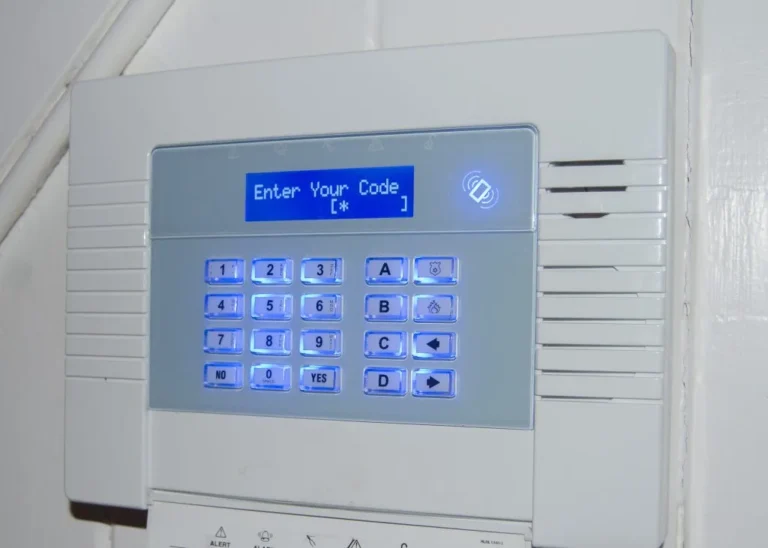
- Use your code: Enter your master disarm code on the keypad.
- Use your key fob: If you have a key fob, press the disarm button.
- Use your app: If your system is connected to a mobile app, use it to disarm the alarm remotely.
Once the siren stops, take a deep breath. The immediate crisis is over, but you still need to figure out why it happened.
Step 2: Identify the Triggered Zone
If your alarm system shows which sensor was triggered, that's your best clue. This is often displayed on the keypad or sent to your mobile app. Look for a zone number or description like "Front Door," "Living Room Motion," or "Kitchen Window." This information dramatically narrows down your search.
If your system doesn't provide zone information, you'll have to check the most common areas first.
Step 3: Inspect the Area
Head to the zone or area indicated by the system. Look for anything obvious that might have caused the trigger:
- Doors and windows: Are they all securely closed and latched? Even a slightly ajar window can set off a contact sensor.
- Motion detectors: Is anything in front of them? Think pets, balloons, curtains, or even a new piece of furniture that might be obstructing the view or moving unexpectedly.
- Other sensors: Check any other sensors that might be in the area for physical damage or obstructions.
Step 4: Check System Warnings
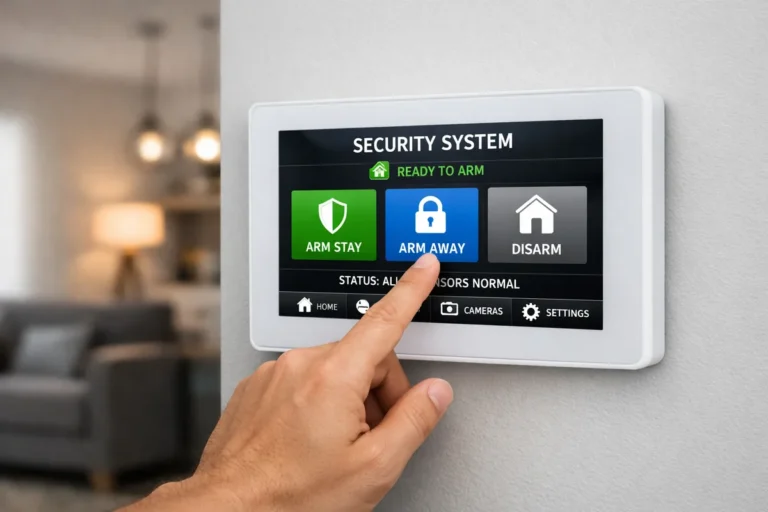
Look at your alarm system's control panel or keypad for any error messages or status lights. Many systems will display codes or text indicating a low battery, a communication error, or a system fault. These messages can directly point to the cause.
For example, a persistent "Low Battery" warning on zone 3 means that sensor or its battery is likely the culprit.
Step 5: Review Recent Activity
If your system has a log of events, check it. Did the alarm happen right after you entered or left? Did it coincide with a power flicker?
This history can provide context and reveal patterns. Many modern systems allow you to access this log via a mobile app.
Common Mistakes That Lead to False Alarms
It's easy to make a mistake that triggers your alarm. Knowing these common pitfalls can help you avoid them.
Not Updating Pet Information
When you get a new pet, or if your pet gains weight, you might need to adjust your motion detector settings. Many pet-immune sensors rely on detecting movement below a certain weight threshold. If your pet is now heavier than the sensor's limit, it might trigger the alarm.
Always check your system's manual for specific instructions on setting up pet-immune sensors and adjusting their sensitivity.
Ignoring Low Battery Chimes
Your alarm system will usually provide audible warnings when a sensor's battery is running low. These are often gentle beeps or chirps, not the full siren. It's easy to dismiss these as minor annoyances, but they are critical indicators of impending failure.
Failing to replace these batteries promptly can lead to unexpected false alarms when the battery finally dies. Manufacturers typically recommend replacing backup batteries every 3 to 5 years, and individual sensor batteries may need replacement more frequently.
Overly Sensitive Motion Detectors
While you want your motion detectors to be sensitive enough to catch an intruder, setting them too high can lead to frequent false alarms. Factors like heating vents blowing air directly at the sensor, sunlight shining on it, or even vibrations from nearby traffic can cause it to trigger. If you're experiencing frequent false alarms from a specific motion sensor, consider adjusting its sensitivity or repositioning it if possible.
When to Call in the Pros: Knowing When It's Beyond DIY
You've gone through the troubleshooting steps, checked the obvious culprits, and maybe even tried a few fixes yourself. But the false alarms persist. At this point, it's time to bring in the experts.
Your security provider has specialized tools and knowledge to diagnose complex issues.
- Persistent triggers: If your alarm keeps going off without a clear reason after you've done your own checks, there might be a deeper issue with the system's wiring or the control panel itself.
- System error codes: If your keypad displays error codes you don't understand or can't resolve with the manual, a technician can interpret them.
- Intermittent faults: These are the trickiest. If the alarm only goes off sporadically, it can be hard for you to catch in the act. A professional has diagnostic equipment to monitor the system over time.
- System updates and calibration: Sometimes, a system simply needs a firmware update or a professional recalibration of its sensors. Your security company can perform these services.
Don't hesitate to call your provider. They can often run remote diagnostics to get a head start on identifying the problem before a technician even arrives. Many service plans include troubleshooting for false alarms.
FAQs About False Home Alarms
What's the most common reason for a false alarm?
The most common reason is user error, such as forgetting to disarm the system on time or accidentally triggering a sensor when entering or exiting. Another very frequent cause is a sensor being tripped by a pet or environmental factor like a strong breeze.
How often should I test my home alarm system?
It’s a good idea to test your home alarm system at least every six months. This helps ensure all components are working correctly and can help you catch potential issues, like low batteries or sensor problems, before they cause false alarms. Always inform your security company before testing to avoid a dispatch to your home.
Can a power surge cause my alarm to go off?
Yes, a power surge or even a brief power flicker can sometimes trigger a false alarm. When the system loses its primary power, it switches to its backup battery. This transition, or the return of main power, can sometimes cause a momentary glitch that sets off the alarm.
My alarm keeps going off at the same time every night. What could be causing this?
This suggests a scheduled event or a recurring environmental trigger. It could be a programmed arming/disarming schedule that's set incorrectly, or something in your home that activates around that time, perhaps an HVAC system kicking on, a pet stirring, or even external noise from a neighbor that your motion sensor is reacting to. Checking your system's event log can be very helpful here.