How Long Does an Alarm System Battery Last
Ever wonder how long those little batteries in your alarm system are going to hold out? It's a question that pops up for pretty much everyone who has a home security system, and for good reason. You don't want your alarm going quiet just when you need it most.
So, let's break it down. Manufacturer specifications typically indicate that the main backup battery in most home alarm systems should last between 3 to 5 years, though this can vary significantly based on usage and environmental factors.
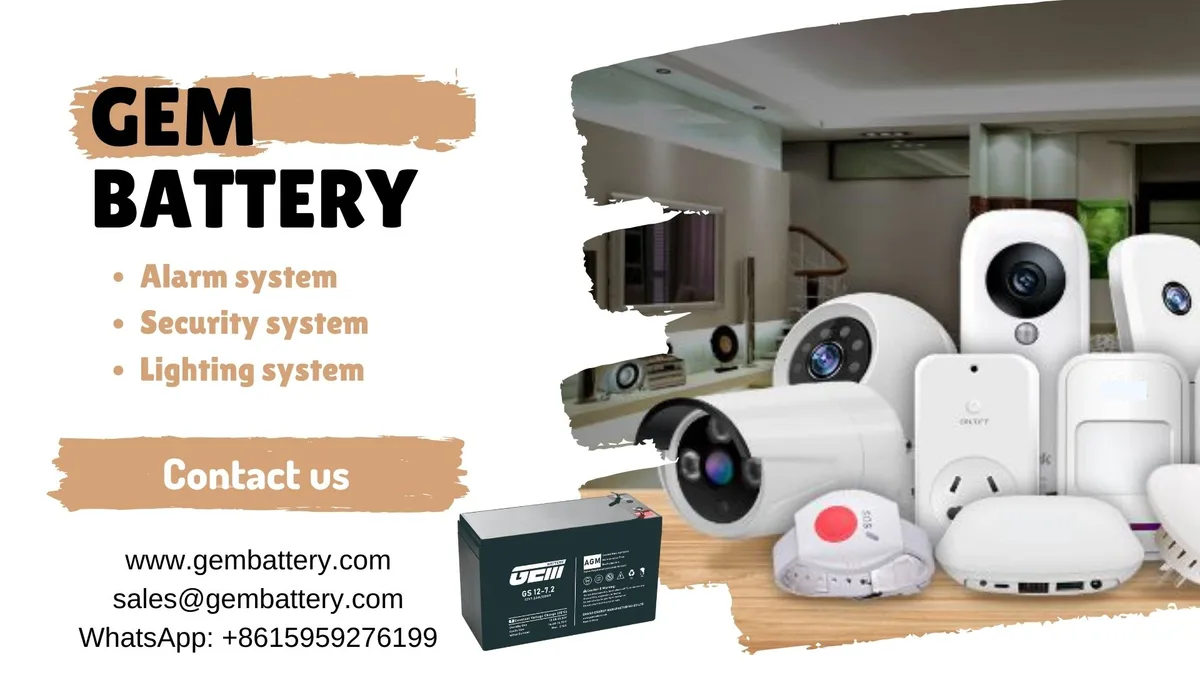
Image source: Web (Bing) / gembattery.com (Web image (fair-use with source credit))
Quick Answer
An alarm system battery typically lasts 3 to 5 years. Factors like power outage frequency, temperature, and battery quality significantly influence this lifespan. Proactive replacement every 3-5 years is recommended for reliability.
The Typical Lifespan of Your Alarm System Backup Battery
Generally speaking, you can expect the main backup battery in most home alarm systems to last somewhere between 3 to 5 years. Now, that's a pretty good range, and it’s the average you'll find in most manufacturer recommendations. For example, many alarm control panels utilize sealed lead-acid (SLA) batteries, which are designed for this kind of standby power.
Per industry standards, these batteries are rated for a specific number of charge-discharge cycles, which directly impacts their longevity in a backup role.
But here's the thing, and it's a big "but", that's just an average. Your mileage will vary. Think of it like car tires; some people get way more miles than others, right?
What affects that lifespan are several key factors we'll dive into next.
Factors That Affect How Long Your Alarm Battery Stays Strong
It's not just about the battery itself. A bunch of things play a role in how long it stays powered up and ready to go.
Battery Usage and Power Outages
How often does your alarm system need to kick over to its backup battery? This is a huge factor. If your home experiences frequent power outages, that backup battery is working harder and draining faster.
- Frequent Power Outages: If you live in an area with lots of storms or grid issues, your battery will be called into action more often, shortening its overall lifespan. A system that cycles through its battery power multiple times a month will wear out much faster than one that only sees action once a year.
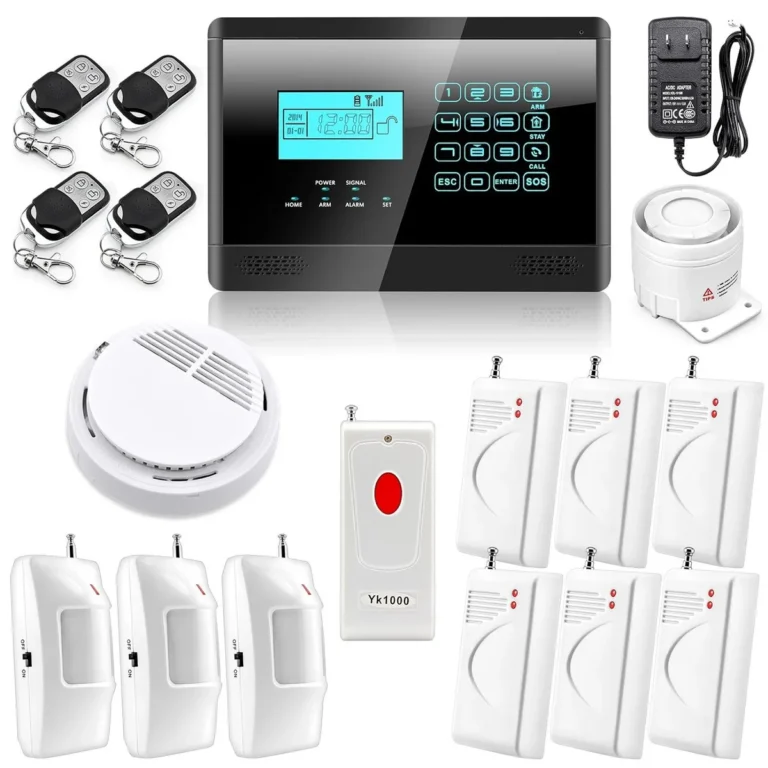
- System Components: Some alarm systems have more sensors or features that draw more power when the main power is out. For instance, systems with extensive wireless sensor networks or integrated cameras might put a higher demand on the backup power supply.
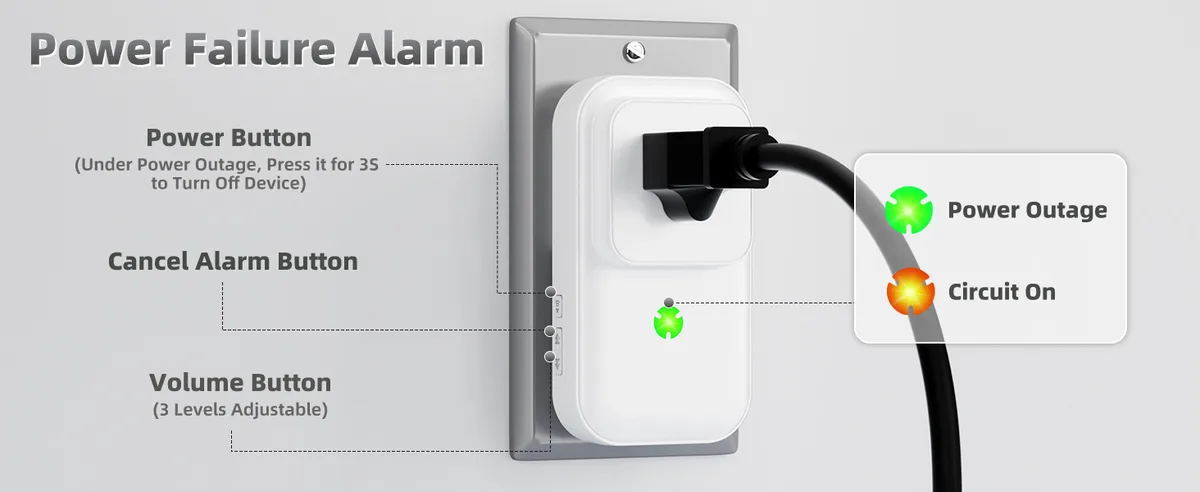
Image source: Web (Bing) / amazon.com (Web image (fair-use with source credit))
Environmental Conditions and Battery Health
The environment where your alarm system's control panel and battery are located can also have a significant impact on how long that battery lasts. Extreme conditions are the enemy of battery performance and longevity.
- Temperature: Extreme heat or cold can really mess with battery performance and capacity. Keeping your system's control panel in a stable, moderate temperature environment is best. Think of a garage in a really hot climate or an unheated shed in winter, these are not ideal locations because they subject the battery to damaging temperature swings. For example, batteries can lose up to 50% of their capacity in very hot conditions.
- Humidity: High humidity can also contribute to corrosion or other issues over time, especially in the battery terminals or internal components. Maintaining a dry environment will help preserve the battery's integrity.
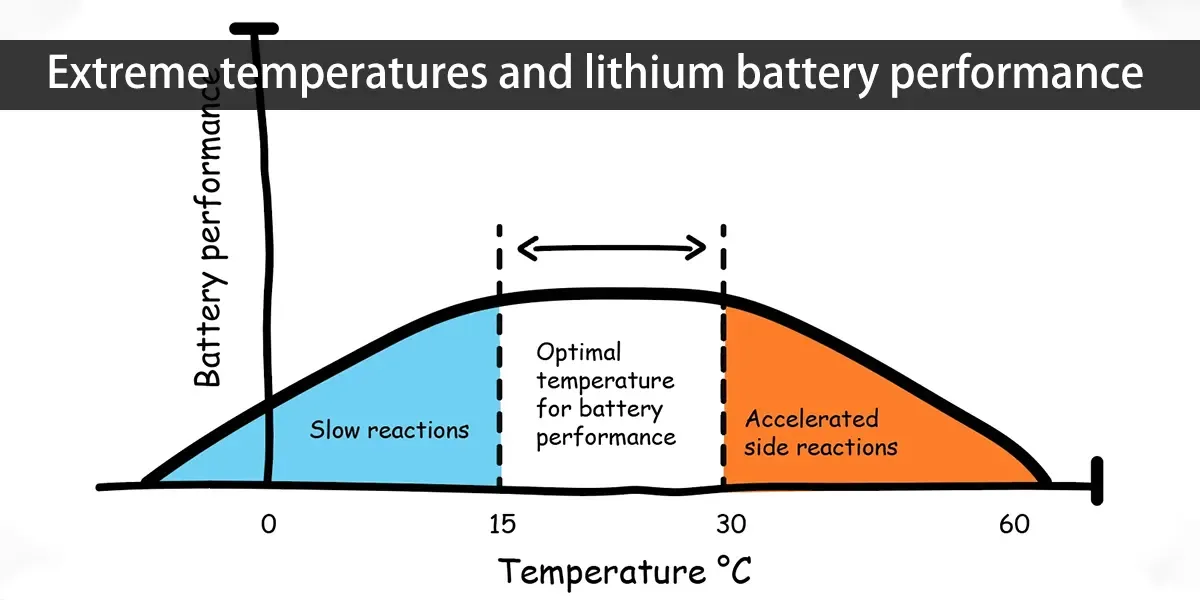
Image source: Web (Bing) / batteryswapcabinet.com (Web image (fair-use with source credit))
Recognizing When Your Alarm Battery Needs Attention
Your alarm system is usually pretty good at letting you know when something's up. You'll likely get a warning before it completely dies, giving you time to act.
Warning Signs and System Alerts
Keep an eye out for these common indicators:
- Low Battery Chirps/Beeps: Most systems will emit a distinct, often annoying, chirp or beep from the main control panel when a battery is low. This is a crucial signal that your backup power source is failing. Some systems allow you to silence this chirp temporarily, but the underlying issue remains.
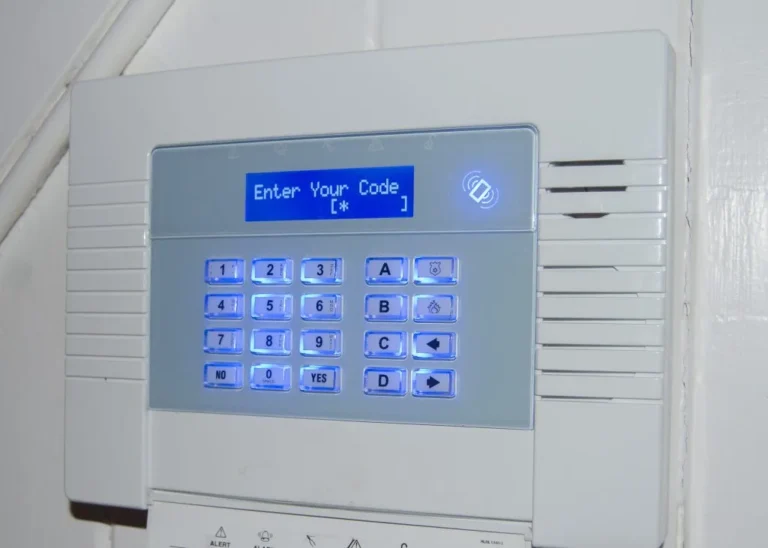
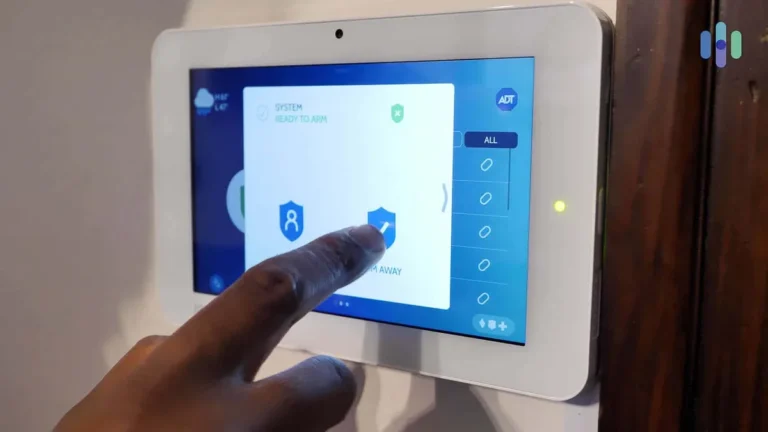
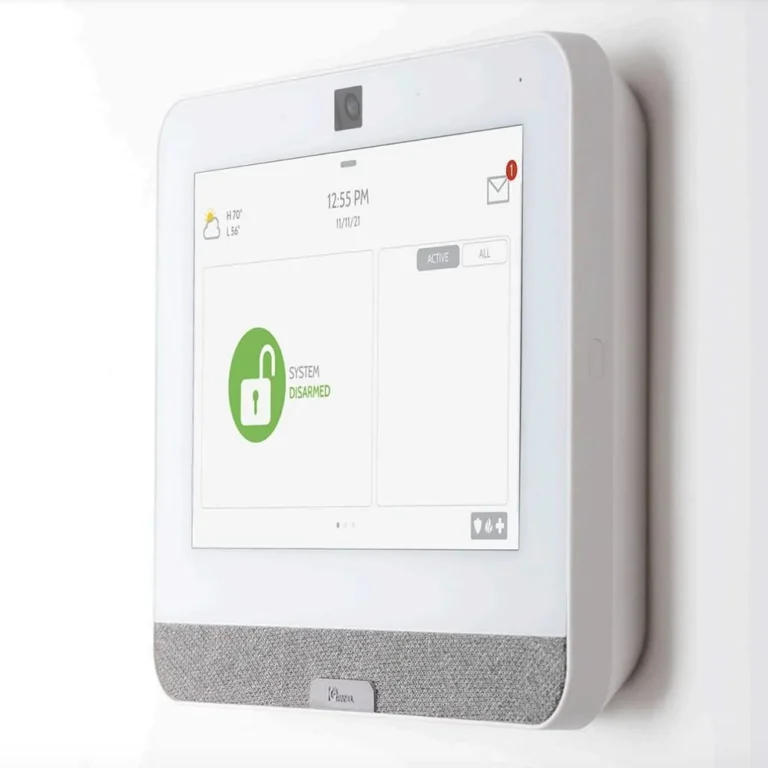
- System Alerts: You might get a notification on your smartphone app or a specific message displayed on the keypad itself indicating a battery issue. These alerts are designed to be clear and actionable.
- System Malfunctions: If your system starts acting weird, maybe sensors aren't communicating properly, or the system seems sluggish to arm/disarm, it could be a sign of a failing backup battery. A weak battery might not be able to provide consistent power to all the system's components.
Proactive Battery Replacement: When and Why
Honestly, it's a good idea to plan for replacement proactively. Don't wait for that dreaded low battery chirp to become a full-blown silence that leaves you vulnerable.
- As Routine Maintenance: Many security professionals recommend replacing the backup battery every 3 to 5 years as part of your system's regular maintenance schedule, regardless of whether it's actively chirping. This proactive approach is a small cost for significant peace of mind and ensures your system is always ready.
- When You Move In: If you've just bought a house with an existing alarm system, it’s wise to have the battery checked or replaced. You don't know its history or how well it's been maintained.
- After a Major Power Outage: If your system ran on backup for an extended period, it might have stressed the battery more than usual, potentially shortening its remaining life. It’s wise to check its status afterward.
Key Considerations for Alarm Battery Longevity
Beyond just the lifespan, there are other practical aspects to consider regarding your alarm system's backup battery. Understanding these can help you manage expectations and ensure your system remains reliable.
- Battery Type: Most alarm systems use sealed lead-acid (SLA) batteries. These are rechargeable and designed for deep discharge cycles, making them suitable for standby applications like alarm backups. While effective, their lifespan is generally within that 3-5 year range, especially under heavy use. Some newer or specialized systems might use lithium-ion batteries for certain sensors, which can offer longer life and better performance in extreme temperatures, but SLA remains the standard for main panel backups.
- System Age and Health: An older alarm system might have components that draw more power, or its internal charging mechanism might not be as efficient as newer models. This can lead to the backup battery working harder or not recharging as effectively, potentially shortening its lifespan.
- Installation Quality: Was the battery installed correctly? Sometimes a loose connection can cause issues that drain the battery prematurely or lead to intermittent performance problems. Ensuring proper terminal connections is a simple but critical step. Manufacturers, such as those found on sites like the Battery Association of Canada, emphasize correct installation for optimal performance.
Step-by-Step Process: Replacing Your Alarm Battery
Replacing an alarm system battery is a straightforward process, but it requires a bit of care to avoid triggering false alarms or damaging the system. Always ensure your system is in "test mode" or temporarily disarmed with your alarm company before you begin.
- Locate the Battery: The main backup battery is typically found inside the alarm system's main control panel box. This box is usually mounted in a closet, basement, or utility area.
- Open the Control Panel: Most boxes have a key lock or require a screwdriver to open. Be gentle.
- Identify and Disconnect the Old Battery: Note the battery's orientation and how it's connected. It's usually a rectangular sealed lead-acid battery with two terminals. Disconnect the wires from the terminals, red for positive, black for negative.
- Remove the Old Battery: Batteries can be heavy. Slide out the old one and set it aside for proper disposal.
- Install the New Battery: Ensure you have the correct replacement battery, matching its voltage and amp-hour rating. Connect the wires to the new battery's terminals in the correct order (positive first, then negative).
- Close the Panel and Restore Power: Secure the control panel box. If you put the system in test mode, take it out. If you disarmed it, rearm it.
Maintenance and Long-Term Optimization
Keeping your alarm system in top working order involves more than just replacing the battery every few years. Regular checks and proper care can extend its effectiveness and reliability.
- Regular System Checks: Many alarm companies offer remote diagnostic tools or schedule annual check-ups. These can catch potential issues, including battery performance, before they become critical.
- Battery Testing: Some advanced systems allow for battery health monitoring via their app or keypad. If yours doesn't, consider periodically testing the system's battery backup by unplugging the main power and seeing how long it takes for a low-battery warning to appear (if at all). This can give you an early indication if the battery is degrading.
- Keep the Area Clean: Ensure the area around your control panel is free of dust and debris. A clean environment helps prevent overheating and ensures components function correctly.
Real Scenarios: When Batteries Fail Unexpectedly
While the 3-5 year guideline is standard, real-world situations can cause unexpected battery failures. Understanding these scenarios can help you prepare.
- The "Unexpected Storm" Scenario: Sarah lives in Florida and her home security system’s backup battery was about 4 years old. A hurricane brought several days of power outages. The battery, already nearing the end of its typical life, struggled to keep up, eventually dying on day three. Her system then lost power entirely. This highlights how extended or severe power disruptions can accelerate battery failure.
- The "Garage Install" Scenario: Mark had his alarm system installed in his garage, which experiences significant temperature fluctuations. His battery lasted only 2.5 years. The extreme heat in summer and cold in winter degraded the battery much faster than if it had been in a climate-controlled interior space. This case emphasizes the impact of environmental factors on battery longevity.
Mistakes to Avoid
Several common mistakes can lead to premature battery failure or unnecessary system issues. Being aware of these pitfalls can save you hassle and expense.
- Ignoring Low Battery Warnings: That persistent chirp or keypad message is your system's way of telling you it needs a new battery. Ignoring it means you'll lose backup power protection during the next outage.
- Using the Wrong Replacement Battery: Always match the voltage and amp-hour rating of the original battery. Using an incorrect battery can damage your alarm panel or fail to provide adequate backup power.
- Not Disarming the System: Attempting to replace a battery while the system is armed can trigger a full alarm, which can be disruptive and may incur false alarm fees from your local authorities. Always put your system in test mode or disarm it first.
Frequently Asked Questions About Alarm System Batteries
How often should I replace my alarm system battery?
You should plan to replace your alarm system's backup battery every 3 to 5 years. This is a proactive measure to ensure your system remains operational during power outages.
What happens if my alarm battery dies?
If your alarm system battery dies, your system will lose its backup power source. It will continue to function only when mains power is available. If power is lost, the system will shut down, leaving your home unprotected.
Can I replace the battery myself?
Yes, in most cases, you can replace the alarm system battery yourself. It's a relatively simple process involving opening the control panel, disconnecting the old battery, and connecting a new one. However, always check your system's manual and consider putting it in test mode first.
Will a dead battery trigger my alarm?
A dead battery itself won't typically trigger an alarm. However, a low battery warning is a common alert. If the battery completely fails during a power outage, your system simply won't have power to operate or alarm.