How Long Do Home Security Systems Last
When you invest in a home security system, you're not just buying a product; you're buying peace of mind. A crucial part of that peace of mind comes from knowing your system will reliably protect your home for years to come. That’s why understanding how long home security systems last is so important.
Most core components in modern systems are built to be durable, with many designed to function for well over a decade. However, the actual operational lifespan can vary significantly based on several factors, including environmental conditions and technological obsolescence. Per manufacturer specifications, components like control panels are often rated for lifespans of 10 to 15 years or more.
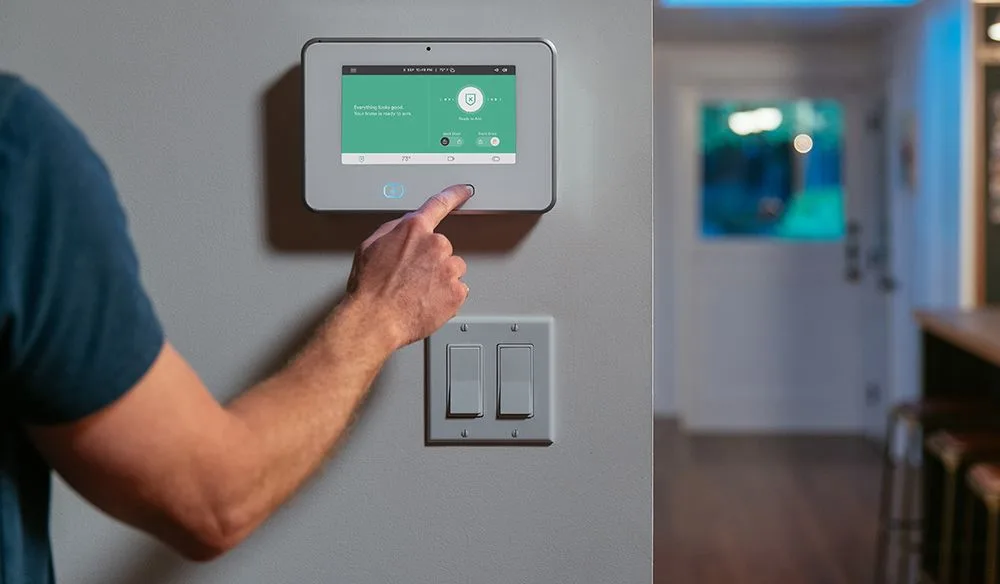
Image source: Bing (Web (fair-use with source credit))
Quick Answer: Lifespan & Key Factors
Home security systems typically last 7, 15 years. Lifespan depends on component quality, environment, and technology. Batteries need regular replacement.
What's the Typical Lifespan for Security Components?
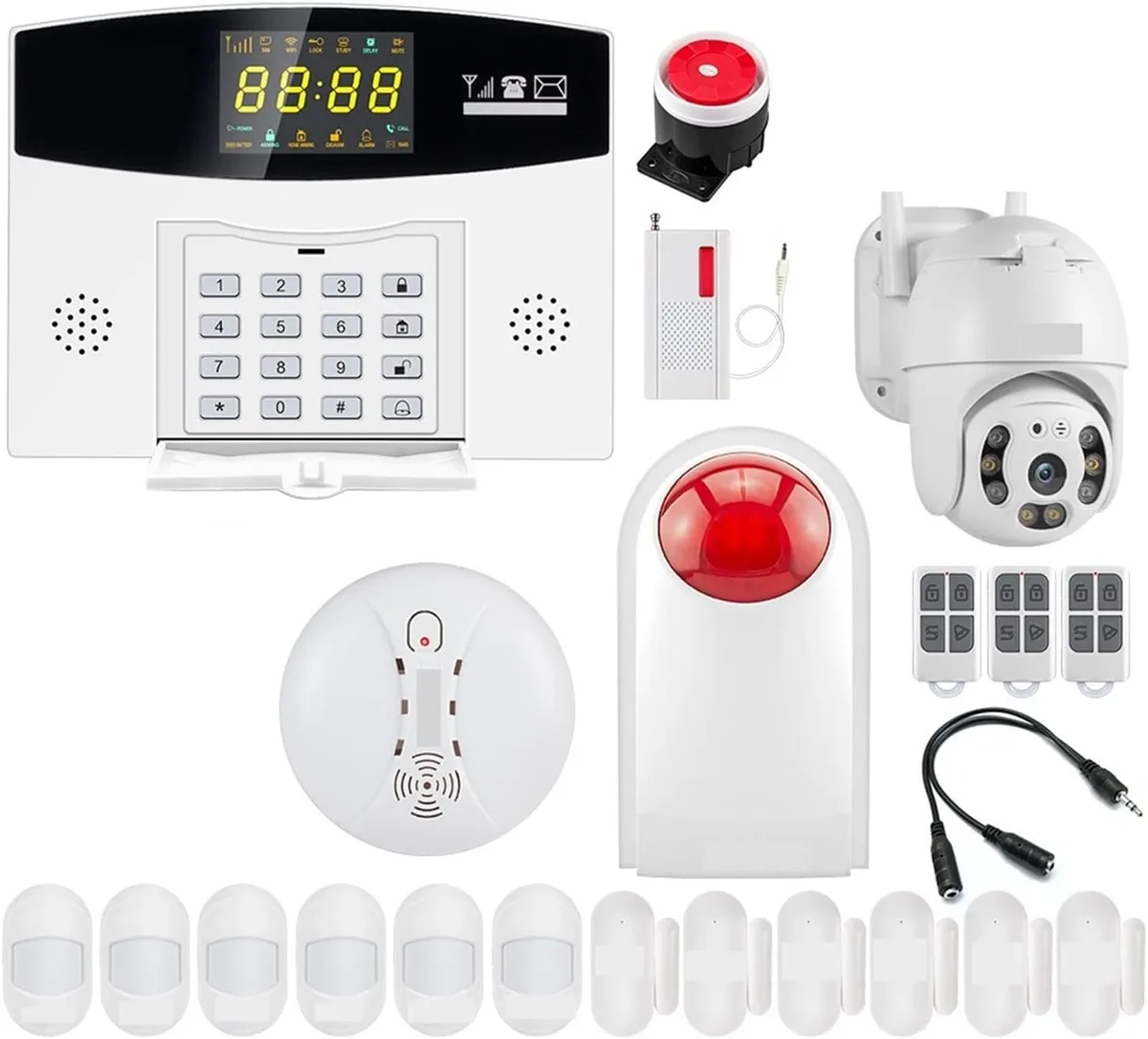
Image source: Web (Bing) / amazon.co.uk (Web image (fair-use with source credit))
Let's break down the lifespan of the individual parts that make up your home security setup. These aren't all designed to last for the exact same duration.
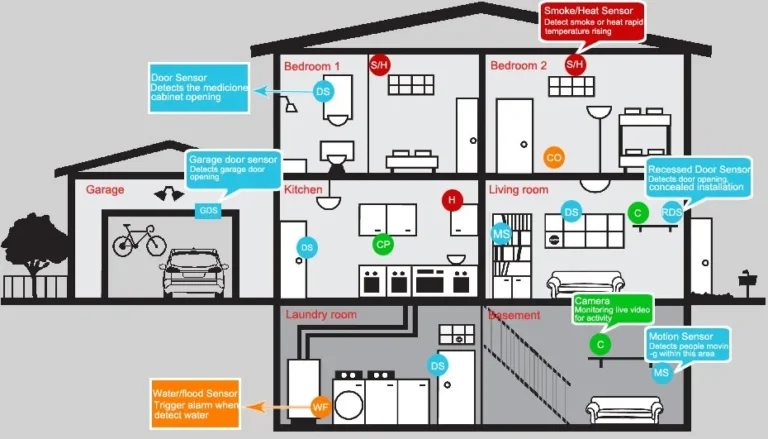
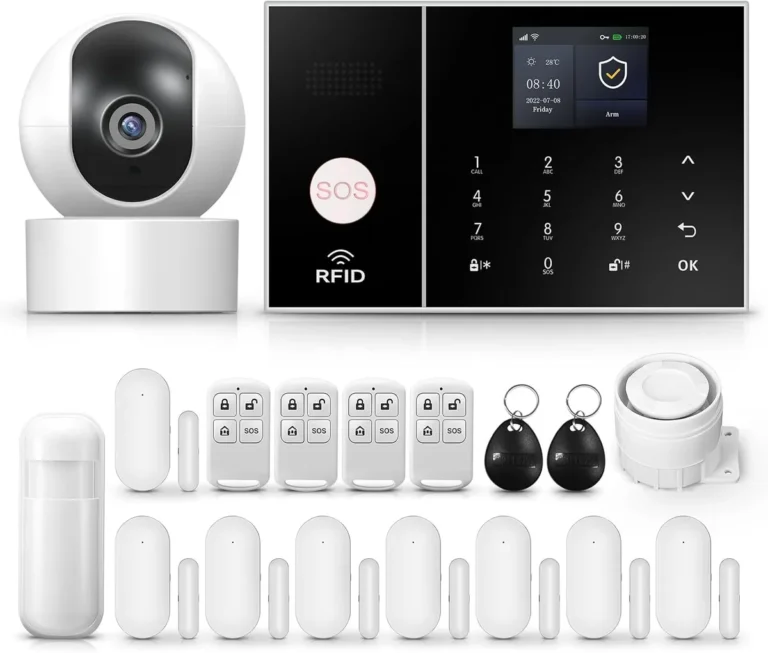
- Control Panel/Base Station: This is the central hub. In our research, manufacturer specifications often indicate these can operate reliably for 10 to 15 years. However, their functional life can be cut short if the communication technology they rely on, like older cellular networks (e.g., 2G, which has been largely phased out), becomes obsolete. As of 2026, many older systems are impacted by these network changes.
- Keypads: Similar to the main panel, keypads usually hold up well, with an expected lifespan of 10 to 15 years. Physical wear from frequent button presses is typically minimal for most households.
- Door and Window Sensors (Contacts): These small devices often use batteries. The electronic components themselves are generally rated for 7 to 12 years. The primary factor here is battery replacement. While batteries are easily swapped, the sensor's internal components can degrade over time, impacting their connection strength or sensitivity.
- Motion Detectors (PIR Sensors): These tend to have a lifespan of 7 to 12 years. Like contact sensors, battery life is a key consideration, requiring replacements every few years. Dust accumulation can sometimes affect their performance if not cleaned periodically.
- Glass Break Detectors: These typically match the lifespan of motion detectors, ranging from 7 to 12 years.
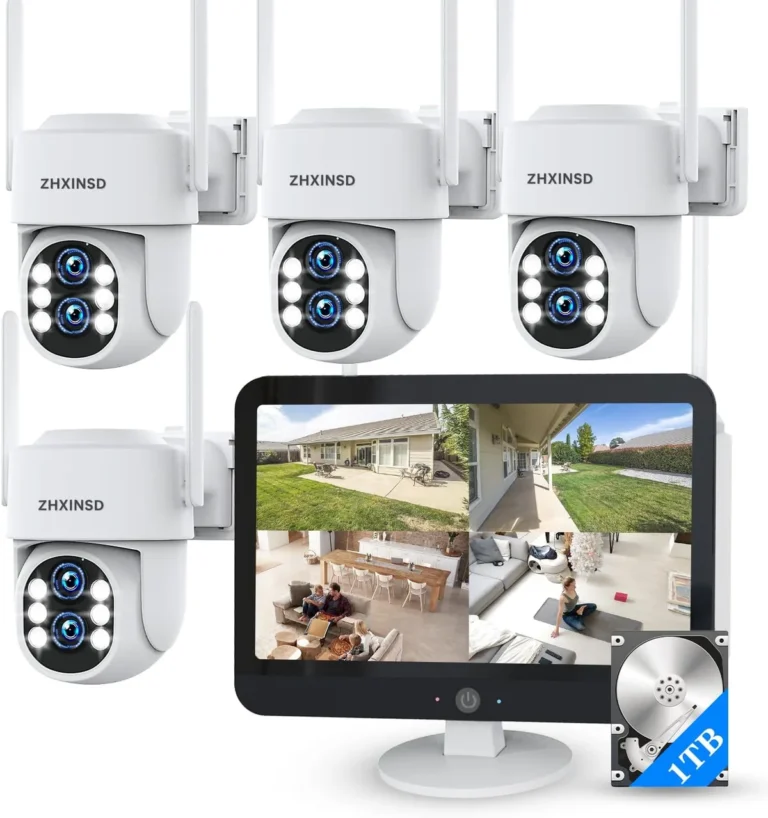
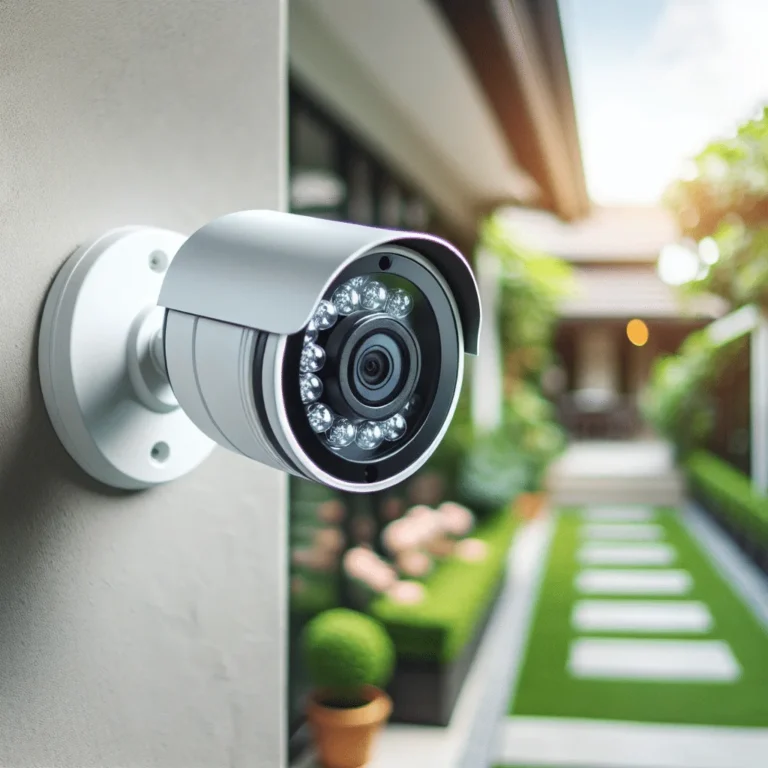
- Cameras: Camera lifespans vary more widely. Indoor cameras might last 5 to 10 years, while outdoor cameras, exposed to harsher weather and constant operation, might see a shorter lifespan, sometimes 3 to 7 years. Battery-powered cameras have their lifespan tied to the health of their battery packs, which can degrade faster.
Factors That Determine How Long Your System Lasts
You can't just buy a security system and forget about it. A few key things will heavily influence how long each part keeps working effectively. Understanding these can help you predict replacements and troubleshoot issues.
The environment where your components are installed plays a huge role. For instance, a motion detector placed in a humid basement or a garage that experiences extreme temperature swings will likely face more wear and tear than one in a climate-controlled living room. Manufacturer specifications for outdoor cameras often highlight resistance to elements like IP ratings, but even the most robust units have limits.
Here’s a look at the main influencers:
- Component Quality: Higher-end systems often use superior materials and manufacturing processes. This means they're built to withstand more stress and operate reliably for longer periods. Cheaper alternatives might cut corners, leading to a shorter effective life.
- Environmental Exposure: Extreme temperatures (both hot and cold), high humidity, direct sunlight, and even corrosive air can degrade electronics and plastics over time. This is especially critical for outdoor cameras and sensors.
- Usage Patterns: A sensor that's triggered dozens of times a day will naturally experience more physical and electronic strain than one that's activated only a few times a week. Constant use can accelerate wear.
- Technological Obsolescence: Even if a piece of hardware is physically sound, it might become "end-of-life" if the underlying communication technology (like older cellular bands) is discontinued by service providers. This is a common reason for system upgrades, even when components haven't technically failed.
- Power Surges: While control panels often have some surge protection, frequent power fluctuations or significant electrical storms can damage sensitive electronics over time.
Signs Your Security System Might Be Nearing Its End
You usually don't have to guess when your system is about to stop working properly. Most components will give you clues before they completely fail. Paying attention to these signals can help you address issues before they leave your home unprotected.
One of the most common early warnings is an increase in false alarms. If a door/window sensor suddenly starts reporting a breach when the door is firmly shut, or a motion detector triggers without any movement, it's a strong indicator that the sensor's sensitivity might be off due to age or environmental factors. Similarly, connectivity problems can be a red flag.
If your system app frequently shows devices as "offline" or takes an unusually long time to report an event, it could be a sign of a struggling base station or a failing sensor.
Here are some common indicators to watch for:
- Frequent False Alarms: Devices triggering without cause, indicating sensor malfunction or sensitivity issues.
- Connectivity Problems: Systems or individual components frequently losing connection to the hub or app.
- Rapid Battery Drain: Wireless devices needing battery replacements much more often than usual, suggesting internal component issues.
- Physical Damage: Cracks, water intrusion, or significant wear on any part of the system.
- System Errors or Failure to Arm: The system refusing to arm, displaying error messages, or failing to respond to commands.
- Outdated Technology Notifications: Alerts from your service provider that certain communication bands or protocols your system uses are being phased out.
Making Your Home Security System Last Longer: Pro Tips
Want to squeeze the most life and reliability out of your home security investment? It's not just about buying a durable system; a little proactive care goes a long way. By following some best practices, you can help ensure your sensors, cameras, and control panel function optimally for as long as possible.
Regular maintenance is key, and much of it is straightforward. For instance, most wireless sensors use standard batteries that can be easily replaced. While manufacturers recommend specific battery types, ensuring you swap them out promptly when your system alerts you prevents devices from going offline unexpectedly.
Aggregate user reviews often highlight that consistent battery management is one of the simplest yet most effective ways to extend the life of wireless components.
Here are some practical steps you can take:
- Perform Regular System Tests: Most security systems offer a built-in test mode. Utilize this monthly or quarterly to verify that every sensor is communicating correctly with the base station. This proactive check can catch developing issues early.
- Manage Batteries Wisely: For all battery-powered devices (door/window sensors, motion detectors, some cameras), adhere to the manufacturer's recommended battery type and replace them as soon as you receive a low-battery alert. Don't wait for them to die, as this can lead to downtime.
- Keep Components Clean: Dust and cobwebs can accumulate on motion sensors, cameras, and even keypads. Gently clean them using a soft, dry cloth or a can of compressed air. For cameras, ensure lenses are clear for optimal video quality.
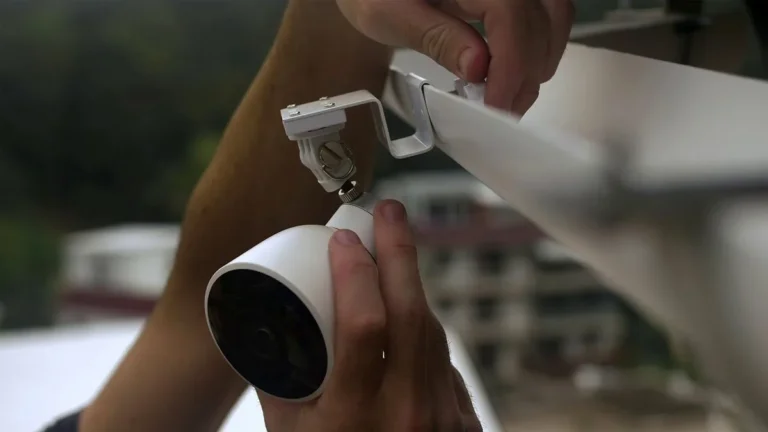
- Protect from Environmental Stress: Ensure outdoor cameras and sensors are installed according to manufacturer guidelines to provide adequate protection from direct rain, extreme sunlight, and harsh weather. Use appropriate housings if necessary.
- Stay Updated on Firmware: If your system supports firmware updates for its control panel or connected devices, make sure to install them. These updates often include performance enhancements, bug fixes, and security patches that can improve overall system longevity and reliability.
- Consider Professional Check-ups: If you have a professionally monitored system, inquire about periodic maintenance checks. A technician can often identify subtle issues or wear that might not be obvious to the average homeowner.
Image source: Web (Bing) / storage.googleapis.com (Web image (fair-use with source credit))
Frequently Asked Questions
How long do home security systems typically last?
Most home security system components, like control panels and sensors, are designed to last between 7 and 15 years. However, factors like environmental conditions, component quality, and technological updates significantly influence their actual operational lifespan.
When should I replace my security system's batteries?
You should replace batteries in wireless security devices as soon as you receive a low-battery alert from your system. Consistent battery management prevents unexpected downtime and ensures continuous protection.
Can environmental factors shorten a security system's life?
Yes, extreme temperatures, high humidity, and direct sunlight can degrade electronic components and casings, especially for outdoor devices. Proper installation and protective measures can help mitigate these effects.
What does technological obsolescence mean for my security system?
This means a system component might still be functional but becomes outdated because the technology it uses, like older cellular communication bands, is no longer supported by service providers. This often prompts an upgrade.
How often should I test my home security system?
It's recommended to test your home security system monthly or at least quarterly. This ensures all sensors are communicating properly and helps identify any developing issues before they cause a failure.