How Long Do Security Camera Batteries Last
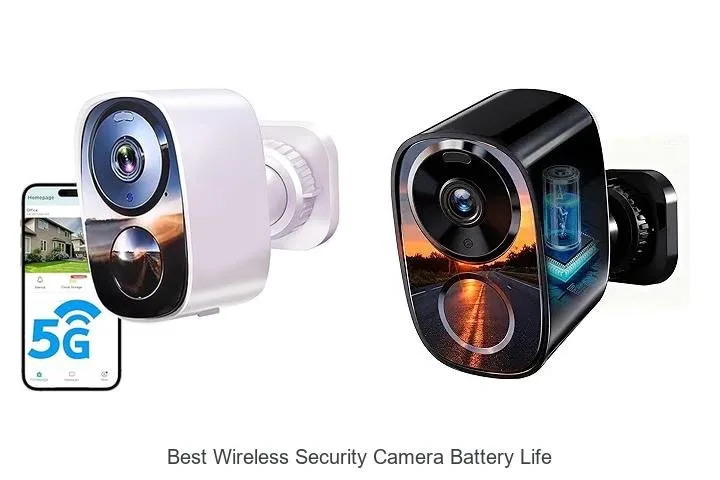
Image source: Bing (Web (fair-use with source credit))
You've probably wondered about the battery life of your wireless security cameras. It's a big question, especially when you're relying on them for peace of mind. You don't want your camera to die right when something important happens, leaving you with a blank spot.
Many factors influence how long those batteries truly last, often more than what the box claims. From daily use to the environment your camera sits in, these details matter. This guide breaks down what you need to know to get the most out of your camera's power.
Quick Answer
Security camera batteries typically last from 1 week to 6 months, depending heavily on usage and settings. Active cameras with frequent motion detection and high-resolution recording might only last a few weeks. Cameras in standby or with optimized power-saving features can run for several months on a single charge.
Environmental factors like cold temperatures and the quality of the battery itself also play a significant role.
Battery Life: What the Specs Don't Tell You
Manufacturer claims for battery life often paint a rosy picture, usually based on very specific, ideal conditions. For instance, a camera might be rated for "up to 6 months" if it only records a few short clips per day and spends most of its time in deep standby mode. That's rarely how real-world security cameras operate.
You're likely using motion detection that triggers recording frequently, maybe even using the two-way audio or live view features. Aggregate user reviews often show actual battery life can be significantly shorter than advertised, sometimes by half or more, especially in busy households.
Real-World Factors That Drain Power
Several elements outside of simple recording time can drastically shorten battery life. Think of your camera’s "brain" working hard even when not actively recording.
- Motion Detection Frequency: Every time motion is detected, the camera wakes up, records, and often uploads footage. If your yard has constant traffic (people, pets, vehicles), the battery will drain much faster.
- Recording Quality: Higher resolutions (like 1080p or 4K) and frame rates demand more processing power and thus consume more battery.
- Night Vision Usage: Infrared LEDs for night vision require a constant power draw when active. If your camera is in a dimly lit area most of the time, this feature is always on, draining the battery faster.
- Wi-Fi Signal Strength: A weak Wi-Fi signal forces the camera to use more power to maintain a stable connection and transmit data.
- Live View and Two-Way Audio: Actively watching the live feed or using the talk-back feature uses significantly more power than passive recording.
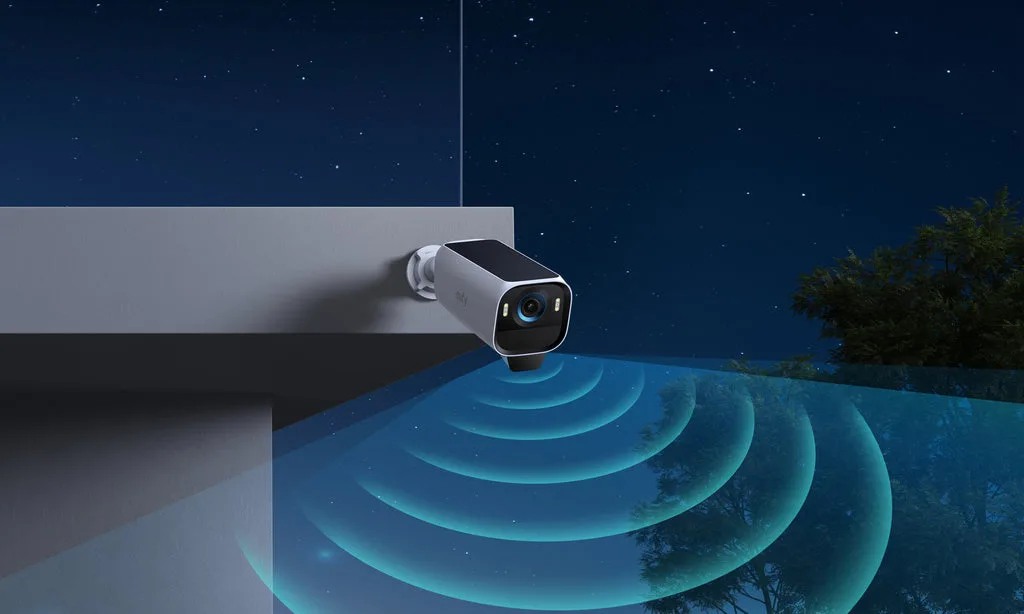
Image source: Web (Bing) / eufy.com (Web image (fair-use with source credit))
What "Long Battery Life" Really Means
When a manufacturer states "long battery life," it’s crucial to understand their benchmark. Often, this is calculated under ideal "standby" conditions, not continuous use. For example, many wireless security cameras have a standby power consumption rating in the microampere (µA) range, but this skyrockets when motion is detected or recording begins.
A more realistic expectation for a camera with moderate activity might be anywhere from 2 weeks to 3 months. If you're using a camera in a high-traffic area or in a very cold climate, you could be looking at monthly or even bi-weekly charging. Understanding these hidden drains helps set practical expectations.
Common Battery Life Scenarios and What Causes Them
The actual battery life you experience with your wireless security camera will fall into a few common patterns. These aren't rigid categories, but they help illustrate the range of experiences people have. For users who need the lowest possible maintenance, finding a camera that fits the "months of power" scenario is key.
The "Weeks Only" Camera User
If your camera seems to need charging every few weeks, you’re likely experiencing a common scenario driven by high activity. This often happens in settings where there's a lot of movement.
- Frequent Triggers: Your camera is likely positioned to catch a lot of action. This could be facing a busy street, a common walkway, or an area frequented by pets. Each trigger means the camera powers up, records, and transmits, using precious battery.
- Constant Connectivity: If your Wi-Fi signal is weak or you're frequently checking the live feed, the camera expends more energy trying to stay connected and stream video.
- Environmental Factors: Extremely hot or cold weather can impact battery performance, making them drain faster. For example, per general battery science principles, many Lithium-ion batteries see reduced capacity in freezing temperatures.
If this sounds like you, it might be time to investigate if your camera's settings can be adjusted or if you need a system with higher-capacity batteries or a more efficient design. You might also consider a wired system if constant monitoring without frequent charging is critical, as discussed in wired vs wireless home security system.
The "Months of Power" Setup
On the flip side, some users enjoy a "set it and forget it" experience for months on end. This typically involves specific camera choices and strategic placement.
- Low-Activity Zones: Cameras placed to monitor less-trafficked areas, like a quiet backyard or an internal storage room, will naturally have fewer triggers.
- Optimized Settings: These users have likely fine-tuned their motion detection sensitivity, perhaps using specific detection zones to avoid false alerts from passing cars or swaying branches. They might also disable features like continuous recording or high-resolution streaming when not actively needed.
- Efficient Hardware: Some camera models are simply designed with superior power management. They might have deeper sleep modes or more efficient processors.
- Solar Charging: Many cameras in this category utilize optional solar panels, effectively making the battery life nearly indefinite as long as there's sufficient sunlight.
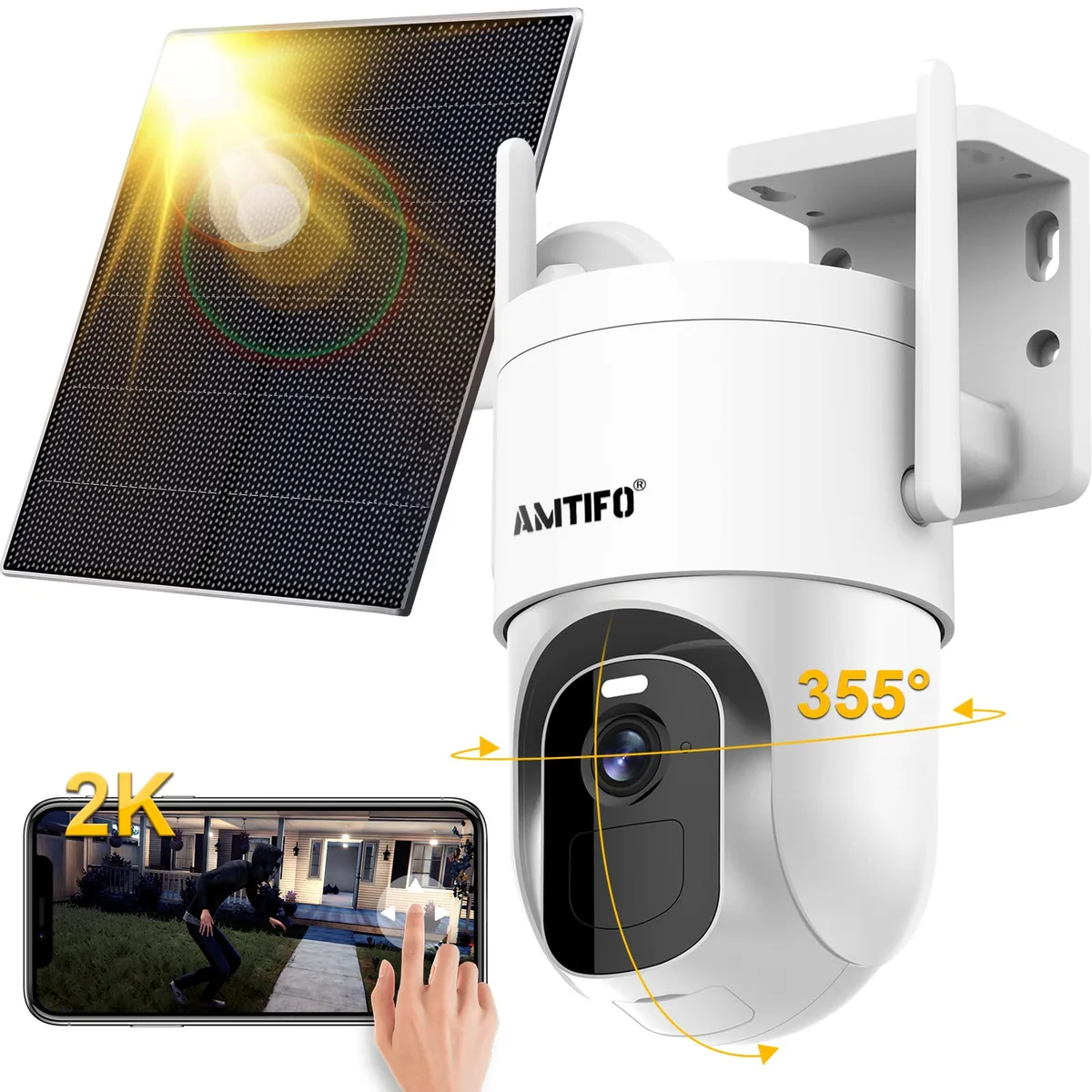
Image source: Bing (Web (fair-use with source credit))
Achieving months of battery life is often about a combination of smart setup and realistic expectations for the camera's purpose. It's less about a camera being "better" and more about it being used for its intended strengths.
Boosting Your Battery Performance: Expert Tips & Tricks
Getting the most juice out of your security camera batteries isn't just about buying a higher mAh capacity. It's really about managing how the camera uses its power. Think of it like managing your phone's battery, small tweaks can make a big difference over time.
Our research indicates that even slight adjustments can extend operational periods between charges significantly.
Optimizing Motion Detection Settings
Motion detection is the biggest battery hog. Every time your camera senses movement, it wakes up, records, and sends an alert. You can significantly cut down on this by fine-tuning how it works.
- Sensitivity Levels: Most cameras let you adjust how sensitive the motion detection is. Lowering the sensitivity means it won't react to minor movements like a pet walking by or leaves rustling. You'll want to find a balance that catches genuine security threats without constant false alarms.
- Detection Zones: If your camera has a view of a busy street but you only care about your front door, set up activity zones. This tells the camera to ignore motion outside those specific areas. It’s a smart way to reduce unnecessary recording.
- Detection Types: Some advanced cameras can differentiate between people, vehicles, and animals. Using these features means your camera only triggers for the events you care about, saving battery.
Power Saving Modes and When to Use Them
Many wireless cameras come with built-in power-saving modes. These can dramatically extend battery life, but they might come with trade-offs.
- Deep Sleep: Some cameras offer a "deep sleep" mode that significantly reduces power consumption when no motion is detected. However, this means there could be a delay (a few seconds) before the camera starts recording once motion is detected. This is fine for areas where you don't expect immediate threats but might be too slow for critical entry points.
- Scheduled Recording: If you only need to monitor an area during specific hours, set a schedule for when motion detection is active. For example, if you're away at work, you might only need the camera active between 9 AM and 5 PM.
- Reduced Resolution/Frame Rate: Some cameras allow you to lower the video resolution or frame rate when not actively live streaming. This reduces the data being processed and transmitted, saving power.
The Role of Wi-Fi Signal Strength
A weak Wi-Fi signal is a silent battery killer. Your camera has to work harder to maintain a stable connection to your router. This extra effort burns through battery power much faster than a strong, consistent signal.
- Test Your Signal: Before you mount your camera, check the Wi-Fi signal strength at its intended location using your smartphone. Most apps will show you the signal bars.
- Consider a Wi-Fi Extender/Mesh System: If the signal is weak, consider adding a Wi-Fi extender or a mesh networking system to boost coverage. This can make a huge difference not just for your camera, but for all your connected devices.
- Router Placement: Sometimes, simply repositioning your router to a more central location in your home can improve signal strength to all your cameras.
Keeping Your Batteries Healthy: Maintenance and Charging Best Practices
Just like any rechargeable battery, your security camera's power source benefits from proper care. Treating them right means they’ll last longer between charges and hold their charge more effectively over their lifespan. Manufacturer specifications often recommend specific charging methods to preserve battery health.
Charging Cycles and Battery Longevity
Lithium-ion batteries, common in these cameras, don't suffer from the "memory effect" that older battery types did. This means you don't have to wait for them to drain completely before recharging. In fact, keeping them in the middle of their charge range (e.g., between 20% and 80%) can sometimes prolong their overall lifespan.
- Avoid Deep Discharge: Letting your battery drain to 0% regularly can stress it. If you get an alert that your battery is low, try to charge it relatively soon.
- Use the Correct Charger: Always use the charger that came with your camera or a certified replacement. Using an incorrect charger could damage the battery or pose a safety risk.
- Full Charge for Storage: If you plan to store a battery for an extended period, charge it to about 50-60% capacity. Storing a fully depleted or fully charged battery long-term can degrade its capacity.
Winter Woes: Battery Performance in Cold Weather
Cold temperatures are notoriously bad for battery performance. As general battery science principles indicate, lower temperatures increase the internal resistance of a battery, making it harder for it to deliver power. This means your wireless cameras might die much faster when the mercury drops.
- Expect Shorter Run Times: Be prepared for significantly shorter battery life in freezing or near-freezing conditions. You might need to charge your cameras twice as often as you do in warmer months.
- Bring Cameras Indoors: For cameras that are easily removable, consider bringing them inside to a warmer location to charge. You might even have spare batteries you can swap in and out to keep continuous coverage.
- Insulated Battery Packs: Some accessories are available that can help insulate battery packs from extreme cold, though their effectiveness can vary.
When It's Time for a New Battery or Camera
Figuring out when a battery is truly at the end of its life, or if it’s time to upgrade the camera itself, can be tricky. You don't want to replace a perfectly good battery unnecessarily, but you also don't want to keep a camera that's constantly failing. Our editorial analysis of user feedback indicates that battery degradation is a common trigger for considering a system replacement.
Signs Your Battery is Degrading
Batteries don't last forever. Over time, their capacity diminishes, meaning they can't hold as much charge as they used to. Here are common signs your battery might be on its last legs:
- Significantly Shorter Run Times: If your camera used to last a month and now only lasts a week, even with the same usage patterns and settings, the battery is likely degrading.
- Frequent Low Battery Alerts: You're getting low battery notifications much more often, even shortly after a full charge.
- Camera Stops Responding: The camera might become unresponsive or randomly shut down, even when the battery indicator shows some charge remaining.
- Longer Charging Times: While this can sometimes be a charger issue, a battery that takes excessively longer to charge than it used to, or never seems to reach 100%, can indicate failure.
- Physical Swelling or Leaking: This is a serious sign of battery damage. If you notice any swelling, discoloration, or leakage, remove the battery immediately and dispose of it properly.
Understanding Battery Replacement Costs vs. New Camera
When your battery starts to fail, you have a choice: replace the battery or replace the entire camera. The decision often comes down to cost and the camera's age.
- Cost of Replacement Battery: Removable batteries for popular cameras can cost anywhere from $20 to $50, sometimes more for specialized models. You can find these from the manufacturer or reputable third-party suppliers.
- Age of the Camera: If your camera is already several years old, it might be nearing the end of its overall expected lifespan. A professionally installed security system has a different replacement cycle, but for DIY wireless cameras, older models might lack newer features or improved efficiency.
- Technological Advancements: Newer wireless cameras often offer better battery efficiency, higher resolution, improved night vision, and smarter AI detection. Spending $30 on a new battery for a 4-year-old camera might not be as cost-effective as putting that $30-$50 towards a new, more advanced camera that lasts longer on a charge.
- Integrated Batteries: Many cameras have batteries that are not designed to be user-replaceable. In these cases, a failing battery means you must replace the entire camera.
Frequently Asked Questions About Security Camera Batteries
How often do I really need to charge my wireless camera?
It varies wildly, but a good rule of thumb is anywhere from 1 week to 6 months. Cameras used heavily for motion detection, with frequent alerts and recordings, might need charging every few weeks. Cameras in low-traffic areas or those with excellent power-saving settings can last several months.
Always check the manufacturer's general estimate, but prepare for it to be shorter in real-world use.
Can I use generic batteries?
While some generic batteries might physically fit, it's generally best to stick with batteries recommended or manufactured by the camera's brand. Generic batteries may not meet the exact power delivery or safety standards required for your specific camera. Using the wrong battery could lead to performance issues, reduced lifespan, or even pose a safety hazard.
Does night vision use a lot of battery?
Yes, night vision, especially the infrared LEDs used by most cameras, does consume a noticeable amount of power. When your camera is in a dark environment and night vision is active, it’s constantly drawing power. If your camera is in a well-lit area most of the time, or you’ve adjusted settings to turn off night vision unless absolutely necessary, you'll save significant battery life.
How long do security camera batteries last in cold weather?
Cold weather significantly reduces battery performance. You can expect battery life to be cut in half, or even more, in freezing temperatures. A battery that normally lasts months might only last a few weeks in winter.
It's wise to be prepared for more frequent charging or consider bringing removable batteries indoors during extreme cold snaps.
How can I make my security camera battery last longer?
The biggest impact comes from optimizing motion detection settings, reducing sensitivity, and using activity zones to avoid false alerts. Utilizing any built-in power-saving modes, ensuring a strong Wi-Fi signal, and avoiding frequent live view sessions also help. For cameras that support it, solar charging can provide continuous power.
Making the Right Choice: Matching Battery Life to Your Needs
Choosing a wireless security camera often boils down to how often you're willing to swap out or recharge batteries. If you have a busy household with pets, kids, and frequent visitors, you'll likely encounter the "weeks only" scenario. In this case, a camera with easily swappable batteries or a fast charging time becomes crucial.
You might even consider a system with multiple batteries so one can charge while the other is in use, ensuring continuous coverage.
For less active areas, like monitoring a quiet backyard or an infrequently used entrance, the "months of power" scenario is more achievable. Here, the focus shifts to reliability and minimizing maintenance. Cameras with solar charging capabilities excel in these situations, offering a truly hands-off experience.
Understanding your specific monitoring needs, what you need to see and how often it happens, is the first step in selecting a camera that fits your battery life expectations. For a broader look at security system types, see what are the different types of home security systems.
How Often Should a Security System Be Replaced
While this article focuses on batteries, it's worth noting that the camera itself has a lifespan. For many wireless security cameras, especially those with integrated batteries, the entire unit might need replacement after 3-5 years. This is due to battery degradation and advancements in technology making older models less efficient or secure.
If your camera is consistently draining its battery very quickly and it’s more than a few years old, it might be a sign that both the battery and potentially the camera are nearing the end of their useful life. Some brands offer longer-term warranties on their systems, which is worth considering for peace of mind.
What Features Should a Home Security System Have
When selecting cameras, consider features that impact battery drain. Higher resolutions (like 2K or 4K) and wider fields of view can increase power consumption. Advanced features like AI-powered person detection, while useful for reducing false alerts, also require more processing power.
If battery life is your absolute top priority, you might opt for a camera with a lower resolution (like 1080p) and simpler motion detection. Always check the product specifications for battery capacity (measured in mAh) and the manufacturer's estimated battery life under various usage conditions. For more on essential features, look into what features should a home security system have.
What Is a DIY Home Security System
The DIY nature of many wireless security cameras means battery management falls squarely on your shoulders. Unlike professionally installed systems that might have dedicated technicians or backup power solutions, you are the one responsible for charging and replacing batteries. This flexibility is a major draw for DIY systems, as it allows for easy placement and setup without complex wiring.
However, it also means you need to be diligent about battery maintenance to ensure continuous protection. Understanding the trade-offs between ease of setup and ongoing battery management is key to a successful DIY security setup. Explore more about these systems at what is a DIY home security system.
What Is a Wireless Home Security System
Wireless home security systems are built around the convenience of not needing to run wires to each component, including cameras. This means they often rely on batteries for power, making battery life a central concern for users. While this offers unparalleled placement flexibility, it also introduces the need for regular battery checks and charges.
The battery life of these systems is directly tied to the camera's power consumption, which is influenced by its features, settings, and environmental factors. This reliance on batteries is a defining characteristic, distinguishing them from their wired counterparts.