How to Automate Home Security
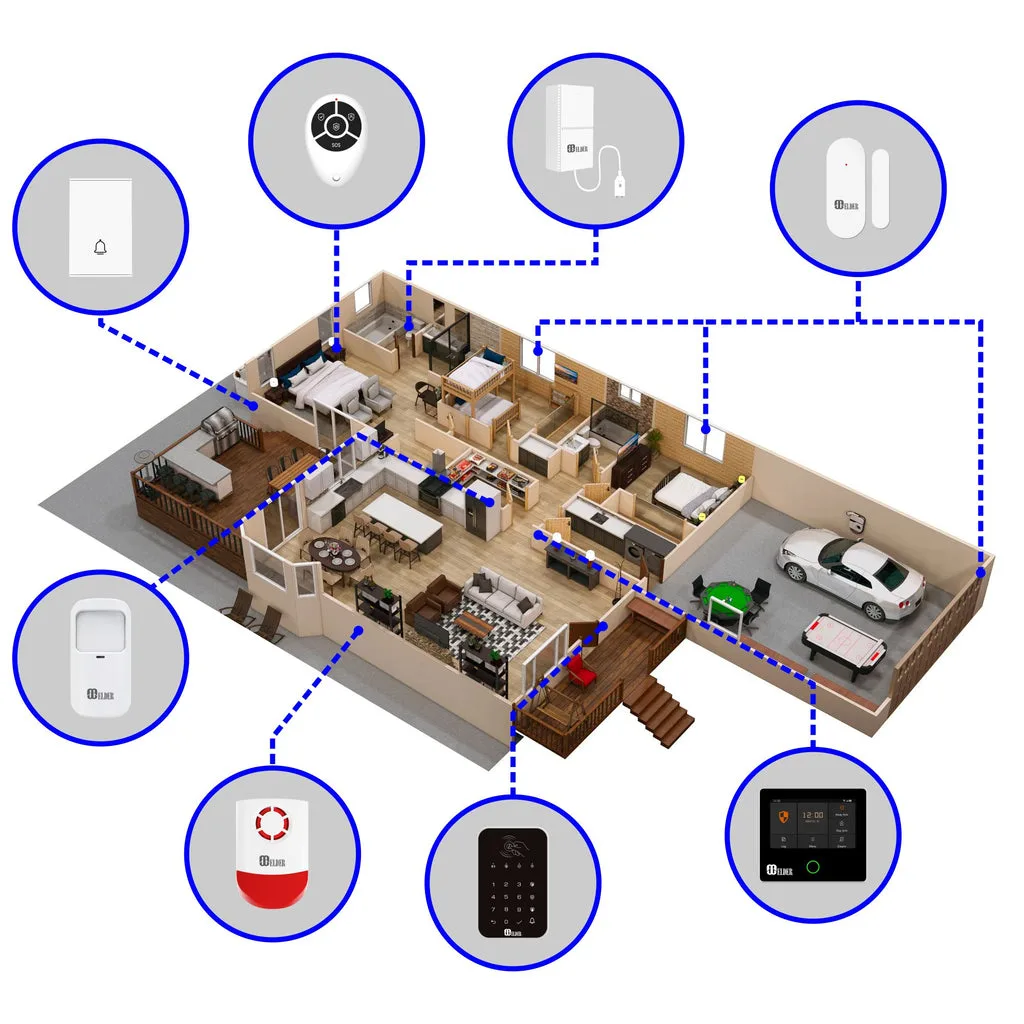
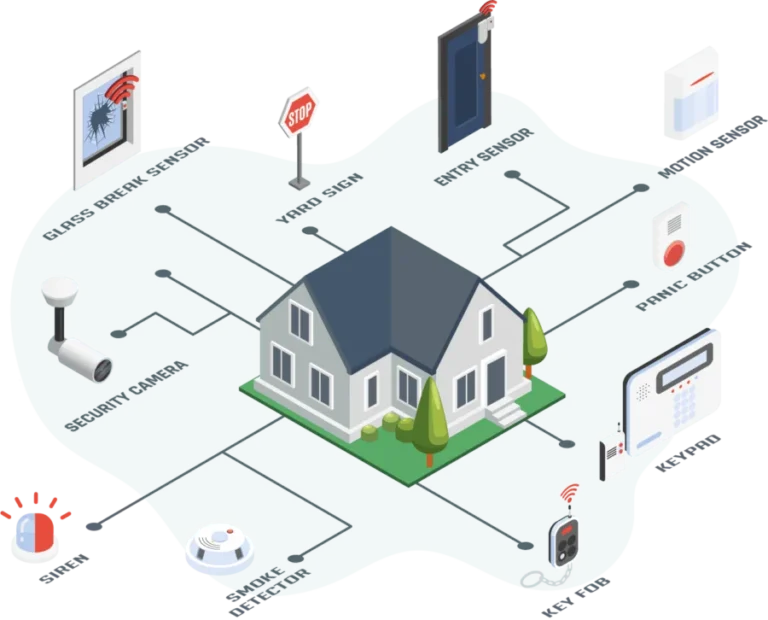
Image source: Web (Bing) / secomart.com (Web image (fair-use with source credit))
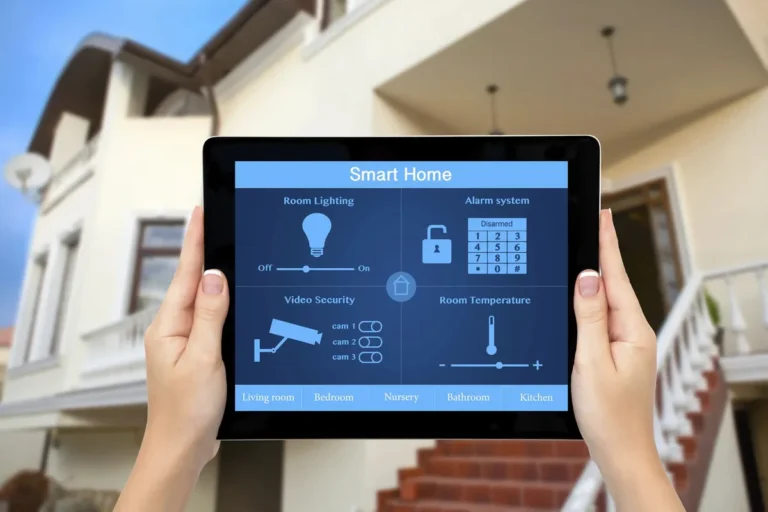
Figuring out how to automate home security can feel like a puzzle, but it doesn't have to be complicated. Many homeowners want to feel safer and more in control, whether they're at home or miles away. The good news is that smart technology offers straightforward ways to achieve this, letting you monitor, control, and protect your home with just a few taps on your phone.
Automating your home security means connecting various devices so they work together seamlessly. For instance, when a smart door sensor detects an opening, it can trigger an alert, turn on lights, and even start recording video. Manufacturer specifications for many smart security cameras, like those supporting the ONVIF standard, confirm interoperability can be a key feature for integrated systems.
Quick Answer
Automating home security involves linking smart devices like cameras, locks, and sensors. You'll need a central smart home hub to manage them. Set up rules, like motion detection triggering lights or a door opening sending an alert.
This enhances safety and provides remote control.
Building Your Automated Security System: The Core Components
To automate your home security, you'll rely on a few key players that work together. Think of it like building a team where each member has a specific job to do, but they all report to a central command.
Smart Hubs: The Brains of the Operation
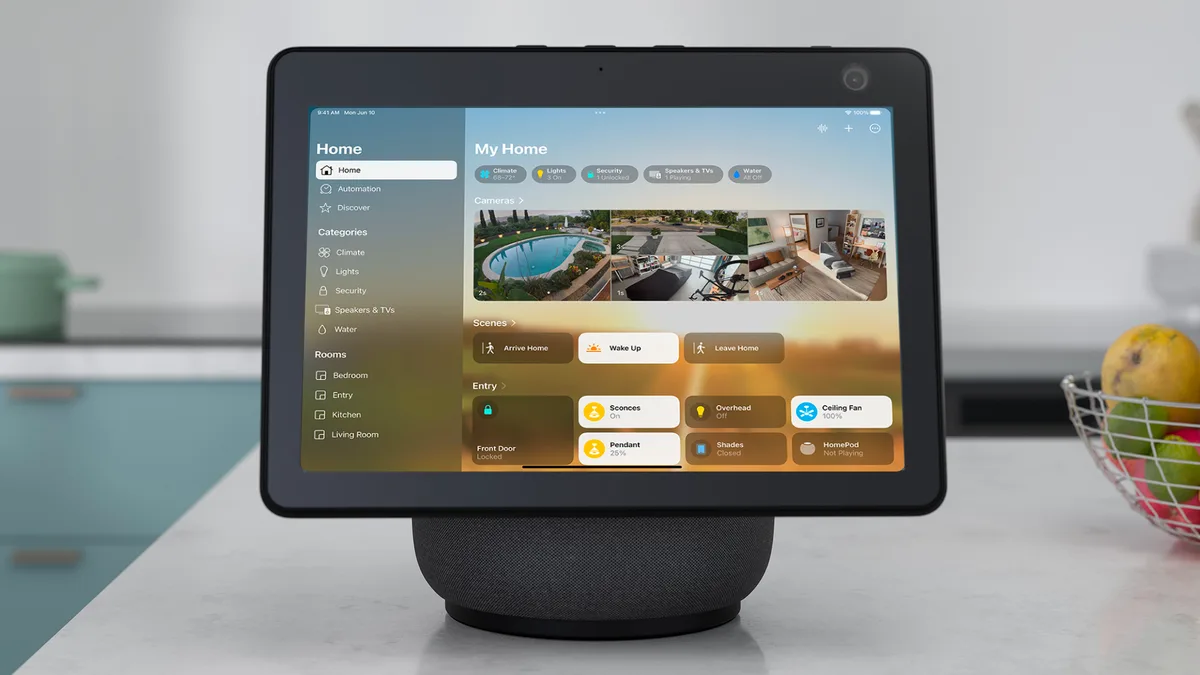
These are the central controllers for your smart home security devices. A smart hub, like a Samsung SmartThings Hub or an Amazon Echo with a built-in hub, connects wirelessly to your various sensors, cameras, and locks. It translates commands between your smartphone app and the devices, allowing them to communicate and execute programmed routines.
Without a hub, your devices might operate independently, limiting the true automation potential. For example, a hub can coordinate a door lock to engage automatically when you leave home, a feature that relies on inter-device communication.
Cameras: Your Eyes and Ears
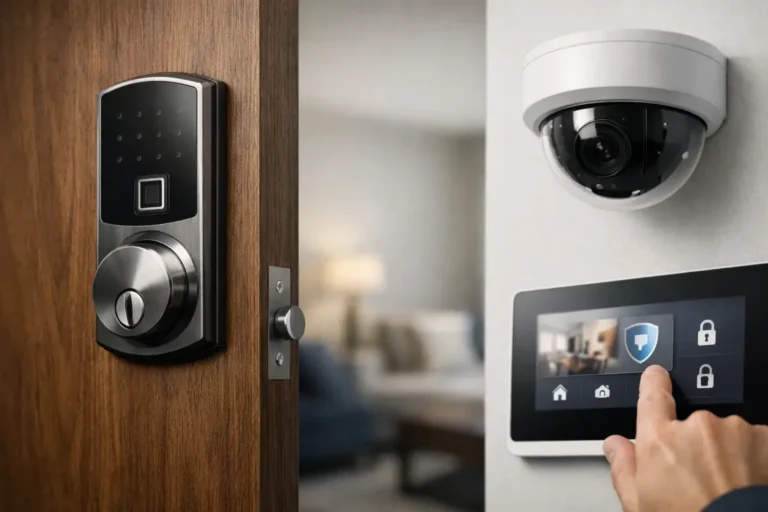
Smart security cameras are essential for visual monitoring. They can be placed indoors or outdoors, and many offer features like live streaming, night vision, motion detection alerts, and two-way audio. Doorbell cameras are a popular type, allowing you to see and speak with visitors from your phone, even when you're not home.
When selecting cameras, consider their field of view; a wider angle, often exceeding 130 degrees, captures more of the scene.
Locks and Sensors: The First Lines of Defense
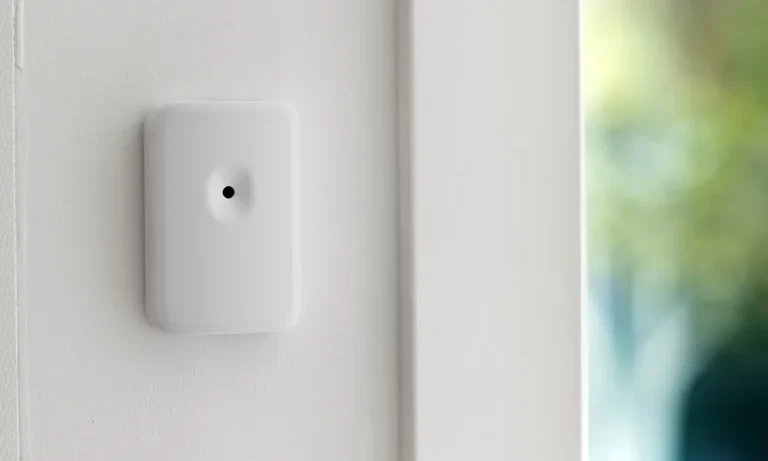
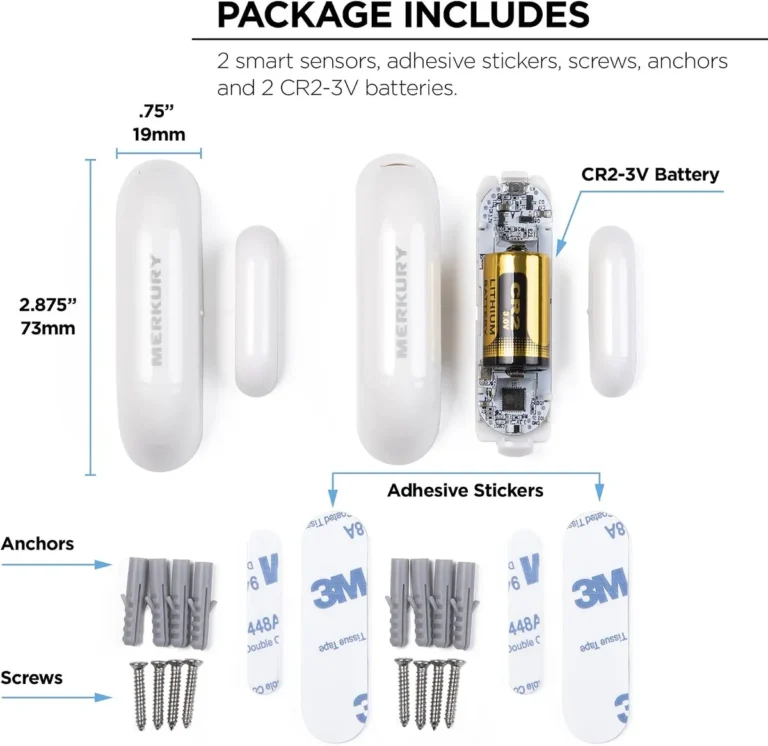
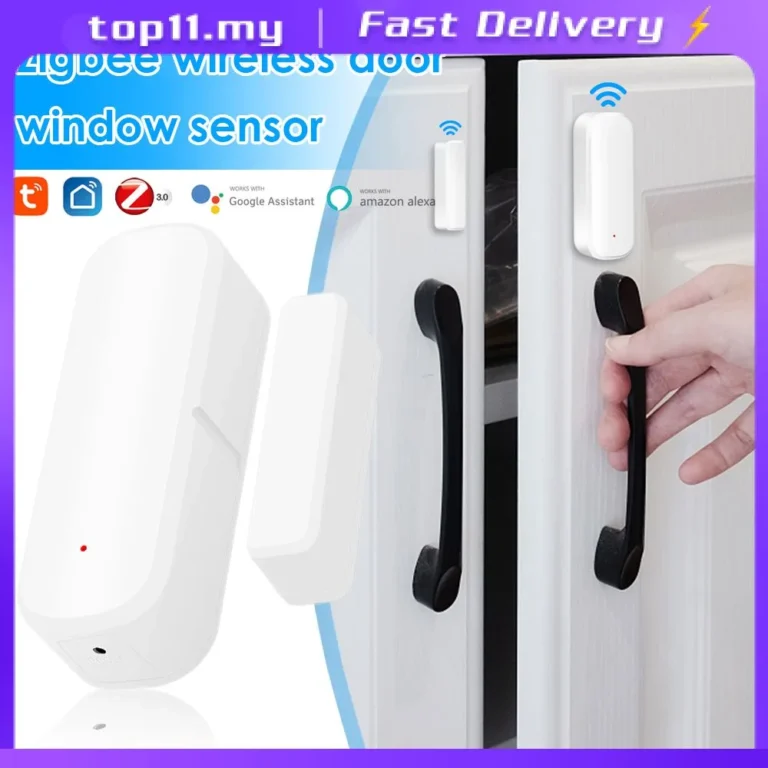
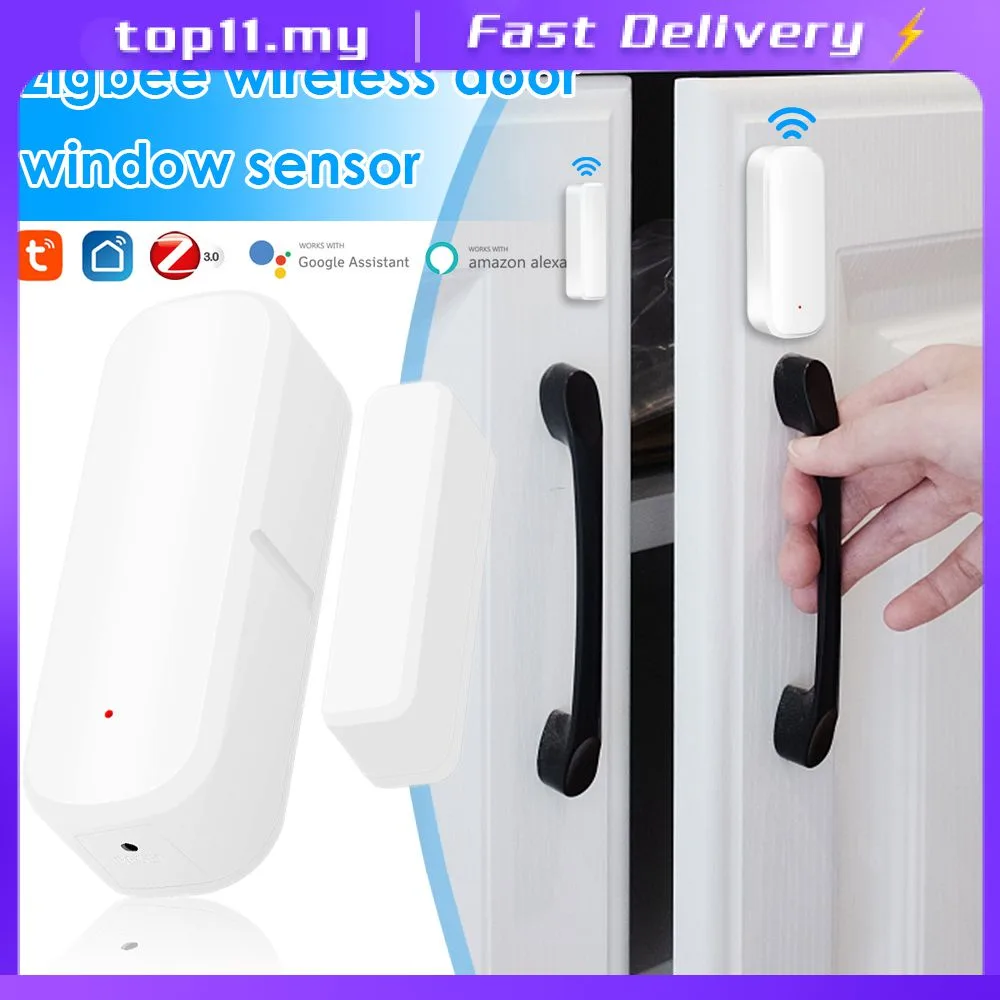
Smart locks replace your traditional deadbolts, allowing you to lock and unlock your door remotely via an app, grant temporary access codes to guests, or set them to lock automatically at certain times or when you leave. Door and window sensors are simple yet effective. When a door or window is opened, these small, discreet devices send an immediate alert to your hub and smartphone.
Motion sensors detect movement within a room, and glass-break sensors can identify the sound of breaking glass, providing layered security.
Lights and Plugs: Enhancing Deterrence and Convenience
Smart lights and smart plugs might not seem like direct security components, but they play a crucial role in deterrence and convenience. You can schedule lights to turn on and off at specific times, mimicking occupancy when you're away. Motion-activated lights can startle potential intruders.
Smart plugs can control any "dumb" device, turning lamps, radios, or even fans on and off remotely, further creating the illusion that someone is home.
Your Security Needs: What Are You Trying to Solve?
Automating home security isn't a one-size-fits-all solution. The best setup for you depends entirely on what you're hoping to achieve. Are you primarily concerned about break-ins, or is it more about general peace of mind?
For Peace of Mind While Away
If your main goal is to feel secure when you're not physically at home, a system focused on remote monitoring and alerts is key. This typically involves:
- Smart cameras: To visually check on your home, pets, or packages. Many offer cloud storage options so you can review footage later.
- Door and window sensors: To receive immediate notifications if any entry points are breached.
- Smart locks: To ensure doors are locked and to grant access remotely if needed.
- Geofencing: This feature uses your smartphone's location to automatically arm or disarm your system as you leave or arrive home.
This setup allows you to receive real-time updates, review live feeds, and take action if something seems amiss, all from your phone, no matter where you are.
For Deterring Intruders
Deterrence is about making your home look like a harder target. Automation can create the impression of occupancy and make unexpected activity obvious.
- Smart lighting: Program lights to turn on and off at varying times, especially in the evening. Randomize schedules so they don't look predictable.
- Motion-activated lights: Exterior lights that turn on when movement is detected can scare off potential intruders before they even attempt entry.
- Smart speakers: Some systems allow you to remotely trigger sounds, like a dog barking, through a smart speaker to simulate someone being present.
- Visible cameras: Strategically placed outdoor cameras can act as a visual deterrent in themselves.
The goal here is to make a potential burglar think twice before targeting your home.
For Monitoring Specific Areas or Hazards
Beyond just intrusion detection, automation can help you monitor for other issues.
- Water leak sensors: Place these in basements, under sinks, or near washing machines to get alerted to leaks before they cause major damage.
- Smoke and CO detectors: Smart versions can send alerts to your phone even if you're away, potentially saving lives by notifying you of fire or carbon monoxide issues.
- Temperature sensors: Useful for monitoring sensitive areas like wine cellars or rooms with delicate electronics.
- Indoor cameras: For keeping an eye on children, elderly family members, or pets. Many offer two-way audio so you can communicate.
These devices add an extra layer of safety by alerting you to environmental risks.
Choosing Your Path: DIY vs. Pro Installation & Monitoring
When you decide to automate home security, you'll likely encounter two main approaches to getting your system set up and managed: Do-It-Yourself (DIY) and professionally installed and monitored. Each has its own set of advantages and might suit different people better.
DIY Systems: Flexibility and Control
DIY home security systems are popular because they offer a lot of flexibility and often a lower upfront cost. You purchase the components, like smart cameras, door sensors, and a smart hub, individually or as part of a kit, and then you install them yourself.
- Cost: Generally more affordable initially as you avoid installation fees. You pay for the devices themselves.
- Installation: You're responsible for setting up each device, connecting it to your Wi-Fi network, and configuring it through an app. This can range from very simple to moderately complex depending on the system.
- Monitoring: Most DIY systems offer self-monitoring through smartphone apps. You receive alerts directly and decide how to respond. Some DIY systems offer optional professional monitoring subscriptions for a monthly fee.
- Flexibility: You can easily add or swap out components as your needs change. You have full control over which devices you use and how they integrate.
Popular examples include systems from brands like Ring, SimpliSafe (though they offer professional install options too), and Wyze. The core idea is that you manage everything.
Professionally Installed Systems: Hands-Off Security
On the other hand, professionally installed systems take the guesswork and effort out of setup. A company sends technicians to your home to install and configure all the components, and they often include professional monitoring as part of a subscription package.
- Cost: Typically higher upfront due to installation fees, and usually involves a monthly monitoring subscription.
- Installation: Technicians handle all the setup, ensuring devices are properly placed and connected. This is ideal if you're not comfortable with tech or want a robust system quickly.
- Monitoring: The primary draw is professional monitoring. A central station monitors your system 24/7 and will dispatch authorities (police, fire department) if an alarm is triggered.
- Support: You usually get dedicated customer support and maintenance services as part of the package.
Brands like ADT or Vivint are well-known for this service-oriented approach. This option is great for those who want a comprehensive security solution without the hands-on effort.
Setting Up Your Automated Security: A Step-by-Step Workflow
Automating your home security involves a logical progression to ensure everything works as intended. It’s less about complex wiring and more about smart connections and rule-setting.
Step 1: Assess Your Property and Needs
Before buying anything, walk around your home. Identify weak spots: Are there doors or windows that seem less secure? Where do you spend most of your time, and what areas do you want to monitor?
Think about what worries you most, break-ins, package theft, environmental hazards like leaks, or just ensuring family members are safe. This assessment will guide your device selection.
Step 2: Choose Your Core Platform
This is a crucial decision. You'll likely choose a smart home platform like Apple HomeKit, Google Home, Amazon Alexa, or Samsung SmartThings. Most devices are designed to work with one or more of these.
Your choice will determine the range of compatible devices and the "language" they use to talk to each other. If you already use a certain platform for other smart devices, sticking with it often makes integration easier.
Step 3: Select and Install Devices
Based on your needs assessment and chosen platform, select your devices. Start with the essentials:
- A smart hub: If your chosen platform requires one (e.g., SmartThings).
- Smart locks: For key entry points.
- Door/window sensors: For all accessible entry points.
- Cameras: Indoor or outdoor, depending on where you need eyes.
Follow manufacturer instructions for installation. This often involves mounting sensors, screwing in smart locks, and positioning cameras. Most modern devices are designed for straightforward installation, often using adhesive or simple screw mounts.
Step 4: Configure Automations and Alerts
This is where the "automation" happens. Using your chosen platform's app, you'll create rules or "scenes."
- Example 1: "When the front door sensor opens between 10 PM and 6 AM, turn on the porch light and send a notification to my phone."
- Example 2: "When motion is detected by the backyard camera, start recording and send an alert."
- Example 3: "When I leave home (geofencing), lock the front door and arm the motion sensors."
These rules link your devices' actions to specific triggers.
Step 5: Test and Refine
Once set up, test everything. Open doors, trigger sensors, and check that notifications arrive promptly. Verify that your automated routines are executing as planned.
You might find you need to adjust motion sensor sensitivity, refine alert schedules, or re-position a camera. This testing phase is vital to ensure your system is reliable.
Common Hurdles and How to Overcome Them
Even with the best planning, you might run into a few snags when setting up and using an automated security system. Understanding these common issues beforehand can save you a lot of frustration.
Connectivity Glitches and False Alarms
Wi-Fi range and interference are frequent culprits behind connectivity problems. Devices might frequently go offline, or alerts might be delayed. This is especially true if you have a large home or many competing wireless signals.
- Solution: Ensure your Wi-Fi router is centrally located or consider a mesh Wi-Fi system for better coverage. Check that devices are within the router's signal range. Some systems use Zigbee or Z-Wave protocols, which create their own mesh networks that can extend range and reliability.
False alarms are another common headache. A pet triggering a motion sensor or a strong gust of wind rattling a door can set off alerts unnecessarily.
- Solution: Adjust motion sensor sensitivity. Many cameras allow you to set "activity zones" to only monitor specific areas. For door/window sensors, ensure they are firmly mounted and aligned. For smart smoke detectors, opt for models that use photoelectric and ionization technology to reduce false alarms.
Compatibility Conflicts and Privacy Worries
Sometimes, devices that should work together just don't play nice. This often happens when trying to mix brands or protocols without ensuring they are compatible with your chosen smart home platform.
- Solution: Always check for compatibility badges on device packaging or product pages. Look for "Works with Alexa," "Works with Google Home," or "HomeKit Compatible" labels. If you're unsure, consult the documentation for your smart hub or platform.
Privacy is a significant concern, particularly with cameras. Data breaches or unauthorized access could expose your sensitive information.
- Solution: Use strong, unique passwords for your smart home accounts and enable two-factor authentication (2FA) whenever available. Regularly update device firmware, as updates often patch security vulnerabilities. Position indoor cameras carefully and be mindful of their placement to respect the privacy of household members and guests.
Frequently Asked Questions About Automating Home Security
How long does setup typically take?
Setup time varies widely, but for most DIY systems, expect anywhere from 1 to 4 hours. This depends on the number of devices, your Wi-Fi speed, and your comfort level with technology. Professionally installed systems can take a full day or more for extensive setups.
Do I need a monthly subscription?
Many DIY systems offer optional professional monitoring subscriptions for a monthly fee, usually ranging from $10 to $40. These subscriptions enable 24/7 monitoring by a central station. Some features, like extended cloud video storage for cameras, also require a subscription.
Can I automate security if I rent my home?
Yes, you often can, but with some caveats. Look for "no-drill" or wireless devices like smart locks that don't require permanent modifications, or portable cameras. Always check your lease agreement and communicate with your landlord before installing anything that might alter the property.
What happens if my Wi-Fi goes down?
This is a critical consideration. If your primary automation relies on Wi-Fi and your internet connection fails, most smart features will stop working. Some systems have cellular backup or battery power for critical functions like alarm triggering, but remote access and notifications will be unavailable until your Wi-Fi is restored.
How do I protect my system from being hacked?
Employ strong, unique passwords for all smart device accounts and your home Wi-Fi network. Enable two-factor authentication whenever possible. Keep device firmware updated, as manufacturers release patches for security vulnerabilities.
Be cautious about connecting smart devices to public Wi-Fi networks.
Making the Right Choice for Your Home
Automating your home security offers a powerful blend of safety, convenience, and peace of mind. By understanding your specific needs, choosing the right components, and planning your setup carefully, you can build a system that works for you. Whether you opt for a hands-on DIY approach or prefer the ease of professional installation, the technology is more accessible and capable than ever.
Remember to prioritize devices that integrate well with your existing smart home ecosystem and always stay informed about security best practices.