How Does a Home Security System Work
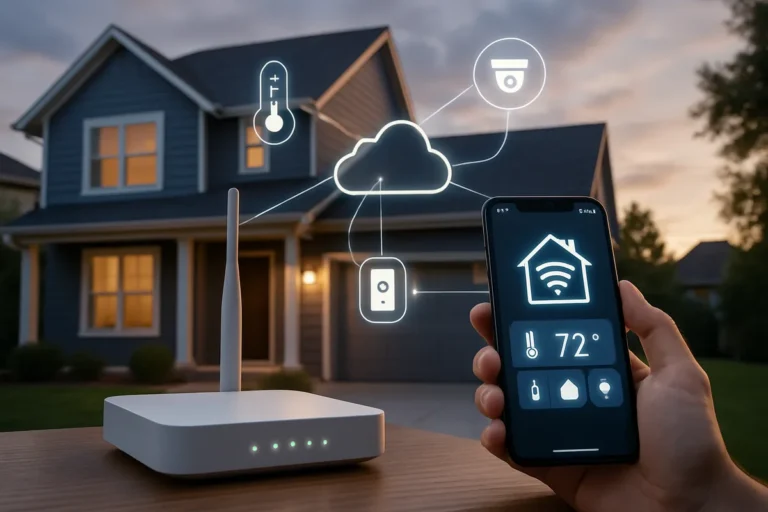
Ever wonder what's actually happening behind the scenes when your home security system is armed? It's a sophisticated interplay of technology designed to keep your property safe, responding instantly to potential threats. Understanding these mechanisms can offer significant peace of mind.
The core function relies on interconnected devices that communicate with a central hub. For instance, many wireless sensors operate on specific radio frequencies, and manufacturer specifications often detail their operational range, such as up to 100 feet for some door/window sensors. Let's break down how this protective network functions.
Quick Answer
A home security system works by using sensors to detect unauthorized entry or activity. These sensors, like door/window contacts or motion detectors, send signals to a central control panel. The panel then triggers an alarm, alerts a monitoring service, or sends a notification to your smartphone, depending on its configuration.
This automated response is designed to deter intruders and notify authorities or homeowners rapidly.
Core Explanation: The Team Behind Your Home's Safety
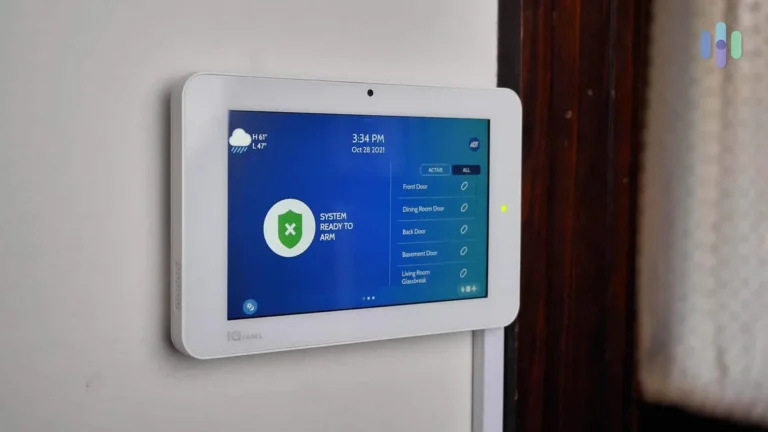
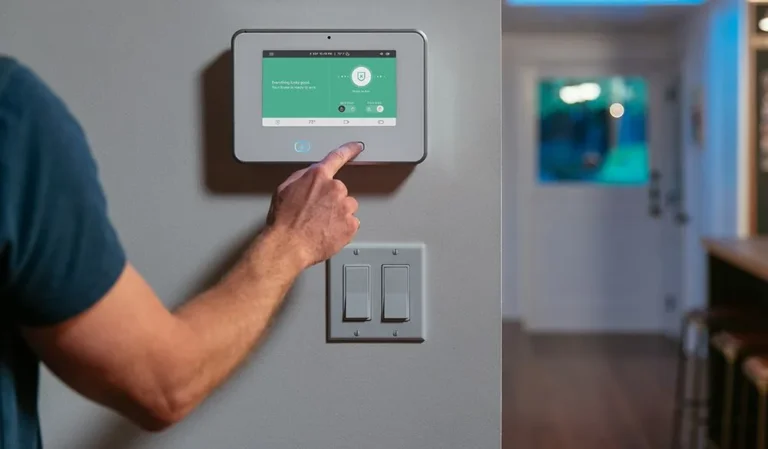
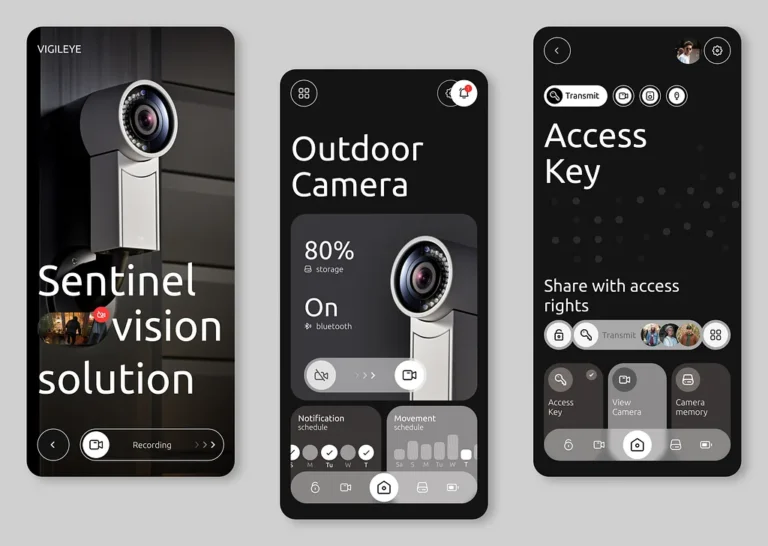
Think of your home security system as a coordinated team, each member with a specific job to keep your place secure. At the heart of it is the control panel, which acts as the system's brain. This is where you'll typically arm or disarm the system using a keypad, key fob, or even a smartphone app.
It’s the central hub that receives information from all the other devices and decides what action to take.
The team members include various types of sensors, which are the eyes and ears of the system. They're strategically placed around your home to detect disturbances. When a sensor picks up on something it shouldn't, it immediately sends a signal to the control panel.
The panel then processes this signal based on whether the system is armed and what kind of sensor was triggered, initiating the appropriate response. This network of devices and a central command ensures continuous monitoring.
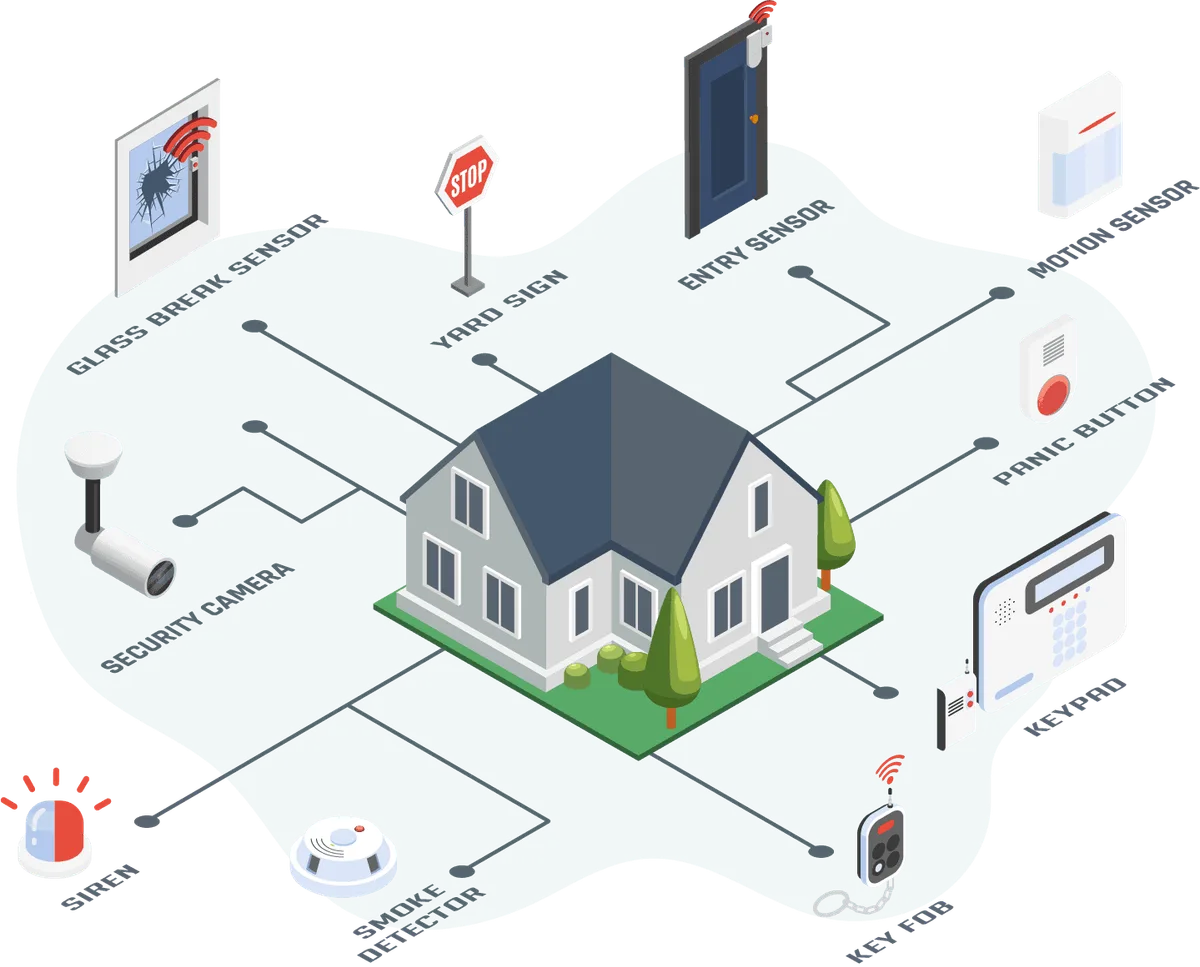
Image source: Bing (Web (fair-use with source credit))
Key Components: Meet Your System's Players
To really get how a home security system works, you’ve got to know the main players involved. Each piece has a vital role in the overall protection strategy.
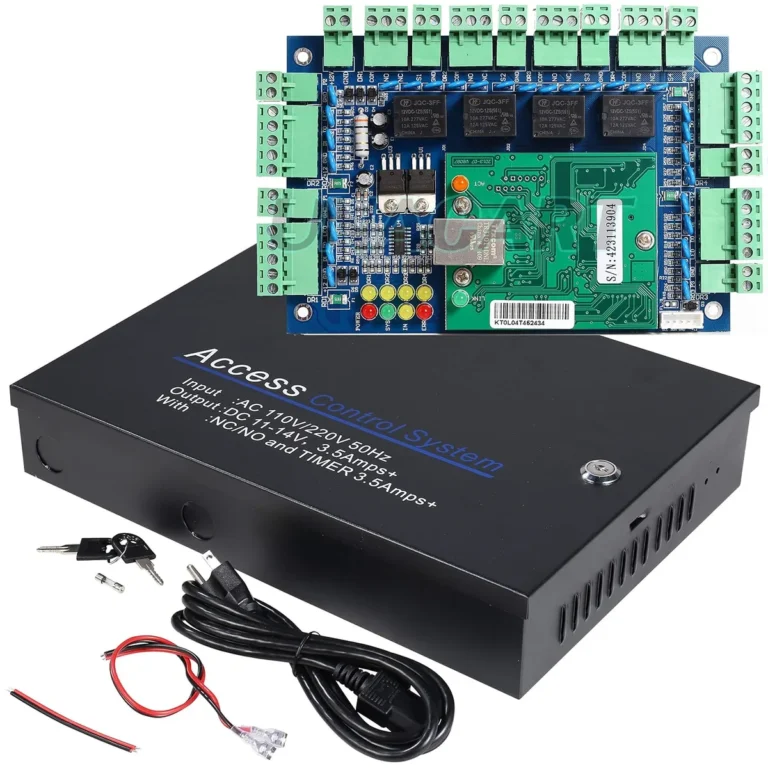
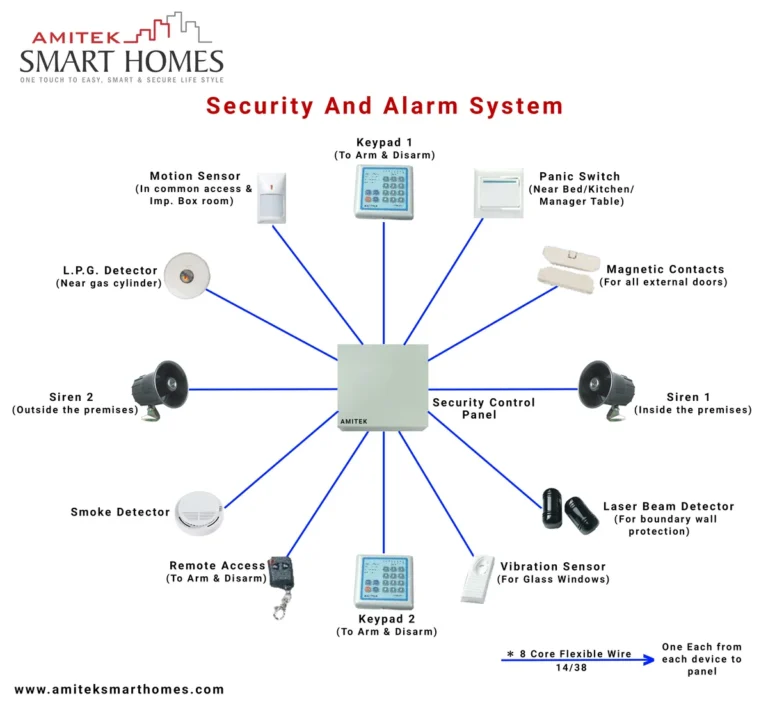
- Control Panel: This is the command center. It’s what you interact with to arm or disarm the system. It also houses the communication hardware that talks to sensors and the outside world, whether that’s a monitoring center or your phone.
- Door and Window Sensors: These are usually made of two parts. One piece attaches to the door or window, and the other to the frame. When the door or window is closed, the two parts are close together, and the circuit is complete. Open it, and the circuit breaks, sending an immediate alert.
- Motion Detectors: These use passive infrared (PIR) technology, or sometimes microwave sensors, to detect changes in heat or movement within a room. They're great for covering larger areas where multiple entry points might exist. Manufacturer specifications often state a detection range of up to 30-50 feet and a wide field of view.
- Glass Break Sensors: These listen for the specific sound frequency of breaking glass. They can protect large windows effectively, acting as an extra layer of defense.
- Cameras: These are your visual observers. They can be placed indoors or outdoors, offering live feeds or recording footage when triggered by motion or an alarm event. Many modern cameras offer high-definition video.
- Siren: This is the audible deterrent. When an alarm is triggered, a loud siren sounds to alert occupants and potentially scare off intruders. The decibel level can range significantly, often from 90 to 120 dB, which is quite loud.
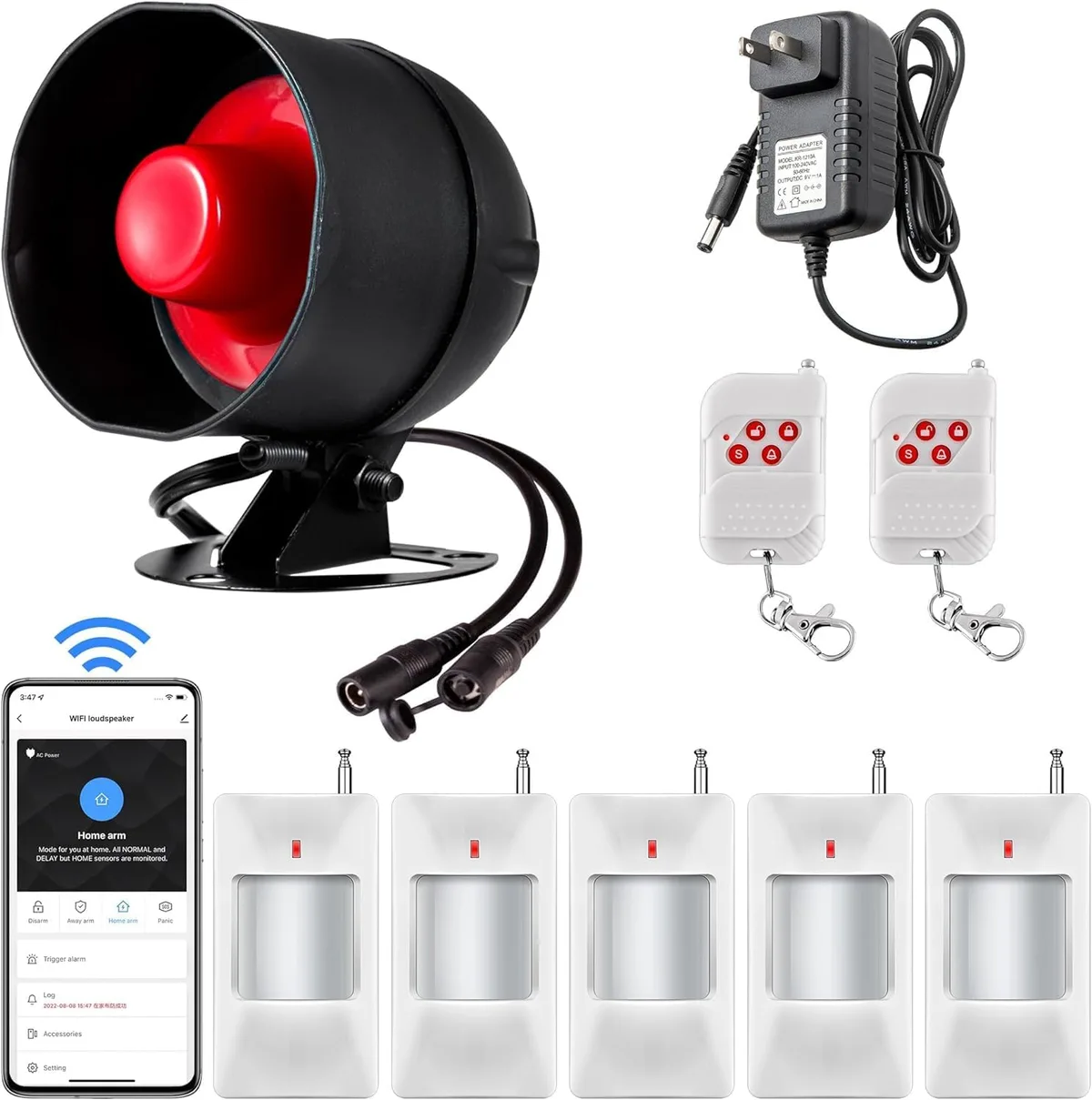
Image source: Web (Bing) / manuals.plus (Web image (fair-use with source credit))
The Workflow: From Trigger to Response
Understanding the sequence of events is crucial to grasping how a home security system operates. It’s a rapid-fire process designed to react quickly.
Arming the System: When you leave your home or go to bed, you arm the system, usually through the control panel. This places all active sensors on alert. For example, when you arm in "away" mode, all sensors are active. If you arm in "stay" mode, interior motion detectors might be temporarily deactivated so you can move around freely inside.
Sensor Detection: Let's say a window sensor is triggered. This means the magnetic connection between the two sensor parts has been broken. Alternatively, a motion detector might sense movement within its coverage area. The sensor instantly transmits a wireless signal to the control panel.
Control Panel Processing: The control panel receives this signal. It checks its programming: Is the system armed? Which zone (sensor) was triggered? Is there an entry delay programmed for this specific sensor (like a main door)?
Alarm Activation (or Delay):
- If it's an immediate alarm zone (like a basement window) and the system is armed, the control panel will trigger the siren within seconds.
- If it's an entry zone (like your front door) and the system is armed, the panel starts an entry delay, typically 15 to 60 seconds. This gives you time to enter your code and disarm the system before the siren sounds.
Communication with Monitoring (if applicable): If the alarm is not disarmed within the entry delay, or if an immediate alarm is triggered, the control panel initiates contact with your professional monitoring service. It sends a digital signal via broadband, cellular, or a phone line, identifying your address and the specific alarm event. According to standards from organizations like Underwriters Laboratories (UL), these communication pathways must meet specific reliability requirements.
Monitoring Center Action: Trained operators at the monitoring center receive the alarm signal. They’ll typically attempt to call your designated contact numbers to verify if it’s a genuine emergency. If they can’t reach you, or if you confirm a break-in, they will dispatch the appropriate emergency services, such as the police, to your location.

Image source: Web (Bing) / graef-gruppe.de (Web image (fair-use with source credit))
Common Scenarios: When and How Your System Acts
Different situations call for different system behaviors. Understanding these common scenarios can help you set up your system effectively and know what to expect.
- Leaving Home (Away Mode): When you arm your system in "away" mode, all sensors, including interior motion detectors, are active. If someone tries to enter through a protected door or window, or if motion is detected inside while you're gone, the entry delay will usually start (if programmed for that zone), followed by the alarm and notification to the monitoring center.
- Arriving Home (Entry Delay): When you enter through a designated entry door, the system starts its entry delay. This gives you a short window, typically 15-60 seconds, to enter your code at the control panel and disarm the system before the siren sounds. It’s essential to know your code and enter it promptly.
- Staying Home (Stay Mode): In "stay" mode, perimeter sensors (doors, windows) remain active, but interior motion detectors are usually turned off. This allows you to move around your house freely at night while still protecting against someone breaking in from the outside. If a perimeter sensor is tripped, the alarm will sound after the entry delay.
- Quick Exit/Entry: Some systems offer a "quick exit" button or feature, allowing you to temporarily disable interior motion sensors for a set period, or an "exit delay" that functions like an entry delay in reverse, giving you time to leave without triggering the alarm.
- Panic or Emergency Buttons: Many systems include panic buttons (physical or in an app) that, when pressed, immediately trigger the siren and send an emergency signal to the monitoring center, regardless of whether the system is armed. This is for situations like a medical emergency or a direct threat inside the home.
Mistakes to Avoid: Keeping Your System Reliable
Even the best security systems can be let down by common mistakes. Being aware of these pitfalls can help ensure your system works as intended when you need it most.
- Improper Sensor Placement: Motion detectors need a clear line of sight and shouldn't be pointed directly at heat sources like vents or windows that get direct sunlight, as this can cause false alarms. Door and window sensors must be aligned correctly to ensure the magnetic connection breaks reliably when opened.
- Forgetting to Arm the System: This sounds obvious, but it happens! Double-check that your system is armed before you leave, especially if you have children or other occupants who might forget.
- Missing the Entry Delay: If you’re rushing and don’t enter your disarm code within the allotted entry delay time, the siren will sound. This can be startling and may lead to a needless dispatch of emergency services.
- Overlooking Regular Testing: Security systems require maintenance. Forgetting to test your sensors, siren, and communication link regularly means you might not discover a problem until it’s too late. Many manufacturers recommend testing monthly.
- Ignoring Low Battery Warnings: Wireless sensors rely on batteries. When a low battery warning appears on your control panel or app, replace the battery promptly to prevent sensor failure. Battery life can vary, but typically lasts 1-5 years depending on the device and usage.
- Placing Motion Sensors Near Pets (without pet immunity): Standard motion detectors can be triggered by pets. If you have pets, ensure your motion detectors are "pet-immune" and placed according to manufacturer guidelines to avoid false alarms. These sensors are designed to ignore movement below a certain weight threshold.