Can Security Cameras Work Without Electricity
Ever wondered if your home security is totally dependent on that wall outlet? What if the power goes out, or you need to monitor a spot far from any wires? It's a super common question, and the good news is, you've got options!
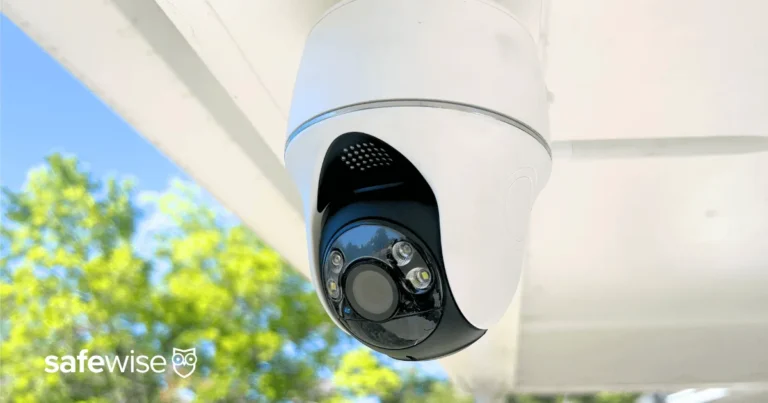
Most security cameras you see are plugged directly into your home's electrical system. However, manufacturer specifications confirm that continuous operation is achievable even without a traditional grid connection, thanks to alternative power solutions.
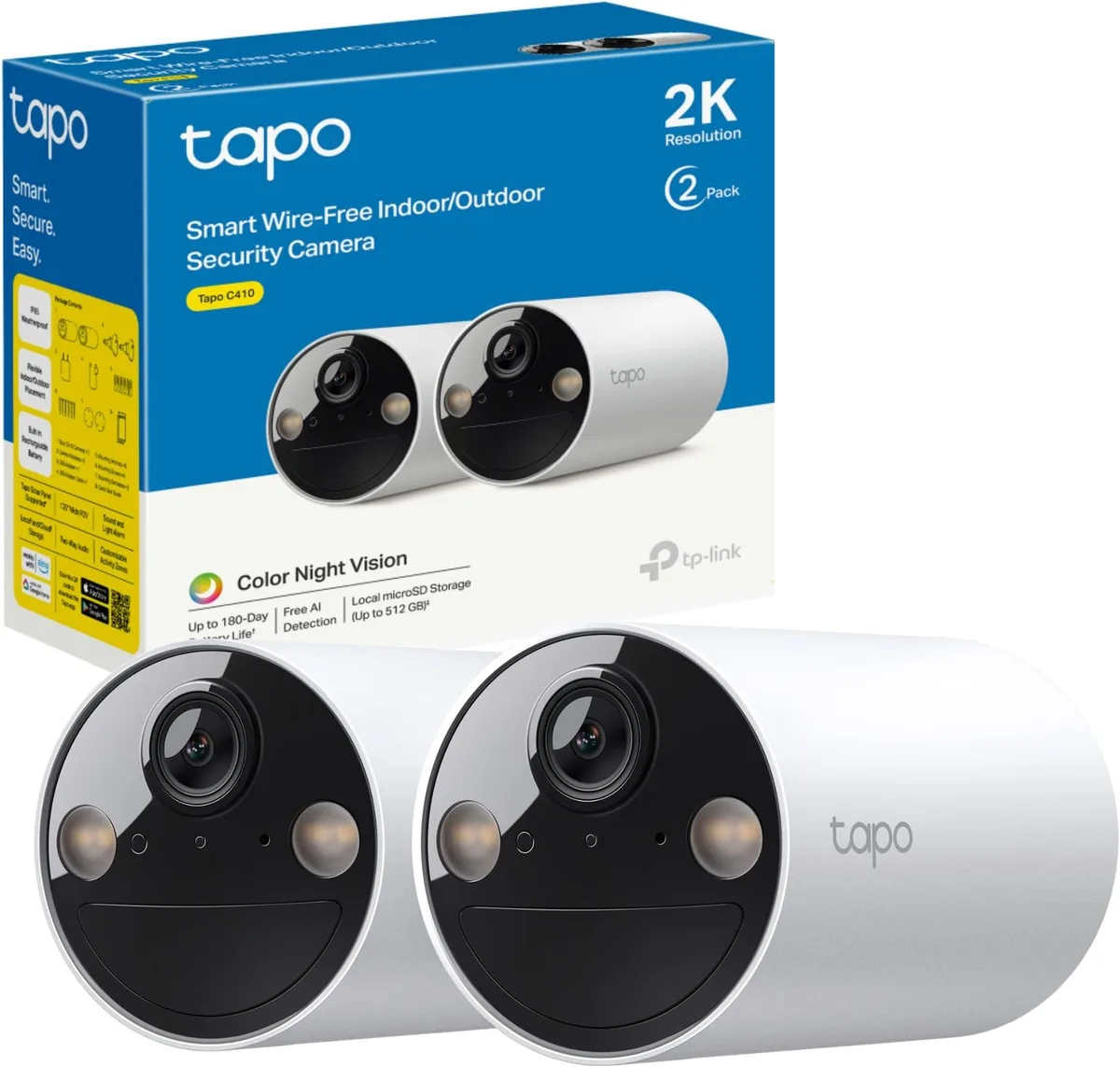
Image source: Web (Bing) / amazon.com.au (Web image (fair-use with source credit))
Quick Answer: Yes, But It Depends on Your Power Source
Security cameras absolutely can work without a standard electrical outlet. This is achieved through battery power, solar charging, or Power over Ethernet (PoE) systems that utilize a backup power source like a UPS. The best method depends on your specific needs for continuous monitoring and installation location.
Core Ways to Power Security Cameras Off-Grid
There are several smart ways to keep your security cameras active without relying solely on your home's main electricity. Each method has its own setup and maintenance requirements, but they all provide a way to maintain surveillance when traditional power isn't available.
Battery-Powered Cameras: Simplicity First
Battery-powered cameras are a straightforward solution for many situations. These cameras run on either rechargeable batteries or long-lasting disposable ones. The appeal here is their ease of installation, no wires means you can place them almost anywhere.
- Rechargeable Batteries: These are the most common for modern battery cams. You'll typically recharge them by removing them from the camera and plugging them into a charger, or by connecting a USB cable directly to the camera.
- Disposable Batteries: Some older or lower-cost models might use standard alkaline batteries. While they offer convenience by being readily available, they can become costly over time and aren't as environmentally friendly.
When the battery level gets low, you'll usually get a notification from the camera's app. Then, it's a matter of swapping in a fresh set or charging the depleted ones. As of 2026, many high-end battery cameras can last several months on a single charge, depending on activity and settings.
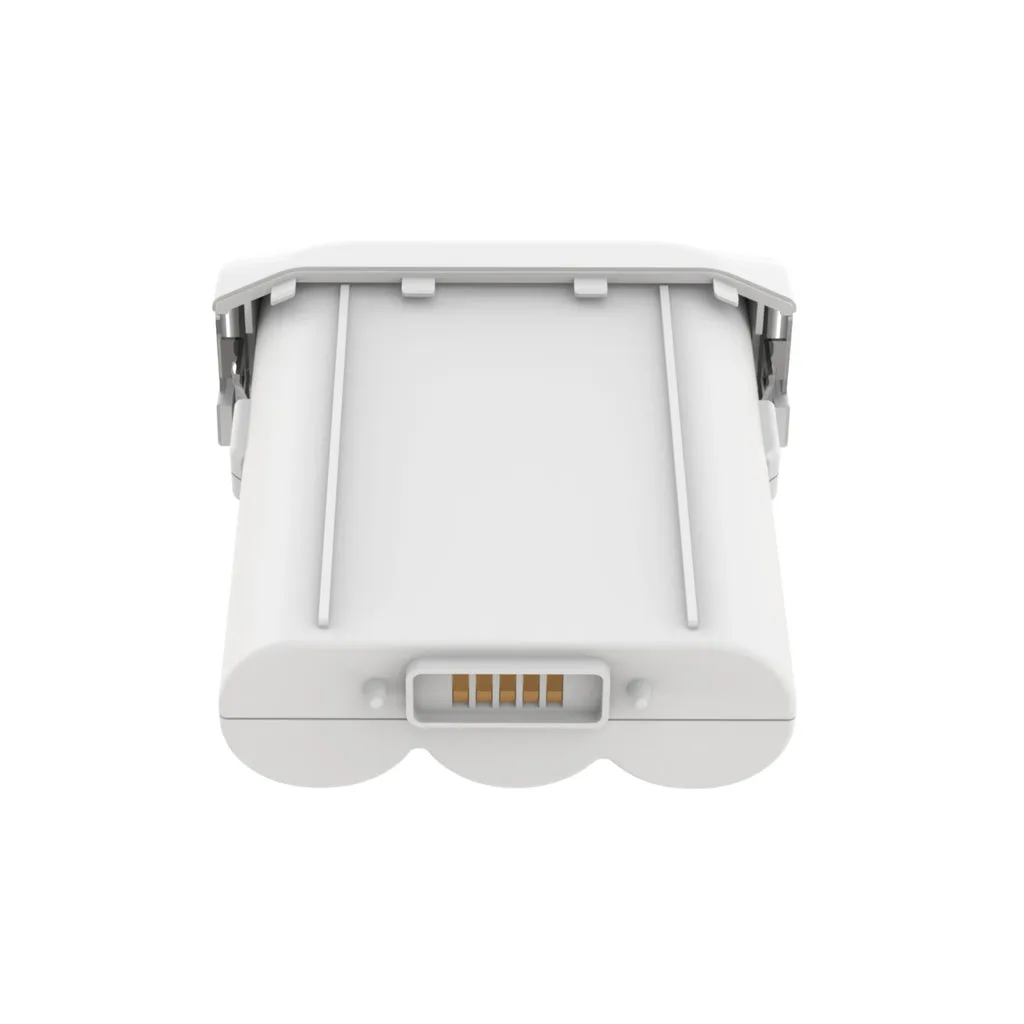
Image source: Web (Bing) / secomart.com (Web image (fair-use with source credit))
Solar-Powered Cameras: Harnessing the Sun
Solar-powered security cameras offer an excellent, eco-friendly alternative, especially for outdoor locations. These cameras are designed to continuously charge their internal batteries using an integrated solar panel. As long as the panel receives adequate sunlight, the camera can operate indefinitely without needing manual charging.
The setup typically involves positioning the solar panel to face the sun for the maximum number of daylight hours. Most manufacturers recommend placing panels where they receive at least 6-8 hours of direct sunlight daily. Performance can, of course, be impacted by prolonged cloudy weather or shaded positions.
Aggregate reviews indicate that many solar camera systems are quite robust. Some advanced models even include battery packs that can store enough power to keep the camera running for several days without sun, giving you peace of mind during extended periods of poor weather.
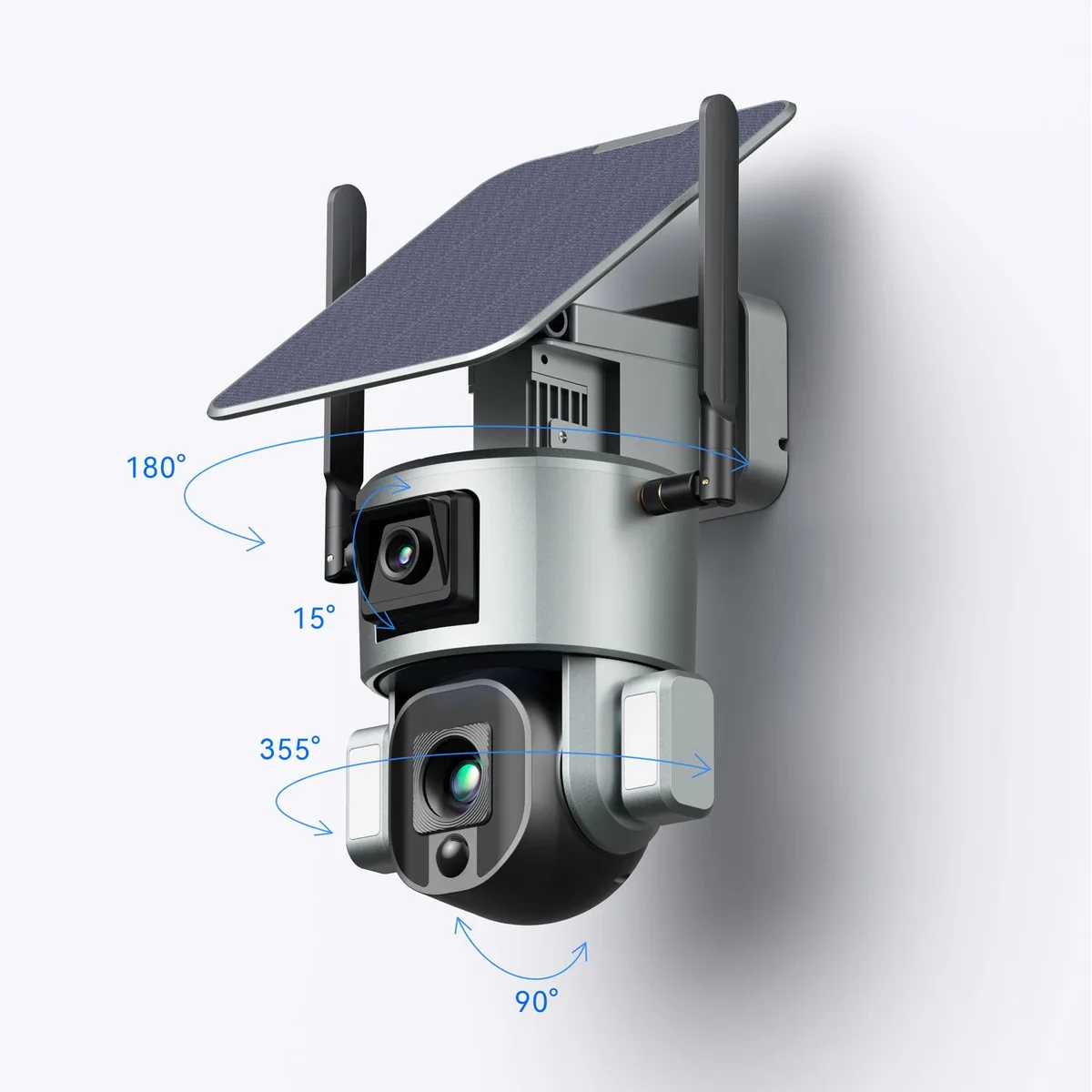
Image source: Web (Bing) / vtlpower9418.en.made-in-china.com (Web image (fair-use with source credit))
PoE Cameras with Backup: The Wired Solution
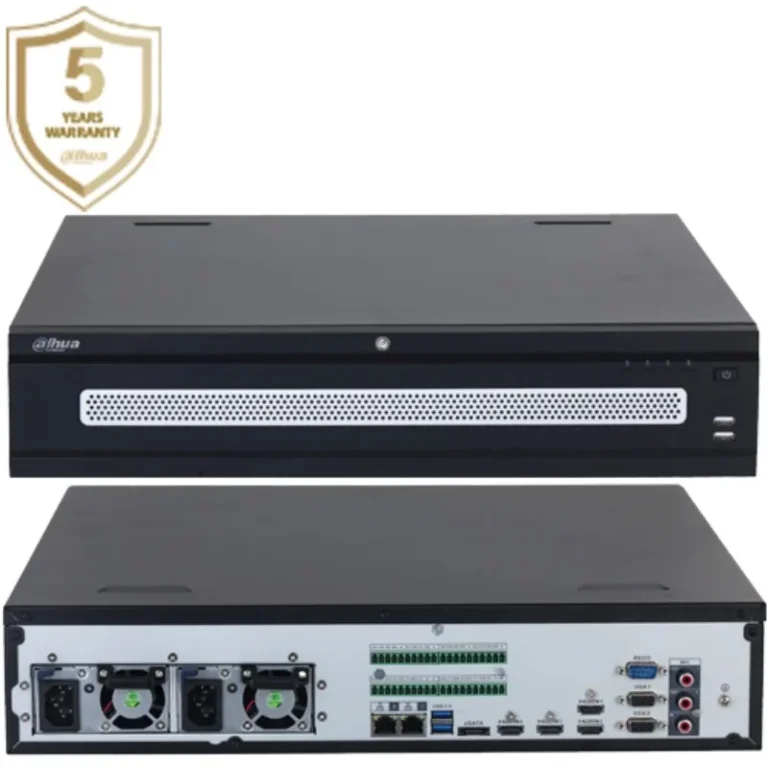
Power over Ethernet (PoE) cameras offer a different approach, combining data and power delivery through a single Ethernet cable. This might seem counterintuitive for an "electricity-free" discussion, but it becomes a viable solution when paired with a backup power system.
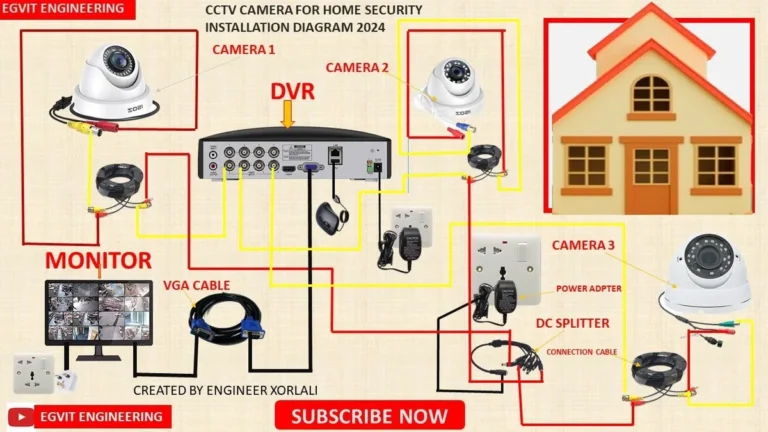
A PoE setup requires a PoE-compatible switch or injector. This device sends a small amount of electrical current down the Ethernet cable to power the camera. The critical component for keeping these cameras running during an outage is ensuring that your PoE switch or injector is connected to a Uninterruptible Power Supply (UPS).
If the main power fails, the UPS instantly kicks in, providing power to the PoE switch. This allows your PoE cameras to continue transmitting data and recording, effectively keeping your surveillance system operational without a hitch. This method is often favored for more permanent installations where running Ethernet cables is feasible.
UPS for Plugged-In Cameras: Bridging the Gap
For those who already have traditional, plug-in security cameras but are concerned about power outages, a Uninterruptible Power Supply (UPS) is an invaluable tool. A UPS is essentially a battery backup system designed to provide immediate emergency power to connected devices when the main power source fails.
When you plug your security cameras into a UPS, they draw power from the mains supply as normal. However, if the power grid experiences an interruption, the UPS detects this instantly and switches to its internal battery. This transition is typically seamless and happens so quickly that your cameras won't even register a flicker.
The runtime of a UPS varies greatly depending on its capacity and the power draw of the connected devices. A small UPS might provide power for 15-30 minutes, enough for a brief outage or to allow your system to shut down gracefully. Larger, more robust UPS units can power devices for several hours, offering substantial protection against longer blackouts.
It's important to match the UPS capacity to the total wattage of your cameras and any other essential devices you wish to keep online.
When to Choose Each Power Solution: A Decision Guide
Deciding which power solution is best for your security cameras comes down to your specific situation and priorities. There isn't a one-size-fits-all answer, but understanding where each option shines can help you make the right choice.
Best for Temporary Needs or Easy Setup: Battery Cameras
If you need a quick, no-fuss security camera solution for a temporary setup or a location where running wires is impractical, battery-powered cameras are usually the top pick. Think of monitoring a rental property between tenants, keeping an eye on a guest room, or setting up temporary surveillance at a construction site. Their wireless nature and straightforward installation make them incredibly versatile.
You avoid the need for electrical work and can reposition them easily as your needs change.
Best for Sunny, Remote Spots: Solar Cameras
For outdoor locations that receive consistent, direct sunlight for most of the day, solar-powered cameras are an excellent long-term solution. This is ideal for monitoring remote areas like driveways, detached garages, backyard perimeters, or even gates where accessing a power outlet is difficult or impossible. The primary advantage is the minimal ongoing maintenance; once set up correctly, they can operate for extended periods without needing manual intervention, provided there's enough sun.
This also makes them an environmentally friendly option, reducing reliance on grid electricity.
Best for Reliable Connectivity with Backup: PoE & UPS
If you require a highly reliable and stable video feed and are concerned about power disruptions, a Power over Ethernet (PoE) system combined with a Uninterruptible Power Supply (UPS) is often the most robust choice. This setup is ideal for permanent installations where you're running Ethernet cables anyway for data transmission. By powering the PoE switch or injector through a UPS, you ensure that your cameras remain online even during power outages, maintaining continuous surveillance without interruption.
This method is commonly used in business environments and by homeowners seeking maximum uptime for their security systems.
Common Pitfalls to Avoid with Off-Grid Cameras
Even with the convenience of battery or solar power, there are specific mistakes people often make that can lead to frustration or system failure. Being aware of these common issues can save you a lot of headaches down the line.
Mistakes in Battery Management
One frequent problem is simply forgetting to check battery levels. Cameras often go offline without warning, leaving a gap in your security footage. This can happen because notifications were missed or the app wasn't monitored.
Another common error is using the wrong type of batteries; always check the camera's manual for manufacturer-recommended battery types and ratings. Forgetting to charge batteries fully before installation can also lead to shorter-than-expected runtimes right from the start.
Sunlight Challenges for Solar Cameras
For solar-powered cameras, the biggest pitfall is misjudging sunlight exposure. People sometimes install the solar panel on the north side of a house or in a spot that gets shaded by trees or buildings for a significant part of the day. Manufacturer specifications usually indicate the minimum direct sunlight hours required for optimal charging, often around 6 to 8 hours daily.
Relying on solar power during winter months in regions with shorter daylight hours can also be a challenge if the battery capacity isn't sufficient for longer charging periods.
Overlooking Network Backup for PoE
When relying on PoE cameras, the most critical mistake is not adequately backing up the network equipment. People might plug the cameras into a PoE switch but forget that the switch itself needs power. If the router and switch are on the same power strip as everything else, they'll go down when the power fails, rendering the PoE cameras useless despite being physically powered.
It’s essential to ensure the entire chain, from the camera to the recording device and any necessary network hardware, is protected by a UPS.
Essential Maintenance for Long-Term Reliability
Keeping your off-grid security camera system running smoothly requires a bit of regular attention. Just like any device, maintenance ensures longevity and prevents unexpected failures, especially when you need it most.
Battery Care and Replacement Cycles
For battery-powered cameras, regularly check the battery status through the camera's app. Schedule checks, perhaps monthly, to ensure batteries are adequately charged. When rechargeable batteries start to show a significant drop in capacity (meaning they don't hold a charge as long as they used to), it's time to consider replacing them.
This might be every 1-2 years, depending on usage and battery quality. Always clean battery contacts with a dry cloth to ensure a good connection.
Cleaning Solar Panels
Solar panels need to be clean to work efficiently. Dust, pollen, bird droppings, or leaves can accumulate on the surface, significantly reducing the amount of sunlight reaching the photovoltaic cells. A simple wipe-down with a damp cloth and mild soap, followed by a rinse with clean water, is usually all that's needed.
Do this quarterly, or more often if you notice reduced charging performance, especially after dust storms or during pollen season.
Checking Connections and Software
For PoE systems, periodically inspect the Ethernet cables for any signs of damage, especially if they run outdoors. Ensure the connections are secure at both ends. It's also wise to check for firmware updates for your cameras and network equipment.
Manufacturers often release updates to improve performance, fix bugs, and enhance security. A quick check through your camera's app or the manufacturer's website can keep your system optimized and secure.
Frequently Asked Questions About Electricity-Free Cameras
How long can battery-powered cameras last on a single charge?
Battery life varies significantly based on the camera model, battery capacity, and usage patterns. Some can last a few weeks, while others, with optimized settings and less activity, might last up to six months.
Do solar cameras work on cloudy days?
Yes, they do, but with reduced charging efficiency. The built-in battery stores power for use during low-light conditions or nighttime. However, prolonged periods without direct sunlight can eventually deplete the battery if it's not sufficiently charged beforehand.
What is the average runtime for a UPS for security cameras?
A typical consumer-grade UPS might offer 15 to 30 minutes of runtime for a couple of cameras. Higher-capacity units can provide power for several hours, depending on the total power draw of the connected devices.
Is Power over Ethernet (PoE) difficult to set up?
PoE setup is generally straightforward if you're comfortable with basic networking. It involves running Ethernet cables from a PoE-enabled switch or injector to your cameras. The primary complexity arises from needing a reliable backup power source for the switch.
Can I use my existing wired cameras with a UPS?
Yes, if your existing cameras are designed to plug into a standard wall outlet, you can plug their power adapters into a UPS. This will keep them operational during power outages, provided the UPS has enough capacity and runtime.