How to Create a Smart Home Security Routine
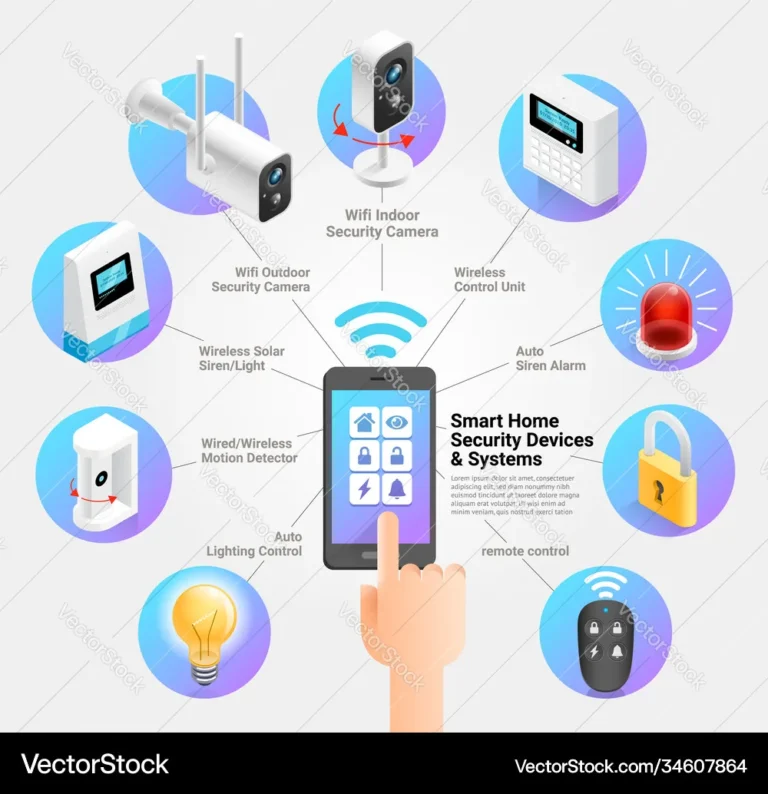
Creating a smart home security routine transforms how you protect your space, moving beyond individual gadgets to a coordinated system. This personalized approach ensures your home’s defenses adapt to your lifestyle, offering both robust protection and effortless convenience. Instead of worrying about constant manual checks, you’ll have a responsive, automated shield.
Our research indicates that most homeowners seek a blend of advanced technology and user-friendly operation. For instance, many smart security hubs are designed to comply with the NIST Cybersecurity Framework, aiming to provide a structured approach to managing cybersecurity risks. This framework helps organizations, and by extension, homeowners, understand, manage, and reduce their cybersecurity risks.
Let's explore how you can build this intelligent system.
Your Smart Security Concerns: What Matters Most?
Figuring out what truly worries you about your home's security is the critical first step. This isn't about hypothetical threats; it's about your personal peace of mind. Are you primarily concerned about unauthorized entry while you're away, or is package theft from your porch a bigger headache?
Perhaps you need to keep an eye on pets or family members at home. Pinpointing these specific anxieties helps narrow down the essential devices and features for your smart security setup.
Identifying Your Priorities
Your biggest security concerns will dictate the type and placement of your smart devices. If break-ins while you're out are your primary worry, you'll want to focus on external sensors and cameras. If package theft is the issue, a video doorbell with clear recording capabilities is a must.
For those with children or elderly relatives at home, indoor cameras with two-way audio become a priority, allowing you to check in and communicate instantly. Thinking about potential environmental issues, like water leaks or smoke, is also part of a comprehensive security strategy, leading to considerations like smart smoke detectors and water leak sensors.
Home Layout & Technical Needs
The physical characteristics of your home significantly influence how you implement smart security. Count your entry points: each door and accessible window might need a sensor. For outdoor cameras, map out areas you want to monitor, such as driveways, back gates, and yards, considering potential blind spots.
Your existing Wi-Fi network's strength and reach are also crucial; if you have dead zones or a weak signal in certain areas, you may need to invest in a Wi-Fi extender or a mesh network system to ensure reliable connectivity for all your smart devices.
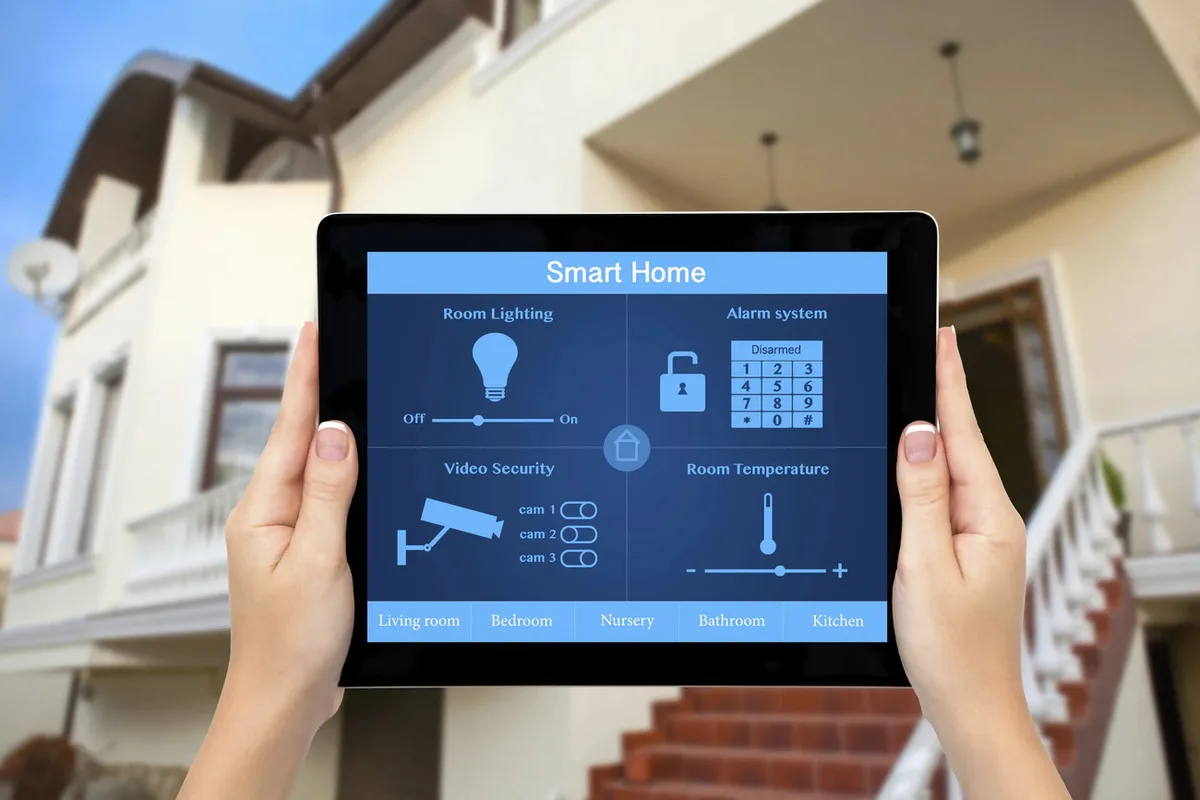
Image source: Bing (Web (fair-use with source credit))
Core Smart Security Components: Your Toolkit
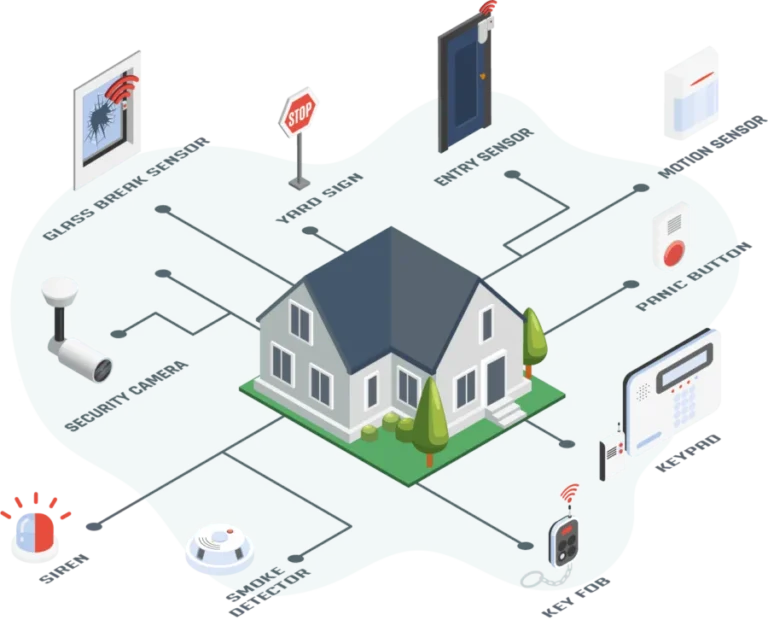
Building a smart home security routine relies on a selection of interconnected devices working in concert. These components aren't just individual gadgets; they are the building blocks of your automated defense system. Understanding their roles and how they integrate is key to designing an effective and personalized security plan for your home.
Think of them as the specialized agents that make up your security team.
Smart Locks & Entry Sensors
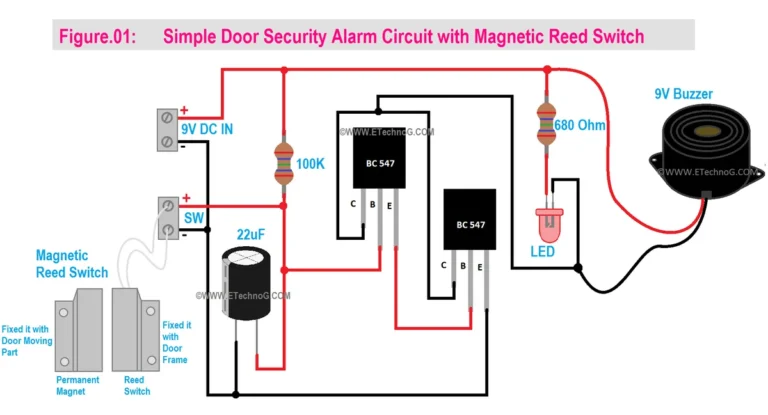
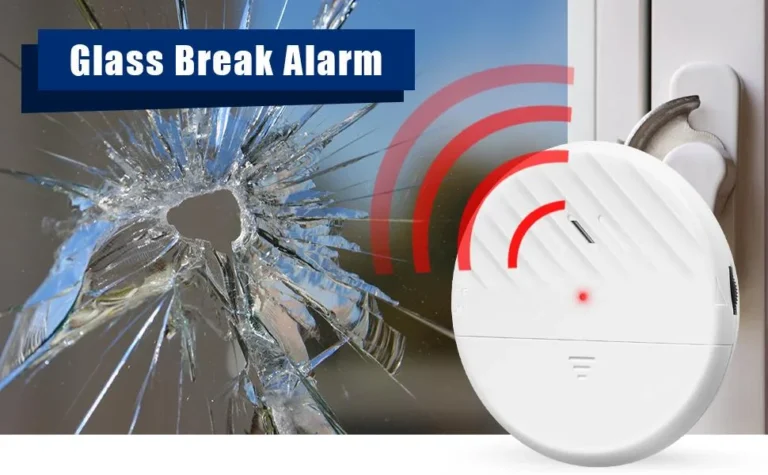
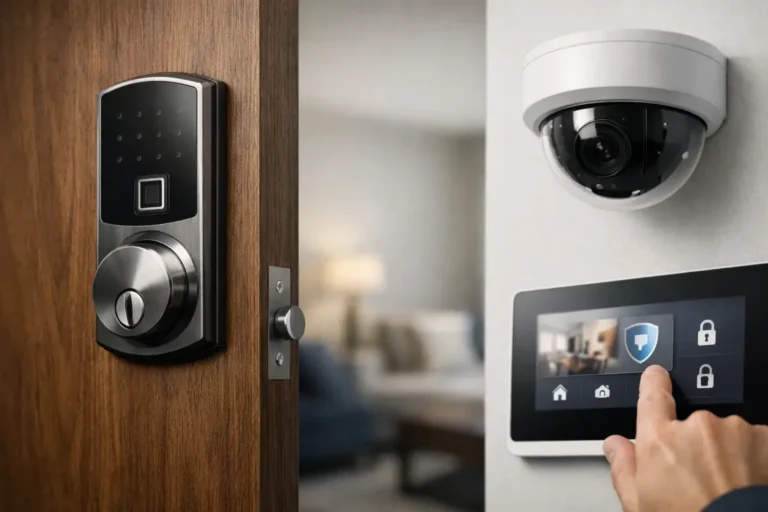
Smart locks replace traditional deadbolts, offering keyless entry via smartphone apps, keypads, or voice commands. Paired with door and window sensors, small, discreet devices that trigger an alert when an opening is detected, they form your first line of defense. Manufacturer specifications often indicate battery life for smart locks can range from six months to over a year, depending on usage.
These sensors communicate wirelessly with your smart home hub or directly with your phone, letting you know instantly if a door or window is opened unexpectedly.
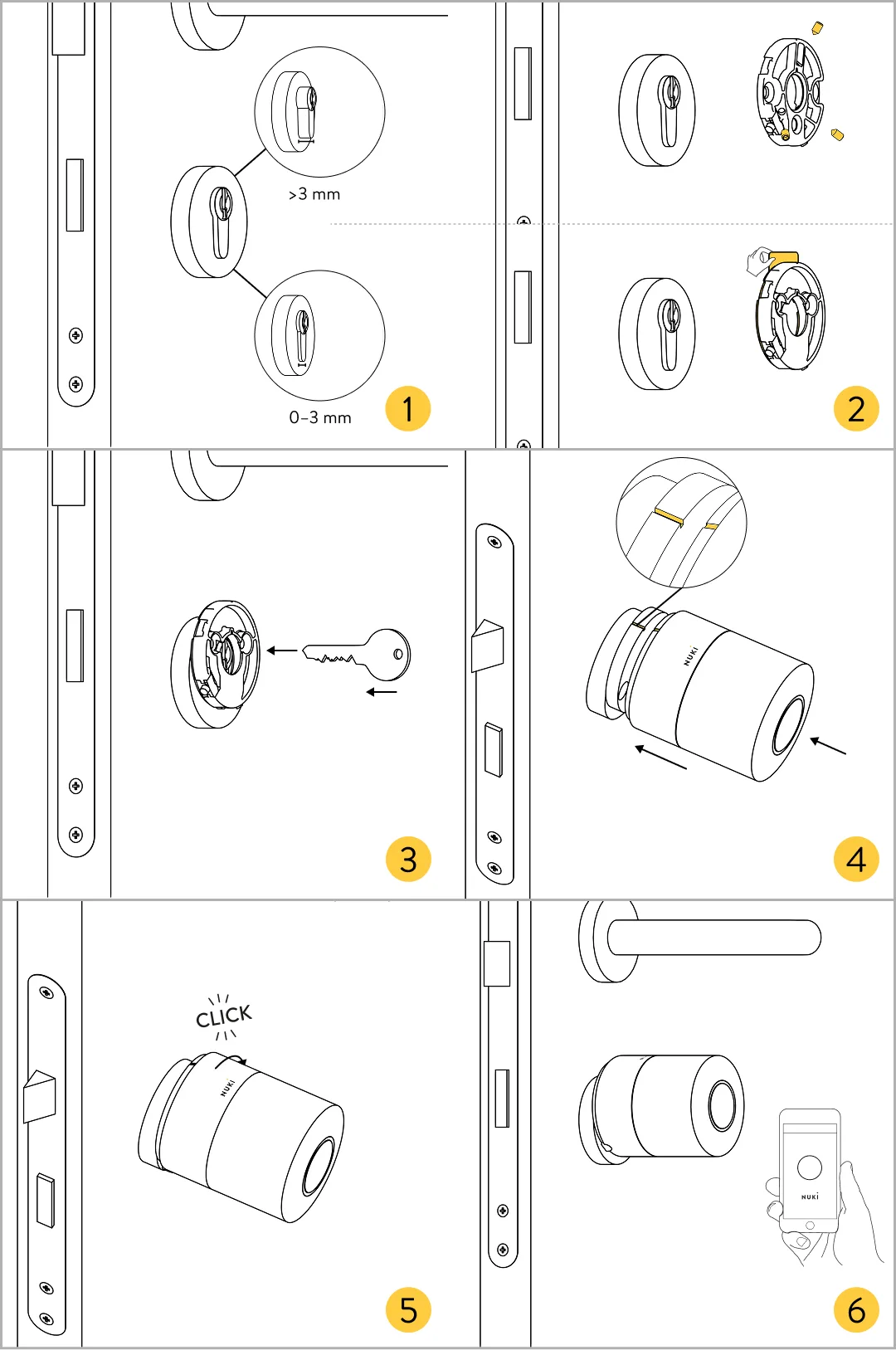
Image source: Web (Bing) / help.nuki.io (Web image (fair-use with source credit))
Cameras: Inside and Out
Security cameras provide visual verification of events. Outdoor cameras, often weather-resistant, are essential for monitoring your property's perimeter, driveways, and entryways, offering a deterrent and evidence if an incident occurs. Indoor cameras can monitor specific rooms, keep an eye on pets, or check on family members.
Features like night vision, motion detection with customizable zones, and two-way audio enhance their utility. Aggregate reviews report that cameras offering 1080p resolution are generally sufficient for clear identification in most home security scenarios.
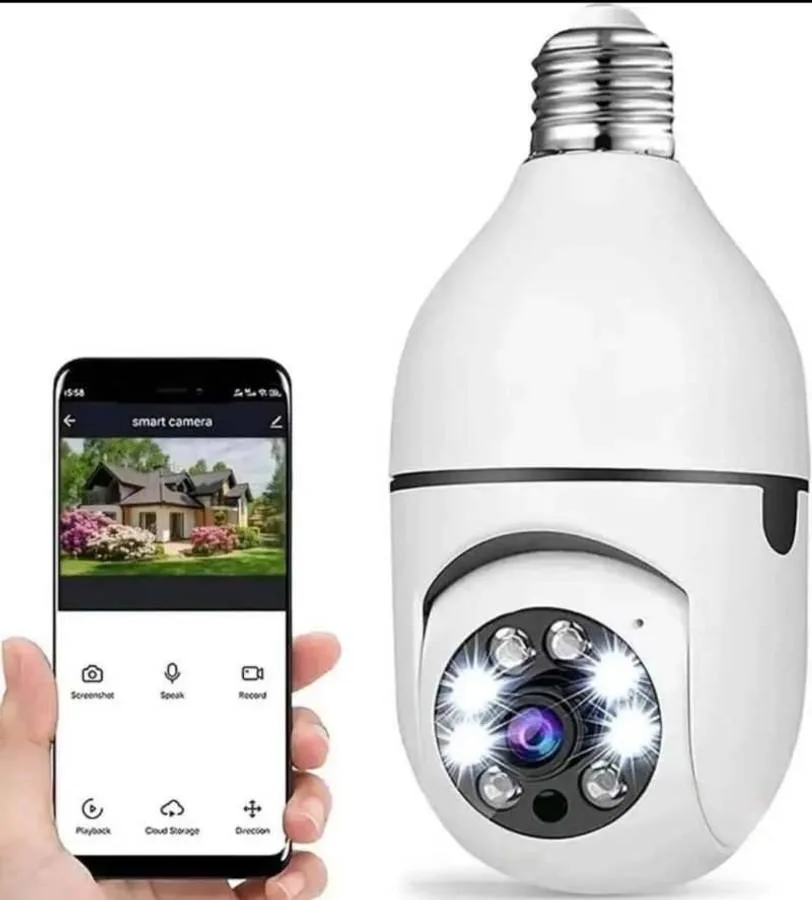
Image source: Web (Bing) / bobshop.co.za (Web image (fair-use with source credit))
Other Essential Sensors (Motion, Environmental)
Beyond entry points, motion sensors detect movement within a designated area, triggering alerts or activating other devices like lights or cameras. These are particularly useful for covering larger spaces or areas where traditional entry sensors might be impractical. Environmental sensors add another layer of protection.
Smart smoke and carbon monoxide detectors alert you to fire hazards, often sending notifications to your phone even when you're away. Water leak sensors, placed near appliances or in basements, can detect moisture early, potentially preventing significant water damage.
Designing Your Security Routines: The "If This, Then That" Logic
The real power of a smart home security system lies in its ability to automate actions based on specific triggers, this is where routines come in. Think of routines as custom-built scenarios for your home's security. They leverage the "if this, then that" logic inherent in smart home automation to make your system responsive and intelligent, rather than just a collection of separate devices.
These routines can significantly enhance convenience and security without requiring constant manual input from you.
Setting Up "Away" and "Arriving Home" Routines
An "Away" routine is your signal to your home that you're leaving. When you activate it, perhaps by tapping a button in your smart home app or using a voice command like "Hey Google, I'm leaving", a series of actions can occur automatically. This might include locking all your smart doors, arming your outdoor cameras, and setting motion sensors to alert you to any activity.
Conversely, an "Arriving Home" routine can be triggered by your phone's GPS detecting you're near your house or by a simple voice command. This routine can unlock your front door, disarm the security sensors, and turn on your entryway lights, making your return seamless and secure.
Creating "Nighttime" and "Vacation" Modes
"Nighttime" routines are designed for when you're home and asleep. Activating this mode might automatically lock all external doors, arm specific motion sensors (while disabling those in bedrooms to prevent false alarms), and turn off most lights, perhaps leaving a bedroom lamp on. A "Vacation" mode takes this a step further.
It can lock down the entire house, arm all sensors, and even simulate occupancy by randomly turning specific indoor lights on and off during evening hours, making it appear as though someone is home. This offers a significant deterrent to potential intruders when you're away for extended periods.
Automating Responses to Alerts
Beyond scheduled routines, you can automate responses to specific security alerts. For example, if a door or window sensor is triggered while your system is in "Away" or "Nighttime" mode, you can set up a routine to immediately send a notification to your phone, turn on all the lights in your home, and start recording on the nearest security camera. Similarly, if a smart smoke detector registers smoke, your routine could automatically unlock all smart doors and turn on all lights, facilitating a quick and safe exit for occupants.
This layered response ensures timely action even if you can't immediately respond to an alert yourself.
Common Smart Security Stumbles to Sidestep
While building a smart home security routine offers many advantages, several common pitfalls can undermine its effectiveness. Awareness of these issues, often reported by users or detailed in technical advisories, can help you avoid frustration and ensure your system truly enhances your home's safety. Overlooking these details means your carefully planned routines might fail when you need them most.
Over-reliance on a Single Device
One of the most frequent mistakes is assuming a single device can cover all your security needs. For instance, relying solely on a doorbell camera might leave your back door or windows vulnerable. Similarly, motion sensors alone don't confirm an entry, and cameras can miss blind spots if not strategically placed.
A truly effective smart security routine integrates multiple types of devices, sensors, cameras, and smart locks, that work together, cross-referencing information and providing comprehensive coverage. This layered approach ensures that if one component has a limitation, others can compensate.
Ignoring Connectivity and Wi-Fi
Smart home devices, by their nature, rely heavily on a stable and robust Wi-Fi network. Poor signal strength, insufficient bandwidth, or an unreliable internet connection can render your entire system useless. Devices might go offline, alerts could be delayed, and cameras may stop recording.
Per standards from organizations like the Wi-Fi Alliance, ensuring strong signal strength across all areas where devices are installed is critical. Before deploying numerous devices, it's wise to test your Wi-Fi coverage using a speed test app or by simply observing device connectivity over a few days.
Complex Setup Frustrations
Many users find the initial setup of smart home devices and routine programming to be more complex than anticipated. This can stem from incompatibility issues between different brands, confusing app interfaces, or simply underestimating the time and technical understanding required. While many systems aim for user-friendliness, intricate routines involving multiple triggers and actions can become complicated.
Manufacturer documentation often details setup steps, and some platforms offer guided setup wizards, but always allocate ample time and patience for this crucial phase.
Who Needs a Smart Security Routine?
A smart home security routine isn't just for tech enthusiasts; it's for anyone who values convenience and peace of mind. If you’ve ever rushed out the door, only to wonder if you locked it, a routine can handle that for you. For frequent travelers, automating security measures means less worry while you're away.
Even busy parents can benefit immensely, using indoor cameras and two-way audio to check on kids or pets, or simply ensure doors are secured at night.
Tailoring to Different Lifestyles
The beauty of smart security lies in its adaptability. For apartment dwellers, a routine might focus on a smart lock for the main door and motion sensors in the living area. Homeowners with larger properties might need extensive outdoor camera coverage and perimeter sensors.
Those concerned with environmental hazards can integrate smart smoke detectors and water leak sensors into their routines, triggering alerts and actions for fire or flooding. The system can be scaled and customized to fit specific needs, budgets, and home structures, making it a practical solution for a wide range of users.
Essential Smart Security Practices
Once your smart home security routine is set up, ongoing practices are crucial to maintain its effectiveness and security. Think of this as regular maintenance for your digital bodyguard. Neglecting these simple steps can leave you vulnerable, even with the best hardware.
Staying proactive ensures your system remains a reliable asset, not a potential liability.
Keeping Your System Secure and Updated
Cybersecurity is paramount for any connected device. Ensure all your smart home devices use strong, unique passwords. Avoid default credentials, as these are often publicly known.
Manufacturer specifications consistently recommend enabling two-factor authentication (2FA) wherever possible for an extra layer of protection. Furthermore, regularly check for and install firmware updates for your hub, cameras, locks, and sensors. These updates often include critical security patches that protect against emerging threats.
For instance, the U.S. Cybersecurity and Infrastructure Security Agency (CISA) provides ongoing guidance on securing IoT devices, emphasizing the importance of patching vulnerabilities.
Testing and Maintaining Your Routines
Smart home routines aren't "set it and forget it" systems. Periodic testing ensures they function as intended. For example, simulate an "Away" scenario by manually arming your system and then testing a door sensor.
Verify that you receive the expected alert and that no false alarms are triggered. Check battery levels on sensors and smart locks regularly; most apps will notify you of low batteries, but it's wise to have spares on hand. Environmental sensors, like smoke detectors, often require periodic testing as well, usually via a "test" button on the device itself, to confirm their operational status.
Frequently Asked Questions About Smart Security Routines
How long does setup typically take?
Setup time varies greatly depending on the complexity of your system, but most basic installations, like a smart lock or doorbell camera, can take 30 minutes to an hour. Integrating multiple sensors and cameras, along with programming custom routines, could extend this to several hours or even a full day.
Can I use devices from different brands together?
Yes, many smart home systems are designed for interoperability, especially if they use common communication protocols like Wi-Fi, Zigbee, or Z-Wave, or are compatible with platforms like Google Home or Amazon Alexa. Always check product compatibility before purchasing to ensure seamless integration.
What happens if my Wi-Fi goes down?
Some smart security devices have local processing capabilities or battery backups that allow basic functions to continue for a limited time. However, remote access, alerts, and cloud-based features will likely be unavailable until your internet connection is restored. Some systems offer cellular backup for critical alerts, often as a paid service.