What Is a Smart Security Hub
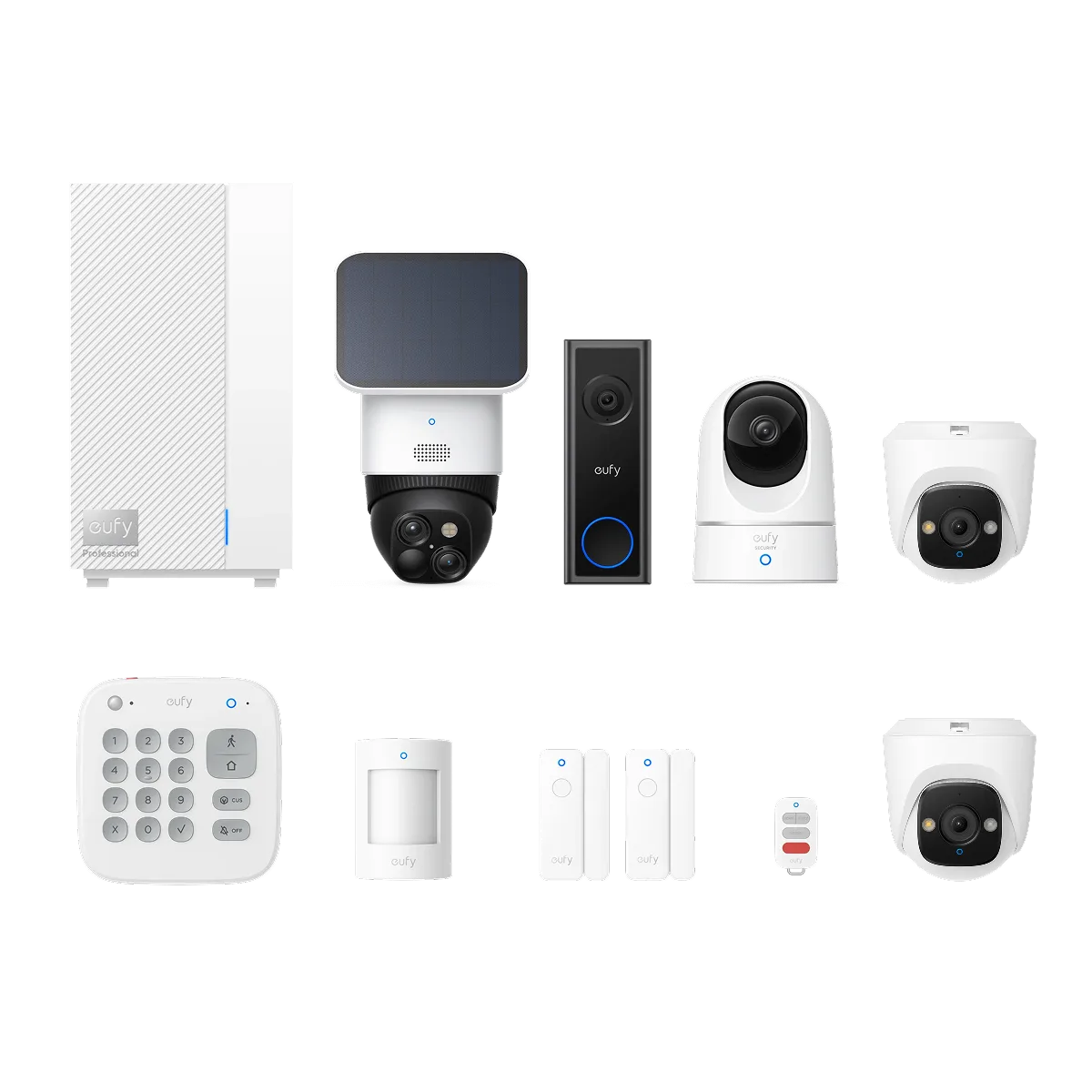
Image source: Bing (Web (fair-use with source credit))
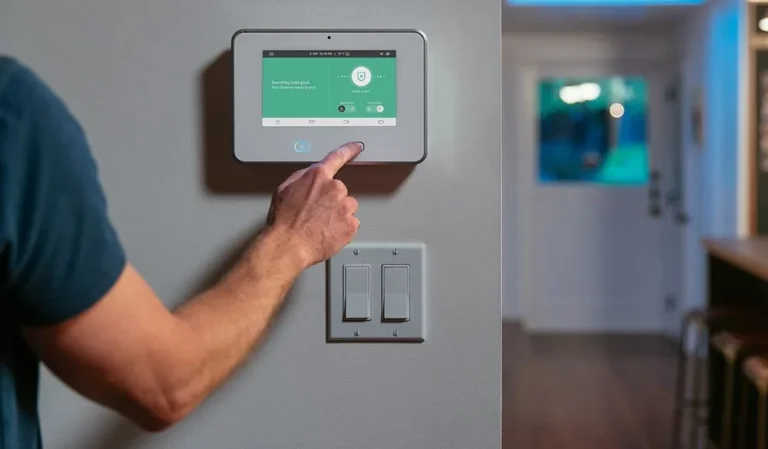
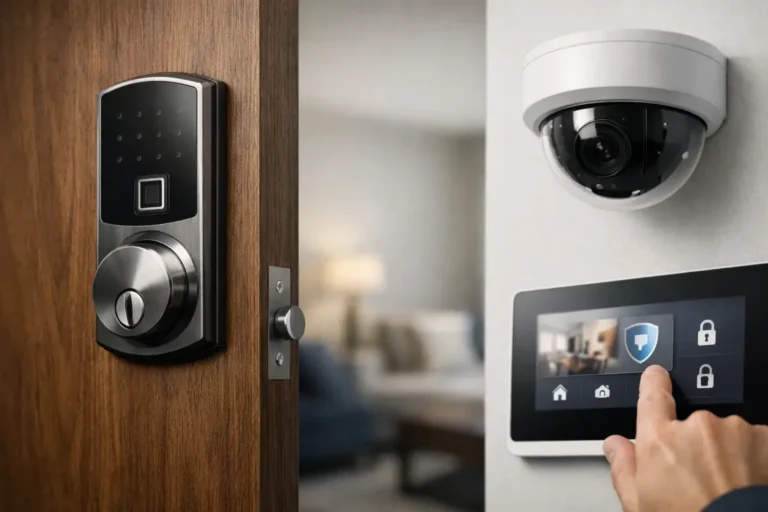
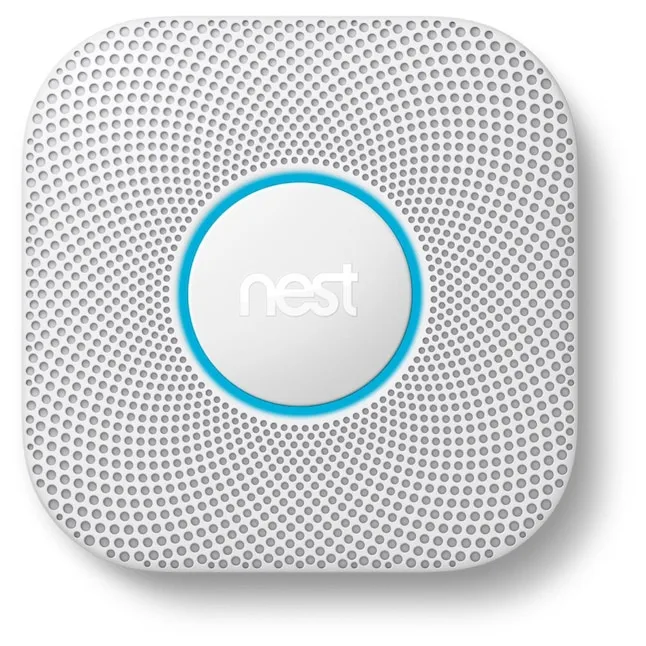
You're probably wondering what exactly a smart security hub is and if you even need one for your home. Think of it as the central brain that connects all your smart security devices, making them work together seamlessly. It’s the command center that allows you to monitor and control your home's safety from anywhere.
Essentially, it's the piece that ties everything together, transforming individual smart gadgets into a cohesive, intelligent security system. In our research, we found that understanding the hub's role is key to building an effective and reliable smart home security setup.
Quick Answer
A smart security hub is a central device that connects and controls various smart security components in your home. It acts as the brain, allowing devices like door sensors, motion detectors, and smart locks to communicate with each other and with you via a mobile app. This integration enables automated actions and remote monitoring, significantly enhancing your home's security.
How Smart Security Hubs Actually Work
At its heart, a smart security hub is designed to be the conductor of your home's security orchestra. It’s not just a fancy Wi-Fi router; it’s a specialized device built to manage the unique communication needs of security sensors and smart home automation.
Connecting Your Devices
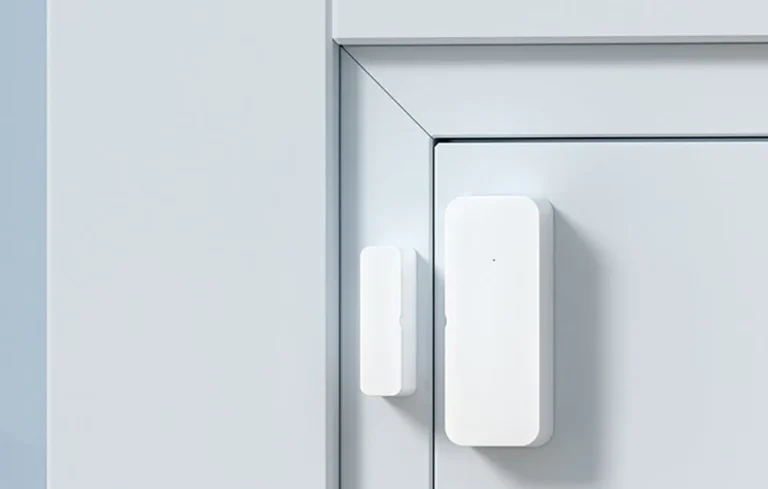
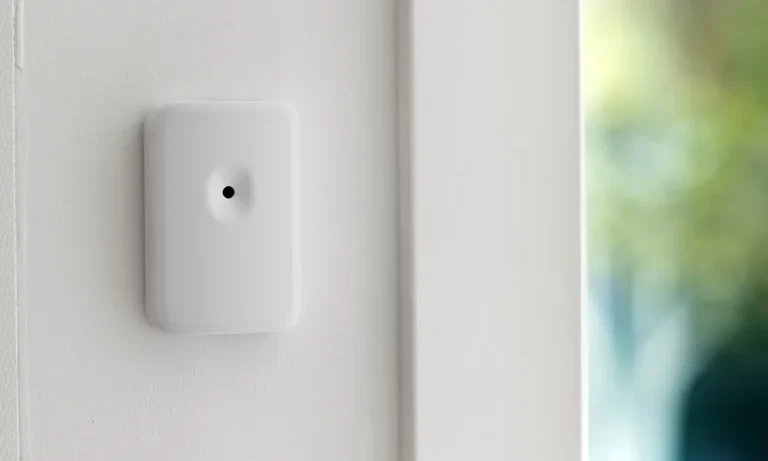
The primary job of a hub is to facilitate communication between all your various smart security devices. These can include door and window sensors, motion detectors, smart locks, glass break sensors, and even smart cameras. Instead of each device trying to connect directly to your home Wi-Fi network, which can get crowded and unreliable with many devices, they connect wirelessly to the hub.
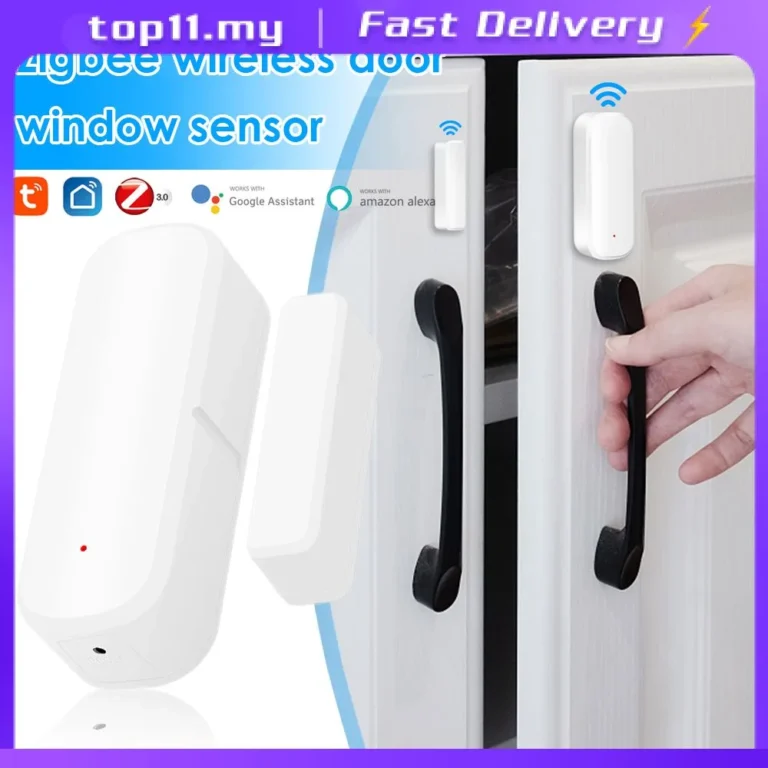
These connections typically use protocols like Z-Wave or Zigbee, which are designed for low-power, long-range communication ideal for security sensors. According to manufacturer specifications, Z-Wave devices can operate on a mesh network, meaning each device can relay signals, extending the overall range and improving reliability. This ensures that even sensors placed further away from the hub can reliably send their status updates.
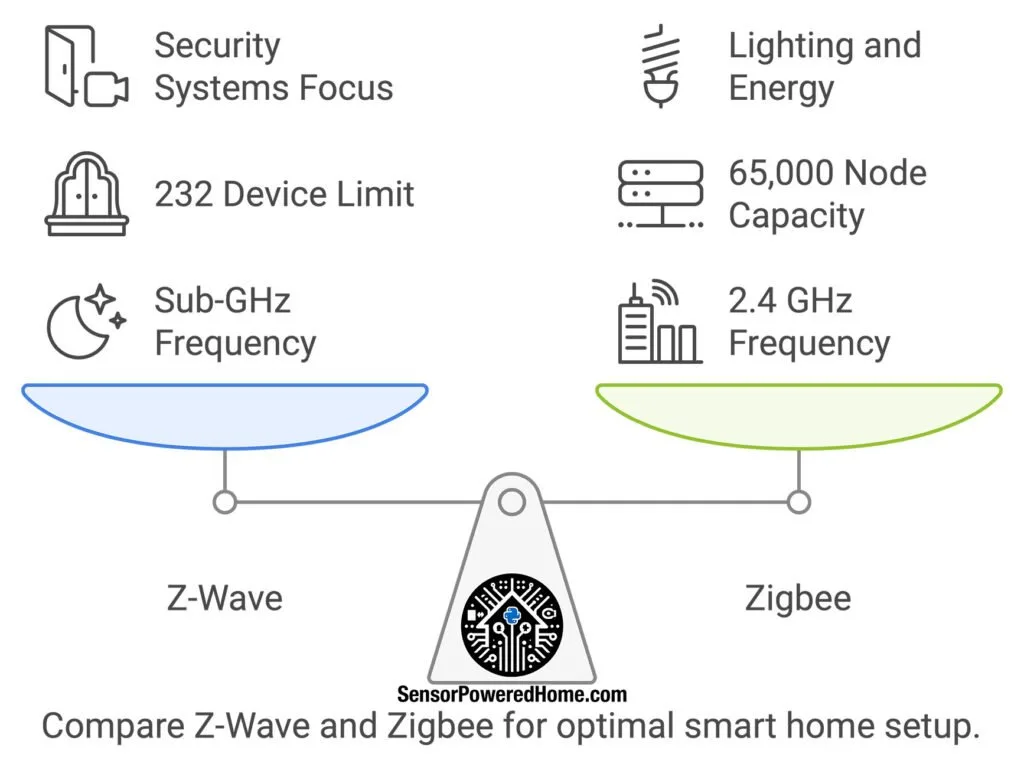
Image source: Web (Bing) / sensorpoweredhome.com (Web image (fair-use with source credit))
Making Devices Work Together
Once devices are connected to the hub, the real magic begins: making them interact. This is where the hub's intelligence comes into play. It receives signals from your sensors, for example, a door sensor indicating it has been opened, or a motion detector sensing movement.
Based on pre-set rules, the hub can then trigger actions on other connected devices.
This means a motion detection event could automatically trigger your smart lights to turn on, or an alert from a door sensor could command a smart lock to engage. This interconnectedness is what differentiates a true smart security system from a collection of standalone smart gadgets.
The Role of Automation
Automation is where a smart security hub truly shines. You can set up custom rules, often referred to as "scenes" or "automations," to control how your devices respond to different events. For instance, you might create an automation that says, "If no one is home (detected by smart lock status or your phone's location) and a motion sensor is triggered after 10 PM, then sound the siren, turn on all indoor lights, and send me an immediate push notification."
This ability to automate responses means your home can react to potential threats or everyday events even when you're not actively monitoring it. It transforms your security system from a passive alarm into an active guardian.
Key Features of a Smart Security Hub
When you're looking at smart security hubs, you'll notice a few key characteristics that define their functionality and usefulness. These aren't just technical specs; they're the features that directly impact your security and how you interact with your system.
Device Compatibility and Protocols
This is arguably the most critical factor. A hub is only as good as the devices it can connect to. Hubs support various wireless communication protocols, with Z-Wave and Zigbee being the most common for dedicated security systems.
Some hubs also integrate with Wi-Fi and Bluetooth devices. Before purchasing a hub, it's essential to check its compatibility list to ensure it works with the sensors and devices you already own or plan to buy. Manufacturer websites often provide detailed compatibility charts.
For example, a hub might support up to 200 Z-Wave devices and 50 Zigbee devices, offering significant scalability.
Remote Access and Control
A defining feature of any smart security hub is its ability to provide remote access. This is typically managed through a dedicated mobile application available for smartphones and tablets. Through this app, you can arm or disarm your system, check the status of individual sensors, view camera feeds, lock or unlock doors, and receive instant alerts about any triggered events.
This allows you to keep an eye on your home and manage your security from virtually anywhere with an internet connection, providing peace of mind when you're away.
Cellular Backup and Power Outage Protection
What happens if your home's internet goes down or the power is cut? This is a critical consideration for security. Many smart security hubs offer cellular backup as a feature.
This means that if your primary internet connection fails, the hub can switch to a cellular network to maintain its connection to the outside world and the monitoring service (if applicable).
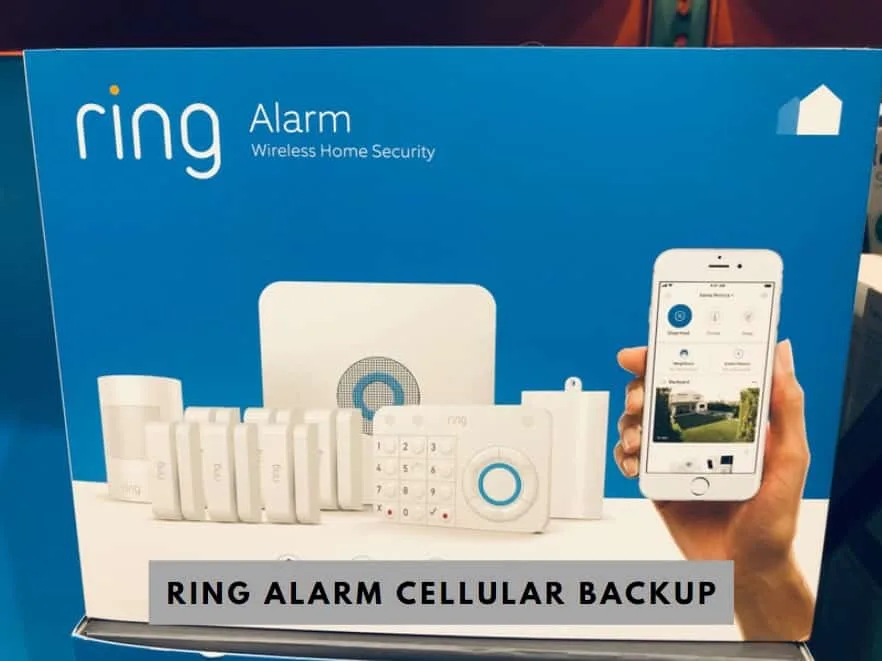
Image source: Web (Bing) / diysmarthomehub.com (Web image (fair-use with source credit))
Furthermore, some hubs include a built-in battery backup. This ensures that the hub itself continues to operate for several hours (often 8-24 hours, depending on the model and usage) even during a power outage. Manufacturer specifications for battery backup often cite a 24-hour operational period under normal conditions.
This dual protection, cellular and battery backup, is vital for maintaining security when you need it most.
Smart Security Hubs: Benefits and Drawbacks
Like any technology, smart security hubs come with their own set of advantages and disadvantages. Understanding these can help you decide if a hub-based system is the right fit for your needs and expectations.
The Upsides of Integrated Security
The primary benefit of a smart security hub is the creation of a truly integrated security system. Instead of managing multiple apps for different devices, you have a single point of control. This makes arming, disarming, and monitoring your home much more streamlined.
Automation is another huge plus; you can set up complex sequences, like having your lights flash red if a smoke detector is triggered, or ensuring all doors lock automatically at sunset. Research aggregated from user reviews consistently highlights increased convenience and enhanced peace of mind as major benefits. The ability to scale your system by adding more compatible devices over time without needing to overhaul the core system is also a significant advantage.
Potential Challenges and Limitations
While hubs offer many advantages, there are also challenges to consider. Compatibility can be a major hurdle; not all smart devices work with every hub, so you need to do your homework. Some users find the initial setup process to be more complex than with standalone devices, especially when dealing with different protocols like Z-Wave or Zigbee.
Network congestion can also be an issue if you have a very large number of devices, though dedicated protocols like Z-Wave are designed to mitigate this better than standard Wi-Fi. Another concern is reliance on the hub itself; if the hub fails, your entire integrated system can be compromised, underscoring the importance of features like battery and cellular backup.
Who Needs a Smart Security Hub?
Deciding if a smart security hub is right for you really comes down to your current and future security needs, as well as your comfort level with technology. It's not a one-size-fits-all solution, but it excels in specific scenarios.
Ideal Use Cases for Hub-Based Security
A smart security hub is particularly beneficial for homeowners who want a comprehensive and interconnected security system. If you plan to have multiple types of smart security devices, such as door sensors, motion detectors, smart locks, and cameras, a hub simplifies management and enables powerful automations between them. It’s also ideal for those who want the option of professional monitoring, as most hubs are designed to integrate with these services.
People who value remote control and the ability to create custom security "scenes" (e.g., "Away Mode" that arms sensors and turns off lights) will find a hub indispensable.
Who Might Not Need One
If your security needs are very basic, you might not require a dedicated hub. For instance, if you only want a single smart camera and a smart lock, and you're happy managing them through their individual apps, a hub might be overkill. Similarly, some individuals might prefer a simpler, standalone DIY security system that doesn't rely on a central hub, especially if they have limited technical comfort or a very small home.
The cost of a hub and compatible devices can also be a factor, so for budget-conscious users with minimal needs, individual smart devices might suffice.
Common Smart Security Hub Mistakes to Avoid
Even with the best intentions, setting up and managing a smart security hub can lead to missteps. Avoiding these common errors can save you time, money, and ensure your home is actually more secure.
Compatibility Errors
One of the biggest mistakes people make is buying a hub without thoroughly checking device compatibility. You might purchase a beautiful set of Z-Wave sensors only to find out your hub primarily supports Zigbee devices, or vice-versa. Always consult the hub manufacturer's official compatibility list before making any purchases.
Aggregate user feedback indicates that this oversight is a leading cause of buyer's remorse and system integration issues.
Network and Setup Pitfalls
Another frequent mistake involves network setup. Forgetting to give the hub a stable, strong Wi-Fi signal or a wired Ethernet connection can lead to performance issues. If your internet is spotty, your hub's remote access and alerts will be unreliable.
Some users also rush through the initial setup, skipping important configuration steps that are crucial for security, such as setting strong passwords or enabling two-factor authentication if offered.
Ignoring Security Best Practices
While designed for security, smart hubs themselves can become vulnerabilities if not managed properly. This includes using default passwords on the hub or its associated app, failing to update firmware when new security patches are released (manufacturer documentation often stresses the importance of regular updates), or connecting the hub to an unsecured network. Always follow manufacturer guidance on securing your hub and connected devices to prevent unauthorized access.
Setting Up Your Smart Security Hub
Getting your smart security hub up and running usually involves a few straightforward steps. First, you'll need to connect the hub to your home network. This is often done via an Ethernet cable plugged directly into your router for the most stable connection, though many hubs also support Wi-Fi setup.
Manufacturer specifications typically recommend a wired connection for initial setup. Once physically connected, you’ll download the hub's companion mobile app and follow the on-screen prompts to create an account and register your hub.
This app is your main interface for managing the entire system. It guides you through naming your hub and setting up basic network preferences. The process is designed to be user-friendly, often taking less than 15 minutes from unboxing to basic network connectivity.
Initial Hub Configuration
After the hub is online, the next crucial step is pairing your individual security devices, like door sensors, motion detectors, and smart locks, with the hub. The app will typically have an "add device" or "pair device" option. You’ll then put the hub into pairing mode and activate the device you want to add, often by inserting batteries or pressing a small button.
Our research indicates this process is usually quick, with most devices pairing within 30-60 seconds.
It's vital to pair devices one at a time and to follow the specific instructions for each sensor type. For instance, a door sensor might require you to place the two parts within an inch of each other during pairing. Successful pairing is confirmed by the app recognizing the device and allowing you to name it (e.g., "Front Door Sensor," "Living Room Motion Detector").
Pairing Your Security Devices
With your devices paired, you can start creating basic automations. These rules dictate how your devices interact. For example, you can set up a rule like "When the Front Door Sensor opens, send me a notification." The app provides a user-friendly interface for building these rules, often using a simple "if this, then that" logic.
You can also set schedules. A common automation is to arm specific sensors only when you're away from home. You might create an "Away" mode that arms perimeter sensors and motion detectors, while disabling interior motion detection to prevent false alarms from pets.
This level of customization is what transforms a collection of gadgets into a smart, responsive security system.
Creating Basic Automation Rules
With your devices paired, you can start creating basic automations. These rules dictate how your devices interact. For example, you can set up a rule like "When the Front Door Sensor opens, send me a notification." The app provides a user-friendly interface for building these rules, often using a simple "if this, then that" logic.
You can also set schedules. A common automation is to arm specific sensors only when you're away from home. You might create an "Away" mode that arms perimeter sensors and motion detectors, while disabling interior motion detection to prevent false alarms from pets.
This level of customization is what transforms a collection of gadgets into a smart, responsive security system.
Creating Automation Rules
This section delves deeper into how to leverage your smart security hub's automation capabilities. It’s not just about setting up a few basic alerts; it’s about designing a system that proactively works to protect your home and makes your daily life more convenient.
If This, Then That: Logic Explained
The core of smart hub automation is conditional logic, often presented as "If This, Then That" (IFTTT) statements. You define a trigger (the "If This") and an action (the "Then That"). For instance, "IF motion is detected in the hallway between 11 PM and 6 AM, THEN turn on the hallway light to 20% brightness." Or, "IF the front door unlocks, THEN disarm the system."
These rules can become quite sophisticated, linking multiple conditions and actions. You can set up "scenes" that bundle several commands. A "Goodnight" scene might involve locking all smart locks, arming specific sensors, and turning off all lights.
A "Welcome Home" scene could unlock the front door, disarm the system, and turn on an entryway light.
Advanced Automation Examples
Beyond basic alerts, consider these more advanced scenarios. You can integrate your smart thermostat: "IF the system is armed in 'Away' mode, THEN set the thermostat to an energy-saving temperature." Or integrate smart lighting: "IF a door sensor is triggered after dark, THEN turn on the porch light for 10 minutes." Many hubs also support geofencing, using your phone's location to automatically arm or disarm the system as you leave or arrive.
To truly maximize your hub, explore its advanced settings. This might include setting delays on certain triggers (e.g., a 30-second delay before an alarm sounds to allow for disarming), defining which modes trigger which actions, or creating custom notifications for specific events. Always refer to your hub's documentation for its specific automation capabilities and syntax.
Understanding Your Hub's Network Protocols
The way your smart security hub and its connected devices communicate is fundamental to the system's reliability and performance. Different wireless protocols have distinct strengths and weaknesses that impact range, power consumption, and the sheer number of devices you can connect.
Z-Wave and Zigbee: The Backbone Protocols
Most dedicated smart security hubs rely heavily on Z-Wave and Zigbee. These are low-power, mesh networking protocols specifically designed for smart home devices. Unlike Wi-Fi, which is power-hungry and can become congested with many devices, Z-Wave and Zigbee create their own dedicated networks.
- Z-Wave: Typically operates on a lower frequency (around 900 MHz in North America), which helps it penetrate walls and obstacles better than higher-frequency signals. Z-Wave devices form a mesh network where each device can relay messages, extending the system's range significantly. Manufacturer data often shows Z-Wave can reliably support up to 232 devices on a single network.
- Zigbee: Operates on a different frequency (2.4 GHz, similar to Wi-Fi, but with different channel usage). It also forms a mesh network and is known for its efficiency and scalability. Some Zigbee networks can support even more devices than Z-Wave, with some systems capable of handling hundreds of interconnected devices.
Wi-Fi and Bluetooth Integration
While Z-Wave and Zigbee are common for sensors, many hubs also integrate with Wi-Fi and Bluetooth devices, such as smart cameras, smart speakers, or smart plugs. These protocols have different characteristics: Wi-Fi offers higher bandwidth for video streaming but uses more power, while Bluetooth is good for short-range device pairing. A good hub will intelligently manage these different protocols to optimize performance and battery life for each connected device.
Costs and Pricing Considerations
When investing in a smart security hub, it’s not just about the upfront cost of the hub itself. You need to consider the total investment, including the hub, any necessary sensors, and potential ongoing subscription fees.
Upfront Hardware Costs
The price of a smart security hub can vary widely, typically ranging from $100 to $300 for the hub unit alone. This cost often depends on the hub's features, such as built-in cellular backup, battery backup, or advanced processing capabilities. Beyond the hub, you'll need to purchase compatible security devices.
A basic starter kit might include a hub, a few door/window sensors, and a motion detector, costing anywhere from $200 to $500. Adding more specialized devices like smart locks, glass break sensors, or additional cameras will increase the total hardware expense.
Ongoing Subscription Fees
Many smart security systems, particularly those offering professional monitoring, require a monthly subscription fee. These fees can range from $10 to $50 per month, depending on the level of service. Professional monitoring means a company is alerted when your alarm is triggered and can dispatch emergency services.
Some systems also offer cloud storage for camera footage, which often comes with a recurring fee. It’s important to factor these ongoing costs into your budget when choosing a system. Some hubs, however, can function entirely without a subscription for self-monitoring and automation.
When to Seek Expert Help
While setting up a smart security hub is often a DIY project, there are certain situations where calling in a professional installer or consultant makes sense. Knowing when to reach out can save you significant time, prevent costly mistakes, and ensure your system is optimally configured for your home's unique needs.
Complex Home Layouts or Large Properties
If you have a large home, a property with multiple outbuildings, or a complex layout with many dead zones, a professional installer can ensure optimal placement of the hub and sensors. They have the tools and expertise to perform signal strength tests and identify potential interference issues that you might miss. Their experience can prevent problems like sensors not communicating reliably due to thick walls or long distances.
Integrating with Existing Systems
For homeowners looking to integrate a new smart security hub with an existing smart home ecosystem or older, non-smart security components, professional assistance can be invaluable. They can advise on the best hub for compatibility and manage the integration process to ensure seamless operation. This is particularly relevant if you're considering systems that require specific wiring or advanced networking configurations, as per industry standards from organizations like the Security Industry Association (SIA).
Frequently Asked Questions About Smart Security Hubs
How long does setup typically take?
Most smart security hubs can be set up and connected to your network within 15 to 30 minutes. Pairing individual sensors might add another 30-60 seconds per device. Creating basic automation rules can take an additional 15-30 minutes, depending on complexity.
Can I use my existing smart devices with a new hub?
This depends entirely on compatibility. You need to check if your existing devices use protocols (like Z-Wave, Zigbee, or Wi-Fi) that your chosen hub supports. Manufacturer websites usually list compatible devices.
What happens if my internet connection goes down?
Many hubs offer cellular backup, which automatically switches to a mobile network to maintain connectivity for alerts and monitoring. Some also have battery backup to keep the hub operational during power outages.
Do I need a monthly subscription?
This varies by system. Hubs for professional monitoring services almost always require a monthly fee. However, many hubs function perfectly for self-monitoring and automation without any ongoing subscription costs.
How many devices can a hub support?
The number of devices a hub can support differs greatly. Some smaller hubs might handle around 50 devices, while more advanced hubs can manage over 200 Z-Wave and Zigbee devices, allowing for extensive system expansion.
Making the Right Choice for Your Home Security
Choosing a smart security hub is a significant step toward a more connected and secure home. It’s about finding that central piece that reliably ties all your security devices together, offering you control and peace of mind. Think about your specific needs: are you looking for simple alerts, or do you want to build complex automations that react to different events?
Consider the devices you already have or plan to buy and ensure they're compatible with the hub you’re eyeing. Don’t forget to factor in potential ongoing costs for subscriptions, especially if professional monitoring is a must-have for you. By carefully weighing the features, benefits, potential drawbacks, and your personal security goals, you can select a smart security hub that truly fits your home and lifestyle.