How to Install a Security System Without Drilling
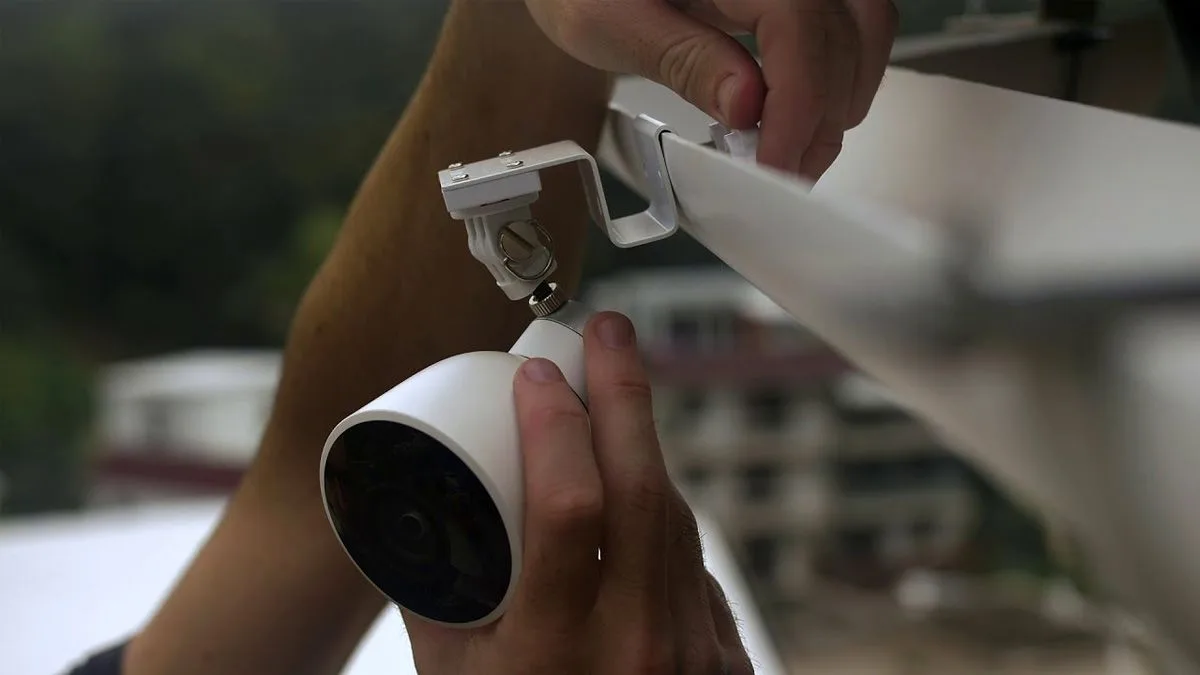
Image source: Web (Bing) / storage.googleapis.com (Web image (fair-use with source credit))
Securing your home doesn't have to mean drilling holes through walls or frames, especially if you're renting or prefer a non-permanent solution. You can install a robust security system without damaging your property. Many modern wireless security systems are designed for just this purpose, offering flexibility and peace of mind.
Our research indicates that as of 2026, the market offers a wide array of tools and technologies that make drill-free installation not only possible but practical. From peel-and-stick sensors to battery-powered cameras that connect via Wi-Fi, you have many effective options. This guide will help you navigate those choices.
Quick Answer
You can install a security system without drilling using wireless devices like cameras, door/window sensors, and motion detectors that mount with adhesive. Ensure strong Wi-Fi and clean surfaces for reliable setup. Many DIY kits and individual smart components offer this drill-free flexibility for renters and homeowners.
Why Drilling Isn't Necessary for Home Security
Many people assume that setting up a proper security system requires significant installation work, often involving drills. This is largely a misconception left over from older, wired systems. Today's technology has evolved dramatically, with a strong focus on user-friendly, non-invasive installations.
Wireless components and clever mounting solutions mean you can effectively monitor your home, secure entry points, and enhance safety without ever needing a drill. This shift is particularly beneficial for renters who cannot make permanent alterations or for homeowners who simply want a more flexible or temporary setup.
Your No-Drill Security System Needs: What Are You Protecting?
Before diving into specific gadgets, it's crucial to pinpoint exactly what you want to achieve with your security system. The most effective no-drill setups are tailored to specific needs, rather than trying to be a catch-all solution. Think about the primary threats or concerns you have for your home.
Identifying Vulnerable Entry Points
Are your main worries about someone breaking in through a door or window? This is where specific sensors become key. Areas like the front door, back door, and accessible ground-floor windows are prime targets for intruders.
Identifying these points helps determine where to prioritize sensor placement for maximum impact.
Monitoring Needs: Visuals vs. Alerts
Do you need to see what's happening, or is an alert sufficient? If you want to visually confirm an event, such as seeing who is at the door or checking on a pet, wireless cameras are your go-to. For immediate notification of an unauthorized entry without needing a live feed, door and window sensors or motion detectors suffice.
Understanding this distinction helps you choose between cameras, sensors, or a combination of both.
The Drill-Free Security Toolkit: Your No-Hole Options
The good news is there's a robust selection of security devices available that require no drilling for installation. These are typically designed with adhesive backing, small screws that use existing holes, or simply by being placed strategically.
Wireless Cameras: Eyes on Your Home
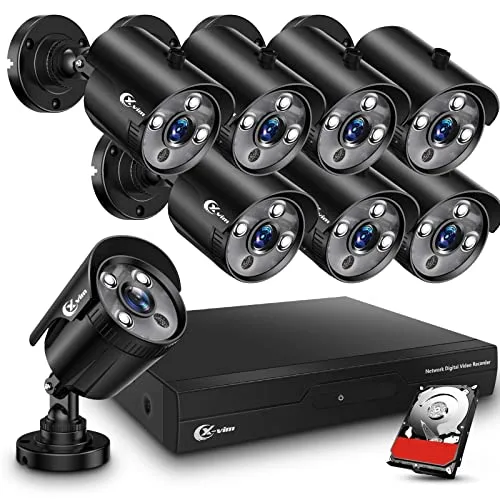
Wireless cameras are incredibly versatile for monitoring. Manufacturer specifications often confirm they can be mounted using strong adhesive strips or command hooks, making them suitable for placement on walls, door frames, or even shelves. Many models are battery-powered, offering complete freedom from power outlets and wiring.
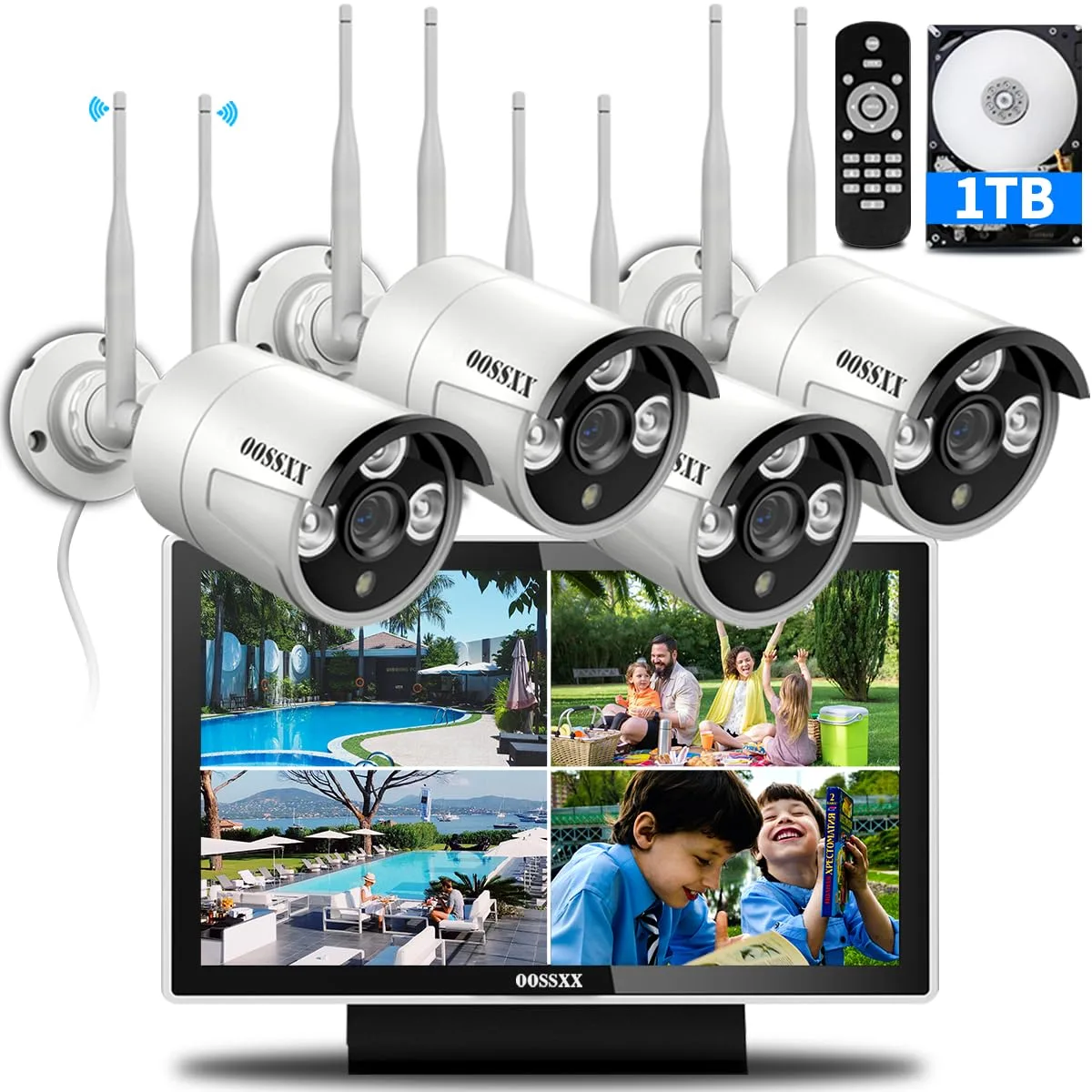
These devices connect to your home Wi-Fi network, allowing you to view live feeds and recorded footage from a smartphone app. This makes them ideal for keeping an eye on children, pets, or specific areas like entryways. In our research, high-quality cameras offer resolutions of 1080p or higher, ensuring clear imagery day or night, thanks to built-in infrared night vision.
Door & Window Sensors: Silent Guardians
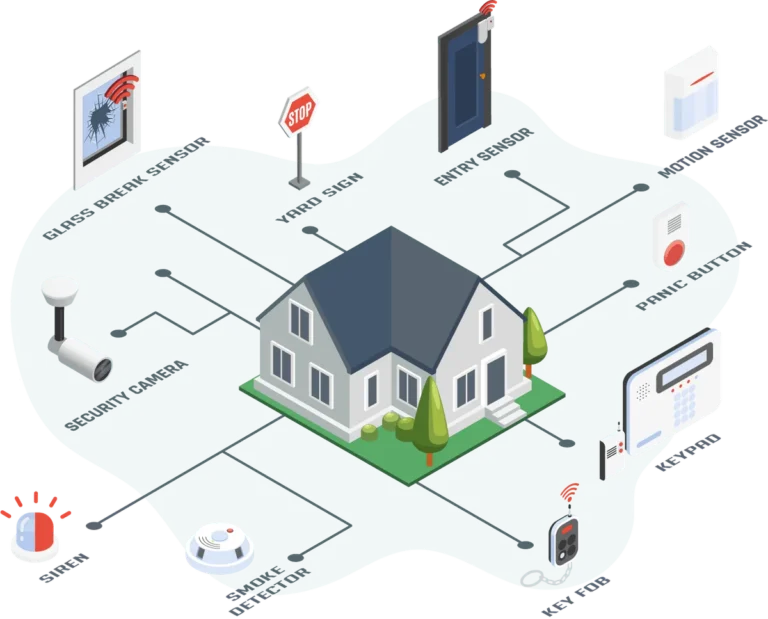
Door and window sensors are fundamental components of a no-drill security system. They typically consist of two small parts: a magnet and a sensor. These parts stick onto the door/window and its frame, respectively, using strong double-sided adhesive.
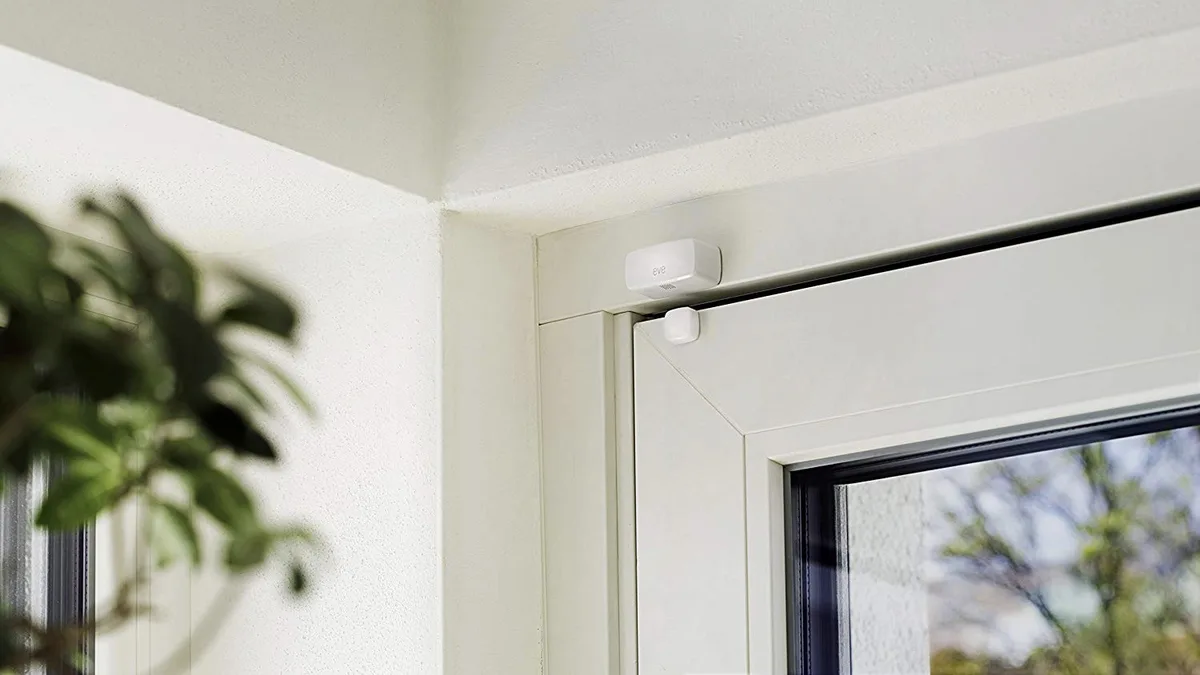
When the door or window is opened, the magnetic contact is broken, triggering an alert. Aggregated user feedback indicates these sensors are highly reliable for detecting unauthorized access. Verified buyer feedback reports that many sensor units can operate for several years on a single coin-cell battery, often lasting two to three years based on typical usage.
They provide essential perimeter security without any permanent modifications.
Motion Sensors: Detecting Movement
Motion sensors add another layer of detection. These battery-powered units are also easily mounted with adhesive or placed on flat surfaces. They use passive infrared (PIR) technology to detect changes in heat signatures as people or large animals move through their field of view.
Our research indicates that motion sensors can cover areas ranging from 30 to 60 feet, depending on the model and its sensitivity settings. Many systems allow you to adjust this sensitivity to prevent false alarms, which is especially useful if you have pets. Placing motion sensors in high-traffic areas like hallways or living rooms ensures that any movement within your home triggers an alert, complementing your door and window sensors.
Smart Locks: Keyless Entry Convenience
While not always considered part of a traditional alarm system, smart locks offer enhanced security and convenience without the need for drilling. Many models are designed to replace your existing deadbolt using the same mounting holes and hardware, requiring no new holes in your door. They typically connect via Wi-Fi or Bluetooth.
This means you can lock and unlock your doors remotely via a smartphone app, grant temporary access to guests, and receive notifications about who enters and when. Verified buyer feedback reports that installation often takes less than 30 minutes. For example, some Kwikset smart locks, as detailed on their official product documentation, are designed for easy retrofitting onto standard doors.
Wireless Safety Detectors: Smoke & CO
Beyond intrusion, safety is paramount. Wireless smoke and carbon monoxide (CO) detectors are crucial. These devices are usually mounted using a simple plate that attaches to the wall or ceiling, often with screws that are easily patched later or sometimes strong adhesive.
They communicate wirelessly with a hub or directly to your smartphone.
Official guidance from organizations like the National Fire Protection Association (NFPA) emphasizes the importance of placement for effective detection. Per NFPA standards, these detectors should be installed on every level of the home, inside each bedroom, and outside sleeping areas. Wireless models allow for this critical placement without complex wiring, ensuring your home is protected against fire and dangerous gas leaks.
Assembling Your No-Drill System: Power & Connectivity
Once you've chosen your devices, thinking about how they'll be powered and connected is the next logical step. For a truly drill-free experience, you'll primarily be looking at battery-operated devices or those that can plug into existing outlets, coupled with a robust Wi-Fi network.
Battery-Powered vs. Plug-In Devices
The choice between battery-powered and plug-in devices significantly impacts placement flexibility. Battery-powered sensors and cameras offer the ultimate freedom. You can mount them almost anywhere, from a high corner to a temporary surface, without worrying about proximity to an electrical outlet.
Manufacturer specifications often indicate battery life can range from a few months to several years, depending on usage and device type.
However, this freedom comes with the responsibility of battery maintenance. You'll need to monitor battery levels through your system's app and replace or recharge them as needed. Plug-in cameras or hubs offer continuous power, eliminating battery concerns.
If you opt for these, ensure you have accessible outlets in your desired locations. Some systems, like certain Ring Alarm Pro setups, include a base station that plugs into a standard outlet and also acts as a Wi-Fi extender, providing a central power and connectivity hub for other wireless devices.
Ensuring Strong Wi-Fi Signal
Reliable Wi-Fi is the backbone of any wireless security system. Every camera, sensor, and smart lock that communicates wirelessly relies on a stable connection to your home network. Before installing your system, it’s wise to check your Wi-Fi signal strength in the intended locations for each device.
Most wireless security devices operate on the 2.4GHz Wi-Fi band, though some cameras may also support 5GHz for higher bandwidth. Weak signals can lead to dropped connections, delayed alerts, or unwatchable video feeds. If you find dead spots or weak areas, consider using a Wi-Fi extender or a mesh Wi-Fi system to boost coverage throughout your home.
Putting It Together: Your No-Drill Installation Game Plan
With your devices selected and power/connectivity sorted, it's time for the actual setup. The beauty of these systems is their user-friendliness, often requiring no specialized tools or skills.
Step 1: Assess and Plan Device Placement
Walk through your home again, this time with your chosen devices. Mentally (or physically, with temporary placement) position your sensors and cameras. For door/window sensors, ensure the two parts align correctly when the door/window is closed.
For cameras, consider the viewing angle and potential obstructions. For motion sensors, map out the area they need to cover without being triggered by pets or moving curtains.
Step 2: Prepare Surfaces for Adhesion
This step is critical for ensuring your devices stay put. Use a clean, lint-free cloth to thoroughly wipe down the mounting surfaces for any adhesive-backed components. If the surface is dusty, greasy, or damp, the adhesive will not bond properly, potentially leading to the device falling off.
For best results, follow manufacturer instructions precisely regarding surface preparation.
Step 3: Mount and Connect Your Devices
Once surfaces are clean and dry, carefully apply the adhesive backing and press the device firmly into place for the recommended time (often 30-60 seconds). For smart locks, follow the specific instructions provided by the manufacturer, which usually involve using the existing deadbolt hardware. After mounting, power on your devices and connect them to your Wi-Fi network via the system's mobile app.
Step 4: Test and Calibrate Your System
Testing is non-negotiable. Arm your system and deliberately trigger each sensor and camera. Open doors, walk past motion detectors, and check your app to ensure alerts are received promptly and accurately.
For cameras, review the footage to confirm the field of view and image quality. Adjust motion sensor sensitivity or camera angles as needed to optimize performance and minimize false alarms.
Common Mistakes When Installing Without Drilling
While drill-free installation is convenient, a few common pitfalls can lead to frustration or a less-than-effective system. Avoiding these mistakes can save you time and ensure your security setup works as intended.
Surface Preparation Blunders
The most frequent issue we see is inadequate surface preparation before applying adhesive mounts. Skipping the cleaning step or using a damp cloth means the adhesive won't bond properly. Aggregated user feedback suggests that even a small amount of dust or oil can cause a sensor or camera to detach, especially in fluctuating temperatures.
Ignoring Wi-Fi Strength
Assuming your Wi-Fi is strong enough everywhere is another common oversight. Wireless devices rely entirely on a stable connection. If a camera is placed in a Wi-Fi dead zone, you'll experience buffering, dropped connections, and missed events.
Testing signal strength beforehand, ideally using a Wi-Fi analyzer app on your smartphone, can prevent this.
Misplacing Sensors
Incorrect placement of door and window sensors can lead to false alarms or failure to detect entry. Ensure the two parts of the sensor are close enough to maintain contact when closed, but still function when opened. Similarly, placing motion sensors too close to heat sources or vents can cause false triggers, while placing them too high might miss a person crawling or low to the ground.
Making the Right Choice: DIY Kits vs. Individual Smart Devices
When opting for a no-drill security system, you generally have two main paths: purchasing an all-in-one DIY kit or selecting individual smart devices. Each has its own advantages and is suited to different user needs.
All-in-One DIY Kits: Convenience
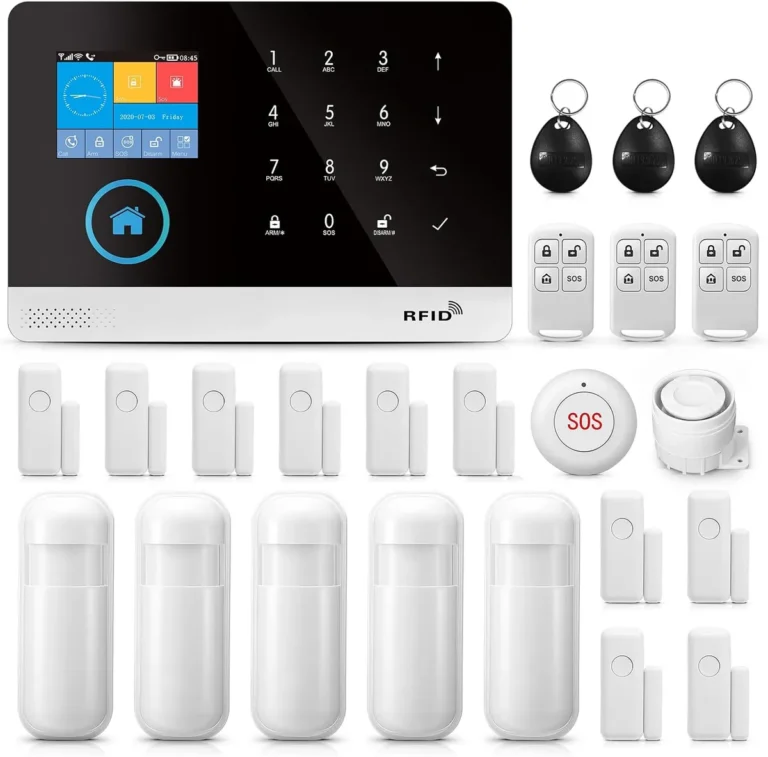
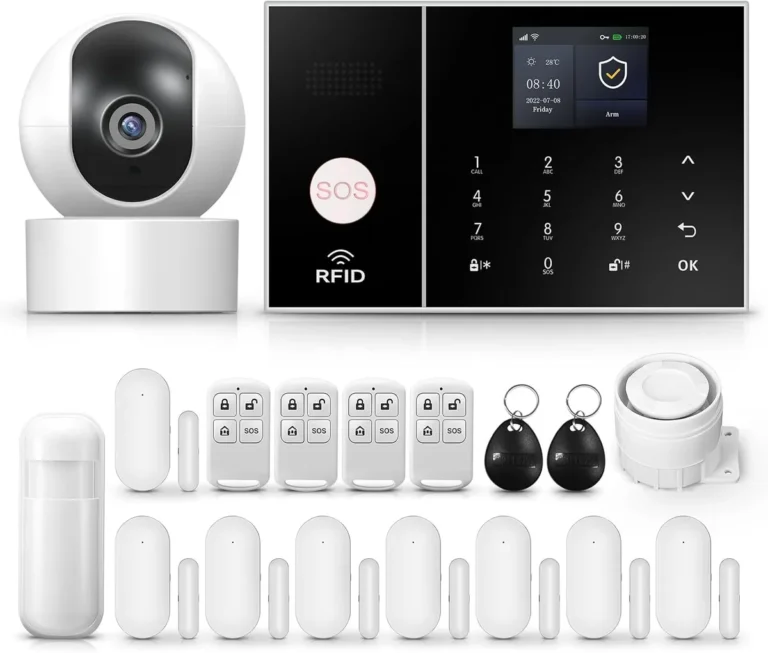
Many companies offer pre-packaged DIY security kits designed for easy setup. These kits typically include a central hub or base station, several door/window sensors, motion detectors, and sometimes a camera or video doorbell. These systems are often built to work seamlessly together, with a single app controlling all components.
This approach is excellent for individuals who want a comprehensive system quickly and without much research. It's ideal for those new to smart home technology or who prefer a more streamlined management experience. You can learn more about what a DIY home security system entails at https://robinchestnut.com/what-is-a-diy-home-security-system/.
Individual Smart Devices: Flexibility
Alternatively, you can build a custom system by selecting individual smart devices from various brands. This allows you to tailor your security setup precisely to your needs, choosing specific types of cameras, specialized sensors, or smart locks that meet your requirements. This route requires more research to ensure compatibility between devices and your chosen smart home ecosystem (like Alexa or Google Home).
This is a great option if you already have some smart home devices or if you have very specific security needs not met by standard kits. It offers greater customization and the potential to integrate with a wider range of smart home functions. For a deeper understanding of wireless security systems, exploring resources like https://robinchestnut.com/what-is-a-wireless-home-security-system/ can be helpful.
Frequently Asked Questions About No-Drill Security
How long does setup typically take?
Setup for most no-drill security systems can be completed in under an hour, especially for simpler configurations. More complex systems with multiple devices might take two to three hours.
How reliable are adhesive mounts?
Adhesive mounts are very reliable when surfaces are properly cleaned and prepared according to manufacturer guidelines. They are designed to hold securely for years under normal conditions.
Can I use these systems if I have pets?
Yes, many motion sensors offer adjustable sensitivity settings that can distinguish between pets and people. Cameras can also help you monitor your pets when you're away.
What happens if my Wi-Fi goes down?
If your Wi-Fi goes down, most wireless security systems will stop sending real-time alerts to your phone. Some systems have local sirens that will still activate, and some advanced hubs may offer cellular backup for critical alerts.
Do I need a hub for all wireless systems?
Not all wireless systems require a separate hub. Many individual devices connect directly to your Wi-Fi network. However, integrated kits often use a hub as a central controller for all components.
Your Decision Guide: Choosing the Best No-Drill Security for You
Deciding on the right no-drill security system hinges on your specific needs and home environment. If you're a renter prioritizing ease of installation and removal, battery-powered wireless cameras and adhesive-backed door/window sensors are excellent choices. These offer robust perimeter security without any permanent alterations.
For those seeking comprehensive home monitoring, consider a DIY kit that bundles these components with a central hub for streamlined management.
If you have unique security requirements or want to integrate with existing smart home devices, selecting individual smart components might be more suitable. Regardless of your path, always prioritize devices with strong Wi-Fi connectivity and confirm battery life expectations. As of 2026, the technology readily supports a secure, drill-free home.