How Do Smart Locks Work With Security Systems
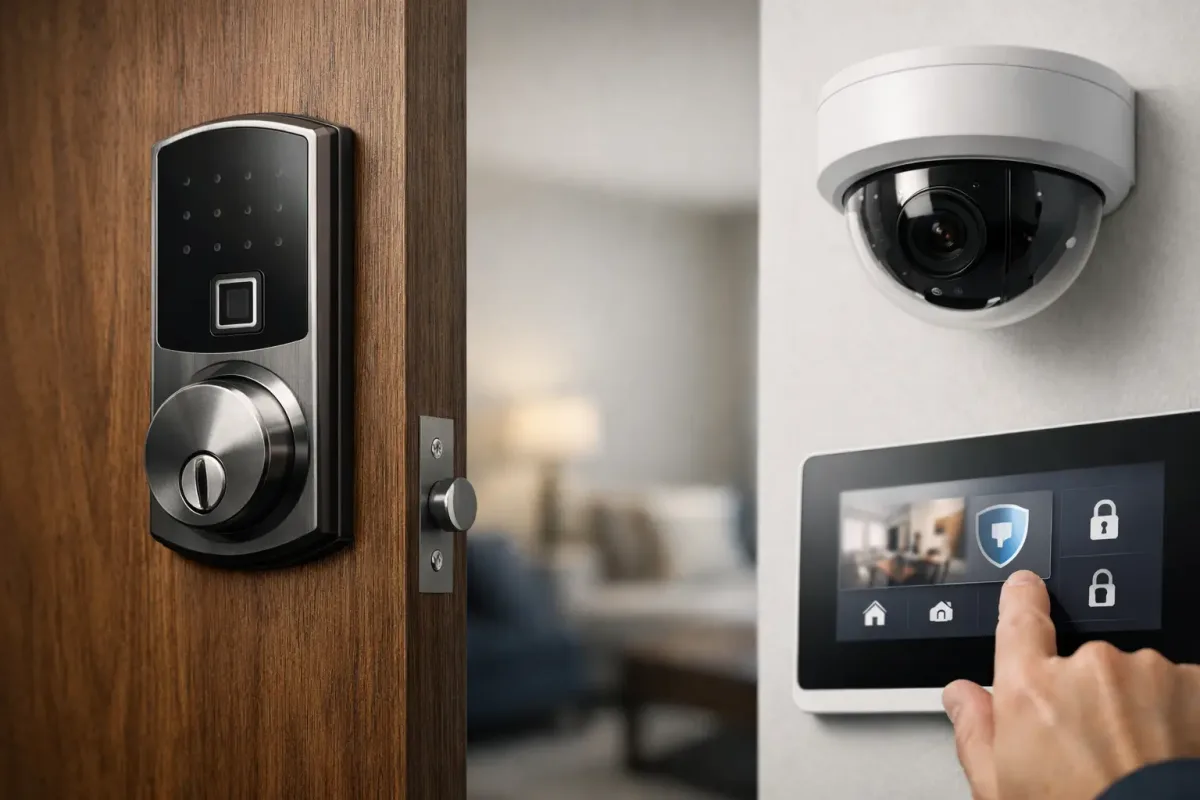
Image source: Bing (Web (fair-use with source credit))
Integrating smart locks with your home security system can feel like a leap into the future, offering convenience and enhanced control. But how exactly do these modern devices communicate with your existing alarm panels and monitoring services? Understanding the underlying technology is key to ensuring a secure and seamless setup for your home.
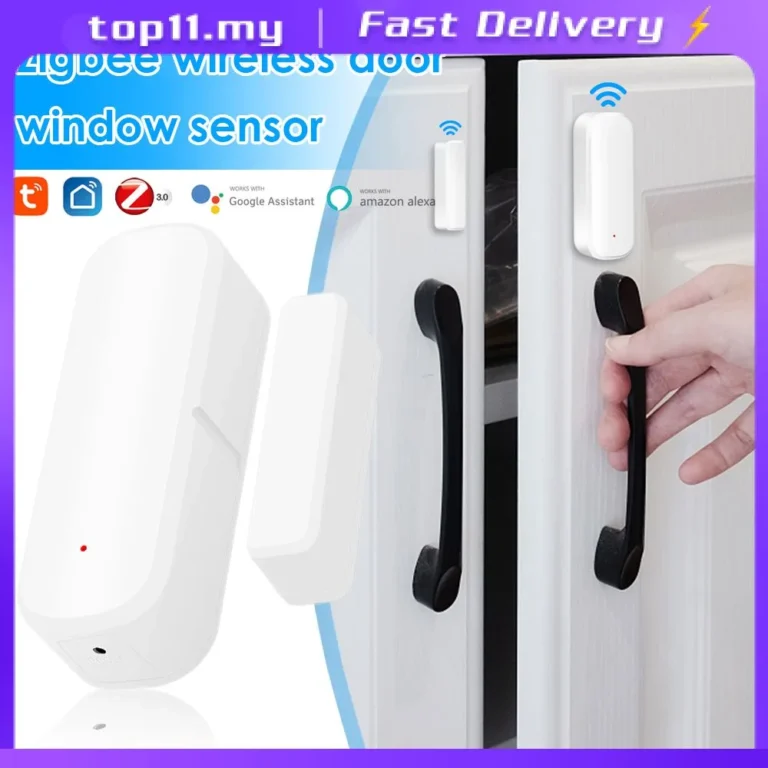
Many smart locks communicate with security systems using wireless protocols like Z-Wave or Zigbee, similar to how other smart home devices connect. Manufacturer specifications often confirm support for these standards, with many systems employing AES-128 encryption for data transmission. This article breaks down the process, potential challenges, and key benefits.
Quick Answer: Smart Locks & Security Systems
Smart locks connect to security systems using wireless protocols like Z-Wave, Zigbee, or Wi-Fi. They act as a controllable sensor, reporting lock status and allowing remote arming/disarming. This integration provides enhanced convenience and security monitoring.
The Core Connection: How They Communicate
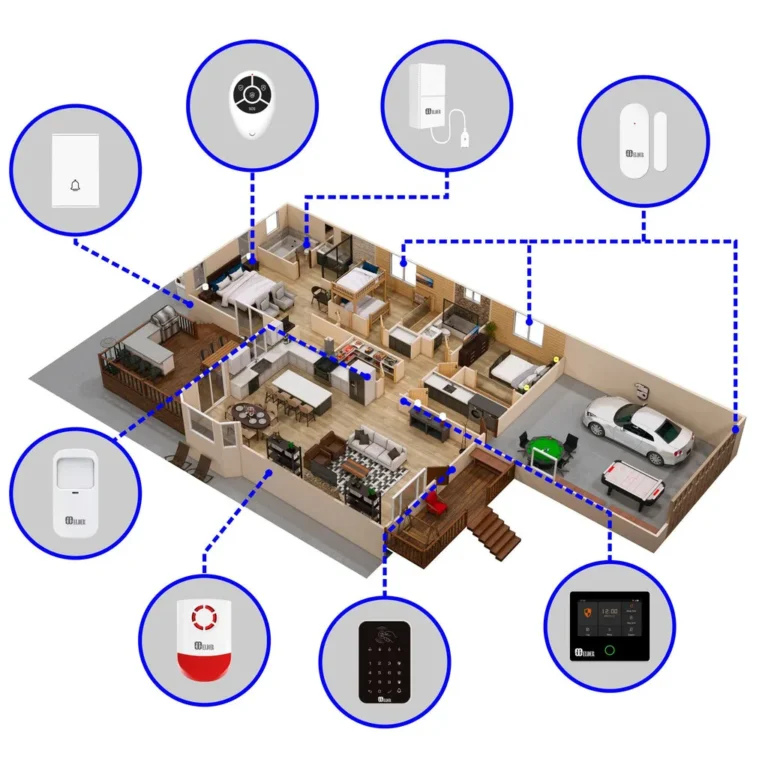
At their heart, smart locks and home security systems are designed to talk to each other to share information. Think of it like different branches of your home's safety network reporting to a central command. The smart lock's primary job is to securely lock and unlock your door, but when integrated, it also becomes a vital data point for your security system.
It tells the system if the door is locked or unlocked, and often, when it was last manipulated. This information can trigger certain security system actions, like arming or disarming the alarm, or sending you an alert.
The magic happens through specialized communication methods. Most security systems and smart locks use low-power, wireless protocols to exchange these signals reliably. This ensures they can work together without needing to be physically wired to each other, making installation much simpler.
Protocols: Z-Wave, Zigbee, Wi-Fi, and Bluetooth
These are the languages your smart lock and security system use to have conversations. Each has its own strengths and how it fits into the smart home ecosystem.
- Z-Wave and Zigbee are mesh networking protocols. This means devices can relay signals to each other, extending the range and reliability of your network. They are designed for low power consumption, which is great for battery-operated devices like smart locks. Many dedicated home security systems rely on these for their core communication. Per Z-Wave Alliance specifications, these protocols offer robust connectivity for home automation devices.
- Wi-Fi is what most of us use for internet access. While convenient for smart locks that connect directly to your router for remote control via an app, it can be more power-hungry than Z-Wave or Zigbee. It's often used for smart locks that act as standalone devices but can sometimes integrate with Wi-Fi-based security systems. Wi-Fi Alliance standards ensure interoperability between various Wi-Fi devices.
- Bluetooth is best known for connecting your phone to speakers or headphones. Some smart locks use Bluetooth for direct phone-to-lock communication when you're nearby, often as a backup or primary method. Its range is limited, so it's less common for direct security system integration unless a hub is involved.
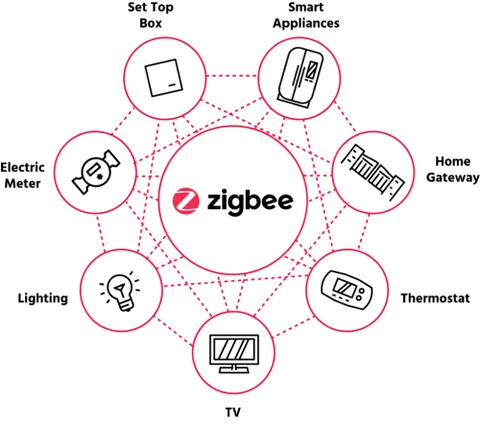
Image source: Web (Bing) / evvr.io (Web image (fair-use with source credit))
Hubs: The Bridge Between Devices
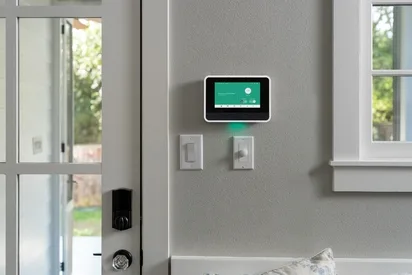
Sometimes, a smart lock and your security system speak slightly different wireless languages. That's where a smart home hub comes in. A hub acts like a translator, connecting to your security system and your smart lock, then translating their signals so they can understand each other.
Think of your security system as speaking "Security System Language," and your smart lock might be speaking "Smart Lock Language." If they don't have a common translator built-in, a hub that understands both languages bridges the gap. Many modern security systems include built-in hubs, or you might use a third-party hub like Samsung SmartThings. These hubs are crucial for creating a unified smart home experience where all your devices work in concert, not in isolation.
Top Benefits of Integrating Smart Locks
When your smart lock is properly connected to your home security system, it unlocks a host of advantages that go beyond just keyless entry. It transforms a single-point device into a central component of your home's safety network. This integration streamlines how you manage access and security, offering peace of mind.
Here are some of the key benefits:
- Enhanced Convenience: Lock or unlock your door remotely from your smartphone, whether you're across town or just in the backyard. No more fumbling for keys or worrying if you remembered to lock up.
- Improved Security Monitoring: Your security system can use the lock's status as a trigger. For instance, if the system is armed in "away" mode and the door is unlocked unexpectedly, it can immediately send an alert to your phone or activate sirens.
- Granting Temporary Access: Easily create temporary access codes for guests, dog walkers, or repair people. You can set these codes to expire after a certain time or number of uses, providing controlled access without compromising your main key.
- Activity Tracking: Review a detailed log of who unlocked the door, when, and from where. This audit trail is invaluable for knowing who has entered your home and when.
- Automation Opportunities: Link your smart lock to other smart home devices. For example, when you unlock the door after dark, your smart lights can automatically turn on.
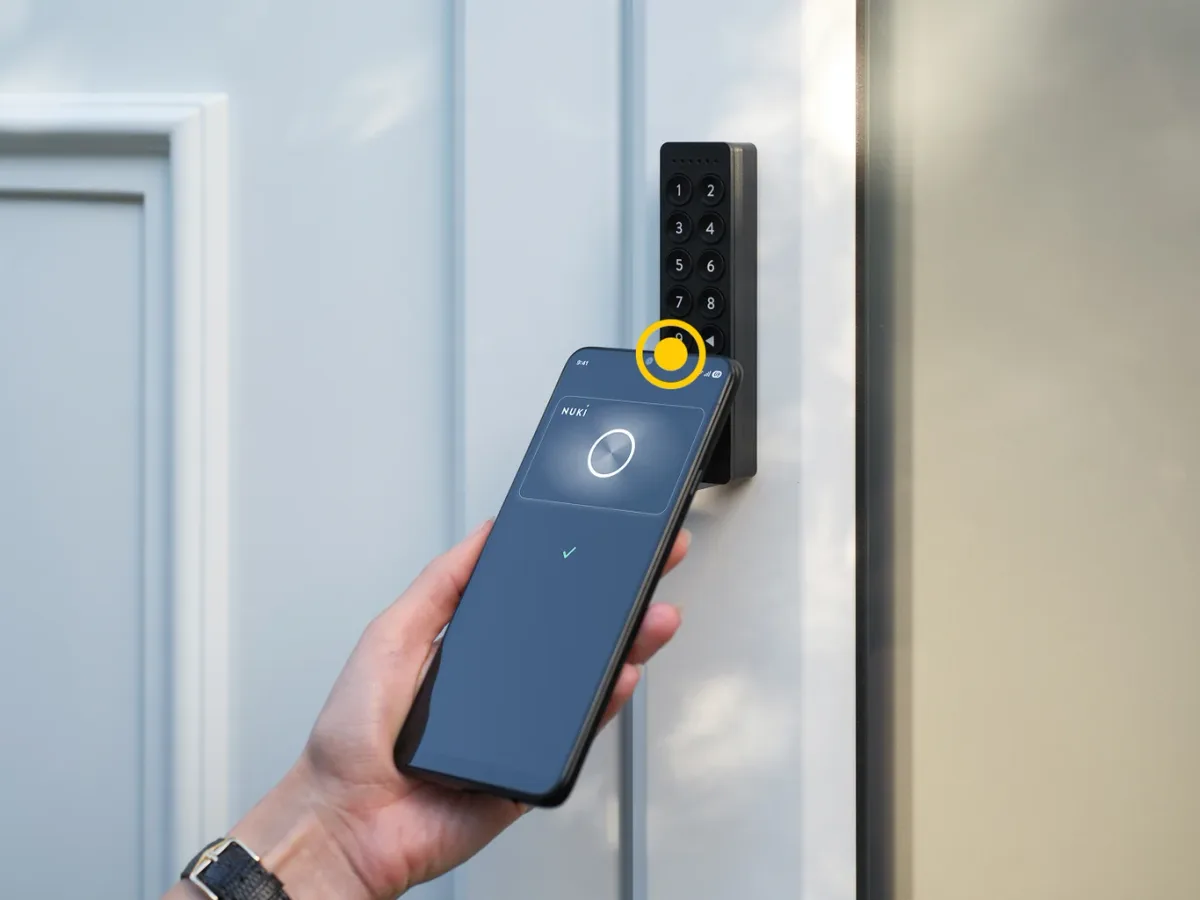
Image source: Web (Bing) / nuki.io (Web image (fair-use with source credit))
Potential Problems and Security Risks to Watch For
While smart locks offer many advantages, it's crucial to be aware of potential issues and security risks. No technology is completely foolproof, and understanding these vulnerabilities helps you take steps to mitigate them. As of 2026, cybersecurity for smart home devices remains a significant consideration.
- Wi-Fi Connectivity Issues: If your Wi-Fi is down, your smart lock might lose its ability to be controlled remotely or even communicate effectively with your security system, depending on its setup.
- Battery Drain: Smart locks are battery-powered. If batteries die unexpectedly, you could be locked out or unable to secure your home. Regular checks are essential. Manufacturer specifications often suggest battery replacement every 6-12 months.
- Compatibility: Not all smart locks work with all security systems. Ensuring your chosen lock is compatible with your system's communication protocol (Z-Wave, Zigbee, etc.) is vital to avoid frustration and ensure functionality.
- Security Vulnerabilities: While manufacturers use encryption like AES-128, no system is entirely immune to hacking. Weak passwords, outdated firmware, or flaws in the communication protocol could potentially be exploited.
- Installation Complexity: Some smart locks can be tricky to install, and improper installation can lead to mechanical issues or even security weaknesses.
Setting Up Your Smart Lock with Your Security System
Getting your smart lock to play nicely with your security system involves a few key steps. The exact process can vary based on the brands and models you're using, but the general flow is usually quite similar.
Installation & Pairing Basics
First, physically install the smart lock onto your door according to the manufacturer's instructions. This typically involves removing your old deadbolt and attaching the new smart lock components. Once the lock is physically in place and powered on (usually with batteries), you'll need to pair it with your security system or hub.
This pairing process, often called "inclusion" for Z-Wave or "pairing" for Zigbee, usually involves putting your security system's control panel or hub into a discovery mode. Then, you'll initiate the pairing sequence on the smart lock itself, often by pressing a button or entering a specific code. The system will then detect the lock and add it to your network.
Creating User Access and Schedules
After pairing, you'll manage user access primarily through your security system's app or interface, or sometimes through the smart lock's dedicated app if it offers advanced features. You can set up unique access codes for different people, such as family members, friends, or service providers.
Many systems allow you to schedule these codes. For example, a dog walker might only be granted access between 1 PM and 3 PM on weekdays. This level of control is a significant upgrade from traditional keys.
You can also typically set up notifications to alert you whenever a specific code is used or when the door is locked or unlocked outside of scheduled times.
Real-World Scenarios: Smart Locks in Action
Seeing how others use smart locks with their security systems can spark ideas for your own setup. These integrations go beyond simple access control, enabling sophisticated home management. For instance, a busy parent might program a code for their teenager that only works during after-school hours.
If that code is used outside the permitted window, the security system can immediately send an alert to the parent's phone, adding an extra layer of oversight.
Another common scenario involves vacation rentals. Hosts can issue temporary, unique access codes to guests that automatically deactivate after their stay. This eliminates the need for physical key exchanges and provides a clear log of guest arrivals and departures directly within the security system's activity feed.
This also integrates with smart lighting systems; when the last person unlocks the door with their code after sunset, the porch lights can switch on automatically.
Expert Tips for a Secure Setup
Achieving a secure and reliable integration starts with careful planning and execution. It's not just about plugging things in; it's about understanding the potential weak points. Always start by ensuring your smart lock is compatible with your specific security system.
Check the manufacturer's documentation for both devices and look for mentions of Z-Wave, Zigbee, or specific integration platforms.
Here are a few tips from our research:
- Prioritize Strong Encryption: Ensure both your lock and security system use robust encryption, like AES-128, for their wireless communications. This makes it much harder for unauthorized parties to intercept signals.
- Keep Firmware Updated: Like any connected device, smart locks and security systems receive periodic firmware updates. These updates often patch security vulnerabilities discovered by researchers or manufacturers. Make sure automatic updates are enabled or schedule regular checks.
- Use Strong, Unique Access Codes: Avoid obvious codes like "1234" or birthdates. Aim for codes that are at least 6-8 digits long and are unique to each user. Never share your master code or administrator login details.
- Leverage Notifications: Set up push notifications or email alerts for all significant lock activities, not just unauthorized attempts, but also when the door is locked or unlocked by trusted users. This keeps you informed of your home's status.
When to Get Professional Help
While many smart lock installations are straightforward, some situations warrant bringing in a professional. If you're dealing with complex smart home ecosystems or have older security systems, compatibility can become a headache. For example, if your existing alarm panel doesn't natively support Z-Wave or Zigbee, you might need a compatible hub and potentially an installer to ensure everything is configured correctly.
Additionally, if you're not comfortable with network security or the nuances of wireless protocols, a professional installer can ensure your system is set up securely. They can help troubleshoot any communication glitches, optimize signal strength for your specific home layout, and confirm that your lock and security system are communicating as intended. This is especially important if your security system has advanced features that need to be precisely linked to the lock's status.
Frequently Asked Questions (FAQs)
Can any smart lock work with any security system?
No, not all smart locks are universally compatible with every security system. Compatibility depends on the communication protocols used by both devices, such as Z-Wave, Zigbee, or Wi-Fi, and whether the security system supports integration with that specific lock. Always check the compatibility lists provided by the lock and security system manufacturers.
How do I know if my smart lock is secure enough?
Look for smart locks that use strong encryption protocols like AES-128, have received certifications from reputable testing bodies, and regularly update their firmware. User reviews and security analyses can also offer insights into a lock's known vulnerabilities and the manufacturer's responsiveness to security concerns.
What happens if my Wi-Fi goes down?
If your smart lock relies heavily on Wi-Fi for its primary connection to your security system, a Wi-Fi outage can disrupt its functionality. However, many smart locks and systems have backup communication methods like cellular or direct Z-Wave/Zigbee connections that can keep essential security functions operational.
How often should I change smart lock access codes?
For enhanced security, it's good practice to change access codes periodically, especially for temporary users or if you suspect a code may have been compromised. Many users update permanent codes annually or whenever a new person requires access. Always delete codes for individuals who no longer need entry.