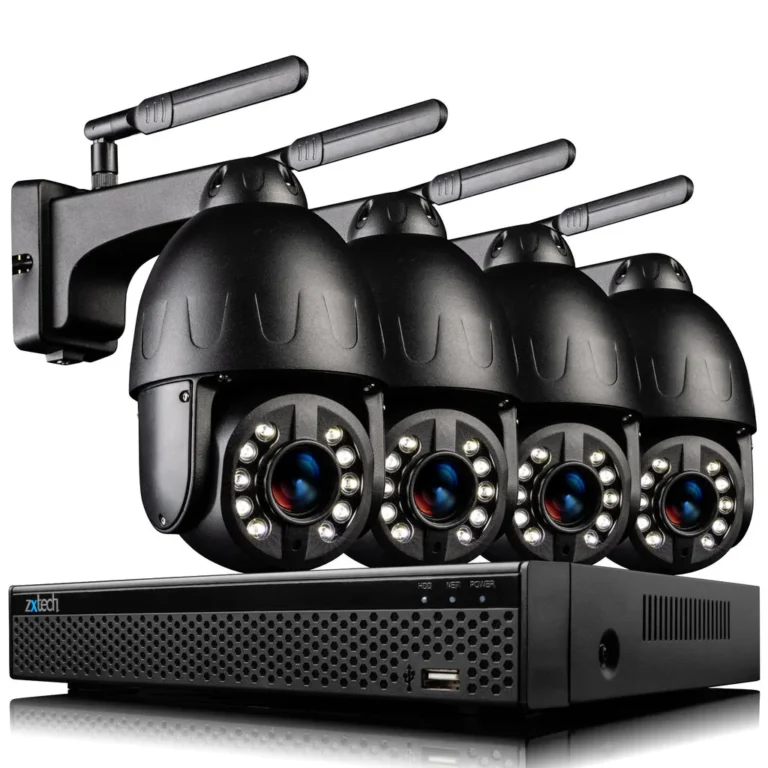
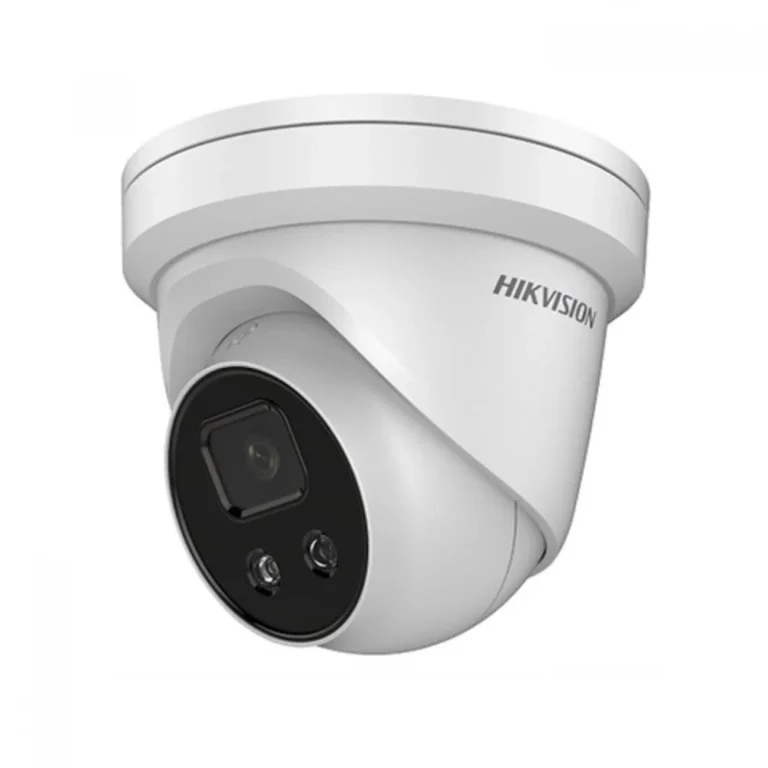
What Is a Wireless CCTV Camera?
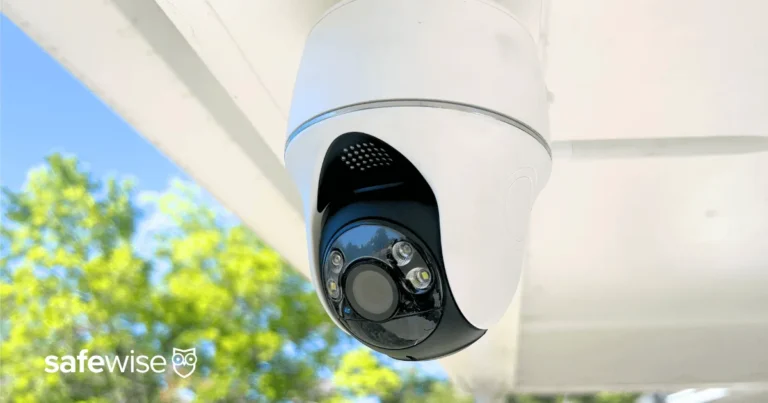
Thinking about security for your home or business? You've probably seen those sleek, modern cameras that seem to appear out of nowhere, no wires in sight. That's the magic of a wireless CCTV camera, a fantastic piece of tech designed to make surveillance easier and more flexible than ever.
These devices offer a powerful way to keep an eye on things without the headache of running cables through walls. Many models connect directly to your Wi-Fi network, allowing you to monitor feeds from your smartphone, tablet, or computer, often from anywhere in the world. Manufacturer specifications for many popular models confirm they support the widely adopted 802.11ac Wi-Fi standard, ensuring robust connectivity.
Quick Answer
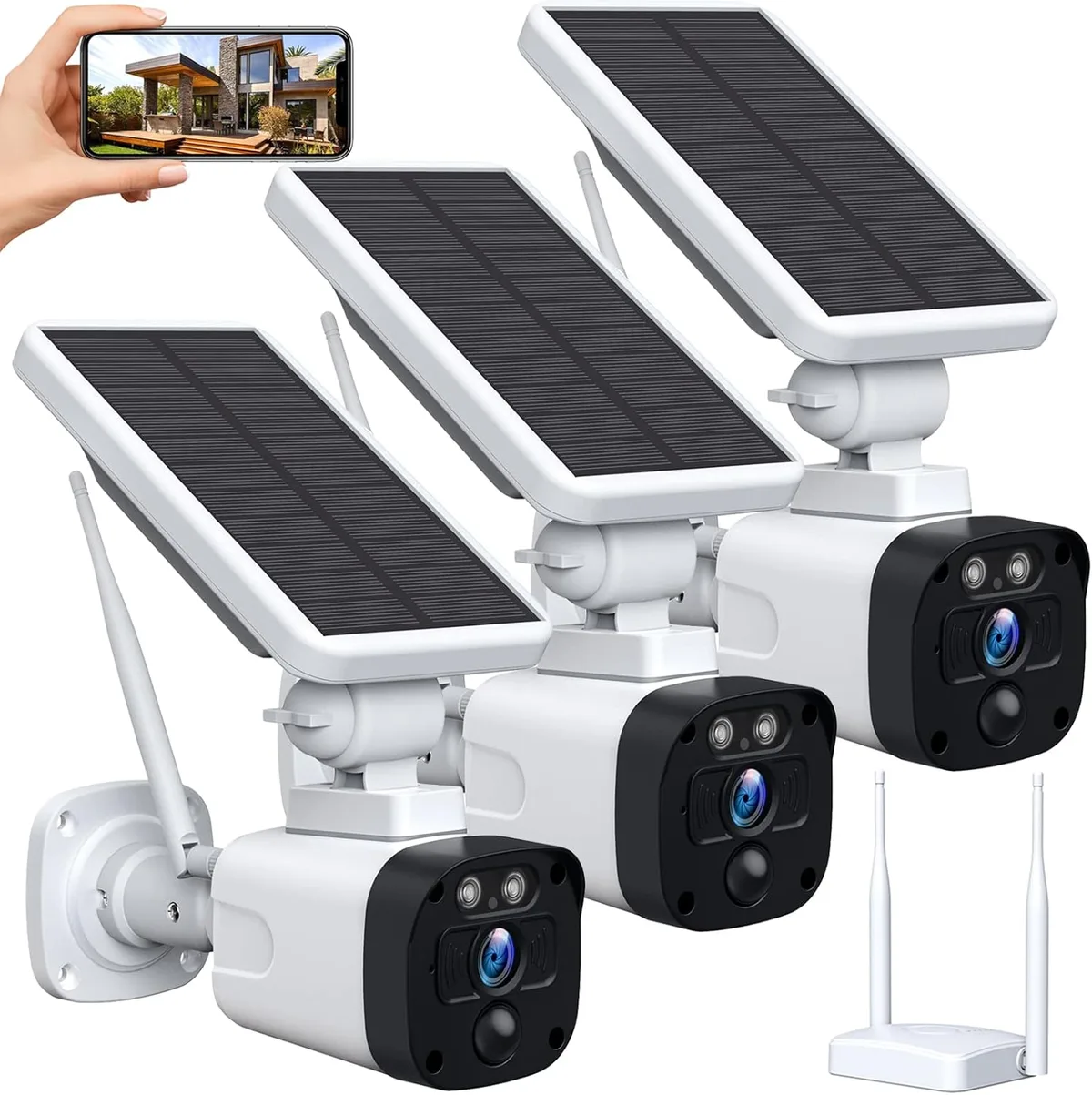
A wireless CCTV camera is a security camera that transmits video and audio data wirelessly, usually via Wi-Fi. It needs a power source but doesn't require physical video cables. These cameras offer flexible placement and remote monitoring capabilities.
They connect to your home or business network to send live feeds to your devices.
How Wireless CCTV Cameras Actually Work (The Simple Version)
At its heart, a wireless CCTV camera is a smart device that captures video and audio, then beams that information over your Wi-Fi network. Unlike traditional wired cameras that need a coaxial cable for video and a separate one for power, wireless models typically just need a power connection. Some even run on batteries, making installation incredibly simple.
Once powered up, the camera connects to your existing Wi-Fi router, just like your phone or laptop. This connection allows it to send the captured footage to a storage device, like a MicroSD card inside the camera, a Network Video Recorder (NVR), or a cloud-based storage service. You then access this feed through a dedicated mobile app or web interface, giving you eyes on your property wherever you are.
What to Look For: Key Features of Wireless CCTV Cameras
When you're looking at wireless CCTV cameras, a few key features really make a difference in how useful and effective they are. Think of these as the non-negotiables that will help you pick the right tool for your security needs.
Resolution & Clarity
This is all about how sharp and detailed the video image is. Higher resolution means you can see more, even fine details like faces or license plates. Look for cameras that offer at least Full HD (1080p) resolution.
Some advanced models push this to 2K or even 4K, providing incredibly crisp images that are fantastic for identifying people or objects clearly.
Night Vision & Low Light Performance
Crime doesn't just happen during the day. Good night vision is crucial for round-the-clock security. Most wireless cameras use infrared (IR) LEDs to illuminate the scene in darkness.
Check the effective range of the IR LEDs, usually measured in meters or feet. Some newer cameras also offer color night vision, which uses ambient light to produce color images even in very dim conditions, offering much richer detail than traditional black-and-white IR footage.
Motion Detection & Alerts
Instead of constantly watching a live feed, motion detection alerts you when something’s happening. Cameras use different technologies for this. Some have simple PIR (Passive Infrared) sensors that detect heat changes, while others use more advanced AI (Artificial Intelligence) to distinguish between people, vehicles, or even pets.
When motion is detected, the camera can trigger an alert to your phone or start recording. If you're finding your camera triggers too often, you might need to look into how to fix security camera motion detection settings or adjust the detection zones.
Powering Your Camera: Options and Trade-offs
This is where "wireless" can sometimes be a bit of a misnomer. While the video signal is wireless, the camera still needs power.
- AC Power: Most common, requiring you to plug the camera into a nearby electrical outlet using an adapter. This offers continuous power but limits placement to areas with accessible outlets.
- Battery Powered: These offer true wireless installation freedom, but you'll need to recharge or replace batteries periodically. Battery life varies wildly, from a few weeks to several months depending on usage and features.
- Solar Powered: An increasingly popular option for outdoor cameras. A solar panel charges a built-in battery, providing near-continuous operation without needing manual charging or a nearby outlet, as long as it gets enough sunlight.
Storage: MicroSD vs. Cloud
Where does all that video footage go? You usually have two main options:
- MicroSD Card: Many cameras have a slot for a MicroSD card, allowing local storage directly on the device. This is great for keeping footage private and avoiding subscription fees. However, if the camera is stolen, so is the footage. You'll need to manage storage space, deleting old recordings as needed.
- Cloud Storage: Footage is uploaded to a secure server over the internet. This offers off-site backup, so your recordings are safe even if the camera is damaged or stolen. Most cloud services require a monthly or annual subscription fee. It's worth noting that your bandwidth can impact how much data a security camera uses and how smoothly footage uploads.
Where Wireless CCTV Cameras Shine: Real-World Uses
Wireless CCTV cameras aren't just a trendy gadget; they solve real problems for a lot of people. Their flexibility and ease of use make them a top choice for a variety of situations.
Securing Your Home
This is probably the most common use case. Placing cameras at entry points like doors, windows, or even your garage offers peace of mind. You can check in remotely to see who's at the door, monitor package deliveries, or simply ensure everything is quiet when you're away.
If you've ever wondered why is my security camera delayed, understanding the basics of wireless transmission is key to troubleshooting.
Monitoring Businesses and Properties
Small business owners often use wireless cameras to keep an eye on their premises after hours, deter potential theft, or monitor employee activity. Property managers can use them to check on rental units, vacant homes, or common areas without complex wiring. This helps protect assets and can provide valuable evidence if an incident occurs.
Keeping an Eye on Loved Ones (Pets, Kids)
These cameras are also fantastic for non-security purposes. New parents can use them as advanced baby monitors, checking in on their little ones without disturbing them. Pet owners can watch their furry friends while at work, seeing if they're getting into mischief or just relaxing.
The two-way audio feature on many models even lets you speak to your pet or child remotely.
The Downsides: What to Watch Out For
While the convenience of wireless cameras is a huge draw, it's important to know about the potential drawbacks. Being aware of these can help you avoid frustration down the line.
Wi-Fi Signal Challenges
The biggest hurdle with any wireless device is the strength and reliability of your Wi-Fi signal. If your router is too far from the camera, or if there are thick walls or large metal objects in the way, you'll likely experience dropped connections or poor video quality. This is why understanding how to improve security camera WiFi signal is so important for a smooth experience.
A weak signal can lead to footage lag or even make your camera unusable.
Battery Management
For battery-powered models, keeping them charged is an ongoing task. Depending on how often the camera is triggered and its settings, batteries can drain faster than expected, sometimes requiring monthly recharging or replacement. Solar-powered options can mitigate this, but they still rely on sufficient sunlight, which can be an issue in shaded areas or during long stretches of cloudy weather.
Potential for Interference
Like any device using radio frequencies, wireless cameras can be susceptible to interference from other electronic devices operating on similar bands, such as microwaves, cordless phones, or even neighboring Wi-Fi networks. This interference can disrupt the signal, causing choppy video or connection drops. You might find yourself asking why is my security camera showing a black screen or experiencing other connectivity issues.
Privacy and Security Considerations
Because these cameras transmit data wirelessly, they can be more vulnerable to unauthorized access if not properly secured. It’s crucial to use strong, unique passwords for your camera and your Wi-Fi network. Additionally, be mindful of local privacy laws regarding the placement of cameras, especially if they might inadvertently capture public spaces or neighboring properties.
Some users may also find themselves troubleshooting why is my security camera not detecting motion when they expect it to.
Setting Up Your Wireless CCTV Camera: A Visual Walkthrough
Getting your wireless CCTV camera up and running is usually straightforward, and having a visual reference can make the process even smoother. Think of this as your quick guide to getting it installed and connected.
Unboxing and Initial Setup
Once you've chosen your camera, unbox everything carefully. You'll typically find the camera itself, a power adapter (or battery), mounting hardware, and a quick start guide. Most cameras are designed for a simple plug-and-play experience, so there aren't usually many complicated parts.
Connecting to Your Wi-Fi Network
This is the crucial step. You’ll need to download the camera manufacturer’s app on your smartphone or tablet. The app will guide you through connecting the camera to your home Wi-Fi network.
This often involves scanning a QR code displayed on your phone with the camera or manually entering your Wi-Fi password.
App Configuration and Customization
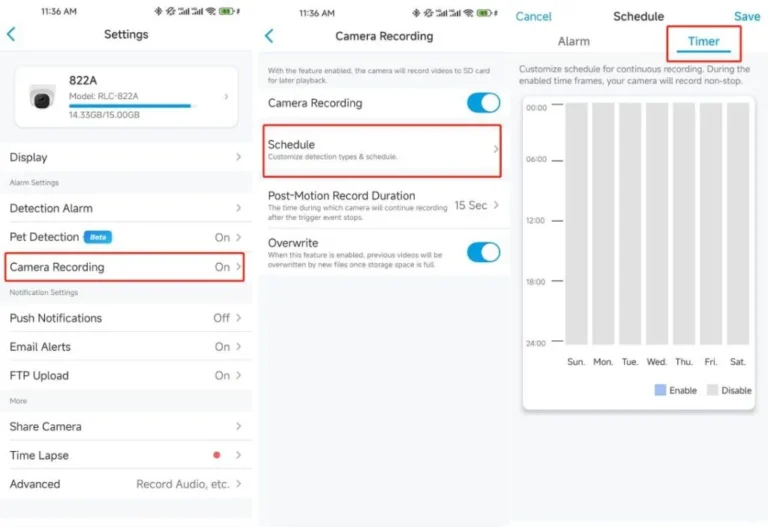
After connecting to Wi-Fi, the app is your control center. Here, you can name your camera, adjust video quality settings, set up motion detection zones, configure notification preferences, and choose your preferred storage method (MicroSD or cloud). You can also explore options like continuous recording versus event-based recording, depending on your needs.
If you experience issues with motion alerts, you may need to learn how to fix security camera motion detection.
Placement Best Practices
Think about what you want to monitor. For outdoor security, place cameras high enough to deter tampering but low enough to capture clear details. Avoid pointing them directly at bright lights or the sun, as this can wash out the image.
For indoor use, consider overlooking main entryways or common areas. Ensuring the camera has a strong Wi-Fi signal at its chosen location is paramount for reliable performance.
Comparing Your Options: Wireless vs. Wired and Other Choices
When you're looking into surveillance options, it's helpful to know how wireless CCTV cameras stack up against other types. This isn't just about wireless versus wired; there are a few other systems to consider.
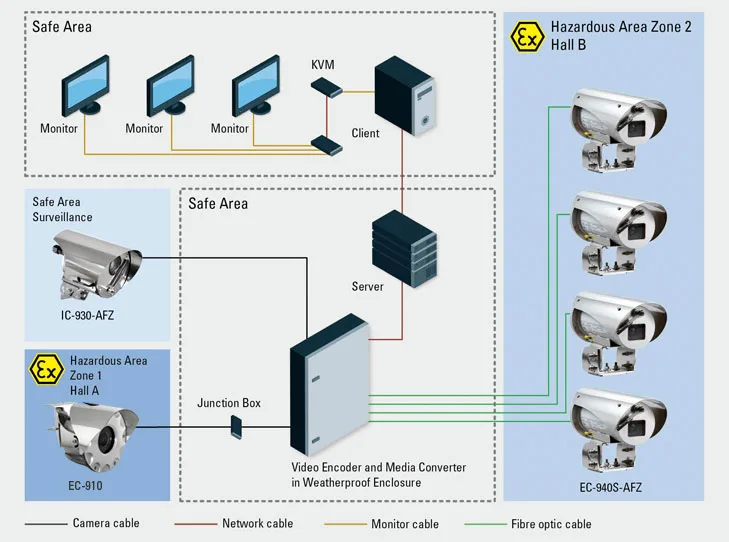
- Wireless CCTV Cameras: These offer the most flexibility in placement and are generally easiest to install since they don't need video cables. However, they rely on a stable Wi-Fi signal and a power source, which can be a battery or an adapter. They are ideal for renters or those who don't want to drill holes.
- Wired CCTV Cameras (IP/Analog): These systems use physical cables to transmit video and often power (Power over Ethernet, PoE). This usually results in a more stable and reliable connection, less susceptible to interference. However, installation can be complex and costly, requiring drilling and running cables through walls and ceilings. They're great for permanent installations where signal stability is paramount. If you're concerned about video lag, wired systems generally perform better. You can learn more about why is my security camera delayed on our dedicated guide.
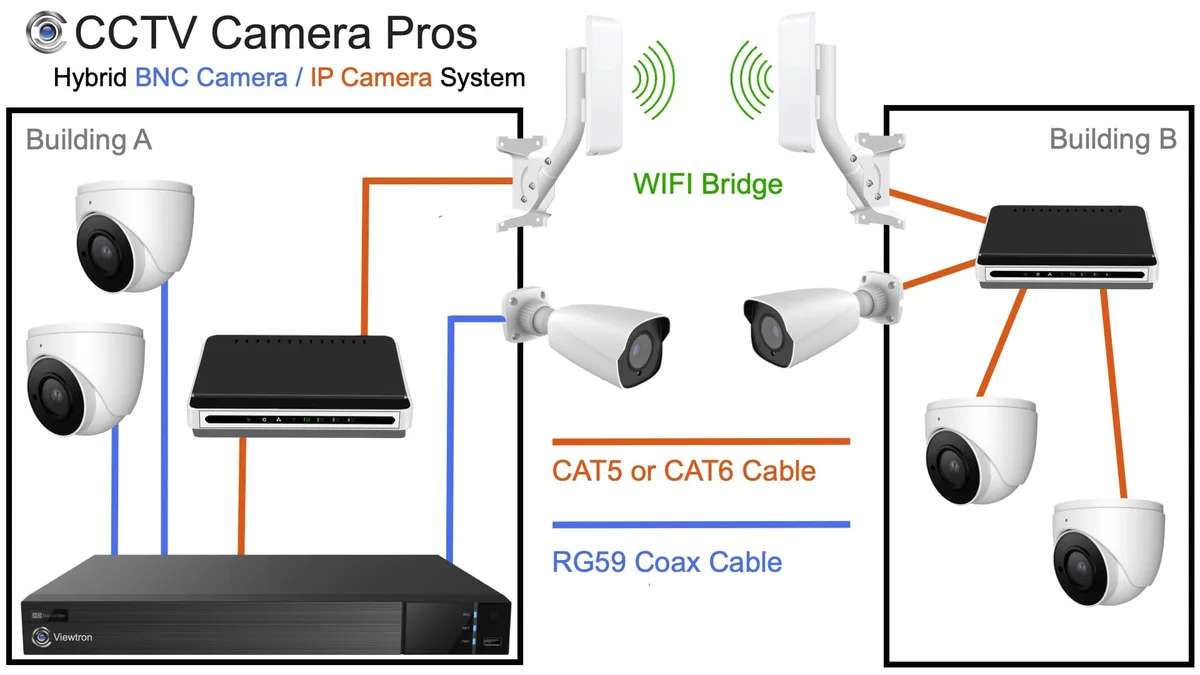
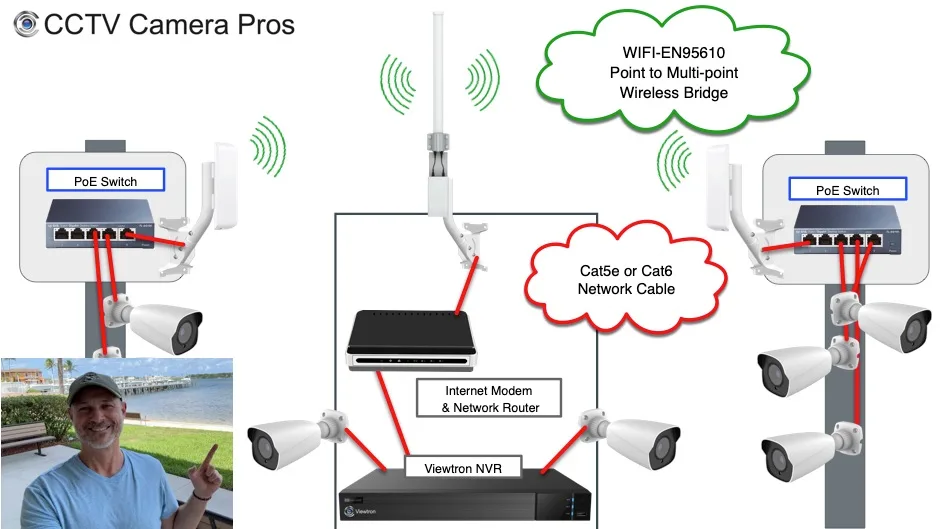
- NVR/DVR Systems: Network Video Recorders (NVRs) and Digital Video Recorders (DVRs) are central hubs that record footage from multiple cameras. NVRs work with IP (network) cameras, while DVRs work with older analog cameras. You can connect both wired and wireless cameras to some NVRs, offering a hybrid solution. These systems often provide more robust local storage and management options than individual cameras.
The best choice depends on your specific needs, budget, and installation constraints. For simplicity and flexibility, wireless cameras often win. For ultimate reliability and if you're okay with installation complexity, wired systems are the way to go.
Common Pitfalls and How to Avoid Them
Even with the best intentions, setting up and using wireless CCTV cameras can sometimes hit a snag. Being aware of these common issues can save you a lot of headaches.
- Weak Wi-Fi Signal: This is the most frequent problem. If your router is too far from the camera, or if thick walls are in the way, the connection will be unstable.
- Solution: Move your router closer, use a Wi-Fi extender or mesh network, or reposition the camera. Our guide on how to improve security camera WiFi signal offers more in-depth solutions.
- False Motion Alerts: Overly sensitive motion detection can flood your phone with notifications from passing cars or swaying branches.
- Solution: Adjust motion detection sensitivity, define specific motion detection zones within the app, or use cameras with AI person detection to filter out non-human movement. If you're still having trouble, learning how to fix security camera motion detection is key.
- Power Issues: For battery-powered cameras, forgetting to charge them means missed footage. For wired ones, a power outage can render them useless unless they have battery backup.
- Solution: Set calendar reminders for battery charging, or consider a solar panel accessory for battery models. For AC-powered cameras, a small uninterruptible power supply (UPS) can keep them running during short outages.
- Storage Management: Running out of space on a MicroSD card means the camera stops recording. This is especially critical if you need continuous recording.
- Solution: Regularly check storage capacity, enable loop recording (which overwrites old footage), or switch to a cloud storage plan. You might also need to learn how to delete security camera recordings to free up space.
Why Is My Security Camera Delayed? Troubleshooting Connection Issues
A common frustration with any connected device, including wireless CCTV cameras, is video lag or delay. If you're experiencing this, it means the live feed isn't quite live, there's a noticeable gap between what's happening and what you see on your screen. This can be problematic if you're trying to monitor activity in real-time.
Several factors can cause this delay. Your internet connection speed plays a huge role. If your upload speed is too slow, the camera can't send its video data quickly enough to your app or storage.
Your Wi-Fi signal strength is another culprit; a weak connection means data packets get lost or arrive out of order, causing lag. The distance between your camera and your router, as well as interference from other devices, can also contribute.
What to Do When Your Camera is Lagging
- Check Your Internet Speed: Use an online speed test to check your upload and download speeds. Manufacturer specifications for many cameras recommend a minimum upload speed, often around 2-5 Mbps per camera, to ensure smooth streaming.
- Improve Your Wi-Fi: As mentioned, ensure your camera has a strong signal. Consider repositioning your router, using a Wi-Fi extender, or upgrading to a mesh network system for better coverage throughout your property.
- Reduce Bandwidth Usage: If multiple devices are heavily using your internet, it can impact your camera's performance. Try to reduce simultaneous high-bandwidth activities, or consider adjusting your camera's streaming quality. Our guide on how to reduce security camera bandwidth can help here.
- Update Firmware: Sometimes, a software glitch can cause performance issues. Ensure your camera's firmware is up to date. You can learn how to update security camera firmware through the manufacturer's app or website.
If these steps don't resolve the issue, it might be time to look into why is my security camera showing a black screen, which could indicate a more significant hardware or connection problem.
Keeping Your Camera Running Smoothly: Maintenance Tips
Just like any piece of technology, your wireless CCTV cameras benefit from a little regular attention to keep them performing at their best. These aren't demanding tasks, but they can significantly extend the life of your equipment and prevent unexpected issues.
- Clean Lenses Regularly: Over time, dust, dirt, cobwebs, or even water spots can accumulate on the camera lens, especially for outdoor units. This can make your footage blurry or obscure important details.
- Action: Gently wipe the lens with a soft, lint-free cloth (like a microfiber cloth) and a bit of lens cleaner or water. Do this monthly, or more often if you notice a drop in image quality. If your camera is blurry, this is often the first step to fixing it.
- Check Power Sources: For battery-powered cameras, periodically check battery levels and recharge or replace them as needed. For cameras plugged into AC power, ensure connections are secure and free from corrosion, especially in damp outdoor environments.
- Inspect Mounts and Cables: Make sure the camera is still securely mounted and that any power or Ethernet cables (if used for initial setup or PoE) are not damaged, frayed, or exposed to the elements.
- Update Software: Manufacturer updates often include security patches, performance improvements, and new features. It's good practice to check for and install firmware updates regularly. Most apps will notify you when an update is available, and you can learn how to update security camera firmware easily.
Frequently Asked Questions About Wireless CCTV Cameras
What is the typical range of a wireless CCTV camera?
The effective range can vary greatly depending on the camera model, Wi-Fi standard, and environmental factors like walls and interference. Generally, within a typical home, you can expect a reliable signal up to 100-150 feet (30-45 meters) from the router. For longer distances, Wi-Fi extenders or mesh systems are often necessary.
Do I need a separate Wi-Fi network for my security cameras?
While you can connect cameras to your main home Wi-Fi, some users prefer a separate network or a guest network for their security devices. This can enhance security by isolating the cameras from your primary network, limiting potential access to other devices if the camera were to be compromised. It can also help manage bandwidth more effectively.
Can I use wireless cameras if I don't have Wi-Fi?
No, a wireless CCTV camera fundamentally relies on a Wi-Fi network to transmit its data. If you don't have Wi-Fi, you would need to consider wired security camera systems or alternative solutions that don't require network connectivity.
How do I know if my wireless camera is recording?
Most wireless cameras provide visual indicators, such as a blinking light, to show they are recording or have detected motion. The accompanying mobile app will also usually show the camera's current status, including whether it's actively recording or has captured events. You can also check your storage (MicroSD or cloud) to confirm footage is being saved.