What Is Local Storage for Security Cameras
When you're thinking about security cameras, where all those video recordings actually end up is a big question. If you're looking for an answer to "What is local storage for security cameras," you're likely prioritizing control and privacy over cloud-based options. It means keeping your footage right where you can see it, on your own equipment.
This approach offers a direct way to manage your surveillance data without relying on third-party servers. For instance, manufacturer specifications for many NVRs (Network Video Recorders) confirm storage capacities ranging from 1TB up to 8TB, allowing for extensive on-site recording. Let's dive into what that really means for you.

Image source: Web (Bing) / pocket-lint.com (Web image (fair-use with source credit))
Quick Answer: Local Storage Means Keeping Your Video Records On-Site
Local storage for security cameras means video recordings are saved directly onto a physical device located at your property, like an SD card or a hard drive within an NVR or DVR. This contrasts with cloud storage, where footage is uploaded to remote servers. It offers more direct control over your data and often avoids recurring fees.
How Local Storage Works for Your Cameras: SD Cards and Recorders
Local storage boils down to two main ways your security cameras save their video footage: either on a small, portable memory card or on a dedicated storage device like a hard drive. Both methods keep your recordings physically present at your home or business, giving you a direct handle on where your sensitive video data resides.
SD Cards: Simple Storage for Single Cameras
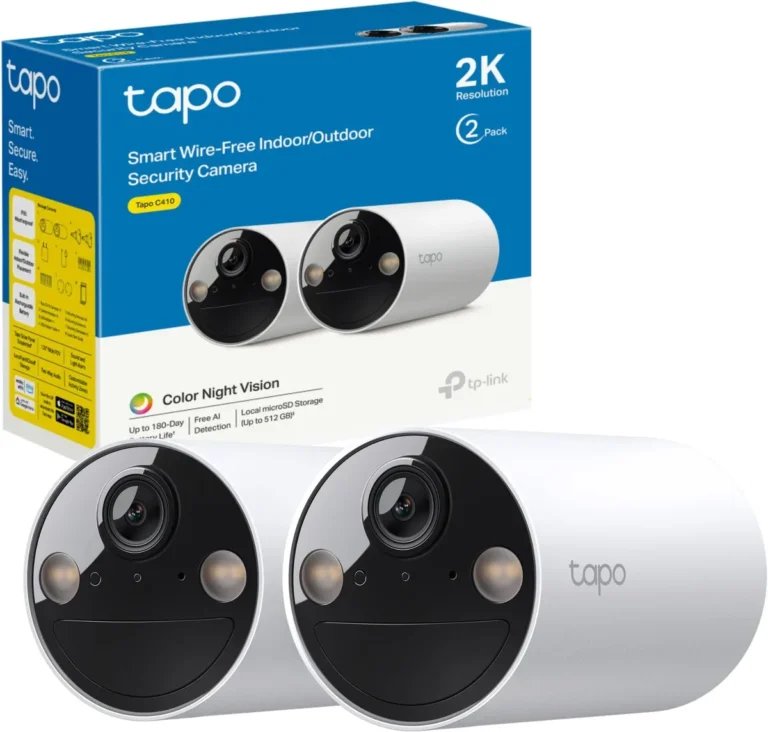
For many standalone security cameras, especially wireless models, the primary way to store footage locally is by using a microSD card. You simply insert the card into a designated slot on the camera itself. When the camera detects motion or records continuously, the video data is written directly onto this card.
Once a card reaches its storage limit, most cameras are configured to automatically overwrite the oldest footage, making way for new recordings. This is a common feature, ensuring you always have recent video data available, though it means older events will eventually be lost.
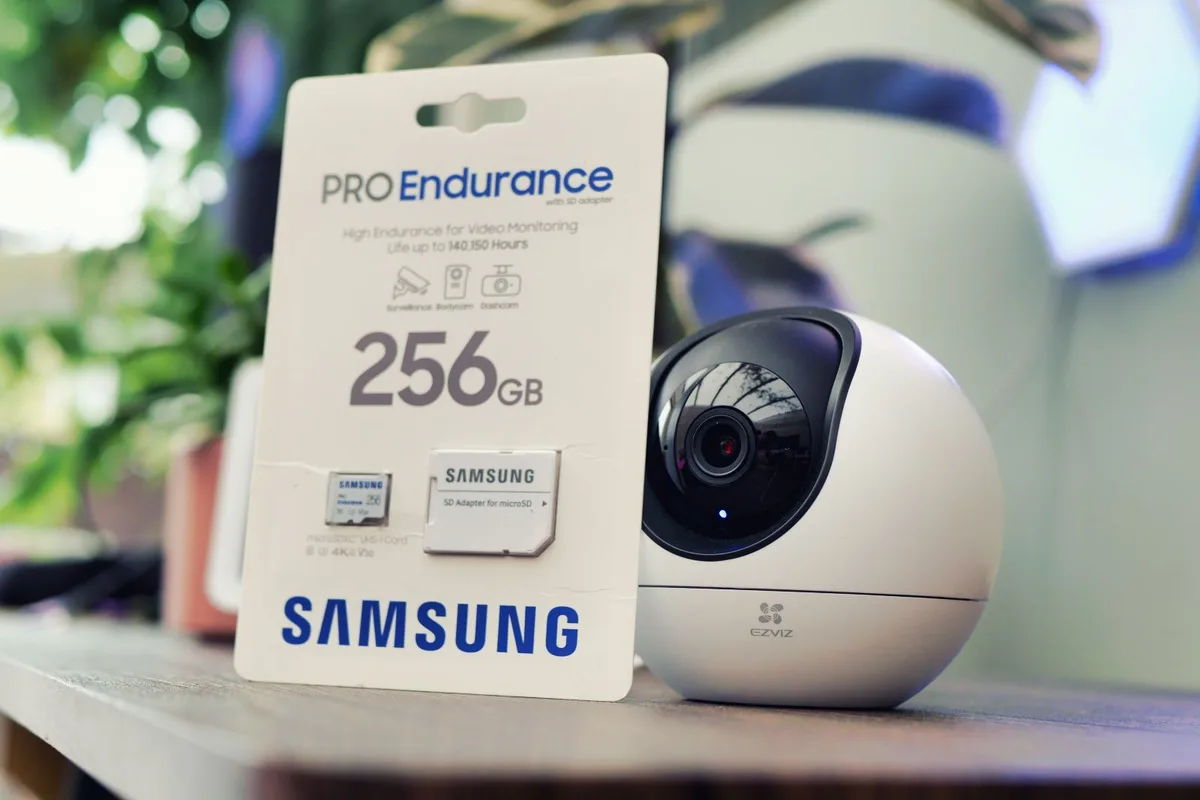
Image source: Web (Bing) / pocket-lint.com (Web image (fair-use with source credit))
- Capacity: MicroSD cards come in various sizes, typically ranging from 32GB up to 1TB or more. A higher capacity means more recording time before overwriting begins.
- Speed: Card speed (e.g., Class 10, U3) affects how smoothly high-resolution video can be written. For 1080p or 4K footage, a faster card is often recommended.
- Durability: Surveillance-specific microSD cards are designed for constant read/write cycles and harsh temperature conditions, outlasting standard consumer cards.
NVRs and DVRs: The Heart of a Local System
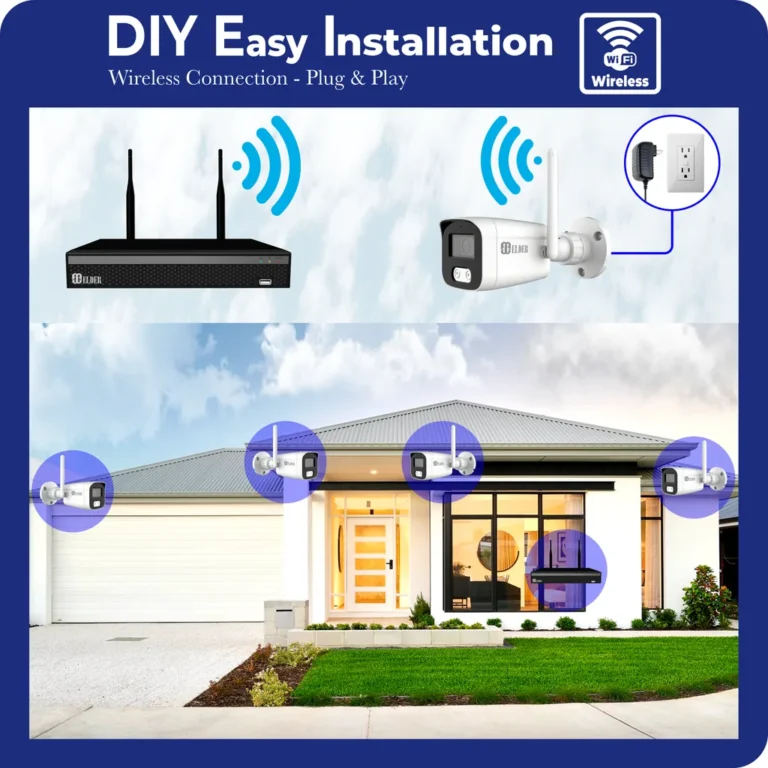
For more comprehensive security camera systems, especially those using multiple wired cameras, Network Video Recorders (NVRs) and Digital Video Recorders (DVRs) are the standard for local storage. These devices act as a central hub, collecting video streams from your cameras and storing them on built-in hard drives.
An NVR is typically used with IP cameras (which connect via your network), while a DVR is used with older analog CCTV cameras. Both systems house one or more hard disk drives (HDDs) where all recorded video is saved. As of 2026, these drives commonly offer capacities from 1TB to as high as 18TB or more in professional setups.
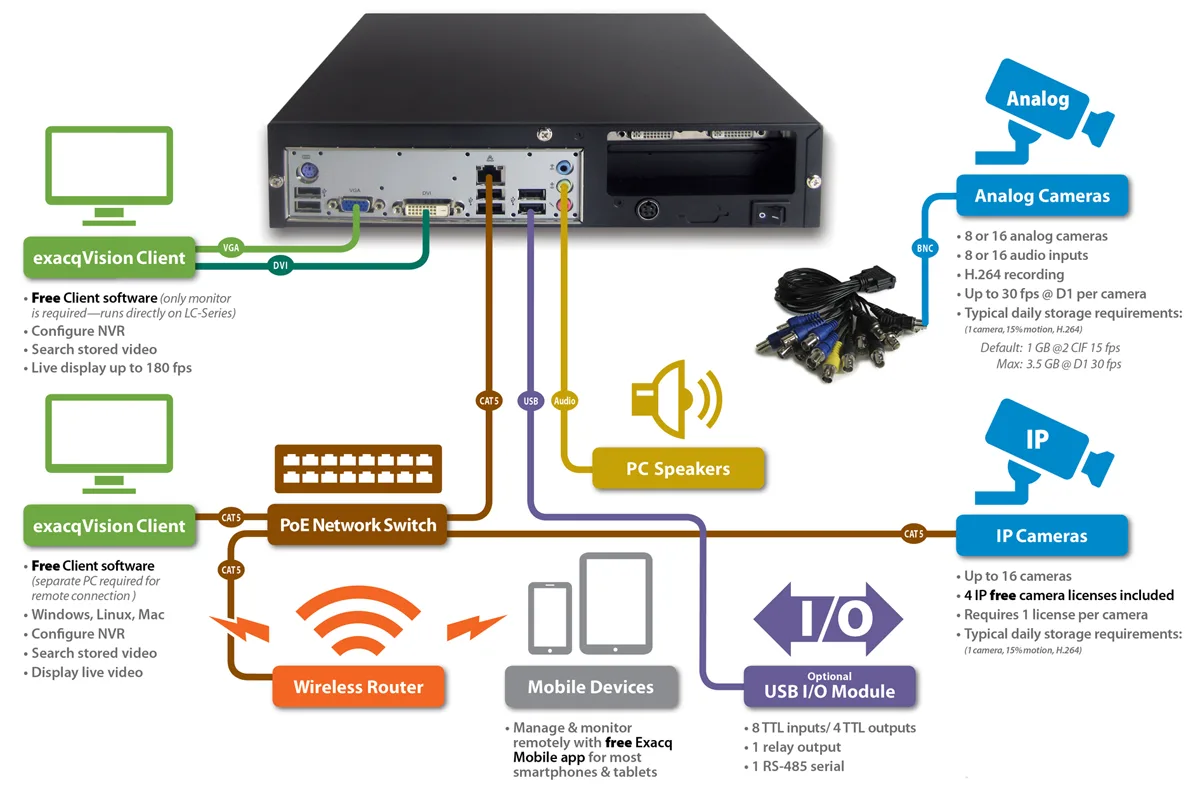
Image source: Bing (Web (fair-use with source credit))
- Centralized Storage: All camera feeds are managed and stored in one place.
- Expandable: Many NVRs and DVRs allow for the addition of multiple hard drives or larger drives for increased storage capacity.
- Reliability: These systems are built for continuous recording and are generally more robust than single-camera SD card solutions.
The Big Picture: Pros and Cons of Keeping it Local
Opting for local storage for your security cameras means you're trading some convenience for a good deal of control. It’s about deciding where your surveillance data lives and who has access to it. Understanding the trade-offs is key to making the right choice for your needs.
Benefits: Why Local Storage Makes Sense
There are several compelling reasons why people choose to keep their security camera footage stored locally. Primarily, it comes down to privacy and cost savings.
- Enhanced Privacy Control: Your video footage stays on your property, managed by hardware you own. This means you don't have to trust a third-party company with your sensitive visual data, reducing the risk of unauthorized access or data breaches from external servers.
- No Recurring Monthly Fees: Once you purchase the storage hardware, whether it’s a quality microSD card or an NVR/DVR with a hard drive, you generally don't face ongoing subscription costs. This can lead to significant savings over time compared to many cloud storage plans.
- Offline Recording Capability: If your internet connection goes down, local storage systems continue to record. This is a critical advantage if reliable internet is a concern, ensuring you don't miss crucial events just because your Wi-Fi is offline.
- Direct Data Access: Accessing recent recordings from a local NVR or DVR can often be faster than downloading from a remote cloud server, especially if you have a slower internet connection.
Drawbacks: What to Watch Out For
While local storage offers clear advantages, it's not without its limitations. The most significant concerns revolve around the physical security of the storage itself.
- Risk of Physical Theft or Damage: If a thief steals your camera or the entire NVR/DVR unit, all your recorded footage goes with them. Similarly, if your property suffers damage from fire, flood, or other disasters, your local storage could be destroyed, erasing your recordings permanently.
- Limited Storage Capacity: Both SD cards and hard drives have a finite amount of space. You’ll need to manage this by setting recordings to overwrite old footage or by manually deleting files. Expanding storage means purchasing new or larger drives, which is an upfront cost.
- Requires Hands-On Management: Unlike cloud services where a provider handles maintenance, local storage often requires more user involvement. This can include checking drive health, formatting cards, and ensuring the system is functioning correctly.
- Remote Access Complexity: While most modern local systems offer remote viewing, it can sometimes be more technically involved to set up. It often relies on a stable internet connection and proper router configuration, and it won't work if your internet is down.
Local Storage vs. Cloud Storage: Where Does Your Video Go?
When you're deciding on security cameras, one of the biggest choices you'll make is how and where your video footage gets stored. Local storage and cloud storage are the two main players, and they each offer a very different experience. Understanding their fundamental differences is key to picking the right one for your needs, whether it's for peace of mind at home or for business operations.
Key Differences: Privacy, Cost, and Reliability
The core distinctions between local and cloud storage boil down to where the data resides, how much it costs over time, and how consistently you can access it. For example, while cloud storage providers often cite high levels of encryption (e.g., AES-256 bit), local storage offers a more direct, physical control over your data's privacy.
| Feature | Local Storage | Cloud Storage |
|---|---|---|
| Data Location | On-site (SD card, NVR/DVR hard drive) | Remote servers managed by a third-party provider |
| Ongoing Costs | Typically none after initial hardware purchase | Recurring monthly or annual subscription fees |
| Privacy Control | High direct control; data stays on your property | Relies on provider's security policies and practices |
| Internet Impact | Records continuously even if internet is down | Stops recording or uploading if internet connection fails |
| Physical Risk | High risk of data loss if storage hardware is stolen/damaged | Low risk of data loss (data is off-site) |
| Storage Limits | Fixed by hardware; expandable by adding/upgrading drives | Typically tiered plans; expandable by upgrading subscription |
| Remote Access | Can require more setup; dependent on internet | Generally easier and more seamless to set up and use |
| Maintenance | Requires user to manage drives, check status, etc. | Provider handles hardware maintenance and data management |
Who Needs Local Storage? Best Use Cases and Scenarios
Choosing local storage for your security cameras isn't a one-size-fits-all solution, but it shines in several specific situations. If you find yourself nodding along to any of these scenarios, local storage might be exactly what you're looking for to manage your surveillance footage.
For the Privacy-Conscious User
If you're someone who values having complete control over your personal data and is wary of sharing sensitive information like video feeds with third-party companies, local storage is a natural fit. By keeping recordings on your own hardware, you significantly reduce the potential points of access for unwanted eyes. You know where your data is, and you hold the keys to it.
For the Budget-Savvy Homeowner
The absence of recurring monthly fees is a major draw for local storage. While there's an initial investment in hardware like an NVR, DVR, or high-capacity microSD cards, you avoid the ongoing subscription costs often associated with cloud storage plans. According to aggregate pricing data, basic cloud plans can run $5-$10 per camera per month, quickly adding up.
Local storage, by contrast, typically has a one-time hardware cost.
When Your Internet is Unreliable
Reliability is key when it comes to security. If you live in an area with frequent internet outages or have a connection that’s less than dependable, local storage is a lifesaver. Your cameras will continue to record vital events directly to their on-site storage, ensuring you don't miss a moment simply because your Wi-Fi decided to take a break.
This continuous operation is paramount for uninterrupted surveillance.
Common Pitfalls: Mistakes to Avoid with Local Storage
When you're setting up or using local storage for your security cameras, it's easy to run into snags if you're not aware of the common pitfalls. Thinking ahead about these issues can save you a lot of frustration and ensure your system works when you need it most.
Physical Security Risks
The biggest challenge with local storage is its physical nature. If someone breaks into your home or business and targets your recording equipment, they could steal both the cameras and all the stored footage. This means you lose your evidence and your cameras.
Similarly, natural disasters like fires or floods can easily destroy your NVR, DVR, or even simple microSD cards, wiping out all your recordings without a backup.
Storage Management Headaches
Running out of storage is a common problem. If your system is set to overwrite old footage, you might accidentally delete footage you still need. You also need to ensure your hard drives or SD cards are functioning correctly.
A failing drive can stop recording without you realizing it, leaving you without coverage. Regularly checking system status and storage capacity is crucial for uninterrupted operation.
Setting Up and Managing Your Local Storage System
Getting your local storage system up and running, and then keeping it that way, involves a few key steps. It's not as simple as plugging in a device and forgetting about it, but the process is manageable with a bit of attention.
Initial Setup Basics
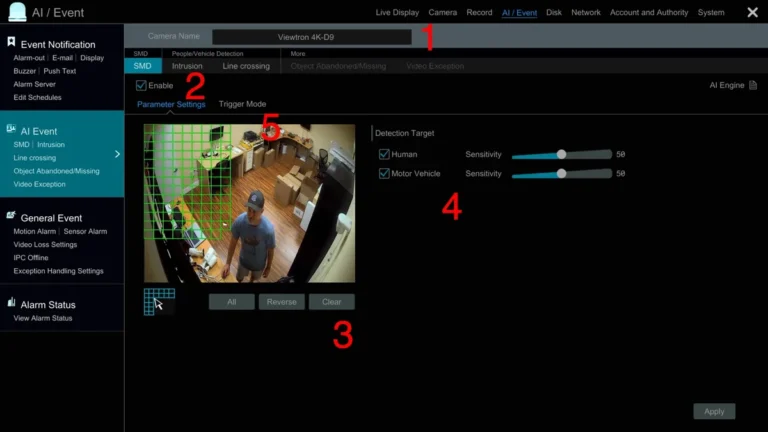
The setup process varies depending on whether you're using an SD card in a single camera or an NVR/DVR for a multi-camera system. For SD cards, it usually involves inserting the card and sometimes formatting it through the camera's settings menu. For NVRs/DVRs, it typically means connecting the unit to your network, installing the hard drive(s), and then configuring the cameras to send their streams to the recorder.
This often involves logging into the NVR/DVR's interface via a web browser or app.
Ongoing Maintenance and Optimization
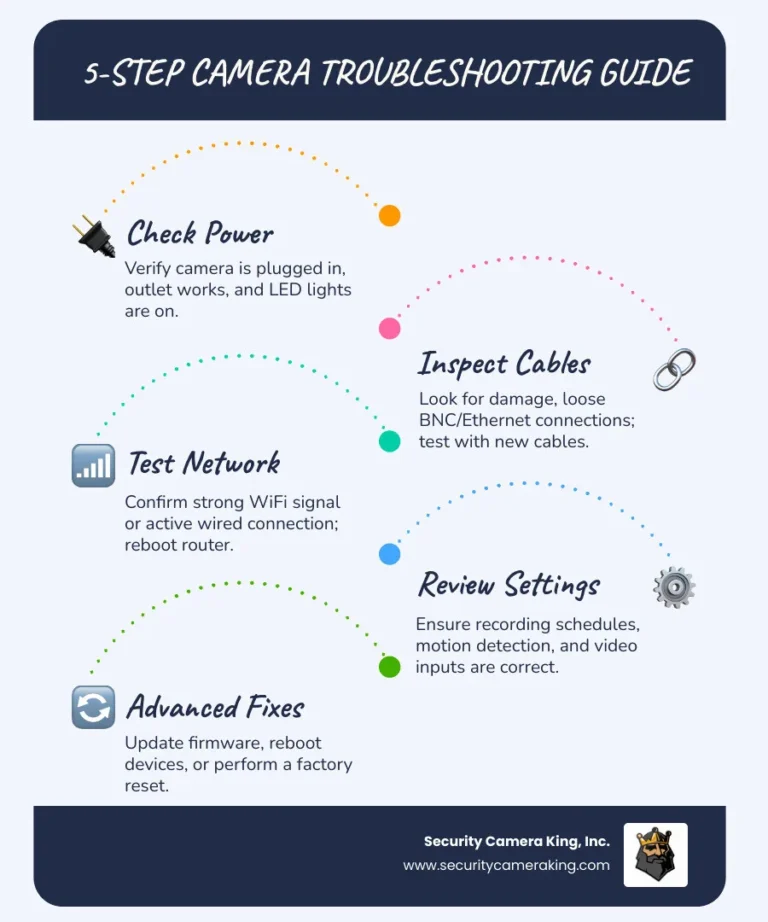
To ensure your local storage system runs smoothly, some regular upkeep is necessary. This includes periodically checking the health of your hard drives. Many NVRs/DVRs have a built-in system status monitor that can alert you to issues.
For SD cards, especially those in outdoor cameras, you might need to format them every few months to maintain optimal performance, following manufacturer guidelines. Ensuring firmware on both cameras and recorders is up-to-date is also a good practice for security and stability.
Frequently Asked Questions About Local Security Camera Storage
Can I access my local storage footage from anywhere?
Yes, you can typically access your local storage footage remotely, but it requires a stable internet connection at your property and specific setup. Most NVRs and DVRs come with companion apps or web interfaces that allow you to view live feeds and recordings from your smartphone or computer, regardless of your location. This remote access usually relies on the NVR/DVR connecting to your home router and then reaching out to a manufacturer's server for authentication and connection brokering.
What happens when my local storage is full?
When your local storage, whether it's an SD card or an NVR/DVR hard drive, reaches its capacity, it will typically begin overwriting the oldest footage. This ensures that you always have recent recordings available. Most systems allow you to configure how long footage is retained before it's erased, or you can manually delete files to free up space if you need to preserve specific events.
How long can I store footage locally?
The length of time you can store footage locally depends entirely on the capacity of your storage device and the recording settings of your cameras. For example, a single camera using a 256GB microSD card set to record at 1080p resolution might store several days of continuous footage. A multi-bay NVR with multiple terabytes of storage can retain weeks or even months of footage from multiple cameras, especially if configured for motion-detection recording rather than continuous recording.
Is local storage more secure than cloud storage?
Local storage offers enhanced privacy because your data remains on your property, under your direct control. This eliminates reliance on a third-party's security measures for data protection against breaches or unauthorized access. However, local storage is more vulnerable to physical theft or damage to the recording device itself.
Cloud storage is less susceptible to local physical threats but relies on the provider's cybersecurity to protect against digital intrusions.
Your Decision Guide: Local Storage or Something Else?
Deciding whether local storage is the right fit for your security cameras comes down to weighing your priorities. If you absolutely need to keep your data physically on-site, avoid monthly fees, and can manage the hardware yourself, then local storage is a strong contender. It offers a tangible sense of control and privacy.
However, if you prefer a simpler, more hands-off approach, prioritize data backup against physical risks, and don't mind the recurring subscription costs, cloud storage might be more appealing. For many, a hybrid approach combining local recording with cloud backup offers the best of both worlds, ensuring continuous recording and off-site data redundancy. Consider what matters most: direct control or convenience and off-site security.