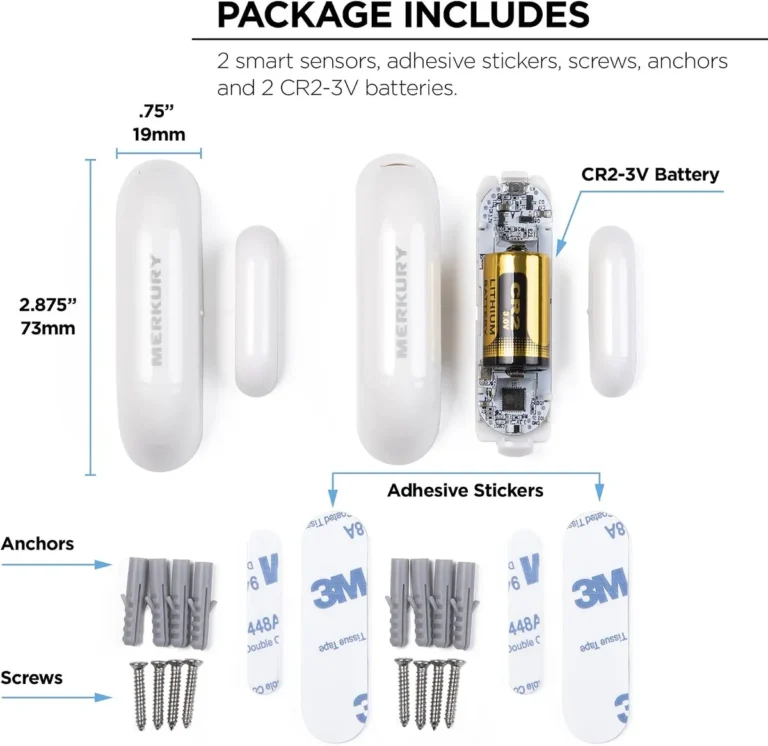
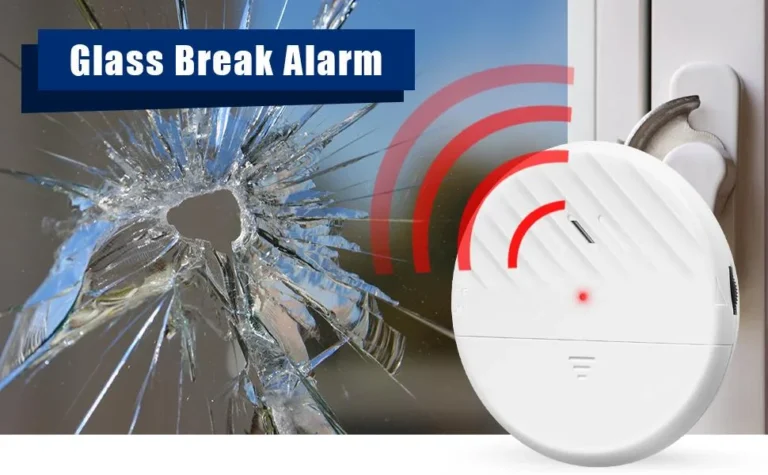
How Do Smart Sensors Work
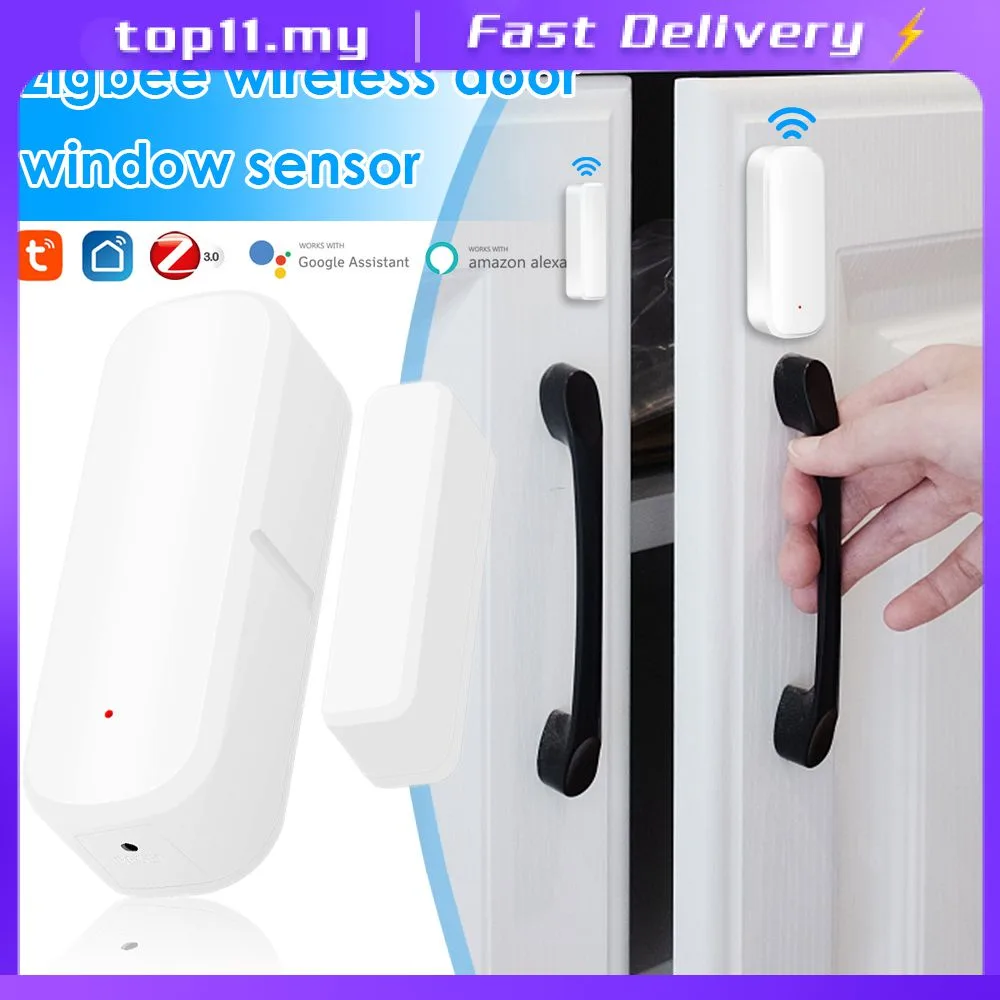
Image source: Bing (Web (fair-use with source credit))
You've probably noticed the explosion of "smart" devices around us, from thermostats that learn your habits to lights that respond to your voice. The brainpower behind all this convenience and efficiency comes down to smart sensors. But how do they actually work?
It's not magic; it's a clever combination of detection and digital processing.
Understanding this tech is key to appreciating how our modern gadgets function and how to get the most out of them. In our research, we've found that at their core, smart sensors perform two main tasks: sensing the physical world and then processing that information to act or communicate. This ability to interact with their environment is crucial, as confirmed by various industry standards like those from the IEEE for wireless communication protocols.
Quick Answer: What Smart Sensors Are and What They Do
Smart sensors detect physical conditions and convert them into digital data. They then process this data using built-in microcontrollers to communicate insights or trigger actions. Essentially, they act as the eyes, ears, and nerve endings for connected devices, enabling automation and informed decision-making.
Core Explanation: The Two Big Jobs of a Smart Sensor (Sensing & Processing)
At the heart of any smart sensor are two fundamental operations: sensing and processing. The "sensing" part is where the sensor interacts with the physical world to detect a specific change or stimulus. This could be anything from a rise in temperature to the movement of an object.
The "processing" part is what makes it "smart." It involves taking that raw detection and turning it into meaningful information that a system can use.
This processing often happens within the sensor itself, thanks to a small, integrated chip. Without this dual capability, a sensor would just be a passive detector; the smart aspect allows it to become an active participant in a larger system, whether that's a smart home network or an industrial control system.
Features & Components: What's Inside That Makes It "Smart"?
So, what exactly is inside a smart sensor that gives it this capability? It’s a combination of specialized hardware working together. The most crucial element, beyond the actual sensing element, is the microcontroller.
This is a small, integrated circuit that acts like a tiny computer.
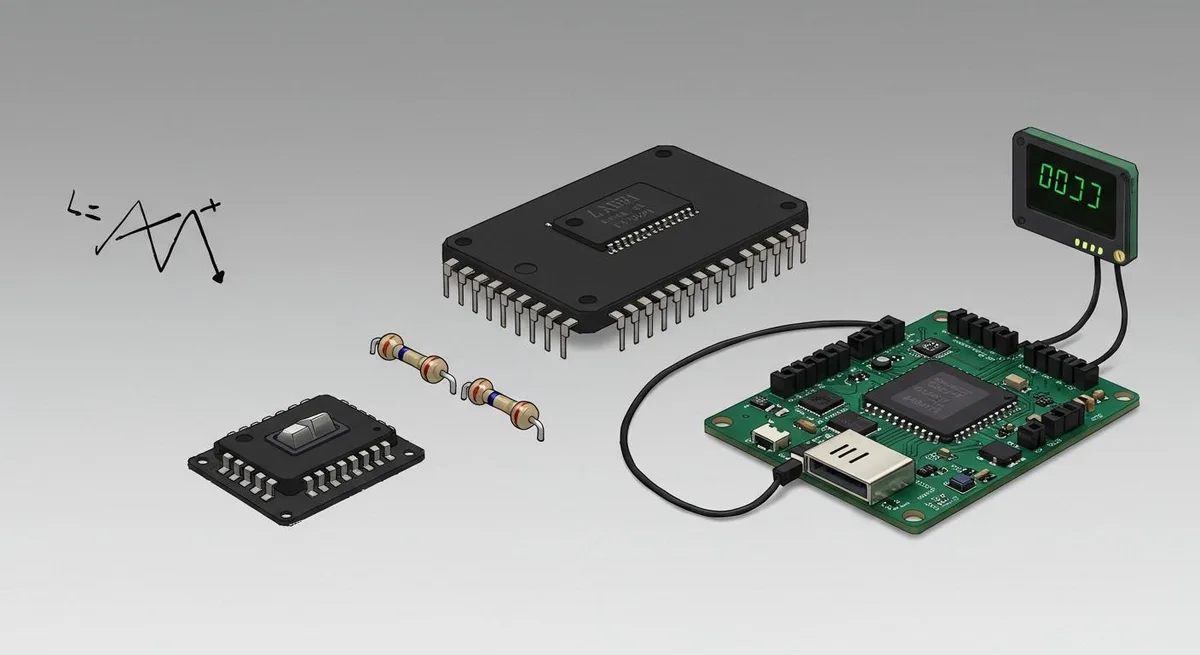
Image source: Web (Bing) / wonderfulpcb.com (Web image (fair-use with source credit))
Think of the microcontroller as the sensor’s brain. It takes the raw electrical signal generated by the sensing component, converts it into digital data, and then performs calculations or makes simple decisions based on that data. Alongside the microcontroller, you’ll find memory chips, communication modules (like Wi-Fi or Bluetooth transmitters/receivers), and power management circuitry.
These components allow the sensor to store data, communicate with other devices, and operate efficiently.
How They Sense: A Look at Common Detection Methods (Temperature, Motion, Light)
The way a sensor detects something depends entirely on what it's designed to measure. Different physical phenomena require different sensing technologies. Here’s a look at how some common types of sensors work:
- Temperature Sensors: These often use materials whose electrical resistance changes predictably with heat. For instance, a thermistor’s resistance drops significantly as temperature rises. A thermocouple, on the other hand, generates a tiny voltage when two different metals are heated or cooled. These electrical changes are then read by the sensor's internal electronics.
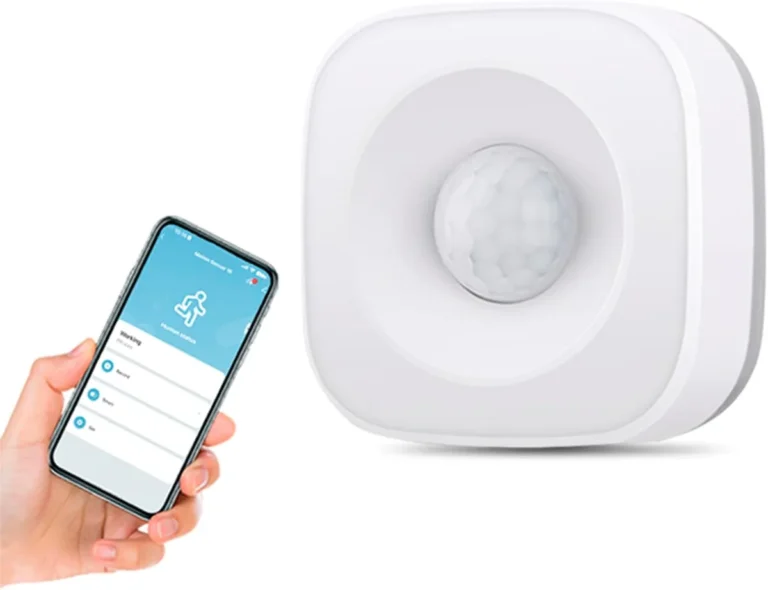
- Motion Sensors: Many common motion sensors, particularly PIR (Passive Infrared) sensors, work by detecting changes in infrared radiation. As a warm object, like a person, moves across the sensor’s field of view, it creates a shift in the infrared pattern it detects. These sensors don't emit anything themselves; they just "listen" for heat signatures.
- Light Sensors: Photoresistors are a classic example. These components change their electrical resistance based on the intensity of light falling on them. In bright light, their resistance is low, allowing more current to pass. In darkness, their resistance increases, limiting current flow.
These sensing elements convert a physical change into an electrical signal that the sensor's microcontroller can interpret.
Smart Processing: Turning Raw Data into Actionable Information
This is where the "smart" truly comes into play. Once the sensing element has detected a change and converted it into an electrical signal, the microcontroller takes over. Its primary role is to process this raw data, making it useful for a connected system.

Image source: Web (Bing) / craiyon.com (Web image (fair-use with source credit))
For example, a temperature sensor might detect a slight fluctuation in voltage. The microcontroller reads this, applies a conversion factor (often defined by manufacturer specifications), and determines the exact temperature in degrees Celsius or Fahrenheit. It can also compare this reading against pre-set thresholds.
If the temperature exceeds a certain limit, the microcontroller might send an alert, or if it drops below another threshold, it could trigger a heating system. This processing capability allows smart sensors to filter out noise, detect patterns, and make basic decisions, which is critical for applications like home automation and environmental monitoring.
Benefits & Advantages: Why You Want Smart Sensors in Your Life
The reason smart sensors are becoming so ubiquitous is the genuine value they bring. They automate tasks, boost efficiency, and often enhance safety and convenience. For example, smart thermostats, by accurately monitoring occupancy and temperature, can lead to energy savings of up to 15% annually, according to data from energy research organizations.
Here’s a breakdown of the key advantages:
- Automation: They allow devices to react to their surroundings without human intervention. Think of lights that turn on when you enter a room or blinds that adjust based on sunlight.
- Efficiency: By providing precise data, smart sensors help optimize resource use. This is crucial in smart grids for managing energy or in industrial settings for optimizing production lines.
- Enhanced Safety: Motion sensors in security systems, or smoke and carbon monoxide detectors, provide critical alerts that protect lives and property.
- Convenience: Devices that anticipate your needs or respond to simple commands make daily life smoother.
- Data Collection: They gather valuable data about environments and usage patterns, which can be used for analytics, forecasting, and system improvement.
Common Use Cases: Where Smart Sensors Shine Brightest
Smart sensors are incredibly versatile and pop up in all sorts of places, making our lives easier and our systems run smoother. Their ability to detect and react to their environment means they're perfect for automation and optimization.
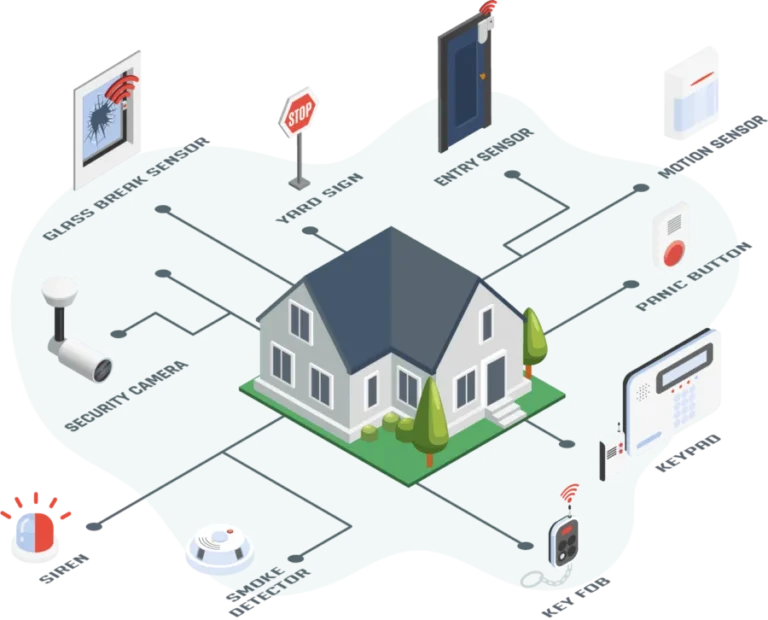
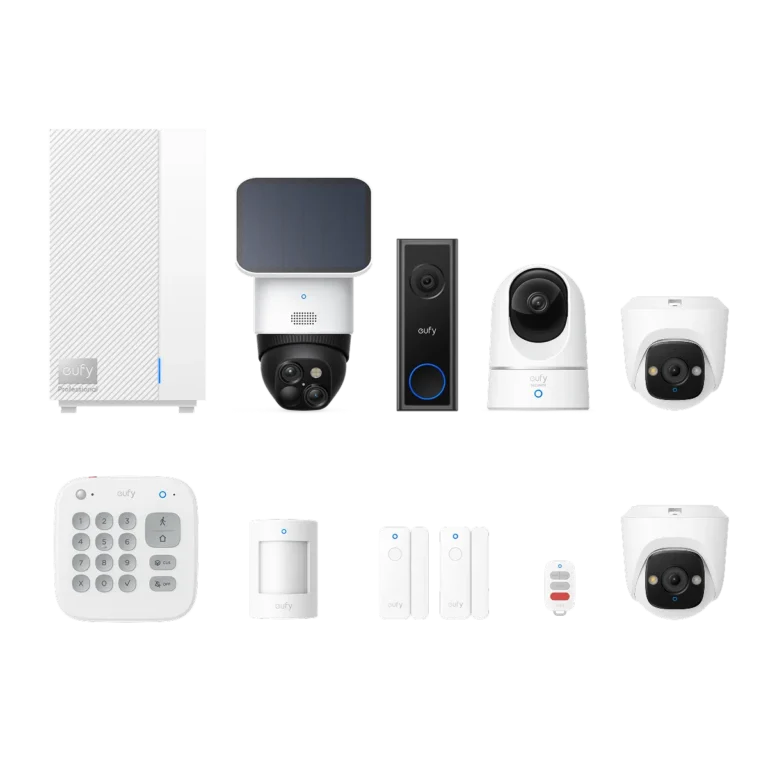
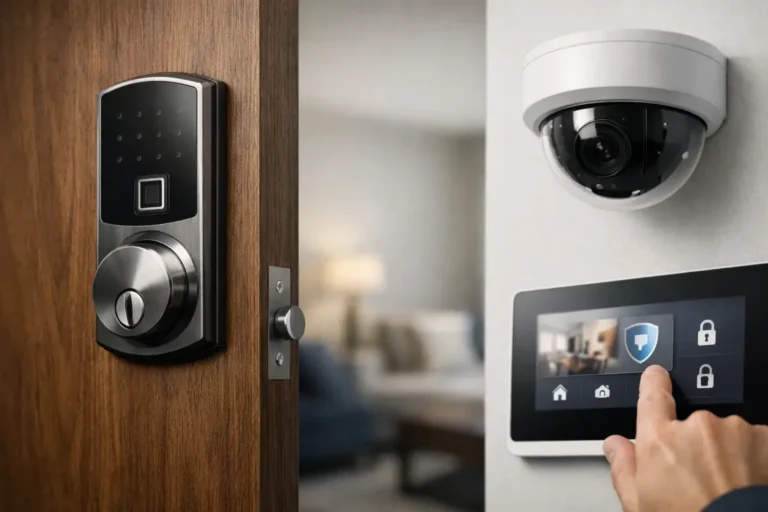
In homes, smart thermostats use temperature and occupancy sensors to learn your schedule and adjust heating and cooling, saving energy. Smart lighting systems use motion and ambient light sensors to turn lights on when you enter a dark room or dim them as natural light increases. Security systems rely heavily on motion detectors and door/window sensors to alert you to unexpected activity.
Industrially, smart sensors are vital for monitoring processes. They can track temperature, pressure, and flow rates in manufacturing, helping to ensure product quality and prevent equipment failure. Environmental monitoring also benefits greatly, with sensors detecting air and water quality, or measuring weather conditions.
As of 2026, the integration of these sensors into the Internet of Things (IoT) continues to expand, connecting more devices and providing richer data streams for analysis and control across various sectors.
Mistakes to Avoid When Using Smart Sensors
While smart sensors are fantastic, there are a few common pitfalls to watch out for. One of the biggest is misunderstanding the sensor's limitations. A motion sensor might be triggered by rapid temperature changes or even strong air currents, leading to false alarms.
It's essential to know what your specific sensor is designed to detect and what might cause it to misinterpret a situation.
Another common mistake is improper placement. A light sensor needs unobstructed access to ambient light to function correctly; covering it up will obviously cause issues. Similarly, a motion sensor placed too high or too low might miss movement.
Manufacturers often provide guidelines on optimal placement, and following these can prevent a lot of frustration.
Finally, ignoring connectivity issues or power sources can render a smart sensor useless. If it can't reliably communicate with your smart home hub or if its battery dies, it simply won't perform its job. Regularly checking battery levels or ensuring a stable Wi-Fi signal is crucial for consistent operation.
FAQs About How Smart Sensors Work
How long does setup typically take for a smart sensor?
Setup time can vary, but for most consumer-grade smart sensors, it's usually quick. Often, it involves pairing the sensor with a central hub or your home's Wi-Fi network via a mobile app. This process typically takes between 5 to 15 minutes per sensor.
Can smart sensors be affected by extreme weather conditions?
Yes, extreme weather can impact certain types of smart sensors. For instance, very high temperatures or direct sunlight might affect the accuracy of some temperature or light sensors. Water and humidity can damage indoor-only sensors.
Always check the manufacturer's specifications for the sensor's operating temperature and environmental ratings.
How do I know if a smart sensor is working correctly?
Most smart sensors provide feedback through indicator lights or app notifications. You can also test them by performing the action they're designed to detect, for example, walking in front of a motion sensor or covering a light sensor. If the associated device or app responds as expected, the sensor is likely functioning.
What is the typical lifespan of a smart sensor?
The lifespan depends heavily on the sensor's design, build quality, and how it's used. Battery-powered sensors will need battery replacements periodically. For the sensor itself, many consumer-grade devices are designed to last several years, often between 3 to 7 years, though this can vary.