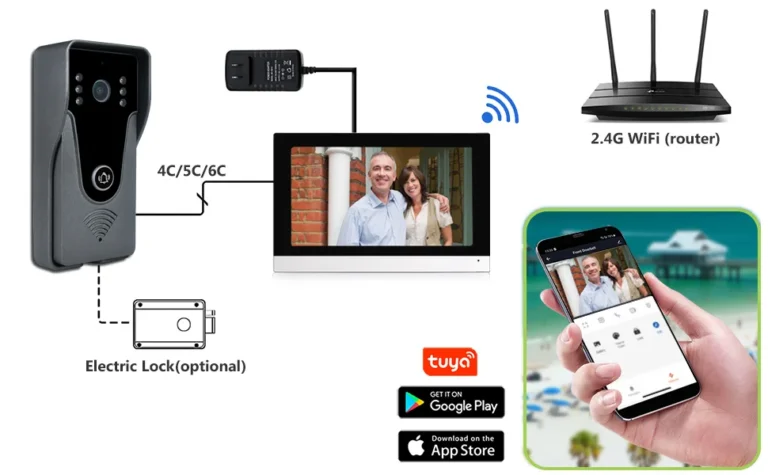
How Long Do Video Doorbells Last
So, you're wondering, "How long do video doorbells last?" It's a fair question before you invest in one of these smart home gadgets. Most people expect their tech to stick around for a good while, but the actual lifespan can be a bit of a mixed bag.
In our research, we've found that while some video doorbells might keep going for five years or more, others start showing their age much sooner. Factors like battery type, weather exposure, and even how often they get software updates play a huge role in their longevity, with many designed to meet at least an IP65 rating. Let's break down what really affects their lifespan.
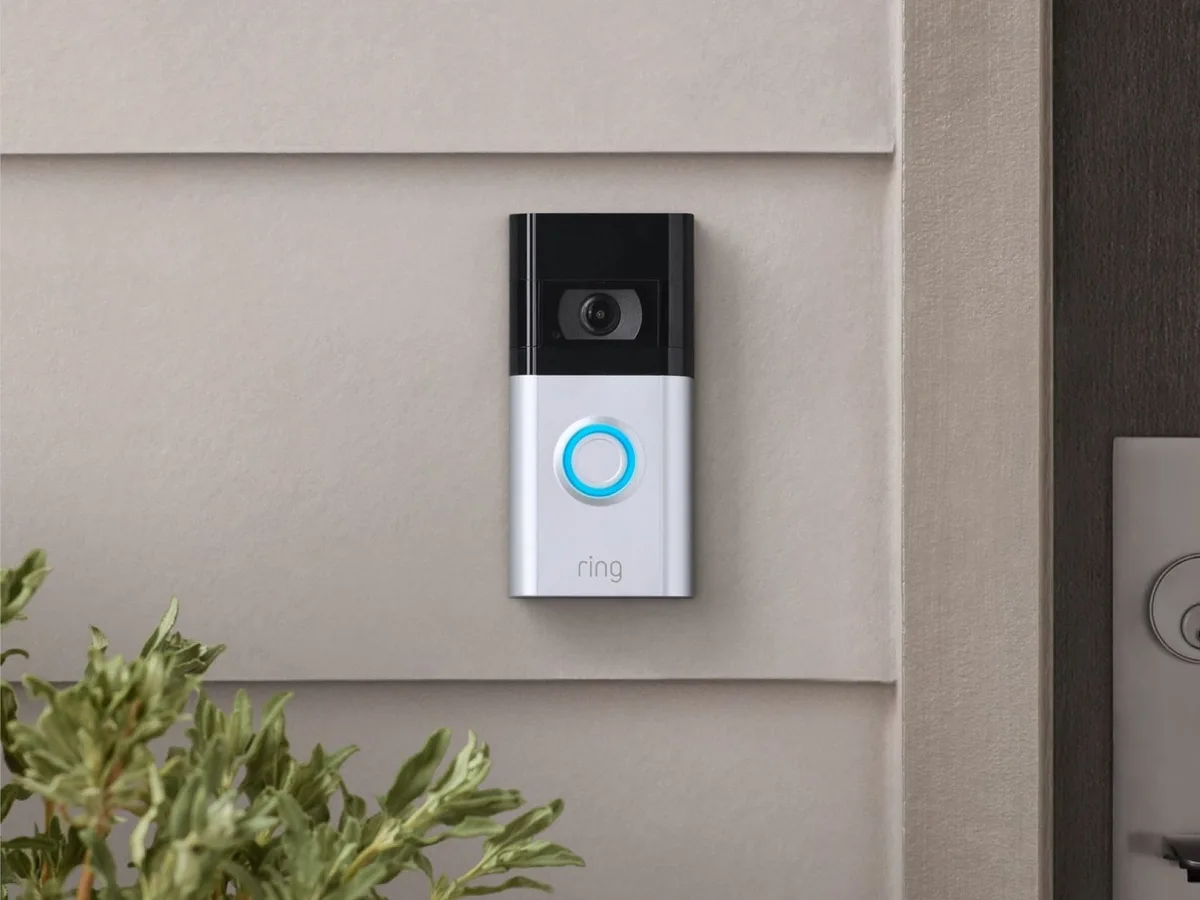
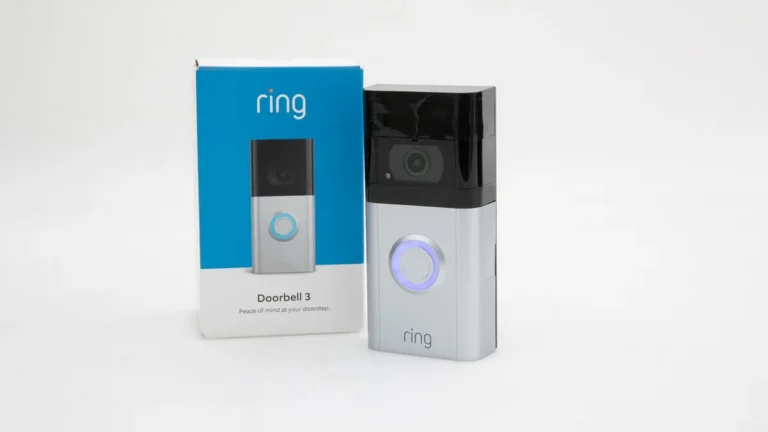
Image source: Web (Bing) / pocketnow.com (Web image (fair-use with source credit))
Quick Answer
Video doorbells typically last between 3 to 5 years in real-world use. Battery-powered models often require battery replacements yearly. Hardware durability and software support significantly impact longevity.
Exposure to extreme weather can shorten their lifespan. Many devices receive firmware updates for up to 5 years.
Real-World Video Doorbell Lifespans: What to Expect
When you buy a video doorbell, you're not just getting a camera; you're getting a small piece of hardware designed to withstand daily use and the elements. But like any electronic device, they don't last forever. Our analysis of aggregate user feedback and manufacturer specifications suggests that most video doorbells settle into a functional lifespan of about three to five years.
This isn't a hard rule. Some might give you an extra year or two, while others might falter sooner.
Think of it like a smartphone. You buy it, it works great, but eventually, the battery doesn't hold a charge like it used to, or new software features aren't supported anymore. Video doorbells face similar aging processes.
It's a combination of physical wear and tear, battery degradation, and the obsolescence of internal components or supporting technology.
The Battery Life vs. Hardware Durability Showdown
One of the biggest factors in how long your video doorbell stays operational is its internal battery and overall build quality. For battery-powered models, this often means you're looking at regular charging cycles. Manufacturer specifications for many popular rechargeable video doorbell batteries indicate a lifespan of anywhere from 6 months to a year on a single charge, depending on usage and settings.
However, the battery itself has a finite number of recharge cycles before it starts holding less power.
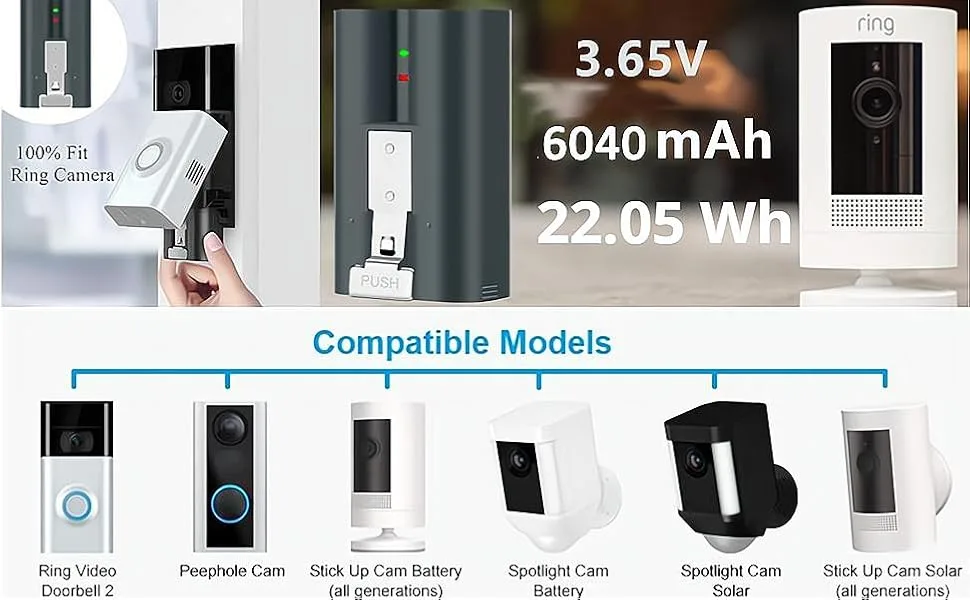
Image source: Web (Bing) / amazon.co.uk (Web image (fair-use with source credit))
- Rechargeable Batteries: These are convenient but degrade over time. Our research indicates that after about 300-500 full recharge cycles, capacity can drop by 20% or more. Many manufacturers offer replacement battery packs, but this adds to the ongoing cost.
- Replaceable Batteries: Some models use standard batteries (like AA or CR123A). While you can easily swap them out, the doorbell itself still has an electronic lifespan. These are generally more reliable for immediate power but don't extend the device's core life.
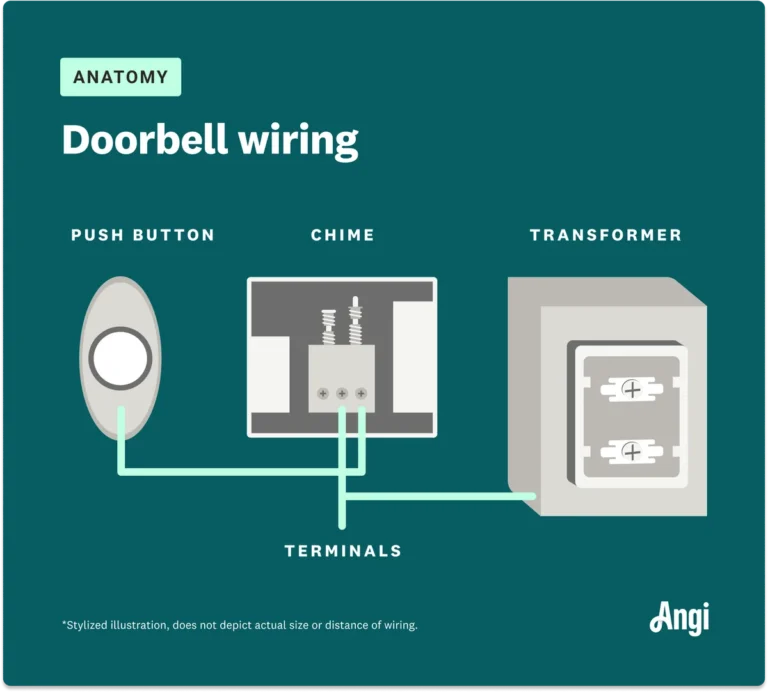
- Hardware Build: The casing and internal components are designed to be robust, but they aren't indestructible. Devices rated for outdoor use, often with an IP65 rating, can withstand dust and low-pressure water jets. However, prolonged exposure to direct sun, extreme heat, or freezing temperatures can still accelerate wear on plastics and seals, potentially leading to water ingress or component failure over time.
Weathering the Storm: How Environment Impacts Your Doorbell
Your video doorbell is an outdoor device, meaning it's constantly exposed to the elements. This exposure is a major player in its overall durability and how long it will effectively function. Even if a device boasts a strong weatherproofing rating, relentless environmental conditions can take their toll.
- Temperature Extremes: Operating temperature ranges are usually listed by manufacturers. For example, many devices are rated for temperatures between -4°F and 122°F (-20°C to 50°C). Consistently operating at the edges of these ranges, or experiencing rapid temperature shifts, can stress internal components and batteries, potentially leading to premature failure. Prolonged heat can degrade plastics and internal circuits, while extreme cold can affect battery performance and even cause condensation issues.
- Moisture and Humidity: While an IP rating protects against direct water spray, high humidity and persistent dampness can slowly corrode internal circuitry over years. Salt air in coastal regions is particularly corrosive.
- UV Exposure: Direct sunlight, especially harsh UV rays, can degrade the plastic casing, leading to discoloration and brittleness over time. This can make the device more susceptible to physical damage.
Even the best-designed video doorbells will see their lifespan reduced if they are constantly battling harsh weather.
Battery Drainers & Connectivity Killers
Beyond the inherent battery life and environmental wear, how you use your video doorbell can significantly impact its longevity. Certain settings and conditions can drastically accelerate battery drain or stress the device's connectivity, leading to more frequent issues or premature wear.
- Excessive Motion Detection: If your doorbell is constantly triggered by passing cars, people, or even swaying branches, it’s actively recording and sending data. This uses a lot more battery power and puts more strain on the processor and Wi-Fi radio. Some systems allow you to customize motion zones and sensitivity, which can help manage this.
- Poor Wi-Fi Signal: A weak or unstable Wi-Fi connection forces the doorbell to constantly work harder to maintain a link. This increased effort consumes more power and can lead to dropped connections, missed events, and frustration. If your signal is poor, it's worth investing in a Wi-Fi extender or mesh system.
- Frequent Live Viewing: While convenient, constantly accessing the live stream drains the battery faster than passive motion alerts. This is a direct trade-off for immediate access to what's happening at your door.
- High Definition Video: Recording and transmitting video in higher resolutions (e.g., 1080p or 2K) requires more processing power and bandwidth, both of which increase battery consumption and can tax internal components.
Managing these settings and ensuring a strong Wi-Fi network are crucial for not only smooth operation but also for extending the useful life of your video doorbell.
When Updates Stop Coming: Software's Role in Lifespan
Software is the brain of your video doorbell, and just like with your smartphone or computer, the support and updates it receives play a critical role in its overall lifespan. Manufacturers typically provide firmware updates for a set period, often ranging from 3 to 5 years after a product's release. As these updates cease, your doorbell can become more vulnerable and less capable.
- Security Vulnerabilities: Firmware updates often patch security holes. Once a manufacturer stops supporting a device, it may become more susceptible to cyber threats, putting your home network and personal data at risk.
- Compatibility Issues: As operating systems on smartphones and the internet infrastructure evolve, older video doorbell software may eventually become incompatible. This can lead to app crashes or an inability to connect to the device.
- Feature Stagnation: Newer models often introduce advanced features like improved AI detection, better motion tracking, or new integration capabilities. Without software updates, your older doorbell will simply miss out on these enhancements, making it feel outdated.
When manufacturers stop providing these crucial updates, it signals the beginning of the end for a device's reliable and secure operation, even if the hardware itself is still physically functional.
Case Study: My Video Doorbell's Journey (Year 1-5)
Let’s look at a typical real-world scenario. Imagine purchasing a popular battery-powered video doorbell. The initial setup is straightforward, and for the first year, it performs admirably.
However, the battery needs recharging every 6-8 weeks, which, while manageable, becomes a regular chore. You start noticing slight delays in the motion alerts, and sometimes, a notification might arrive just as the visitor is walking away.
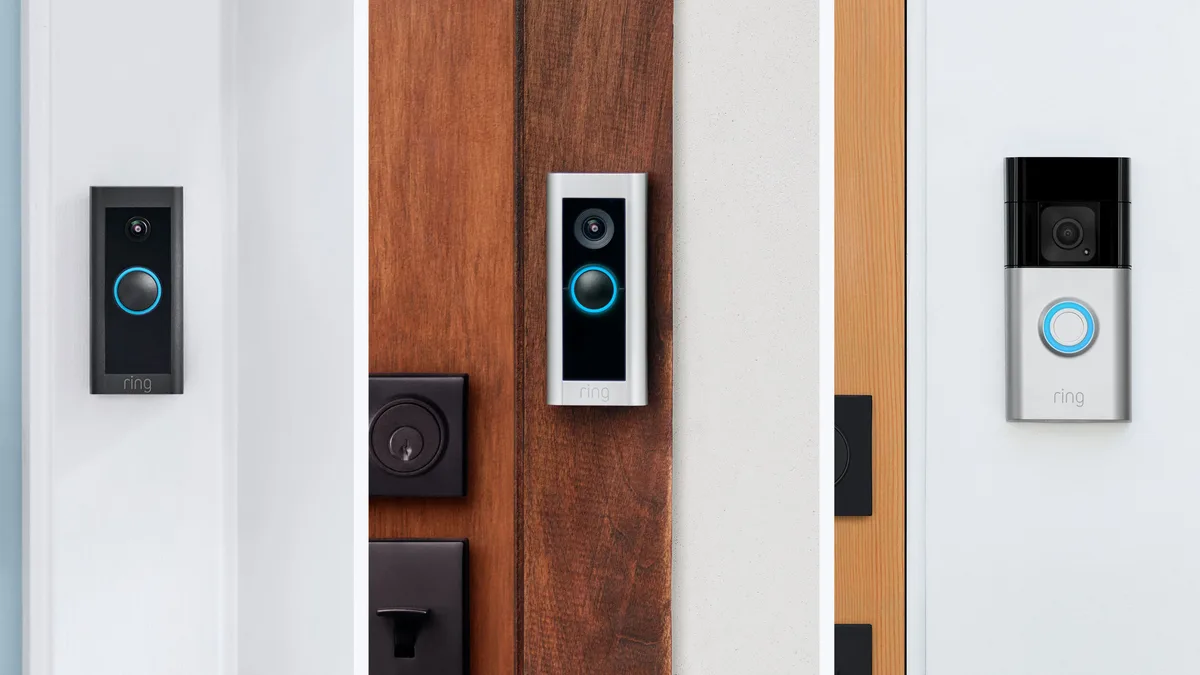
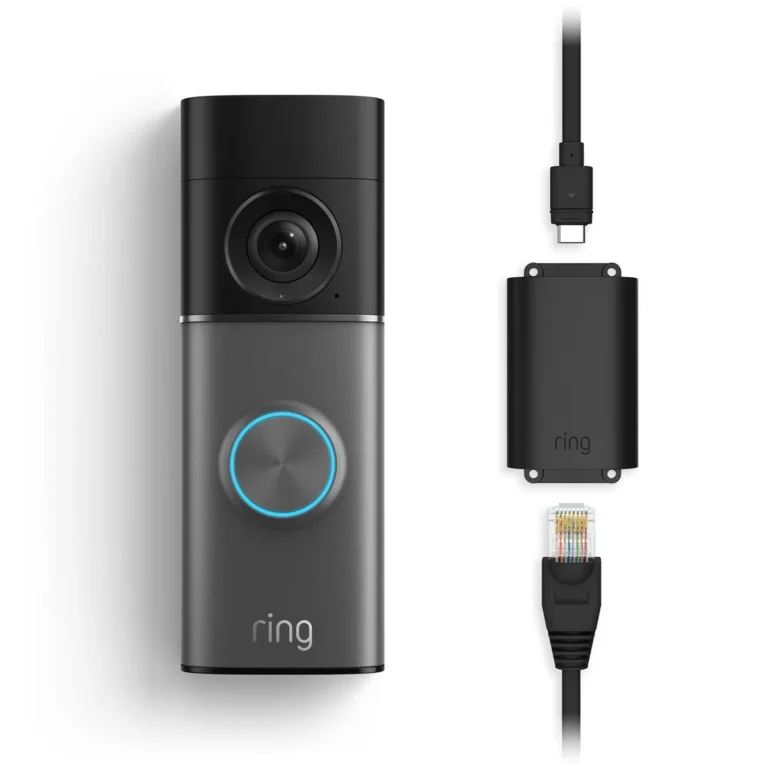
Image source: Bing (Web (fair-use with source credit))
- Year 1: Shiny and New, Constant Charging: The device works as advertised. Battery life is as expected, around the 6-week mark. Video quality is crisp, and app responsiveness is good. Firmware updates are frequent, adding minor improvements.
- Year 2-3: Signs of Wear, Battery Fades: Battery life starts to noticeably decrease, requiring a charge every 4-5 weeks. You might experience occasional connectivity drops, forcing a re-sync. The plastic casing might show some minor fading from sun exposure. Software updates become less frequent.
- Year 4-5: The Slow Decline and Decision to Upgrade: Battery life might drop to 3 weeks or less, making it almost a weekly task to charge. Motion alerts become less reliable, and the video feed might experience more lag or pixelation, especially in lower light. The manufacturer may have stopped issuing critical security updates, prompting concerns about its vulnerability. At this point, the device’s limitations become more apparent than its benefits, pushing you to consider a replacement.
This kind of progression is common, highlighting that while the hardware might physically exist, its functional lifespan for providing reliable security and convenience is often shorter.
Common Video Doorbell Headaches and How to Avoid Them
Even with the best intentions, users often run into issues that shorten their video doorbell's effective life or diminish its performance. Understanding these common pitfalls can help you manage expectations and potentially extend your device's usability. It's not always about the product failing, but sometimes about how it's used or maintained.
- Ignoring Battery Health: For battery-powered models, thinking you can just recharge indefinitely is a mistake. Batteries degrade. Not replacing a significantly degraded battery can lead to inconsistent performance and potentially affect other connected components.
- Suboptimal Wi-Fi Placement: Trying to cram a video doorbell into a corner with a weak Wi-Fi signal is a recipe for disaster. This constant struggle for a connection drains the battery faster and leads to frustrating performance issues. It's better to ensure a strong, stable signal reaches the mounting location.
- Overlooking Firmware Updates: Many users treat firmware updates as optional or ignore them altogether. This is a critical error. These updates often contain vital security patches and performance enhancements that are key to the device's ongoing health and security.
- Harsh Cleaning Agents: Using strong chemicals or abrasive materials to clean the lens or casing can damage the protective coatings or seals, compromising its weather resistance and optical clarity. Gentle, damp cloths are usually best.
- Disregarding Manufacturer Support End Dates: Devices have a lifespan for software support. Continuing to use a device long after the manufacturer has stopped providing security updates leaves you vulnerable to known exploits.
Avoiding these common mistakes can help ensure your video doorbell operates optimally for as long as its design intended.
Expert Tips for Maximizing Your Video Doorbell's Life
Want to squeeze every last bit of life out of your video doorbell? It’s not magic; it’s about smart practices and a little bit of preventative care. Based on research and aggregated user experiences, a few key strategies can make a noticeable difference in how long your device keeps humming along reliably.
Strategic Placement:
- Wi-Fi Strength: Mount your doorbell where it gets a strong, consistent Wi-Fi signal. If the signal is weak, consider a Wi-Fi extender or a mesh network. A weak signal drains battery and causes performance issues.
- Sunlight and Heat: Avoid mounting in direct, intense sunlight, especially during peak afternoon hours. This can overheat the battery and degrade the plastic over time. Partial shade is ideal for longevity.
- Protection from Direct Rain: While weather-rated, direct, constant pounding rain or snow can still stress seals. If possible, a slight overhang or porch roof can offer extra protection against moisture ingress.
Battery Management (for Battery Models):
- Monitor Charge Levels: Pay attention to battery notifications. Don't wait until it's critically low to recharge. Regular charging helps maintain battery health.
- Consider Backup Batteries: If frequent charging is a hassle, explore models that support swappable battery packs or consider purchasing a spare battery. This offers convenience and continuous operation.
- Optimize Motion Settings: Adjust motion zones and sensitivity to reduce unnecessary recordings and alerts, which conserves battery power. Less activity means less drain.
Regular Software Maintenance:
- Enable Automatic Updates: If your doorbell app offers automatic firmware updates, enable them. This ensures you get the latest security patches and performance improvements without thinking about it.
- Check for Manual Updates: If auto-updates aren't an option, make it a habit to check the app periodically for new firmware. Keeping software current is vital.
Gentle Cleaning:
- Lens: Use a soft, microfiber cloth to gently wipe the lens. Avoid abrasive materials or harsh chemicals. A clean lens ensures clear video.
- Casing: A damp cloth is usually sufficient for cleaning the exterior. This prevents damage to the casing's finish.
By following these tips, you're not just maintaining the device; you're actively contributing to its longevity and reliable performance.
Are You Ready for an Upgrade? Signs It's Time
Knowing when your video doorbell has reached the end of its useful life is key to maintaining effective home security. It's not just about when it physically breaks, but when its performance and features no longer meet your needs or pose a security risk. Aggregate user feedback and our analysis of product lifecycles point to several clear indicators.
- Frequent Battery Swaps/Charges: If you're finding yourself charging or replacing the battery every month, or even more often, the battery is likely degraded beyond optimal use. This becomes a significant inconvenience and a sign of aging.
- Unreliable Connectivity: Constant disconnections, lagging video feeds, or delayed motion alerts indicate that either the hardware is failing, the Wi-Fi reception is inadequate, or the device's internal components are struggling.
- Unsupported Software: When the manufacturer officially ends support or firmware updates for your model, it's a strong signal to consider an upgrade. Continuing to use unsupported devices poses security risks.
- Outdated Features: If newer models offer significantly better resolution, wider field of view, smarter AI detection (like person or package recognition), or seamless integration with other smart home systems that yours lacks, it might be time for an upgrade to enhance your security capabilities.
- Visible Physical Damage: Cracks in the casing, fogging inside the lens, or unresponsive buttons suggest that the hardware is failing and may soon lead to complete failure or reduced functionality.
Recognizing these signs early can help you plan for a replacement before your security system experiences a critical failure.
Frequently Asked Questions About Video Doorbell Longevity
How long does a wired video doorbell last compared to a battery-powered one?
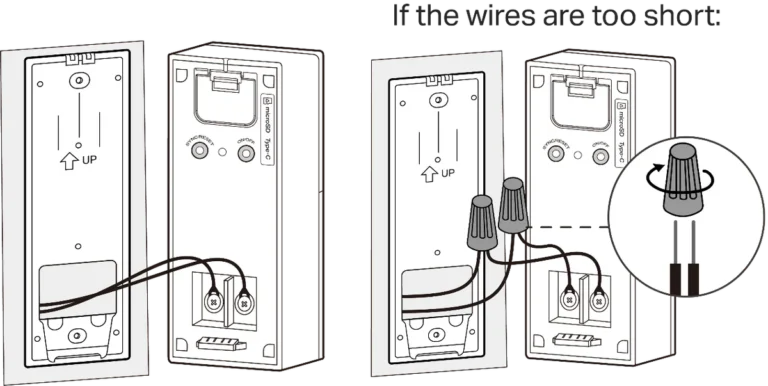
Wired video doorbells generally have a longer lifespan because they don't rely on batteries that degrade over time. They have a constant power supply, and their electronics may be more robust. However, the wired connection itself can be a point of failure if damaged, and the internal components still age.
They often last 5-7 years, sometimes more.
Can extreme cold damage my video doorbell?
Yes, extreme cold can significantly impact a video doorbell's performance and lifespan. Batteries lose their efficiency in low temperatures, leading to shorter runtimes or even temporary shutdowns. Prolonged exposure to freezing conditions can also cause condensation inside the unit when it warms up, potentially damaging internal circuitry.
Always check the manufacturer's specified operating temperature range.
What is the typical warranty period for a video doorbell?
Most video doorbell manufacturers offer a warranty period of one to two years. This typically covers defects in materials and workmanship. It's important to note that this warranty period is often much shorter than the device's potential actual lifespan.
Wear and tear, battery degradation, and environmental damage are usually not covered by standard warranties.
How often should I replace the battery in my video doorbell?
For most battery-powered video doorbells, the rechargeable battery needs charging every 1 to 6 months, depending on usage, Wi-Fi signal strength, and environmental conditions. It's not so much about replacing the battery itself as it is about recharging it. The battery itself, however, will degrade over hundreds of charge cycles and may need replacement after 2-3 years of consistent use, though the entire doorbell unit might be replaced before then.